
Home/CRM guide/Best CRM for photographers
CRM guide · Photographers
The best CRM for photographers. Six tools, compared fairly.
Photographers need two kinds of software. One wins the booking: it replies to the inquiry, books the session, gets the contract signed and takes the deposit. The other runs the studio work, such as questionnaires and galleries. This guide compares five studio management tools and GoHighLevel.

The short answer
The best CRM for photographers depends on where you lose bookings or hours. Studio management tools such as HoneyBook, Dubsado, Studio Ninja, Sprout Studio and Pixieset Studio Manager go deeper on questionnaires and, in some cases, galleries. GoHighLevel is stronger on fast inquiry replies, booking, follow up and reviews. It does not deliver galleries, so keep your gallery service.
Michael is a sponsored HighLevel affiliate. Links to HighLevel use his partner link at no extra cost to you. HighLevel prices and product facts on this page come from HighLevel's own pricing page and help center, checked on the date above.
The jobs
What must a photography CRM do for your studio?
A photography CRM has four jobs between the first message and the delivered gallery. Many clients message more than one photographer, and a fast reply with a clear next step is hard to beat. That is why the first job carries the most weight.
| Job | What the CRM should do |
|---|---|
| Inquiry response | Reply to every inquiry within minutes, including the ones that arrive while you are shooting, and give a clear next step |
| Session booking | Let the client pick a time from your real availability, confirm it right away and send reminders before the session |
| Contracts and invoices | Send the contract for electronic signature, take the deposit, and remind the client about any unpaid balance |
| Gallery delivery follow up | Send the gallery link when the photos are ready, then ask for a review and invite the client back for the next session |
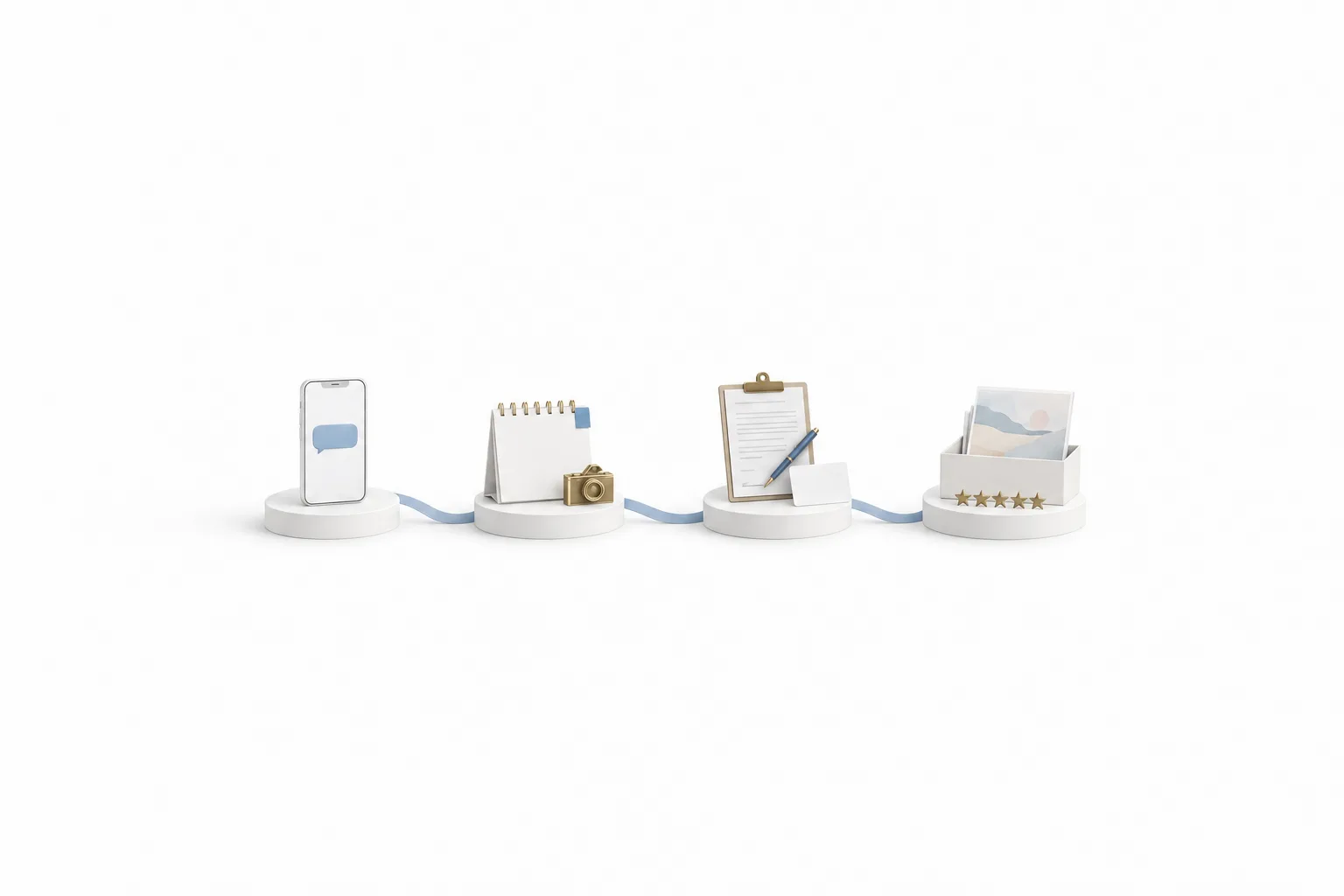
The studio side is separate: questionnaires before the shoot, proofing, galleries, albums and print sales. Most tools are strong on one side, so decide first which side costs you bookings or hours. The CRM guide explains the basics if this kind of software is new to you.
Compare
Which CRM for photographers is worth comparing?
Six are worth a look: five studio management tools made for photographers or creative businesses, and GoHighLevel, a sales and marketing platform. The first five rows state what each vendor says on its own site. Prices for those five are left out because plans and tiers change.
| Tool | Type | Booking and scheduling | Contracts and invoices | Questionnaires | Galleries | Trying it |
|---|---|---|---|---|---|---|
| HoneyBook | Business management platform with tools for photographers | Scheduling, plus mini session booking with contract and payment in one flow | Proposals with contracts and invoices, online payment and payment reminders | Forms and questionnaires | Branded galleries built in, with an optional store for prints and downloads | Free to start, no credit card needed |
| Dubsado | Software for creative service businesses | Appointment scheduling | Contracts signed online, invoices with payment plans and automated reminders | Questionnaires and forms | Not named on its home page | Free to start |
| Studio Ninja | Studio management for photographers and videographers | Online booking forms and Google Calendar sync | Online contracts with electronic signatures, invoices with card payment | Not named on its home page | Integrations with outside gallery services | 7 day free trial, no credit card needed |
| Sprout Studio | Studio management suite for photographers | Bookings and scheduling | Contracts and invoicing | Questionnaires | Galleries and album proofing built in | Free trial, no credit card needed |
| Pixieset Studio Manager | Photography studio management software | Clients view availability, book a session and pay online | Contracts, quotes and invoices with online payment | Customizable questionnaires | Client Gallery is a separate Pixieset product | Free plan |
| GoHighLevel | Sales and marketing platform | Calendar booking with confirmations and reminders, and optional payment at booking | Documents and Contracts with electronic signature and payment at signing, invoices with automated reminders | Forms and surveys, with answers saved to the contact | None. Keep your gallery service | Flat plans from $97 a month plus usage. 14 day trial as standard, 30 days through Michael's link |
Sources: each vendor's own site, checked November 11, 2026. "Not named" means the page that was checked did not state the feature. It does not mean the tool lacks it. Plans and trial terms change, so confirm on the vendor's site before you buy.
Read the table by column. If your hours go to questionnaires and galleries, a studio management tool fits. If your bookings slip away through slow replies and unpaid deposits, you need a stronger front end. Photographers are one kind of service business, so the best CRM for service businesses guide is a useful second read.
Honest view
Is GoHighLevel a photography CRM?
Not in the way most photographers mean it. HighLevel, which many people search for as GoHighLevel, Go High Level or GHL, is a sales and marketing platform. It is not purpose built studio management software. It does not deliver or proof galleries, and it is not an editing tool. Some studio management tools include galleries, and several come with ready made contract and questionnaire templates.
What HighLevel does well for a photographer is everything around the shoot:
- Every inquiry gets a reply. A chat widget on your portfolio site collects the visitor's details and the conversation lands in one inbox. Conversation AI can answer and book when nobody is at a desk, which matters when you shoot all weekend.
- Clients book their own sessions. They pick a time from a calendar link, get a confirmation right away and get reminders before the session.
- The contract gets signed and paid. Documents and Contracts sends the contract by email, text or link, collects the electronic signature and can take payment at signing. The Documents and Contracts page covers how it works.
- Unpaid balances get a reminder. Once a payment provider such as Stripe is connected, invoices go out by email or text with a pay now link, and automated reminders follow up on unpaid ones.
- Gallery delivery ends with a review request. A workflow can send the gallery link your service gives you, then ask for a Google review once Google Business Profile is connected.
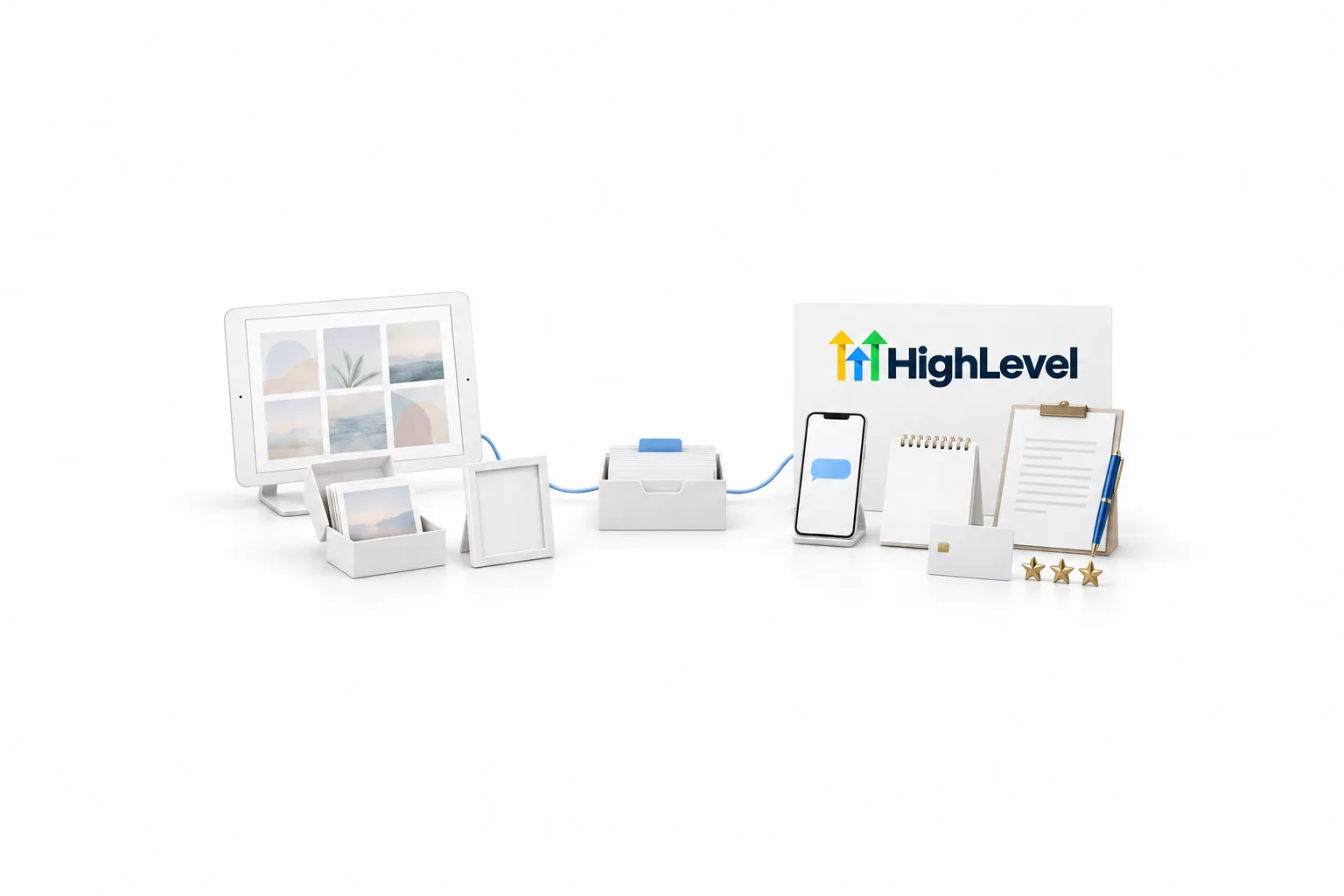
For questionnaires, HighLevel has forms and surveys that save the answers to the contact record. You write the questions yourself. They do not come as photography templates.
The plan price is flat. Starter is $97 a month, Unlimited is $297 and the Founder Plan is $497, and every plan includes unlimited contacts and unlimited users. Phone numbers, calls, texts, email and AI are billed on usage on top of the plan, so read GoHighLevel pricing before you budget. Business texting to US numbers also needs A2P 10DLC registration, so start it on day one.
The full setup, week by week, is on GoHighLevel for photographers. For the wider picture, including the limits, read the honest HighLevel review.
Fit
Which is the best CRM for a studio like yours?
There is no single winner, because photographers lose bookings and hours in different places.
- You lose bookings at the inquiry. Messages wait until Monday and dates are held without a deposit. A front end platform such as HighLevel fits, and your gallery service stays the way it is today.
- You lose hours in the studio work. You chase questionnaires, rebuild the same contract and deliver galleries by hand. A studio management tool fits first, and one with galleries built in means one less login.
- You have both problems. Run a gallery or studio tool for the photos and HighLevel for the front end. Decide which tool sends each client message so nobody gets the same reminder twice.
If your studio management tool already sends reminders and follow ups, test those first. Adding a second tool only makes sense when the first one leaves a real gap.
Steps
How do you choose between them?
Start with the problem you need solved, then test two or three tools with a real inquiry. These six steps keep the choice simple.
- Write down where bookings or hours are lost. Slow replies and unpaid deposits are front end problems. Chasing questionnaires and building galleries are studio problems.
- Pick the type of tool first. A front end problem points to a sales and marketing platform. A studio problem points to studio management software.
- Shortlist two or three tools. Use the table above, then read each vendor's own pricing page for the plan you would really need.
- Run one real inquiry through each trial. Send yourself an inquiry at night, book a session, sign the contract and pay the deposit on your phone. Count the steps the client has to take.
- Check the gallery handoff and the exit. Ask how the gallery link reaches the client, and how you would export contacts, contracts and invoices if you changed tools.
- Start with one system before busy season. Get the inquiry reply or the booking page working first, then add the next piece.
The longer version of this method is on how to choose a CRM. To run step four with HighLevel, the 30 day trial through Michael's link gives you 30 days in your own account. HighLevel's standard trial is 14 days. Usage fees for phone, SMS, email and AI can apply during the trial.
Planning the whole event? Read HighLevel for event and wedding planners.

Keep the gallery service you love. Put a CRM in front of it so every inquiry gets a fast reply, every date is held with a signed contract and a deposit, and every delivered gallery ends with a review request.
Through my link
Start HighLevel through my link and the CRM Pros team comes with it.
Same HighLevel price. The difference is who is in your corner for the first ninety days.
- Setup help in your first 7 days
- Your onboarding call with Michael’s team
- Three live calls every week: tech, sales and Michael’s own call
- The private affiliate community
- Snapshots, templates and email swipes
- Four apps: Prompt, Demo, A2P and Sales On Demand
The Founder Plan is HighLevel’s top plan at $497 a month. It is the former Agency Pro plan with an exclusive feature set, rebilling with markup and the Founders Club. The full breakdown is here.
The Founder PlanWhat it includes and who it is for
Questions
Common questions.
What is the best CRM for photographers?
It depends on where you lose time or bookings. Studio management tools such as HoneyBook, Dubsado, Studio Ninja, Sprout Studio and Pixieset Studio Manager are built around contracts, questionnaires and, in some cases, galleries. GoHighLevel is stronger on fast inquiry replies, booking, follow up and review requests.
What is a photography CRM?
A photography CRM is software that keeps every inquiry, client and session in one place. It replies to new inquiries, books sessions, sends contracts and invoices, and follows up after the gallery is delivered. Tools built only for photographers are often called studio management software.
Does GoHighLevel deliver photo galleries?
No. GoHighLevel does not deliver or proof galleries, and it is not an editing tool. Keep your gallery service for proofing and delivery. HighLevel still handles the contract and the invoice. Documents and Contracts collects the electronic signature and can take payment at signing, and a workflow can send the gallery link your service gives you, then ask for a review.
How much does GoHighLevel cost for a photographer?
HighLevel Starter is $97 a month, Unlimited is $297 and the Founder Plan is $497. A single photography business usually fits Starter, which includes unlimited contacts and unlimited users. Phone numbers, calls, texts, email and AI are billed on usage on top of the plan.
Is there a free trial of GoHighLevel for photographers?
Yes. HighLevel's standard free trial is 14 days. Through Michael's link the trial is 30 days, which gives you time to build the inquiry reply and the booking page and test them with real clients. Usage fees for phone, SMS, email and AI can apply during the trial.
Next step
See it in your own account. Thirty days, every feature.
Start a trial, build the first system and test it before the first invoice. Usage fees for phone, SMS, email and AI can apply during the trial.
HighLevel has three plans at a flat monthly price, each with unlimited users and contacts. See what each one includes and what it costs.
Compare the PlansStarter, Unlimited and Founder