
Home/HighLevel/How to/Build a booking funnel
How to · Sites
How to build a booking funnel in GoHighLevel. From ad click to calendar.
A booking funnel has one job: get the right person on the calendar. A short page, a short form and a calendar, backed by confirmations and reminders, does that better than a full website.
From ad click to calendar.
The short answer
To build a booking funnel in GoHighLevel, create the calendar with availability and buffers, build a two step funnel with a booking page that states the outcome of the call, a short qualifying form and the calendar element, add a confirmation page, then set up reminder and no show workflows before you send any traffic.
Michael is a sponsored HighLevel affiliate. Links to HighLevel use his partner link at no extra cost to you. HighLevel prices and product facts on this page come from HighLevel's own pricing page and help center, checked on the date above.
Build
How do you build a booking funnel in HighLevel?
- Create the calendar with availability, duration and buffers.
- Go to Sites, then Funnels, and create a two step funnel.
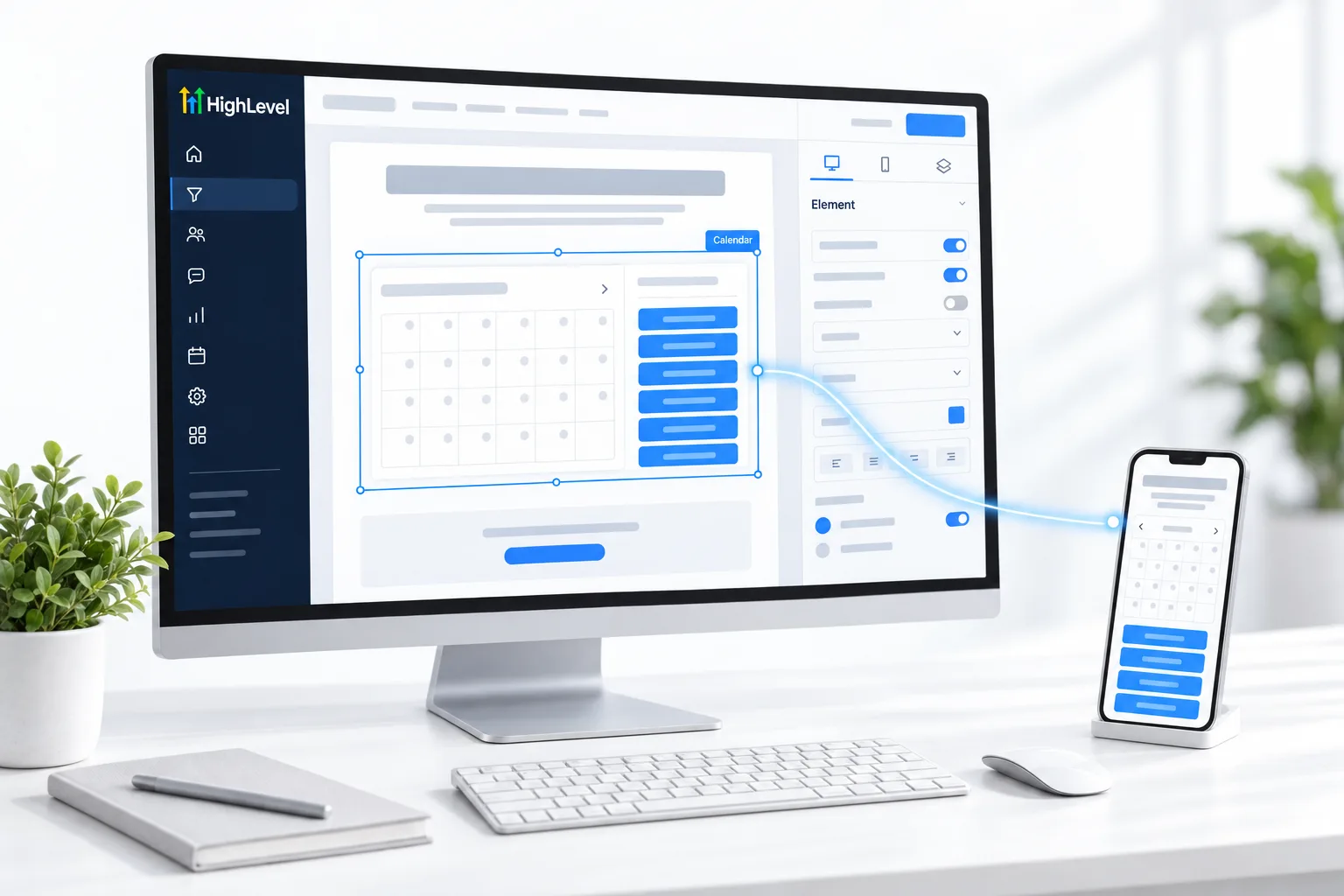
- On step one, write a headline about the outcome of the call and add the calendar element.
- Add one or two qualifying questions to the booking form.
- On step two, confirm the booking and say what happens next.
- Add confirmation, reminder and no show workflows.
- Book a test appointment from your phone.
Copy
What the page should say.
- What they get from the call
- How long it takes
- Who they will talk to
- One short proof point
- No navigation away from the page
Before you start
What do you need before you build a booking funnel?
A booking funnel is only as good as the calendar behind it. Whether you call the platform HighLevel or GoHighLevel, get these pieces ready before you open the funnel builder.
- A working booking calendar with availability, duration and buffers set
- The calendar owner connected to their own calendar. See connect Google Calendar
- A domain or subdomain to publish on. See connect a custom domain
- One sentence that says what the caller gets from the call
- Confirmation and reminder messages written before any traffic arrives
For the short version of what the calendar can do, see whether HighLevel has a calendar booking tool. Funnels and calendars by plan are on GoHighLevel plans compared, and you can build this funnel during a 30 day trial through Michael's link.
Test it
How do you test a booking funnel?
Book a real appointment as if you were a stranger. Use your phone, because most visitors will.
- Open the live funnel link on your phone, not the builder preview.
- Answer the qualifying questions and pick a time.
- Confirm that you land on the confirmation page and that it says what happens next.
- Check that the appointment appears on the calendar and on the contact record.
- Wait for the confirmation message, then mark the test appointment as a no show and watch the rebooking message arrive.
Common mistakes
What mistakes should you avoid when you build a booking funnel?
- Sending traffic before the reminders exist. Build the appointment reminder workflow first. A booked call without reminders is a likely no show.
- Leaving the site menu on the page. Every link off the page is a way out. A booking page needs one action only.
- Asking ten qualifying questions. One or two questions filter well. More than that and people leave before they pick a time.
- Testing only on desktop. Check that the calendar element is easy to use on a small screen.
- Forgetting the no show path. A short, friendly rebooking message recovers appointments you already paid to get.

Remove the menu from booking pages. Every link off the page is a booking you lose.
Questions
Common questions.
How do I make a booking page in HighLevel?
Create a calendar with availability, duration and buffers, then go to Sites, Funnels and create a two step funnel. On step one, write a headline about the outcome of the call and add the calendar element with one or two qualifying questions. Step two confirms the booking and says what happens next.
Should I use a booking funnel or a plain calendar link?
Use a funnel page when you send cold traffic, because it lets you explain the call and qualify the person before they pick a time. A plain calendar link is faster to share with someone who already knows you. Both book into the same calendar, so use each where it fits.
How do I cut no shows on booked calls?
Send a confirmation right away, a reminder a day before and another an hour before, then follow up on no shows with a link to rebook. Build those as confirmation, reminder and no show workflows before you send any traffic, and test them by marking a test appointment as a no show.
Can AI book into the same calendar?
Yes. Voice AI and Conversation AI can book into the same calendar the funnel uses. A caller or someone who messages can get an appointment without visiting the page, and the booking shows on the calendar and on the contact record like any other. Connect the calendar to the agent first.
How many pages does a booking funnel need?
Two. The first page explains the call and holds the form and calendar. The second confirms the booking and tells the person what happens next. Keep the menu off both pages, because every link off the page is a booking you lose.
Why are people booking and not showing up?
Usually the reminders are missing or arrive too late. Send a confirmation right away, a reminder a day before and another an hour before, and follow up on no shows with a link to rebook. A confirmation page that says what happens next also helps people remember why they booked.
Should I qualify people before they book?
Yes, lightly. One or two questions on the booking form tell you who is a fit without slowing the booking down. Ask only what changes how you run the call. A long form in front of the calendar costs you bookings from people who would have been a good fit.
Next step
See it in your own account. Thirty days, every feature.
Start a trial, build the first system and test it before the first invoice. Usage fees for phone, SMS, email and AI can apply during the trial.
HighLevel has three plans at a flat monthly price, each with unlimited users and contacts. See what each one includes and what it costs.
Compare the PlansStarter, Unlimited and Founder