
Home/CRM guide/Best CRM for ecommerce
CRM guide · Best CRM for ecommerce
The best ecommerce CRM. Six options, compared fairly.
Small ecommerce brands grow on the second order. This guide compares the CRM options for an online store fairly: the tools inside your store platform, two email and SMS platforms, a helpdesk, a general CRM and GoHighLevel, with a plain note on where each one fits.
The short answer
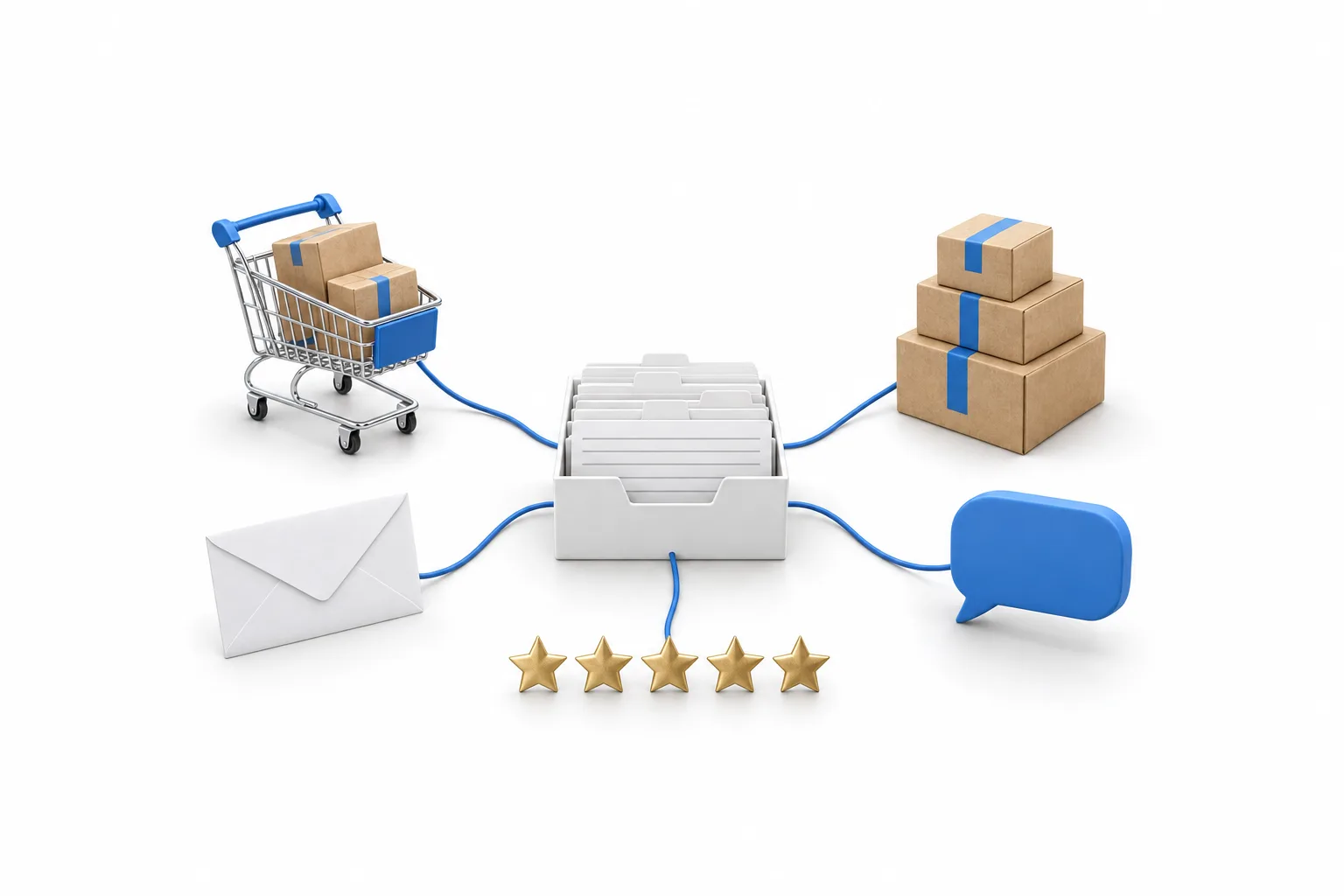
The best ecommerce CRM for a small brand is usually the customer tools inside your store platform, plus a dedicated email and SMS tool such as Klaviyo or Omnisend, because those work most deeply with product and order data. GoHighLevel fits as the relationship layer: one inbox, abandoned checkout follow up, review requests and win back campaigns.
Michael is a sponsored HighLevel affiliate. Links to HighLevel use his partner link at no extra cost to you. HighLevel prices and product facts on this page come from HighLevel's own pricing page and help center, checked on the date above.
The jobs
What should a CRM do for an online store?
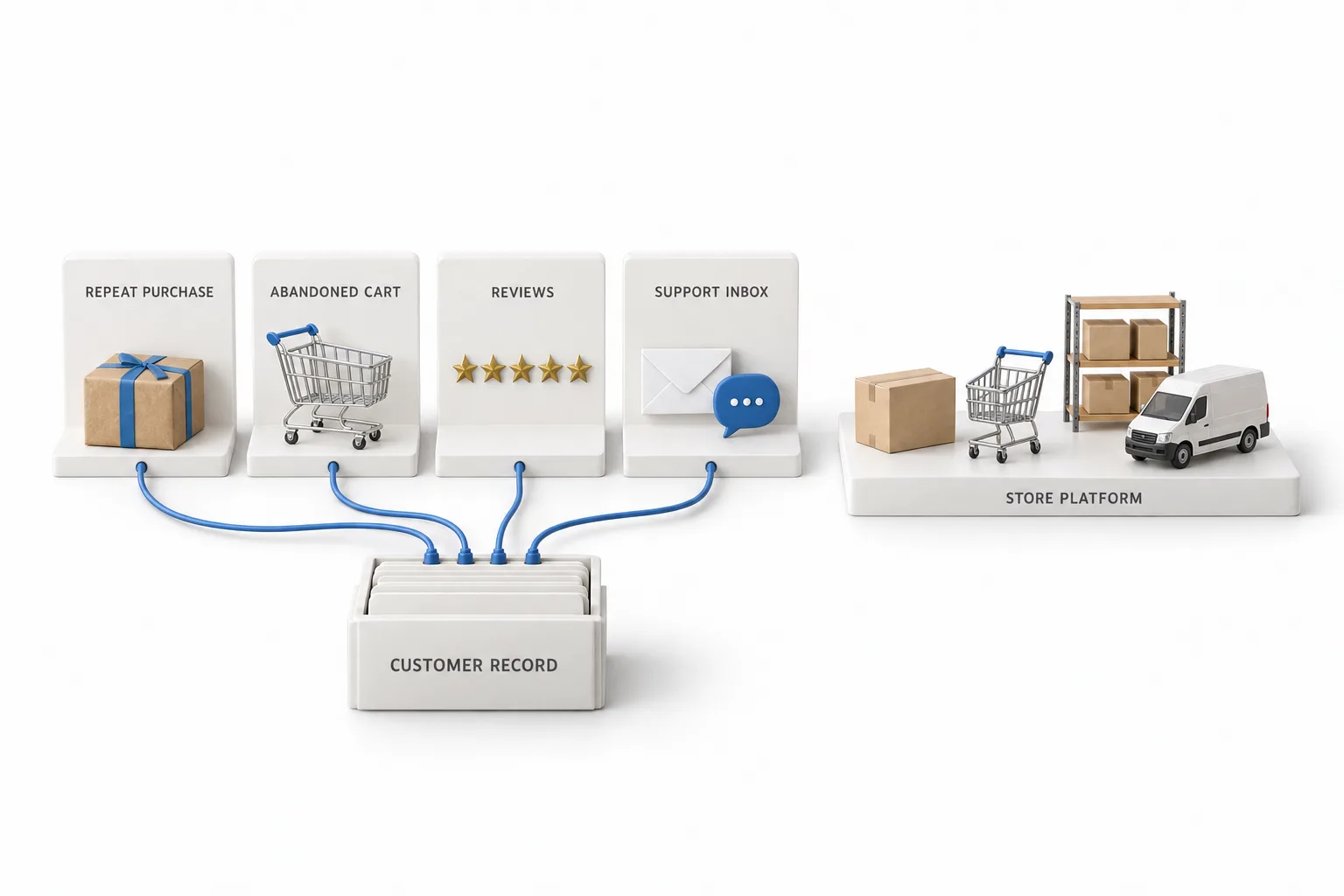
A CRM for an online store has four jobs: repeat purchase follow up, abandoned cart messages, reviews and a customer support inbox. Products, carts, inventory and shipping belong to your store platform. The CRM looks after the customer and the conversation before and after every order.
| Job | What good looks like |
|---|---|
| Repeat purchase follow up | A thank you after the order, then a timely reason to come back, sent only to customers who opted in |
| Abandoned cart messages | A shopper who started checkout and left gets a reminder while the product is still on their mind |
| Reviews | Customers are asked for a review after the order arrives, not when it is placed |
| Customer support inbox | Email, chat, text and social messages land in one place, with the customer's order history beside them |
Compare
Which ecommerce CRM fits? Six tools compared.
The right fit depends on the job. Your store's own tools cover the basics, a dedicated email and SMS tool goes deepest on product data, a helpdesk runs support, and HighLevel runs the conversations. Most brands end up with two of them. The table summarizes what each vendor says about its own product.
| Tool | Built for | What the vendor lists | Where it is stronger |
|---|---|---|---|
| Shopify's own tools | Stores that run on Shopify | Customer profiles, tags, notes and segments that update on their own. Shopify also sends abandoned checkout recovery emails, and Shopify Inbox is a free app for store chat | The basics, without adding another tool |
| Klaviyo | Consumer brands. The vendor calls it a B2C CRM | Email, SMS and mobile push marketing, product reviews, a customer data platform, analytics and customer service tools | Marketing built on product and order data |
| Omnisend | Ecommerce marketers who want email and SMS automation | Email campaigns, SMS, web push, segments based on behavior, popups and forms, and prebuilt flows for abandoned carts, browse recovery, order follow up and win backs. It lists Shopify, WooCommerce and Wix among its integrations | Ready made store automations for a small team |
| Gorgias | Ecommerce support teams that want a helpdesk built for stores | One inbox for email, live chat, social, SMS and voice, order history inside the ticket, an AI agent, and the ability to create, edit and refund Shopify orders from the helpdesk | Support teams that change orders all day |
| HubSpot | A general CRM platform, not built only for stores | A Shopify data sync app that brings customers, products, orders and abandoned checkouts into HubSpot | Brands that also sell through a sales team |
| GoHighLevel | Any business, and agencies, that want marketing, sales and AI in one platform | Not built only for stores. A Shopify integration that imports products, collections, contacts, orders and transactions, workflow triggers for abandoned checkout and orders, one inbox, review requests and AI chat | Conversations: texting, calling, chat, reviews and AI under one login |
Shopify, Klaviyo, Omnisend, Gorgias and HubSpot are described from each vendor's own website or help center. This page lists no prices for those five because plans and features change. Confirm the current details on each vendor's site before you buy.
Shopify
Do you need a Shopify CRM, or is Shopify enough?
Shopify is often enough to start. People search for a Shopify CRM because they want one record per customer, and Shopify already keeps one. Its help center describes customer profiles, tags and notes, and customer segments, which are rule based lists. Customers are added to a segment or removed from it automatically as they meet the rules.
Add a separate tool when one of these is true.
- You want deeper email and SMS flows. A dedicated email tool builds messages around what each customer browsed and bought.
- Support has outgrown a shared mailbox. A helpdesk shows the order next to the message and lets an agent act on it.
- You want the phone, texting, Google reviews and AI chat in one inbox. The GoHighLevel Shopify integration brings customers and orders into a CRM and marketing platform built for conversations.
Honest view
Is GoHighLevel a good CRM for ecommerce?
Not as a replacement for your store platform or a dedicated email tool, and yes as the relationship layer around them. GoHighLevel, which many people type as go high level or GHL, is a CRM and marketing platform. It is not where your catalog, cart, inventory and fulfillment should live, and store platforms and dedicated email tools go deeper on product data.
Around the store, it fits well. The Shopify integration imports products, collections, contacts, orders and transactions. Contacts carry store fields such as lifetime value, order count and last order date, so a smart list can find customers who have not ordered in a while. Workflows can start from an abandoned checkout, an order received or a payment received. Questions from the store chat land in Conversations with your other channels, and Conversation AI can answer when nobody is at a desk.
Three limits are worth knowing. The data flows into HighLevel, not back into Shopify. HighLevel lists email and SMS consent syncing from Shopify as coming soon, so do not assume a Shopify customer agreed to marketing texts. And the review request workflow asks for a Google review through Google Business Profile. Star ratings on a product page stay with your store or a review app.
| HighLevel plan | Monthly | Best for |
|---|---|---|
| Starter | $97 | One business, up to three subaccounts |
| Unlimited | $297 | Agencies with many clients |
| Founder Plan | $497 | Selling HighLevel under your own brand |
Usage such as calls, texts, email and AI is billed separately. Contacts and users are unlimited on every plan.
A single brand usually fits Starter. The GoHighLevel pricing page lists every plan and the usage fees. HighLevel's standard trial is 14 days, and the 30 day trial through Michael's link gives you a month to test it beside your store. GoHighLevel for ecommerce brands shows the full setup, week by week.
A setup
How do you add follow up beside your store?
Add follow up beside your store in seven steps, in this order. You can build and test each one during the 30 day trial through Michael's link.
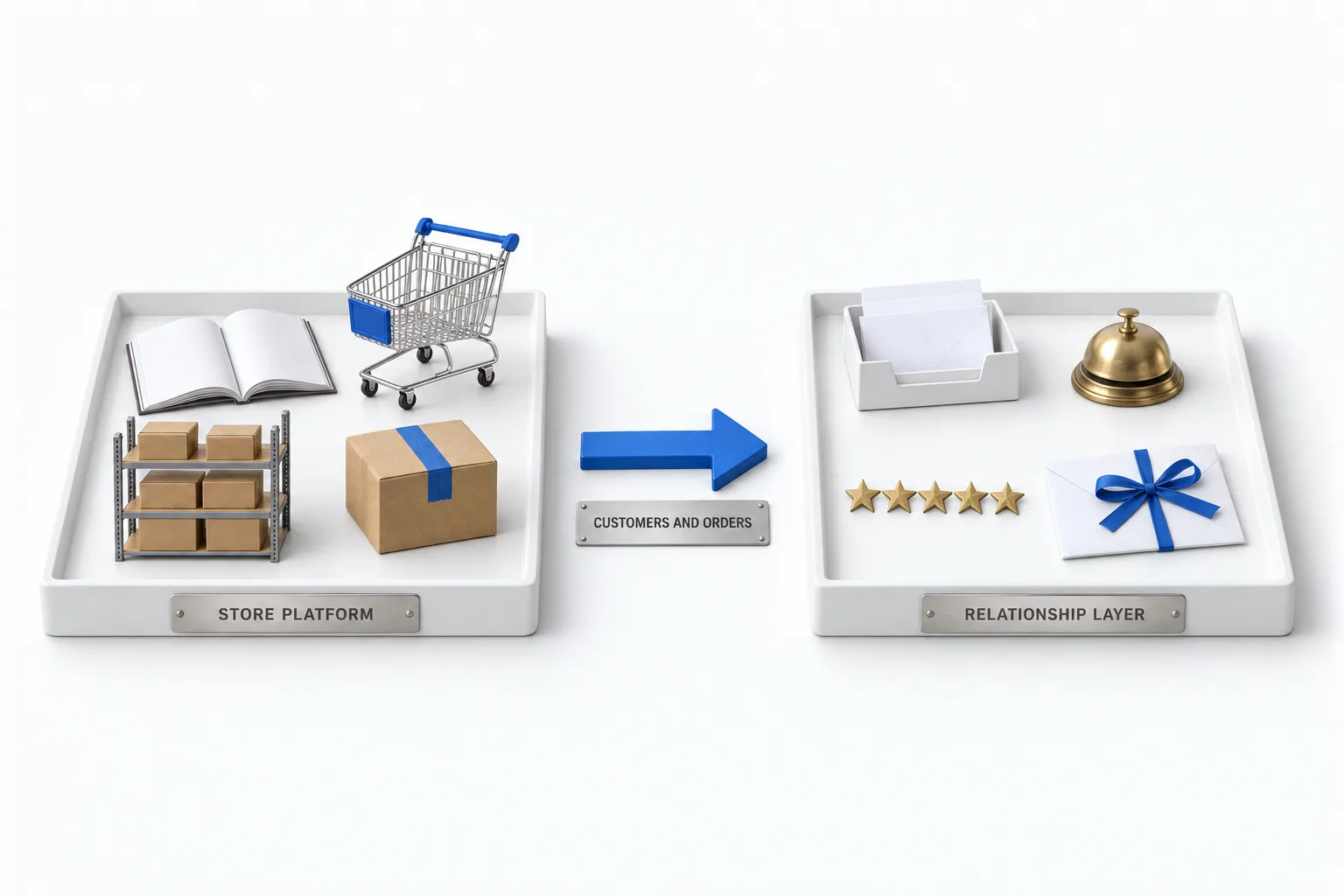
- Keep the store as the record for products and orders. The catalog, cart, inventory and fulfillment stay on your store platform. HighLevel handles the conversations around them.
- Connect the store. In the subaccount, go to Settings, Integrations, Shopify and click Connect. Choose what to import once and what keeps syncing. On another store platform, customer details can arrive through Zapier or a webhook.
- Start A2P 10DLC registration on day one. Texting US numbers from a local number depends on it, and it goes through carrier review.
- Add the chat widget to the store. Paste the widget code into the store theme so questions from shoppers land in Conversations with your other channels.
- Build the abandoned checkout reminder. Use the ecommerce abandoned checkout trigger, not the older Shopify specific triggers, which HighLevel is retiring.
- Ask for the review after the order arrives. A workflow thanks the customer after the order, waits long enough for delivery, then asks for the review. The review request workflow guide covers the build.
- Win back quiet customers. Build a smart list on the store fields, such as last order date, and send a short message in small daily batches to people who opted in.
Send marketing texts and emails only to customers who opted in, and include opt out instructions. Consent is per channel. This is not legal advice.
Choose
How do you choose a CRM for ecommerce?
Choose by asking every vendor on your shortlist the same seven questions.
- Does it connect to your store platform, and which data comes across?
- Does the data flow one way or both ways?
- Can it build a message around the products a customer viewed or bought?
- Does marketing consent sync with the customer, for each channel?
- Are texting, AI and extra contacts included, or billed on top?
- Will it send the same reminder your store already sends? Pick one tool for each message.
- Can you export your customers and their history?
How to choose a CRM gives you six steps that work for any shortlist. All in one CRM explains when one platform beats several tools, and the CRM guide covers the basics and the other industries.

Your second order rate matters more than your ad cost. Build the follow up first.
Through my link
Start HighLevel through my link and the CRM Pros team comes with it.
Same HighLevel price. The difference is who is in your corner for the first ninety days.
- Setup help in your first 7 days
- Your onboarding call with Michael’s team
- Three live calls every week: tech, sales and Michael’s own call
- The private affiliate community
- Snapshots, templates and email swipes
- Four apps: Prompt, Demo, A2P and Sales On Demand
The Founder Plan is HighLevel’s top plan at $497 a month. It is the former Agency Pro plan with an exclusive feature set, rebilling with markup and the Founders Club. The full breakdown is here.
The Founder PlanWhat it includes and who it is for
Questions
Common questions.
What is an ecommerce CRM?
An ecommerce CRM is software that keeps one record for each customer of an online store and uses it to follow up. It holds contact details, order history and consent, then sends the messages that bring people back: order follow up, abandoned cart reminders, review requests and replies to support questions.
What is the best CRM for ecommerce?
For most small brands, the best CRM for ecommerce is the customer tools inside the store platform plus a dedicated email and SMS tool such as Klaviyo or Omnisend, because those work most deeply with product and order data. GoHighLevel fits beside the store as one inbox for texting, chat, reviews and win back campaigns.
Does Shopify have a built in CRM?
Shopify has customer tools built in, though it does not sell them as a separate CRM. Its help center describes customer profiles, tags, notes and segments that update on their own. Shopify also sends abandoned checkout recovery emails, and Shopify Inbox is a free app for store chat.
Does GoHighLevel integrate with Shopify?
Yes. GoHighLevel connects to a Shopify store from Settings, Integrations, Shopify in the subaccount. It imports products, collections, contacts, orders and transactions, and sync settings control what keeps updating. Data flows into HighLevel, not back into Shopify. Workflows can then follow up after an abandoned checkout or an order.
Can a CRM send abandoned cart messages?
Yes, if it receives the store event. Shopify sends its own abandoned checkout recovery email. Omnisend lists prebuilt flows for abandoned carts. HubSpot syncs abandoned checkouts from Shopify. HighLevel has an abandoned checkout trigger for connected stores such as Shopify.
How much does GoHighLevel cost for an ecommerce brand?
GoHighLevel Starter is $97 a month, Unlimited is $297 and the Founder Plan is $497. A single brand usually fits Starter. Contacts and users are unlimited on every plan. Usage such as calls, texts, email and AI is billed separately. The standard trial is 14 days, and 30 days through Michael's link.
Next step
See it in your own account. Thirty days, every feature.
Start a trial, build the first system and test it before the first invoice. Usage fees for phone, SMS, email and AI can apply during the trial.
HighLevel has three plans at a flat monthly price, each with unlimited users and contacts. See what each one includes and what it costs.
Compare the PlansStarter, Unlimited and Founder