
Home/HighLevel/Integrations/Shopify
Integrations · Shopify
HighLevel Shopify integration. Your store, plus the follow up.
The GoHighLevel Shopify integration links a store to a HighLevel subaccount, so customers and orders arrive in the CRM and workflows can follow up after every purchase.
The short answer
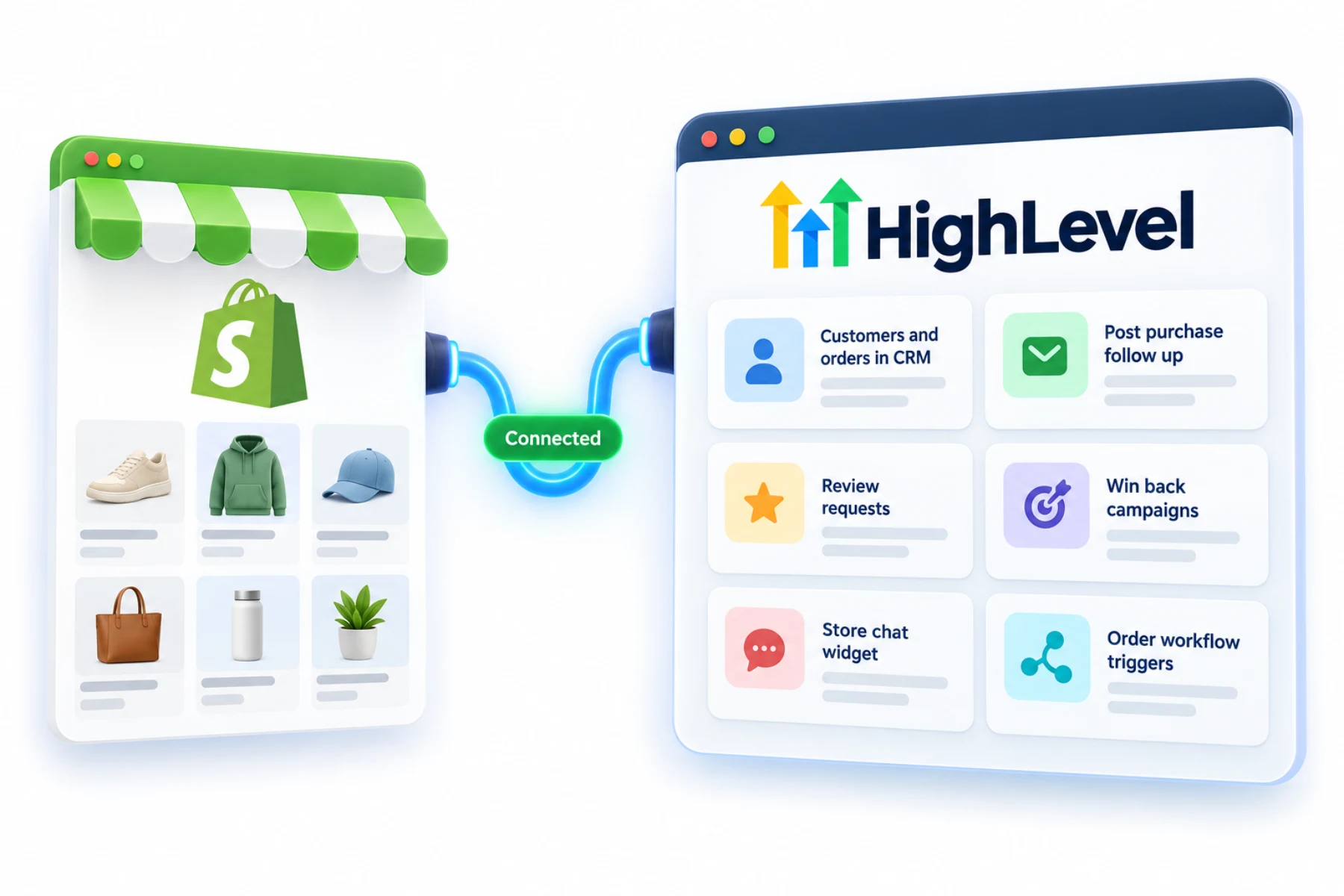
The GoHighLevel Shopify integration connects a store to a HighLevel subaccount and imports products, collections, contacts, orders and transactions. You can then use Shopify workflow triggers such as order fulfilled, with If/Else conditions and custom values, to automate follow up, and add the HighLevel chat widget to the store.
Michael is a sponsored HighLevel affiliate. Links to HighLevel use his partner link at no extra cost to you. HighLevel prices and product facts on this page come from HighLevel's own pricing page and help center, checked on the date above.
Connect
How do you connect Shopify to HighLevel?
The connection uses a sign in and approval on Shopify's side, so you do not need to create a custom app. Have the exact store name or URL ready. In HighLevel, or GoHighLevel as it is also known, setup has two parts: a one time import of history, and sync settings that control what keeps updating.
- In the subaccount, go to Settings, Integrations, Shopify and click Connect.
- Enter the store URL or store name and click Next.
- Choose what to import once: contacts, orders, transactions, products and collections.
- Choose the sync settings for ongoing updates, then click Save.
- On Shopify's install screen, review the permissions and click Install.
- Build workflows with ecommerce triggers and add the HighLevel chat widget code to the store theme.
Uses
What can you do with Shopify and HighLevel?
With customers and orders in the CRM, the store stops being a separate island. Workflows can react to store events. There is an abandoned checkout trigger that works with connected stores such as Shopify, and sync settings can turn on Order Received and Payment Received triggers. HighLevel's help center notes that the older Shopify specific triggers for abandoned cart and order fulfilled are being retired in favor of the newer ecommerce triggers, so use the newer ones for anything you build now.
- Customers and orders in the CRM
- Post purchase follow up
- Review requests after fulfillment
- Win back campaigns
- Store chat
Data
What syncs and what does not?
Five kinds of data come in: products, collections, contacts, orders and transactions. The flow HighLevel describes is into HighLevel. It does not describe pushing HighLevel data back into Shopify.
Contacts get the basics, which are name, email, phone and address, filled only where the field is empty. They also get store fields such as lifetime value, order count, first and last order date and last order value. You cannot pick and choose those fields. They all sync for a connected store.
A few details behave in ways worth knowing. Taxes are not mapped on products. Draft orders do not change contact fields. Only completed, paid orders do. A refund lowers lifetime value but does not lower the order count. And lifetime value only counts purchases from the connected store.
Limits
What are the limits to know about?
Turning a sync setting off stops future syncing. It does not remove records already brought in. Order statuses arrive as completed or cancelled. HighLevel lists email and SMS consent syncing as coming soon, so do not assume a Shopify customer has agreed to marketing texts. Text only people who opted in.
In practice
What does a store do with it?
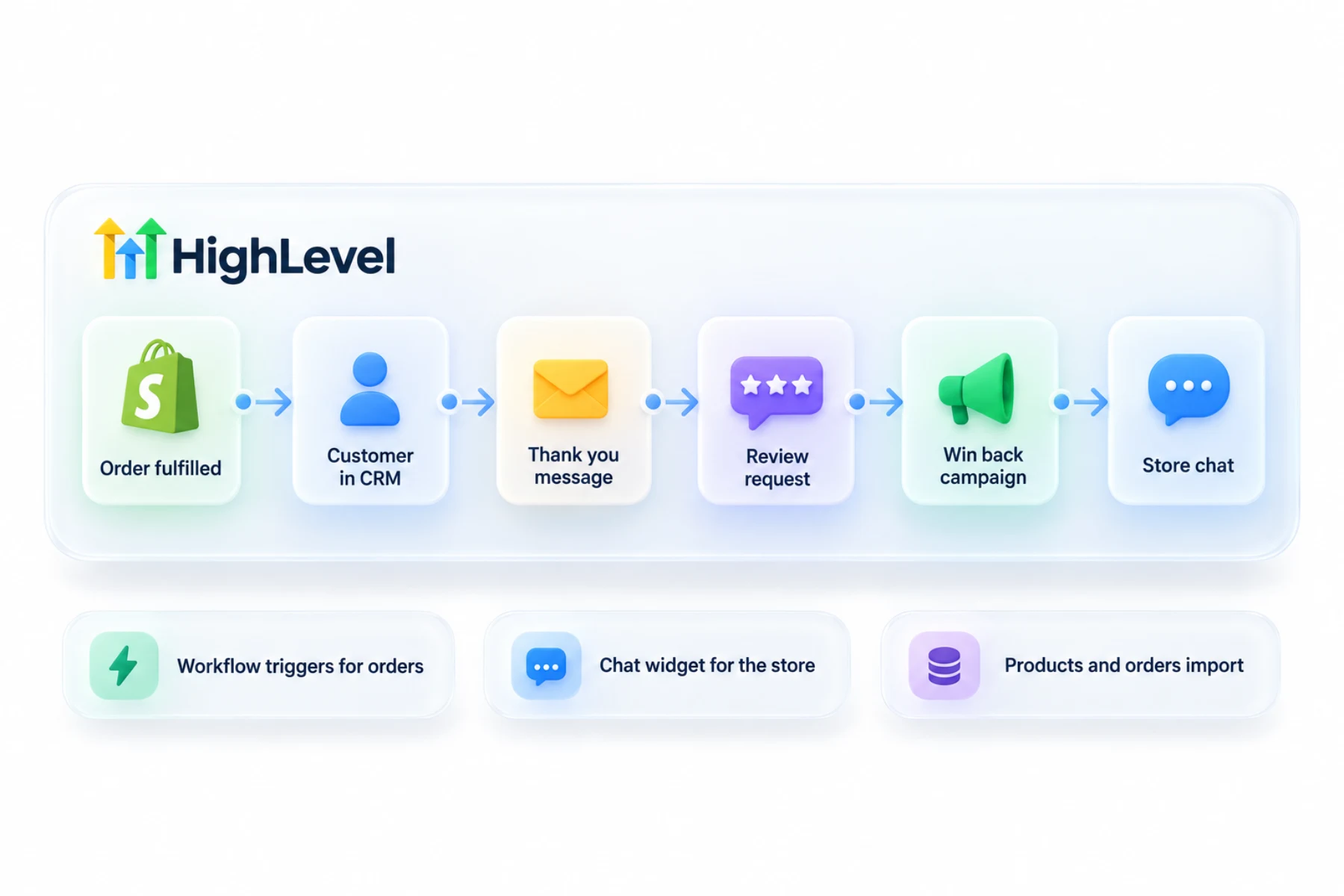
A typical setup has three workflows. One follows an abandoned checkout with a reminder. One thanks the customer after an order and later asks for a review, as in build a review request workflow. One wins back customers who have not ordered in a while, using a smart list built on the store fields.
Add the chat widget to the store so questions land in Conversations. For the wider picture, see HighLevel for ecommerce brands, and for automation basics see build your first workflow.
To test the Shopify connection in your own account, use the 30 day trial through Michael's link. GoHighLevel pricing lists what each plan costs, and who should get the Founder Plan explains when the top tier makes sense.
Comparing tools before you commit? Read the best CRM for ecommerce.

Ask for the review after the order is fulfilled, not when it is placed.
Questions
Common questions.
Does HighLevel integrate with Shopify?
Yes. HighLevel, also called GoHighLevel, connects to a Shopify store from Settings, Integrations, Shopify in the subaccount. It imports products, collections, contacts, orders and transactions, and sync settings control what keeps updating. Workflows can then follow up after a purchase, and you can add the HighLevel chat widget to the store.
Can workflows react to orders?
Yes. Sync settings can turn on Order Received and Payment Received triggers, and there is an abandoned checkout trigger for connected stores. HighLevel's help center notes that the older Shopify specific triggers for abandoned cart and order fulfilled are being retired, so use the newer ecommerce triggers for anything you build now.
Can I add HighLevel chat to Shopify?
Yes, with the chat widget code. You add the HighLevel chat widget code to the store theme, and questions from shoppers land in Conversations with your other channels. The chat widget guide on this site covers the setup. It works alongside the customer and order data the integration brings in.
Can I text customers?
Only those who opted in. HighLevel lists email and SMS consent syncing from Shopify as coming soon, so do not assume a Shopify customer has agreed to marketing texts. Text only people who gave consent, include opt out instructions and register for A2P 10DLC before texting US numbers from a local number.
What Shopify data syncs to HighLevel?
Products, collections, contacts, orders and transactions. Contacts get name, email, phone and address, filled only where the field is empty, plus store fields such as lifetime value, order count, first and last order date and last order value. The flow HighLevel describes is into HighLevel, not back into Shopify.
Do I need to create a custom app in Shopify?
No. New connections use a sign in and approval flow on Shopify's install screen. Have the exact store name or URL ready, enter it in HighLevel, choose what to import and the sync settings, then review the permissions on Shopify's install screen and click Install.
Is there an abandoned checkout trigger?
Yes. HighLevel's ecommerce abandoned checkout trigger works with connected stores such as Shopify. A typical setup uses it to send a reminder after an abandoned checkout, alongside a workflow that thanks the customer after an order and one that wins back customers who have not ordered in a while.
Next step
See it in your own account. Thirty days, every feature.
Start a trial, build the first system and test it before the first invoice. Usage fees for phone, SMS, email and AI can apply during the trial.
HighLevel has three plans at a flat monthly price, each with unlimited users and contacts. See what each one includes and what it costs.
Compare the PlansStarter, Unlimited and Founder