
Home/CRM guide/Best CRM for roofers
CRM guide · Best CRM for roofers
The best roofing CRM. Six tools, compared fairly.
Roofing companies need two kinds of software. One wins the job: it answers the call, books the inspection and follows up the estimate. The other builds the job. This guide compares purpose built roofing systems, field service tools and GoHighLevel, and says plainly where each one fits.
The short answer
The best roofing CRM depends on the job you need done. Purpose built systems such as JobNimbus, AccuLynx and Roofr handle measurements, material orders and production. GoHighLevel handles the front end: answering every call, booking inspections, following up estimates and requesting reviews. Many roofing companies run one of each and connect them.
Michael is a sponsored HighLevel affiliate. Links to HighLevel use his partner link at no extra cost to you. HighLevel prices and product facts on this page come from HighLevel's own pricing page and help center, checked on the date above.
The jobs
What must roofing CRM software do for a roofing company?
Roofing CRM software has four jobs on the sales side: book inspections, follow up estimates, answer storm leads and ask for reviews. Roofing is a large purchase, so a homeowner often talks to several roofers and takes weeks to decide. The company that answers first and keeps following up tends to stay in the conversation.
| Job | What the CRM should do |
|---|---|
| Inspection booking | Let a homeowner book an inspection from a call, a form or an ad, then confirm it and send reminders |
| Estimate follow up | Keep every estimate in a pipeline with an owner and a next step, and follow up by text and email until the homeowner says yes or no |
| Storm lead response | Answer or text back every call when the phones ring for days, and reply to ad leads within a minute |
| Review requests | Ask for a Google review when the job is finished, without anyone remembering to do it |
Then there is the production side: roof measurements, material orders, crew scheduling and job costing. Most tools are strong on one side, so first work out which side costs you jobs. The CRM guide explains the basics if you are new to this kind of software.
One note on storm work. After storms, many states regulate door to door sales and how contractors discuss insurance claims. Check your local rules before you write follow up messages. This is not legal advice.
Compare
Which roofing CRM tools are worth comparing?
Six roofing CRM tools are worth comparing: JobNimbus, AccuLynx, Roofr, ServiceTitan, Jobber and GoHighLevel. They cover the three types a roofer will meet: purpose built roofing systems, field service platforms and a sales and marketing platform. The first five rows describe what each vendor states on its own website, checked on November 11, 2026. Features and plans change, so confirm on the vendor's site before you buy. Prices for the other tools are left out because they vary by plan.
| Tool | Type | Roof measurements | Material orders | Crews and production | Lead follow up |
|---|---|---|---|---|---|
| JobNimbus | Purpose built roofing system | Ordered inside the product, plus an EagleView integration | Orders sent to suppliers through integrations such as ABC Supply, QXO and SRS | Work orders and production management | Two way texting and email, plus automations |
| AccuLynx | Purpose built roofing system | Ordered through aerial measurement integrations such as EagleView | Direct ordering from suppliers such as ABC Supply, QXO and SRS, with order status tracking | Production management, a scheduling calendar and crew tools | Sales pipeline tools and automated text messages |
| Roofr | Purpose built roofing system | Its own roof measurement reports | Material orders to the job site through supplier integrations | Job scheduling | Instant estimator for your website and ads, customizable proposals and a job board pipeline |
| ServiceTitan | Field service platform with a roofing product | Through integrations such as EagleView, GAF QuickMeasure and Hover | Supplier integrations for tracking and ordering materials | Crew scheduling, project tracking and job costing | Call recording, lead source tracking and reputation tools |
| Jobber | Field service platform | EagleView integration | Not described on its roofing page | Scheduling calendar and a mobile app for crews | Online booking form for inspections and automatic quote follow ups |
| GoHighLevel | Sales and marketing platform | No | No | No | Missed call text back, Voice AI answering, pipelines, text and email workflows, review requests |
Sources: each vendor's own website, checked November 11, 2026. The GoHighLevel row comes from HighLevel's pricing page and help center.
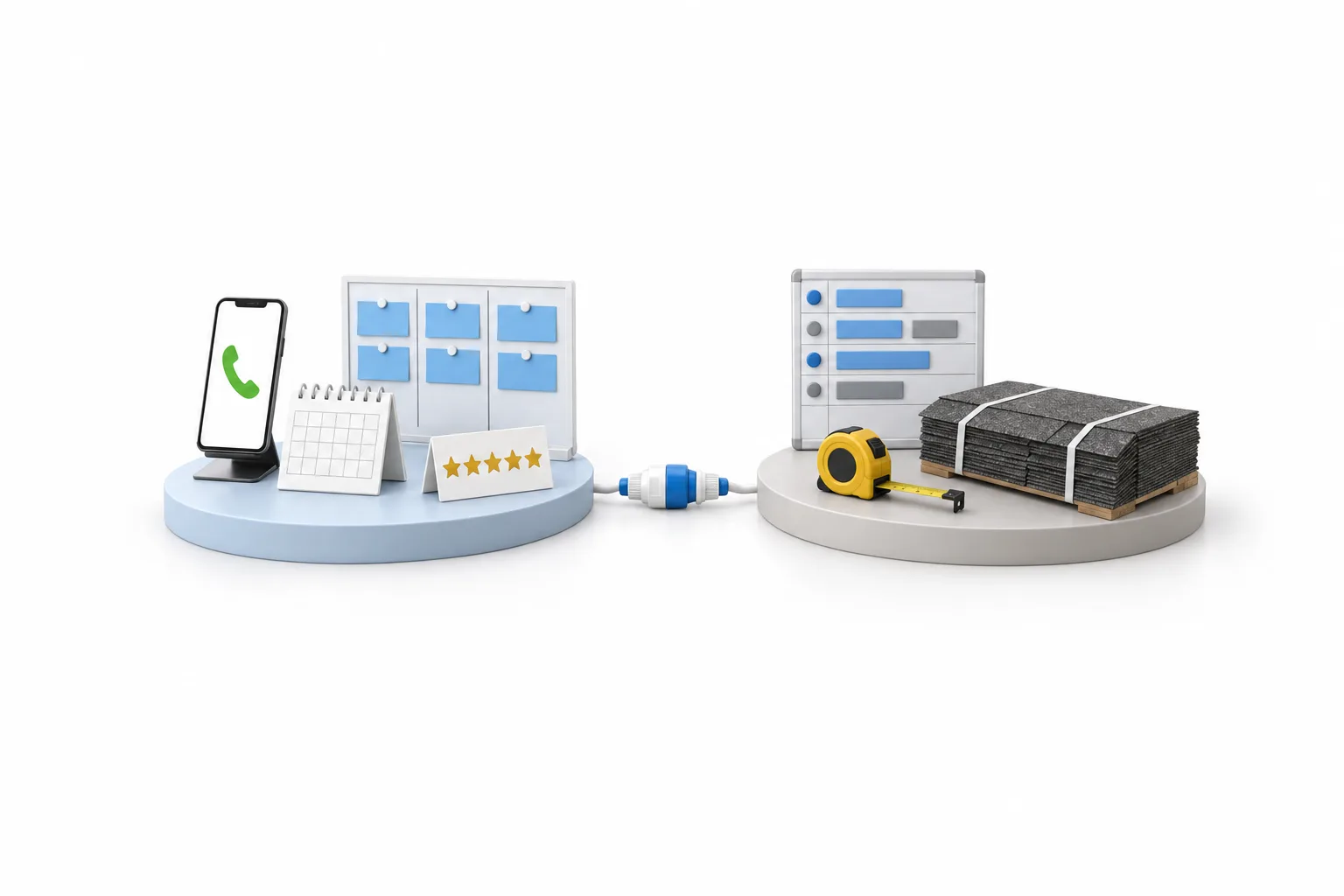
Read the table by column. If the three middle columns are where you lose money, you need a roofing system or a field service platform. If the last column is where you lose jobs, you need a front end that never lets a lead go quiet. For a closer look, GoHighLevel vs Jobber compares the two side by side.
Honest view
Where does GoHighLevel fit among CRM tools for roofing companies?
GoHighLevel fits on the front end of a roofing company: the calls, the inspections, the estimate follow up and the reviews. HighLevel, which people also search for as Go High Level, is not a roofing system. It does not measure roofs, build material orders or schedule production. If that is the software you are missing, choose one of the tools above for it.
Here is what the front end looks like for a roofer:
- Every call gets an answer. Missed call text back replies by text within seconds, or Voice AI picks up, answers common questions and books the inspection onto your calendar. The AI receptionist for roofers page shows how that works in a storm week.
- Ad leads get a reply within a minute. A Facebook lead form submission triggers a text with a booking link and assigns the lead to a person.
- Every estimate has an owner. Each estimate becomes an opportunity in a pipeline with stages you name. A workflow sends texts and emails over days or weeks and stops the moment the homeowner replies or books.
- Every finished job asks for a review. Once Google Business Profile is connected, a workflow sends the request. The steps are in how to build a review request workflow.
The plan price does not rise with contacts or users. Starter is $97 a month, Unlimited is $297 and the Founder Plan is $497, and every plan includes unlimited contacts and unlimited users. A single roofing company usually fits Starter. Phone numbers, calls, texts, email and AI are billed on usage on top of the plan, so read GoHighLevel pricing before you budget. Business texting to US numbers also needs A2P 10DLC registration, which goes through carrier review, so start it on day one.
The full setup, week by week, is on GoHighLevel for roofers.
Fit
Which roofing CRM fits your company?
There is no single best roofing CRM, because roofing companies lose jobs in different places. These four situations cover most of them.
- You lose jobs at the phone and in follow up. Inspections are booked slowly and estimates go quiet. A front end platform such as HighLevel fits, and you can keep measuring and ordering the way you do now.
- You lose time in production. Measurements are typed twice, orders go out late and crews are scheduled by text message. A purpose built roofing system fits first.
- You run roofing next to other trades. A field service platform that covers scheduling, invoicing and payments across services may suit you better than a roofing only tool.
- You have both problems. Run a roofing system for production and HighLevel for the front end. HighLevel passes data to other software through Zapier or webhooks. Check that your roofing system offers a connection before you count on it.
If you already pay for a roofing system with texting and automated messages, test those first. Add a second tool only when that follow up falls short.
Steps
How do you choose a roofing CRM?
Choose a roofing CRM by finding where you lose jobs, then testing two or three tools with a real lead. These six steps keep the decision short.
- Write down where jobs are lost. Missed calls and estimates with no follow up are front end problems. Late material orders and crew mix ups are production problems.
- Pick the type of tool first. A front end problem points to a sales and marketing platform. A production problem points to a roofing system.
- Shortlist two or three tools. Use the table above, then read each vendor's own pricing page for the plan you would really need.
- Run one real lead through each trial. Call the number, fill in the form and book an inspection. Judge the tool on that test.
- Check the exit and the connections. Ask how you export customers and jobs, and whether the tool connects to the other software you plan to keep.
- Start with one system. Get inspection booking or estimate follow up working before you build anything else.
The longer version of this method, for any type of business, is on how to choose a CRM. To run step four with HighLevel, the 30 day trial through Michael's link gives you a month in your own account. HighLevel's standard trial is 14 days.
Avoid
What mistakes do roofers make with a CRM?
Most mistakes come down to asking one tool to do everything or giving up on follow up too early. These four come up most.
- Expecting one tool to do everything. Tools that are strong at production are often lighter on marketing, and the reverse is true as well.
- Stopping after one follow up. Roofing decisions are slow. Keep in touch until you get a yes or a no.
- Estimates living in someone's head. Put every one in the pipeline with an owner and a next step.
- Texting before registering. Register for A2P 10DLC first, and message only people who asked to hear from you.

Pick the roofing system for the roof and the follow up system for the homeowner. Then make sure every open estimate has an owner and a next step.
Through my link
Start HighLevel through my link and the CRM Pros team comes with it.
Same HighLevel price. The difference is who is in your corner for the first ninety days.
- Setup help in your first 7 days
- Your onboarding call with Michael’s team
- Three live calls every week: tech, sales and Michael’s own call
- The private affiliate community
- Snapshots, templates and email swipes
- Four apps: Prompt, Demo, A2P and Sales On Demand
The Founder Plan is HighLevel’s top plan at $497 a month. It is the former Agency Pro plan with an exclusive feature set, rebilling with markup and the Founders Club. The full breakdown is here.
The Founder PlanWhat it includes and who it is for
Questions
Common questions.
What is the best CRM for roofers?
The best CRM for roofers depends on the job. Purpose built roofing systems such as JobNimbus, AccuLynx and Roofr cover measurements, material orders and production. GoHighLevel covers the front end: answering calls, booking inspections, following up estimates and requesting reviews. Many roofing companies run one of each.
Is GoHighLevel a roofing CRM?
No. GoHighLevel is an AI powered business operating system for sales and marketing, and roofers use it on the front end. It tracks every lead and estimate in a pipeline, answers or texts back calls, books inspections and sends review requests. It is not built for measurements, material orders or production scheduling.
Can GoHighLevel measure roofs or order materials?
No. HighLevel does not measure roofs, build material orders or schedule crews. Keep a roofing system or your estimating tools for that work. HighLevel handles the lead, the follow up and the review, and it can pass data to other software through Zapier or webhooks.
How much does GoHighLevel cost for a roofing company?
A single roofing company usually fits the HighLevel Starter plan at $97 a month, which includes unlimited contacts and unlimited users. Unlimited is $297 and the Founder Plan is $497. Phone numbers, calls, texts, email and AI are billed on usage on top of the plan.
Is there a free trial for roofers?
Yes. HighLevel's standard free trial is 14 days. Through Michael's link the trial is 30 days, which gives a roofing company time to build inspection booking and estimate follow up and test them with real leads. Usage fees for phone, SMS, email and AI can apply during the trial.
Next step
See it in your own account. Thirty days, every feature.
Start a trial, build the first system and test it before the first invoice. Usage fees for phone, SMS, email and AI can apply during the trial.
HighLevel has three plans at a flat monthly price, each with unlimited users and contacts. See what each one includes and what it costs.
Compare the PlansStarter, Unlimited and Founder