
Home/HighLevel/How to/Set up your first subaccount
How to · Subaccounts
How to set up your first subaccount in GoHighLevel. Start from a snapshot when you can.
A GoHighLevel subaccount is one business inside your agency: its contacts, conversations, calendars, workflows and phone numbers. You can create one blank, or create it from a snapshot so it arrives with your best setup already loaded.
Start from a snapshot when you can.
The short answer
The fastest way to set up your first subaccount in GoHighLevel is from a snapshot: go to Account Snapshots in the agency view, click Create New Account beside the snapshot you want, fill in the business name, address, phone and time zone, and click Add. The snapshot's funnels, forms, workflows, calendars and settings load in automatically.
Michael is a sponsored HighLevel affiliate. Links to HighLevel use his partner link at no extra cost to you. HighLevel prices and product facts on this page come from HighLevel's own pricing page and help center, checked on the date above.
From a snapshot
Create a subaccount from a snapshot.
- From your agency dashboard, click Account Snapshots in the left menu.
- Find the snapshot you want as the starting point.
- Click the blue Create New Account button beside it.
- Fill in the business name, address, phone, time zone and contact details.
- Click the Add button to create the subaccount. The snapshot loads automatically.
After it exists
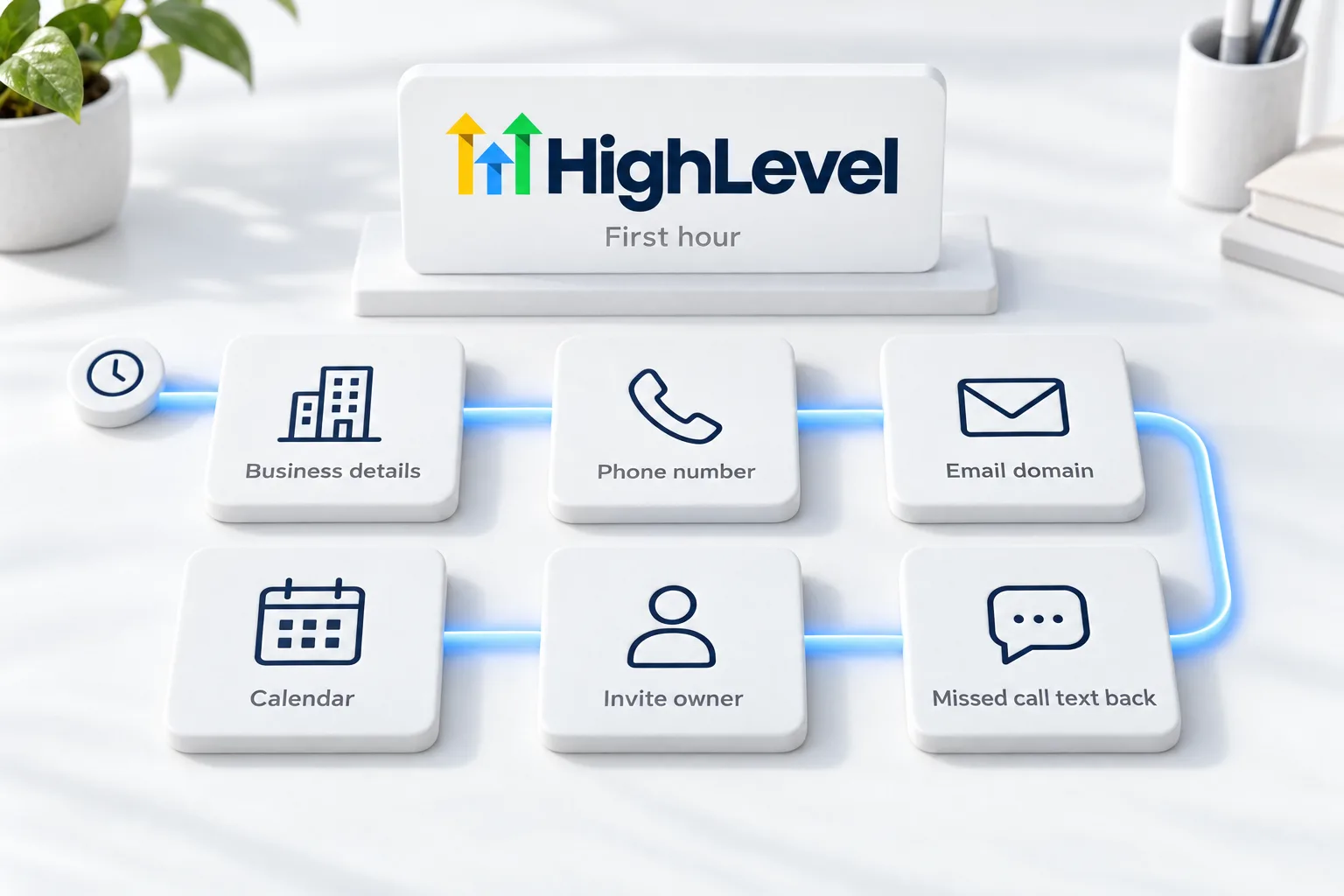
Your first hour inside the subaccount.
- Confirm the business details and time zone in Settings
- Add a phone number and start A2P registration if you will text in the US
- Add and verify the email sending domain
- Connect the calendar the business owner uses
- Invite the business owner as a user with the right permissions
- Turn on missed call text back
Limits
How many subaccounts you can create.
| Plan | Monthly | Subaccounts |
|---|---|---|
| Starter | $97 | Up to 3 |
| Unlimited | $297 | Unlimited |
| Founder Plan | $497 | Unlimited |
Prices from HighLevel's pricing page. Usage such as calls, texts and email is billed separately.
Before you start
What do you need before you set up your first subaccount?
Creating the subaccount takes a minute. Having the right details saves an hour. Before you click Create New Account in HighLevel (GoHighLevel), collect these.
- Agency Admin permissions
- The business name, address, phone and time zone, exactly as the business uses them
- A snapshot you have tested, if you are loading one
- The owner's email for their user login
- Room on your plan: Starter covers up to three subaccounts
Test it
How do you test a new subaccount?
Spend ten minutes checking before you build on top.
- Open the new subaccount and confirm the business details and time zone.
- Confirm the snapshot assets arrived: funnels, forms, workflows and calendars.
- Check that workflows are in draft until you are ready.
- Add yourself as a test contact and submit one form.
- Confirm the owner can log in with the permissions you set.
Common mistakes
What mistakes should you avoid when you set up your first subaccount?
- The wrong time zone. Appointments and scheduled messages follow it. Check it first.
- Loading an untested snapshot. A snapshot cannot be unloaded. Test it in your own account first.
- Skipping phone and email setup. Add the number, start A2P and verify the email domain before any workflow sends. See set up LC Phone and set up SPF, DKIM and DMARC.
- Inviting the owner with full access by default. Set user permissions first.
- Starting with a client. Make your own business the first subaccount.

Make your own business the first subaccount. Every client demo gets easier when you can show your own system working.
Questions
Common questions.
How do I create a subaccount in HighLevel?
From your agency dashboard, click Account Snapshots, find the snapshot you want and click Create New Account beside it. Fill in the business name, address, phone, time zone and contact details, then click Add. The snapshot loads automatically. You can also create a blank subaccount from the subaccounts list.
Who can create subaccounts?
Users with Agency Admin permissions can create subaccounts. Have the business name, address, phone and time zone ready, exactly as the business uses them, plus the owner's email for their login. Make your own business the first subaccount, so you learn the steps before you set one up for a client.
Can I remove a snapshot after loading it?
No. Once a snapshot is applied to a subaccount, you cannot remove it as a whole. You can still edit or delete individual items. That is why you should test a snapshot in your own account before you load it into a client account, and check the new subaccount straight after creating it.
How many subaccounts does Starter include?
Starter at $97 a month includes up to three subaccounts. Unlimited at $297 and the Founder Plan at $497 have no subaccount limit. Those prices are from HighLevel's pricing page, and usage such as calls, texts and email is billed separately. See how many subaccounts you can have.
What is a subaccount in HighLevel?
A subaccount is one business inside your agency, with its own contacts, conversations, calendars, workflows and phone numbers. You can create one blank or from a snapshot. For a plain language explanation, see what a HighLevel subaccount is. You can create your first one during a 30 day GoHighLevel trial through Michael's link.
Should I create a blank subaccount or use a snapshot?
Use a snapshot when you have a tested setup to reuse, because the funnels, forms, workflows, calendars and settings load in automatically. Create a blank one when you are building something new. Remember that a snapshot cannot be unloaded, so only load one you have already tested in your own account.
What should I set up first inside a new subaccount?
Confirm the business details and time zone, add a phone number and start A2P registration if you will text in the US, verify the email sending domain, connect the owner's calendar and turn on missed call text back. See your first 30 days. Agencies planning many client accounts can read about the Founder Plan.
Next step
See it in your own account. Thirty days, every feature.
Start a trial, build the first system and test it before the first invoice. Usage fees for phone, SMS, email and AI can apply during the trial.
HighLevel has three plans at a flat monthly price, each with unlimited users and contacts. See what each one includes and what it costs.
Compare the PlansStarter, Unlimited and Founder