
Home/HighLevel/How to/Set up white label mode
How to · White label
How to set up white label mode in GoHighLevel. Sell it as your own software.
On the Founder Plan, GoHighLevel lets you sell the platform to clients as your own product: your plans, your prices, automatic billing and markup on usage. Here is how to switch it on for a client.
Sell HighLevel as your own software.
The short answer
To set up white label mode in GoHighLevel, move your agency to the Founder Plan ($497 a month, formerly Agency Pro), connect Stripe to the agency account, create the plans and prices you will sell, then activate sellable software mode for each client subaccount and collect payment by link or from an existing Stripe customer.
Michael is a sponsored HighLevel affiliate. Links to HighLevel use his partner link at no extra cost to you. HighLevel prices and product facts on this page come from HighLevel's own pricing page and help center, checked on the date above.
Set up
How do you set up white label mode in HighLevel?
- Confirm your agency is on the Founder Plan.
- Connect Stripe to the agency account (not a subaccount).
- Create your plans: name, price and which features each includes.
- For a client subaccount, activate the mode and choose their plan.
- Request payment with a link, or connect an existing customer from your Stripe account.
- Configure rebilling and markup for phone, email and AI usage on the Reselling page.
- Test the whole flow with your own card before inviting a client.
Unlimited plan
What Unlimited can and cannot do.
| Feature | Unlimited ($297) | Founder Plan ($497) |
|---|---|---|
| Branding and app domain | Yes | Yes |
| Usage rebilling | Phone and email at cost | Yes |
| Sell your own plans | No | Yes |
| Markup on usage | No | Yes |
Reselling
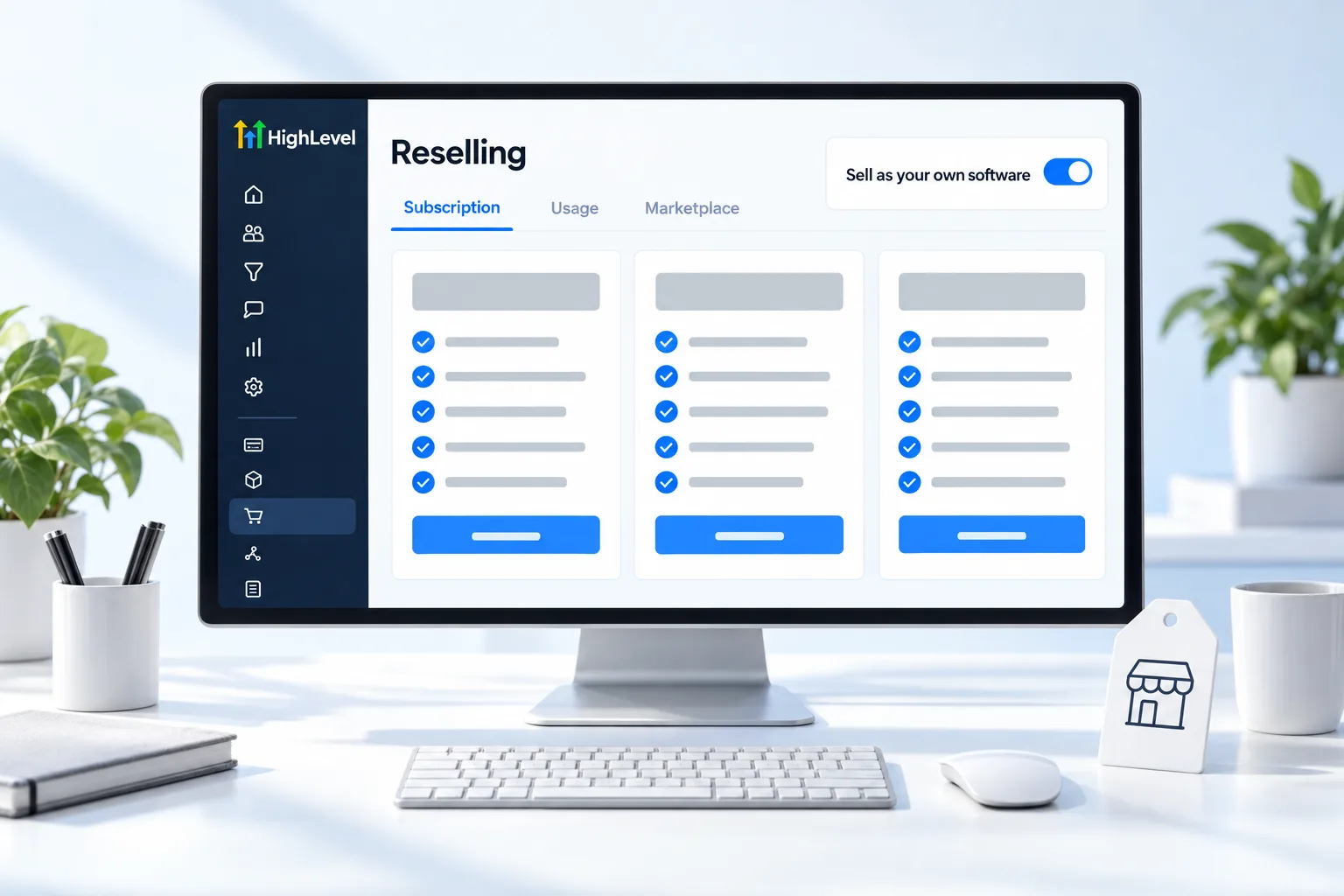
The Reselling page.
HighLevel now keeps subscription reselling, usage rebilling and Marketplace reselling on one Reselling page, with a global usage markup option and per subaccount controls. More on pricing in set up rebilling.
Before you start
What do you need before you set up white label mode?
This is the step where your agency starts billing for software. Before you switch it on in HighLevel (GoHighLevel), prepare these.
- The Founder Plan on your agency. See plans compared
- A Stripe account for the agency
- Your plans on paper: name, price and what each includes
- Your branding and app domain in place. See white label your agency
- Terms of service for your clients
- A card of your own for the test
Test it
How do you test white label mode?
Buy your own plan before a client does.
- Create a test subaccount.
- Activate the mode for it and choose a plan.
- Send yourself the payment link and pay with your own card.
- Confirm the payment reaches the agency Stripe account.
- Log in to the test subaccount and confirm it shows the features that plan includes.
- Cancel and refund the test.
Common mistakes
What mistakes should you avoid when you set up white label mode?
- Stripe connected to a subaccount. It has to be the agency account.
- Pricing on HighLevel's cost. Price on the value of the system you deliver. See white label pricing for agencies.
- Too many plans. Two or three clear plans are easier to sell and support.
- Skipping the test. Run the whole flow with your own card first. If billing fails, see fix white label mode billing problems.
- Forgetting usage. Set rebilling and markup on the Reselling page so usage does not come out of your margin.

Price your plans on the value of the system you deliver, not on HighLevel's cost.
Through my link
Start HighLevel through my link and the CRM Pros team comes with it.
Same HighLevel price. The difference is who is in your corner for the first ninety days.
- Setup help in your first 7 days
- Your onboarding call with Michael’s team
- Three live calls every week: tech, sales and Michael’s own call
- The private affiliate community
- Snapshots, templates and email swipes
- Four apps: Prompt, Demo, A2P and Sales On Demand
The Founder Plan is HighLevel’s top plan at $497 a month. It is the former Agency Pro plan with an exclusive feature set, rebilling with markup and the Founders Club. The full breakdown is here.
The Founder PlanWhat it includes and who it is for
Questions
Common questions.
What plan do I need?
You need the Founder Plan at $497 a month, formerly Agency Pro. Unlimited at $297 a month covers branding, the app domain and rebilling phone and email at cost, but it cannot sell your own plans or add markup on usage. Confirm your agency is on the Founder Plan before you start.
Can I do this on Unlimited?
Not fully. Unlimited supports branding, the app domain and rebilling phone and email at cost, but not selling your own plans or adding markup. Those need the Founder Plan. If branding is all you want, Unlimited is enough. You can look around the agency view during a 30 day GoHighLevel trial through Michael's link.
Where does client money go?
To the Stripe account connected to your agency. It has to be the agency account, not a subaccount. Test the whole flow first: create a test subaccount, send yourself the payment link, pay with your own card and confirm the payment reaches the agency Stripe account. Then cancel and refund the test.
Can I mark up usage?
Yes, on the Founder Plan. Set rebilling and markup for phone, email and AI usage on the Reselling page, which includes a global usage markup option and controls for each subaccount. Setting it up keeps client usage from coming out of your own margin.
What is white label mode in HighLevel?
It lets an agency on the Founder Plan sell HighLevel to clients as its own product, with its own plans, prices and automatic billing, plus markup on usage. You activate it for each client subaccount and choose their plan. See the white label mode glossary entry.
Do I need white label mode to brand HighLevel?
No. Branding and the app domain work on Unlimited too. White label mode is for selling your own plans and adding markup, and it needs the Founder Plan. Get your branding and app domain in place first, then switch the mode on when you are ready to bill for software.
How do clients pay me?
Through the Stripe account connected to your agency. For each client subaccount you activate the mode, choose their plan and either request payment with a link or connect an existing customer from your Stripe account. Two or three clear plans are easier to sell and support than a long list.
Next step
See it in your own account. Thirty days, every feature.
Start a trial, build the first system and test it before the first invoice. Usage fees for phone, SMS, email and AI can apply during the trial.
HighLevel has three plans at a flat monthly price, each with unlimited users and contacts. See what each one includes and what it costs.
Compare the PlansStarter, Unlimited and Founder