
Home/HighLevel/Glossary/White Label Mode
Glossary · White Label Mode
What is White Label Mode in GoHighLevel? Selling HighLevel as your own software.
White label mode is what this site calls HighLevel's sellable software mode on the Founder Plan: selling the platform to clients with your own plans, prices and markup.
Selling HighLevel as your own software.
The short answer
White label mode is this site's name for HighLevel's sellable software mode on the Founder Plan at $497 a month, which lets agencies create their own plans and prices, activate them per client subaccount, collect payment through the agency's Stripe and mark up usage.
Michael is a sponsored HighLevel affiliate. Links to HighLevel use his partner link at no extra cost to you. HighLevel prices and product facts on this page come from HighLevel's own pricing page and help center, checked on the date above.
In practice
How does white label mode work in HighLevel?
HighLevel's own name for this is sellable software mode. This site calls it white label mode because that is what most agencies call it. Either way it means the same thing: you sell the platform as your product, with your plans and your prices. It needs the Founder Plan at $497 a month, formerly called Agency Pro. Plenty of people still look for it under the GoHighLevel name.
The setup runs in order. Connect Stripe to the agency account, not a subaccount. Create your plans, each with a name, a price and the features it includes. For a client subaccount, activate the mode and choose their plan. Then request payment with a link, or connect an existing customer from your Stripe account.
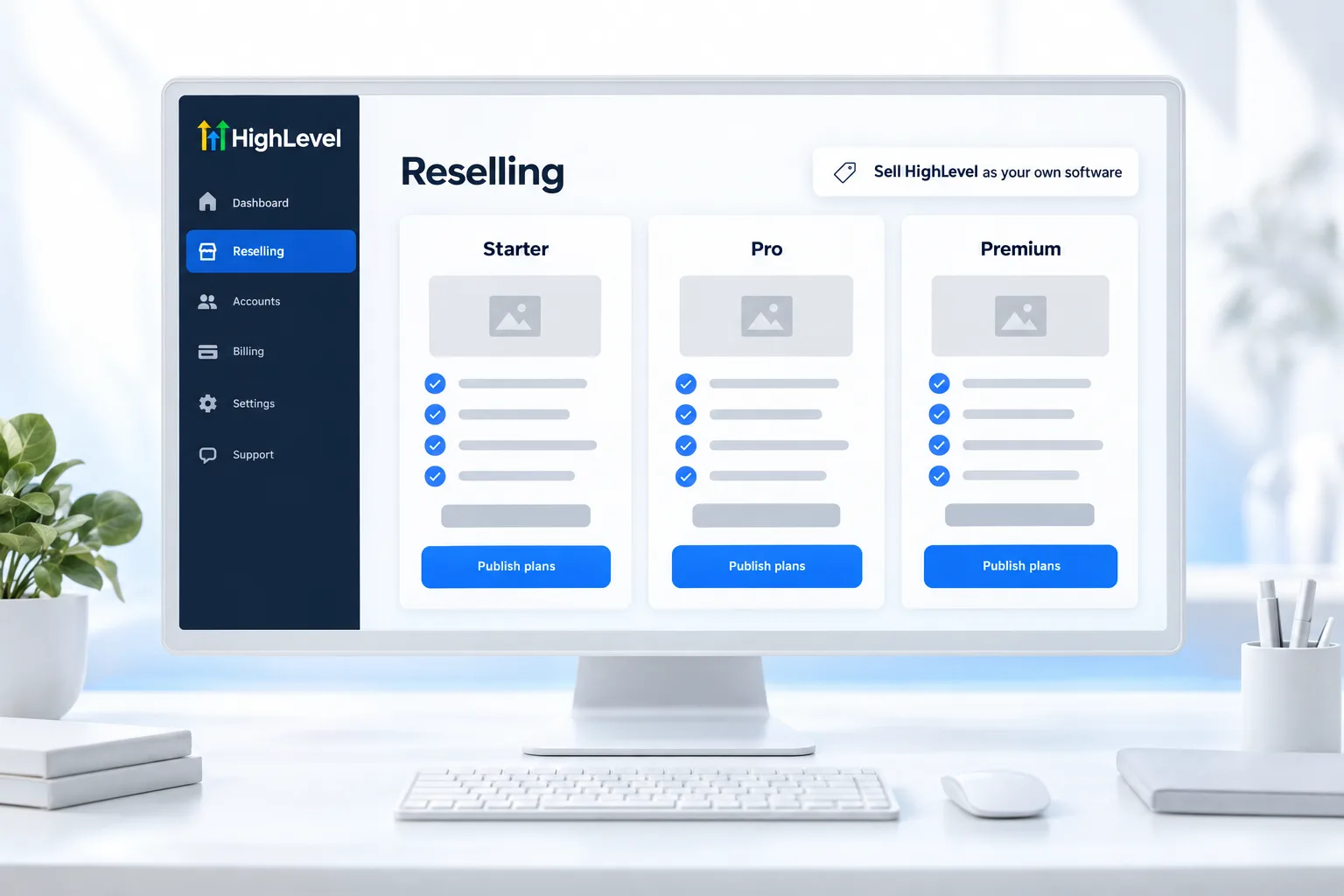
After that, set rebilling with markup for phone, email and AI usage on the Reselling page. The steps are in set up white label mode.
- Requires the Founder Plan
- Agency Stripe collects client payments
- Activated per subaccount
- Usage markup on the Reselling page
Example
What does white label mode look like in practice?
An agency sells a Core plan and a Growth plan with AI, billed automatically each month.
In practice the client never sees a HighLevel invoice. They pay your agency through your Stripe for the plan you sold them, and their usage is billed at your rates. Before you invite a real client, run the whole flow with your own card, so you see exactly what they will see.
Watch for
What mistakes do people make with white label mode?
Trying it on the wrong plan is the first. Unlimited supports branding and rebilling phone and email at cost. It does not support selling your own plans or adding markup.
Connecting Stripe in a subaccount is the second. Client payments for your plans go to the Stripe account on the agency.
Pricing from cost is the third. Price your plans on the value of the system you deliver, not on what HighLevel charges you. White label pricing for agencies goes into that. If billing misbehaves, see fix white label mode billing problems.

Sell the outcome and include the software.
Questions
Common questions.
What is White Label Mode in GoHighLevel?
White label mode in GoHighLevel means selling the platform to clients as your own software, with your own plans, prices and usage markup. HighLevel's own name for it is sellable software mode. It needs the Founder Plan at $497 a month, and client payments are collected through the agency's Stripe account.
Where do I find white label mode in HighLevel?
White label mode is in the agency view, in the reselling settings, on the Founder Plan. Connect Stripe to the agency account first, then create your plans, each with a name, a price and the features it includes. You activate the mode for a client subaccount and choose that client's plan.
Can I use white label mode on the Unlimited plan?
No. Sellable software mode needs the Founder Plan. The Unlimited plan supports branding and rebilling phone and email usage at cost, but it does not support selling your own plans or adding markup. Trying to set it up on the wrong plan is the most common mistake.
Where does client money go in white label mode?
Client payments go to the Stripe account connected to your agency. Connect Stripe to the agency account, not to a subaccount, before you create plans. For each client you then request payment with a link, or connect an existing customer from your Stripe account.
Is white label mode the same as sellable software mode?
Yes. White label mode is this site's name for HighLevel's sellable software mode on the Founder Plan. HighLevel uses the name sellable software mode, and most agencies call it white label mode. Both mean the same thing: you sell the platform as your product, with your plans and your prices.
Can I mark up usage in white label mode?
Yes, on the Founder Plan. Set rebilling with markup for phone, email and AI usage on the Reselling page, including a global usage markup that applies to every client. Price your plans on the value of the system you deliver, not on what HighLevel charges you.
Next step
See it in your own account. Thirty days, every feature.
Start a trial, build the first system and test it before the first invoice. Usage fees for phone, SMS, email and AI can apply during the trial.
HighLevel has three plans at a flat monthly price, each with unlimited users and contacts. See what each one includes and what it costs.
Compare the PlansStarter, Unlimited and Founder