
Home/HighLevel/How to/Cancel GoHighLevel
How to · Billing
How to cancel GoHighLevel. Nine steps, and your data waits 90 days.
You can cancel GoHighLevel from your own billing settings whenever you choose. Here are the exact steps, what happens to your data afterward and the cheaper option if you only need a break.
The short answer
To cancel GoHighLevel, open Agency Settings, then Billing, click Want to modify/cancel your subscription?, click Show More, select Cancel Plan, pick a reason and confirm. You can cancel any time, including during the free trial. HighLevel keeps your data for 90 days, so export what you need first.
Michael is a sponsored HighLevel affiliate. Links to HighLevel use his partner link at no extra cost to you. HighLevel prices and product facts on this page come from HighLevel's own pricing page and help center, checked on the date above.
The steps
How do you cancel a GoHighLevel subscription?
You cancel a GoHighLevel subscription yourself, inside the account, from the agency billing screen. HighLevel's help center lists nine steps.
- Log in to the agency view, open Agency Settings and click Billing.
- Click "Want to modify/cancel your subscription?"
- In the pop up, click Show More.
- Select Cancel Plan.
- Choose an option under Reason for Cancellation, then click Next.
- Read the data loss warning.
- Click "I am sure I want to cancel."
- Write your feedback. HighLevel asks for a minimum of 30 words.
- Click Submit.
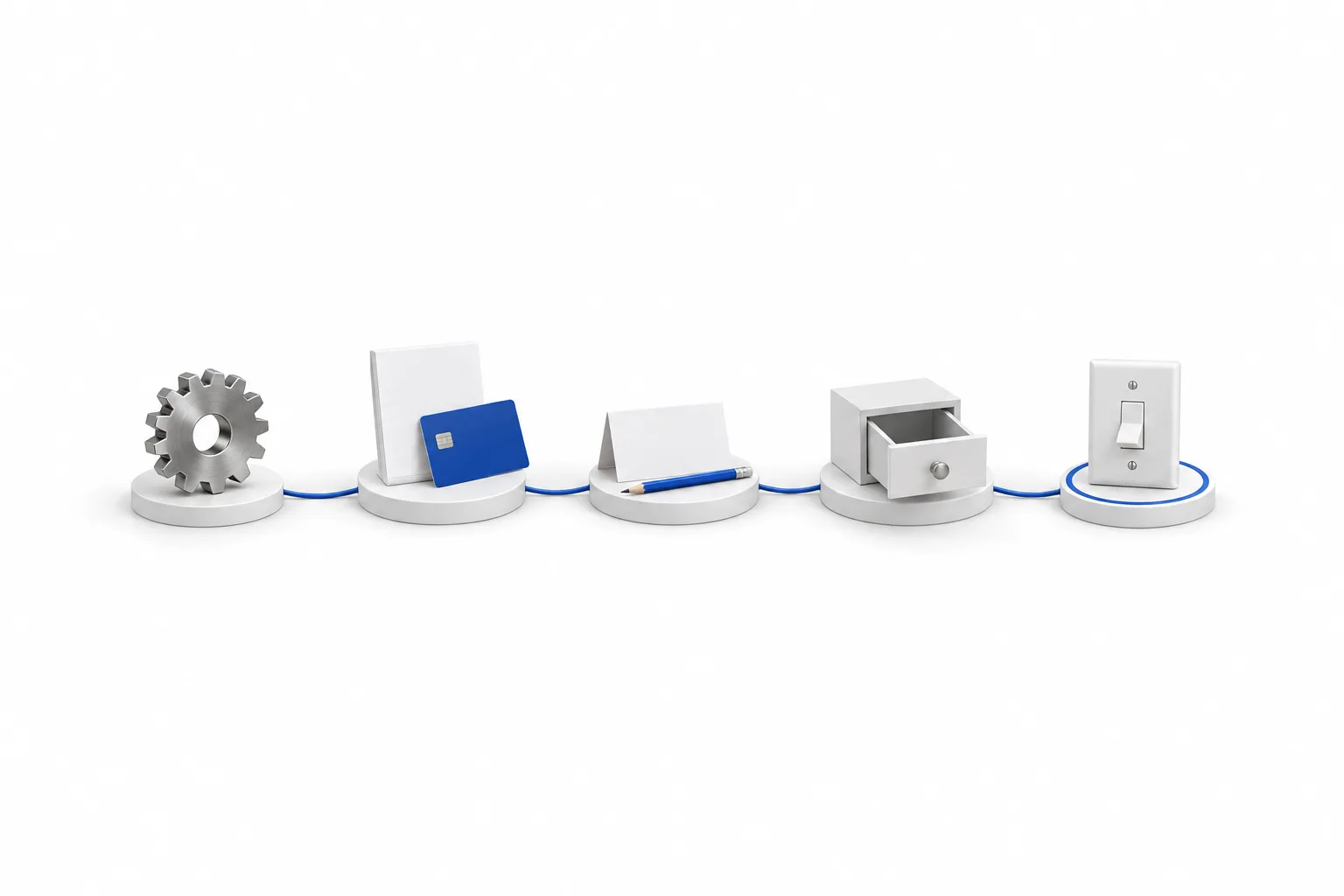
Three things to know before you start. The billing screen lives in the agency view, not inside a subaccount, so switch to the agency first. Cancelling ends the plan for the agency and the subaccounts under it, so client systems stop too. And if you got HighLevel through another agency as white label software, your subscription is with that agency. Ask them to make the change.
You may know the platform as Go High Level or GHL. It is the same product and the same nine steps.
During the trial
How do you cancel a GoHighLevel free trial?
You cancel a GoHighLevel free trial from the same place: Agency Settings, then Billing. Do it before the trial ends and the plan is not charged.
- Find your trial end date. Put it in your calendar the day you sign up.
- Before that date, open Agency Settings and click Billing.
- Click "Want to modify/cancel your subscription?" and follow the cancel steps above.
- Release any phone numbers you bought during the trial.
HighLevel asks for a payment method at signup so the plan can start when the trial ends. The plan you chose is charged the day after the trial ends. That is day 15 on the standard 14 day trial and day 31 on the 30 day GoHighLevel trial through Michael's link. The full timeline is in what happens when the HighLevel trial ends.
Usage is separate from the plan. Phone numbers, texts, calls, email and AI used during a trial are billed as you go, and cancelling the trial does not reverse those charges.
After you cancel
What happens to your data when you cancel GoHighLevel?
HighLevel keeps the data of a cancelled account for 90 days. Reactivate inside that window and your data is restored. Do not plan on anything past day 90.
| When | What to expect |
|---|---|
| Once the subscription ends | You can no longer work in the account. Client systems that run inside it stop with it. |
| Up to 90 days after | Your data is kept. Reactivate in this window and it is restored. |
| After 90 days | Do not count on recovery. Treat your own exports as the only copy. |
The 90 day window comes from HighLevel's help center. Policies can change, so confirm the dates with HighLevel support before you rely on them.
Phone numbers are the part people miss. Numbers bill as usage, apart from the plan, so release the ones you no longer need before you cancel. If you run client subaccounts, tell your clients first. Their systems run inside your account and stop when it does.
The other option
Can you pause GoHighLevel instead of cancelling?
Yes. HighLevel's help center lists a Pause Account plan at $27 a month for agencies. It suits a temporary break: you stop paying for the full plan, and your data, settings and media stay in place.
- In the agency view, open Agency Settings and click Billing.
- Click "Want to modify/cancel your subscription?"
- Select Pause Account.
While the account is paused, access stops for the agency and its subaccounts. Phone numbers are deleted 14 days after you pause, so a paused account does not hold your numbers. Pause for a real break, not for a week off.
| What you want | Cancel | Pause Account | Move down a plan |
|---|---|---|---|
| Monthly cost | None for the plan | $27 | The lower plan price |
| Access to the account | Stops | Stops while paused | Continues |
| Data, settings and media | Kept 90 days, restored if you reactivate | Kept while paused | Kept |
| Phone numbers | Release them before you cancel | Deleted 14 days after you pause | Kept, and still billed as usage |
| Where you do it | Agency Settings, Billing | Agency Settings, Billing | Agency Settings, Billing |
Pause Account details come from HighLevel's help center article Pause Account Feature. Confirm the current terms on your own billing screen.
If cost is the reason you are leaving, moving down may solve it. Starter is $97 a month and Unlimited is $297, and you change plans from the same billing screen. Compare them on the GoHighLevel pricing page or side by side in GoHighLevel plans compared. Add ons and phone numbers bill apart from the plan, so review those too.
Before you cancel
What should you export before you cancel GoHighLevel?
Export anything you would need to rebuild or to keep your books straight, and do it while you can still log in. Use this as a checklist.
- Contacts and conversations
- Calendars and appointments
- Funnels and websites
- Automations
- Invoices, payments, orders and transactions
- Products, memberships and courses
- Reports
Contacts are the simple part. Build a smart list for the group you want and export it to CSV. The steps are in use smart lists. For everything that has no export button, can I export my data from HighLevel covers the API and the other routes. Then release the phone numbers you no longer need and check for add ons that bill apart from the plan.
Permanent removal
How do you delete a GoHighLevel account?
The route to deleting a GoHighLevel account is to cancel the subscription. HighLevel then holds your data for 90 days in case you reactivate.
I have not confirmed a self serve delete button, so I will not point you to one. If you need your data removed before the 90 days are up, or you want written confirmation that it is gone, ask HighLevel support directly. Finish your exports first, and treat deletion as final.
Refunds
Can you get a refund when you cancel GoHighLevel?
Refunds follow HighLevel's current terms, and I have not verified a refund rule, so I will not quote one here. Ask HighLevel support before you cancel and get the answer in writing.
Name the charge you mean when you ask. The plan is billed to your card every month or year. Usage, such as texts, calls, email and AI, is billed separately through the agency wallet. If you pay annually, ask how the remaining term is handled.
The policy side of this is in can I cancel HighLevel anytime. If fit is the question, who should not use HighLevel is an honest read before you start.

Checking the exit before you sign up is smart. Put the trial end date in your calendar on day one. If you ever leave, export first, then cancel.
Questions
Common questions.
How do I cancel my GoHighLevel subscription?
Open Agency Settings, click Billing, then click "Want to modify/cancel your subscription?" Click Show More, select Cancel Plan, choose a reason, click Next, read the data loss warning, click "I am sure I want to cancel", write at least 30 words of feedback and click Submit. Those are the steps in HighLevel's help center.
How do I cancel a GoHighLevel free trial?
Cancel from the same place, Agency Settings then Billing, before the trial ends. The plan you chose is charged the day after the trial ends, which is day 15 on the standard 14 day trial and day 31 on the 30 day trial through Michael's link. Usage such as phone numbers, texts and calls is billed during the trial either way.
Can I cancel GoHighLevel at any time?
Yes. Plans are billed monthly or annually, and you can cancel from your billing settings whenever you choose. If you pay annually, ask HighLevel support how the remaining term is handled before you cancel. I have not verified that rule.
What happens to my data when I cancel GoHighLevel?
HighLevel keeps the data of a cancelled account for 90 days. Reactivate inside that window and your data is restored. Do not count on recovering anything after that. Export what you need before you cancel, and release phone numbers you no longer need.
Can I pause GoHighLevel instead of cancelling?
Yes. HighLevel's help center lists a Pause Account plan at $27 a month for agencies. You choose it from the same billing screen. It keeps your data, settings and media, but access stops for the agency and its subaccounts while the account is paused, and phone numbers are deleted 14 days after you pause.
How do I delete my GoHighLevel account?
Cancel the subscription. HighLevel then holds your data for 90 days in case you reactivate. If you want it removed sooner, or want written confirmation that it is gone, ask HighLevel support. Export what you need first, and treat deletion as final.
Next step
See it in your own account. Thirty days, every feature.
Start a trial, build the first system and test it before the first invoice. Usage fees for phone, SMS, email and AI can apply during the trial.
HighLevel has three plans at a flat monthly price, each with unlimited users and contacts. See what each one includes and what it costs.
Compare the PlansStarter, Unlimited and Founder