
01Who this is for
- Community managers need to understand deletion limits to keep groups running smoothly.
- Coaching business owners can protect group ownership while cleaning up inactive members.
- Membership site Founders benefit from knowing how removal affects member access.
02Deleting community contacts, explained
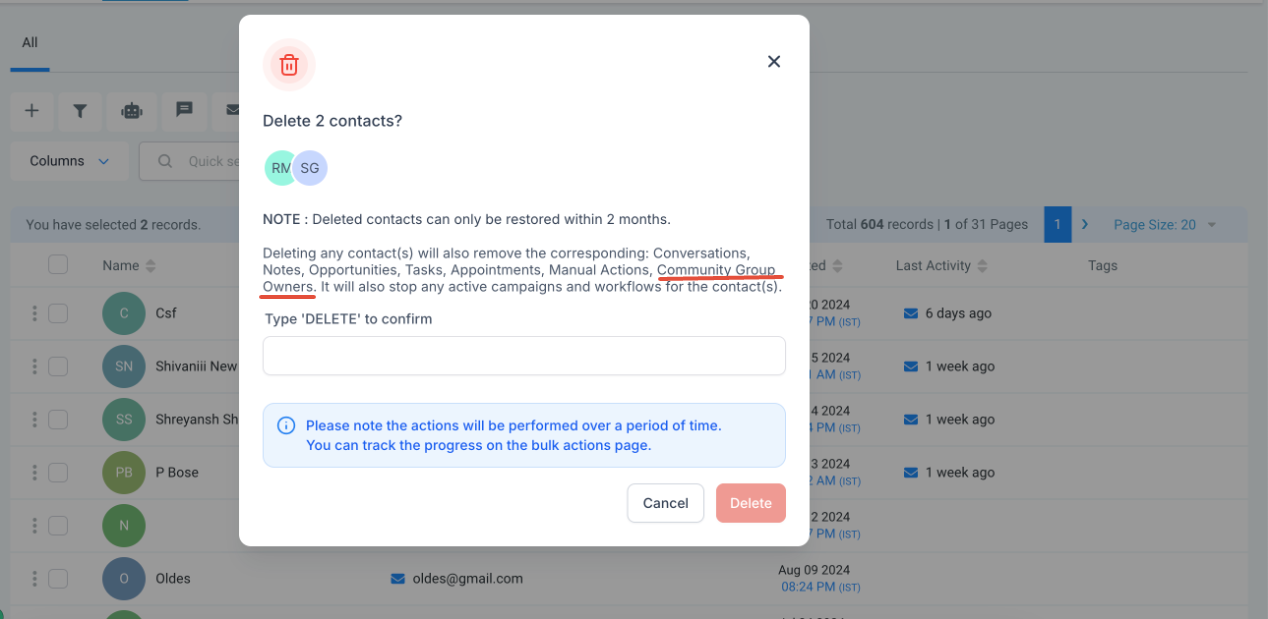
Deleting a contact from a HighLevel community removes that individual from the community entirely. After the action, the person cannot view any content, post, or interact with any community feature. The removal is permanent and cannot be reversed. If the contact holds ownership of a group or location, the platform prevents deletion, preserving their access and management rights.
03How businesses use deleting community contacts
- Online coaching platform. A coach can delete inactive participants to keep the community clean. The deletion immediately revokes all access to coaching posts and discussions. If a coach is also a group owner, the platform will stop the deletion, protecting the group’s management.
- Fitness membership community. The admin can remove members who no longer pay. Once removed, the former member cannot view workout videos or chat in the community. Should the member be the owner of a class group, the system blocks the deletion, preserving class leadership.
- Professional association. The association can purge former members from its discussion forums. The purge eliminates all ability to see or contribute to topics. Any member who runs a sub committee or local chapter is protected from deletion, ensuring the sub committee remains functional.
04How to set up and use deleting community contacts in HighLevel
View community members and admins
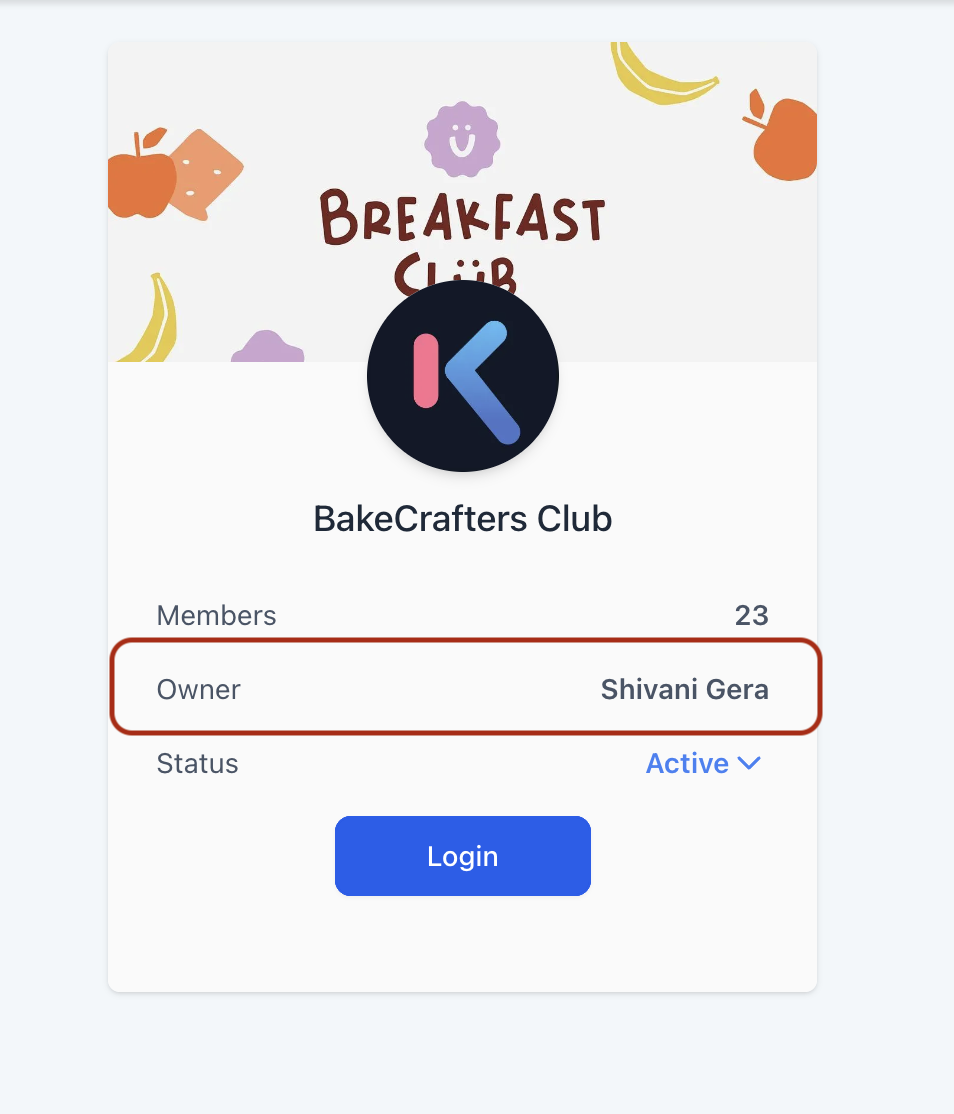
- Log in to the community to see the owner displayed.
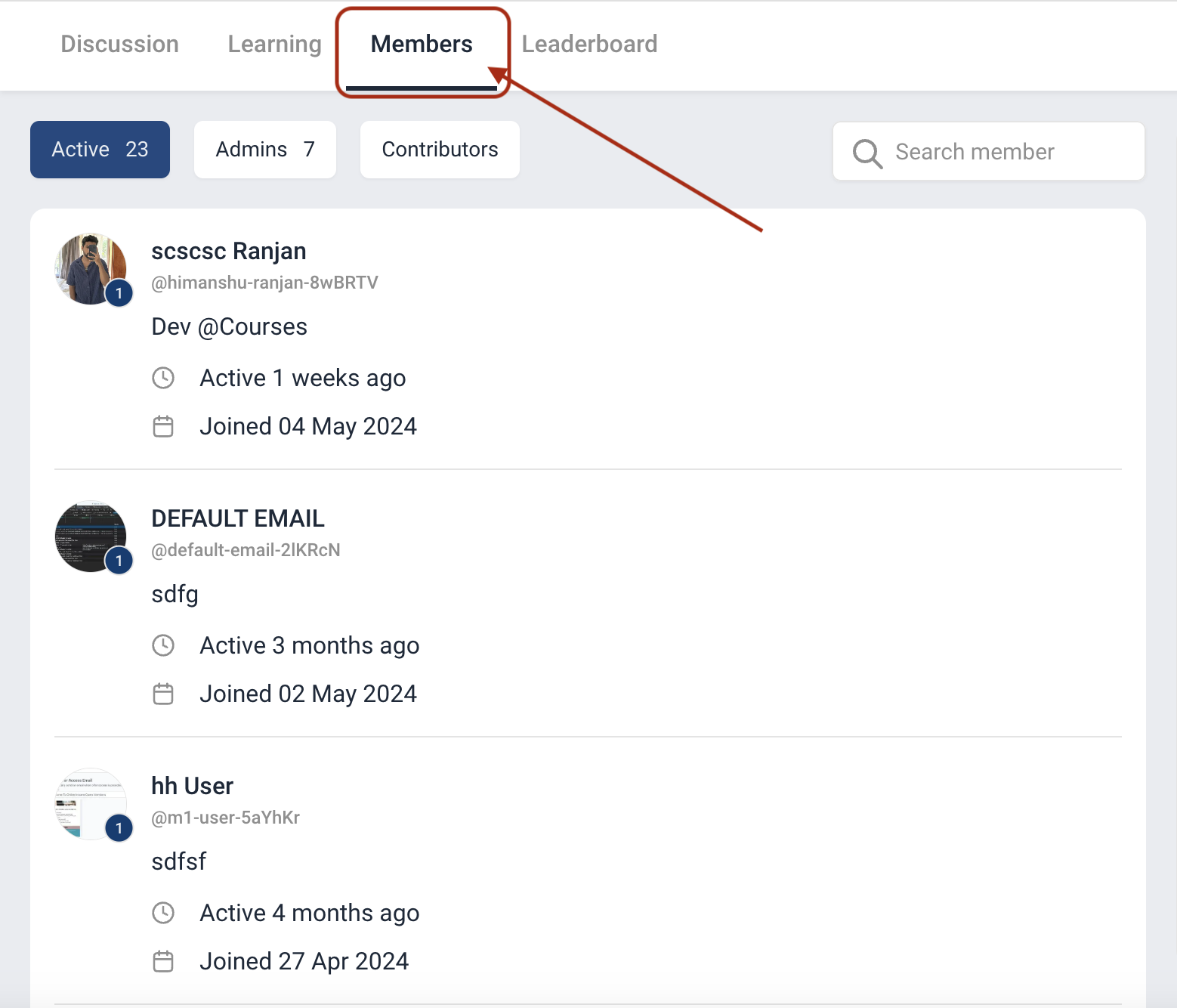
- Click the Members tab inside the community page to list all members.
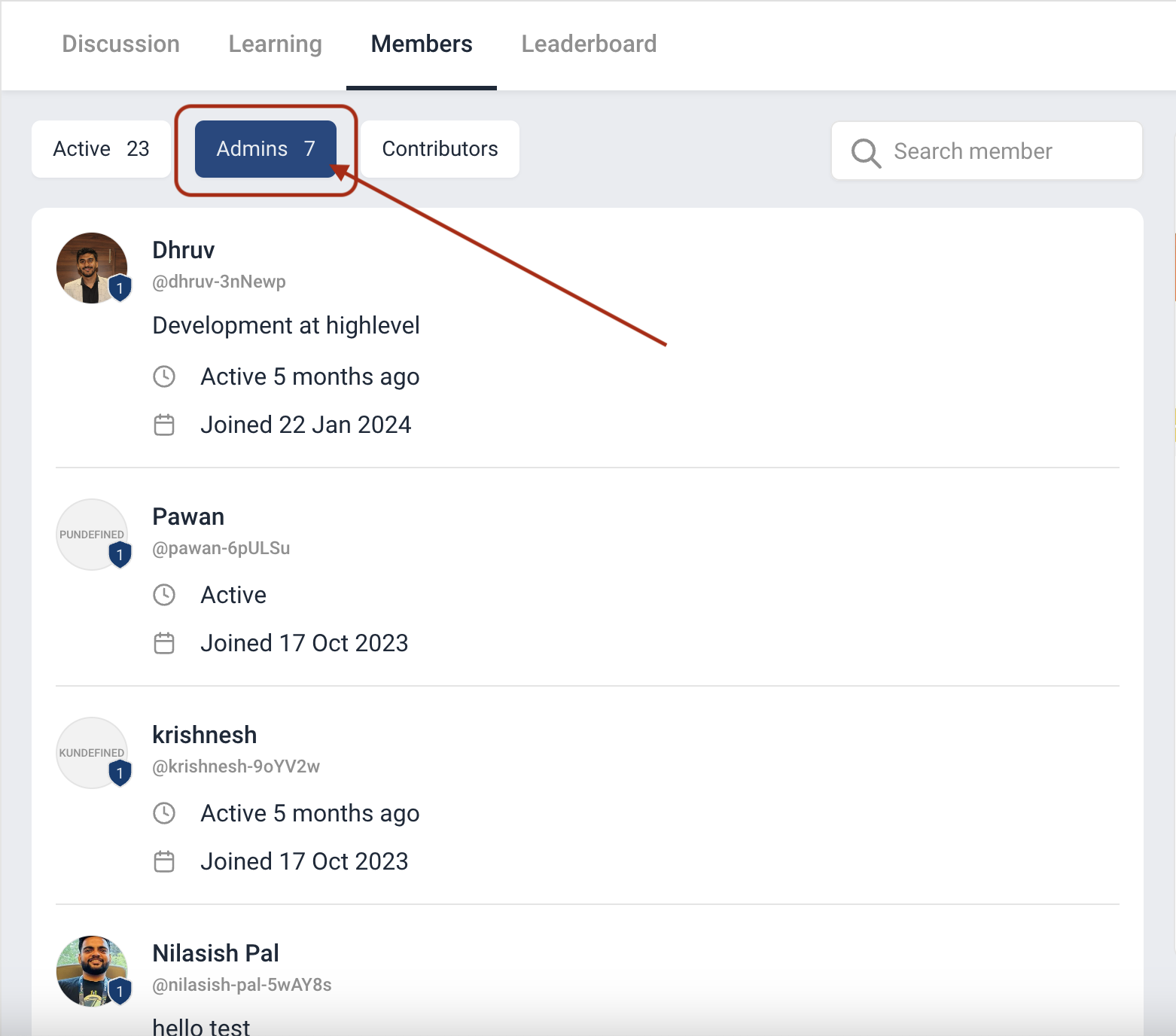
- After selecting Members, click the Admins tab to view community administrators.
05What it looks like in HighLevel
06Things to know before you rely on it
- Deletion of a contact is irreversible; the person cannot regain access.
- A contact who owns any group or location cannot be deleted; the platform blocks the action.
- Attempting to delete an owner will be prevented, preserving their management responsibilities.
07How it connects to the rest of HighLevel
- Manage members inside groups in HighLevel Member management
- Create and manage a HighLevel community Community setup
- Configure paid groups in HighLevel Paid groups
Michael's take

Michael ReimerFounder of CRM Pros, HighLevel Commander and Certified Admin
When you have a community with active participants, removing former members stops them from seeing internal discussions.
If the contact you want to remove is the owner of a group or location, the feature won’t let you delete them.
Get More InformationOpens on HighLevelPublished November 2, 2026 · Updated November 17, 2026