Home/HighLevel/Features/Memberships & Communities/Free courses in the Learning Tab (Courses)

Memberships, Courses and Communities

Free courses in the Learning Tab (Courses)

In short

Free courses in HighLevel let admins and owners add content to the Learning Tab. All members of the group receive access as soon as a course is added and an email notification is sent.

AreaMemberships & Communities · Communities
Used forShare educational content, Announce new resources
Setup steps3 steps in 1 task
Last updatedNovember 3, 2026

01Free courses, explained

Free courses are entries that admins or owners can place in the Learning Tab of a community. Once added, the course appears on the tab for every group member to see and use.

02How businesses use free courses

  • Share educational content. A community manager adds a training video as a free course. All members can open the Learning Tab, click the new entry, and watch the material at any time.
  • Announce new resources. When a new course is added, HighLevel sends an email to every member, ensuring they know the resource is available without having to check the tab manually.

03How to set up and use free courses in HighLevel

Add a course

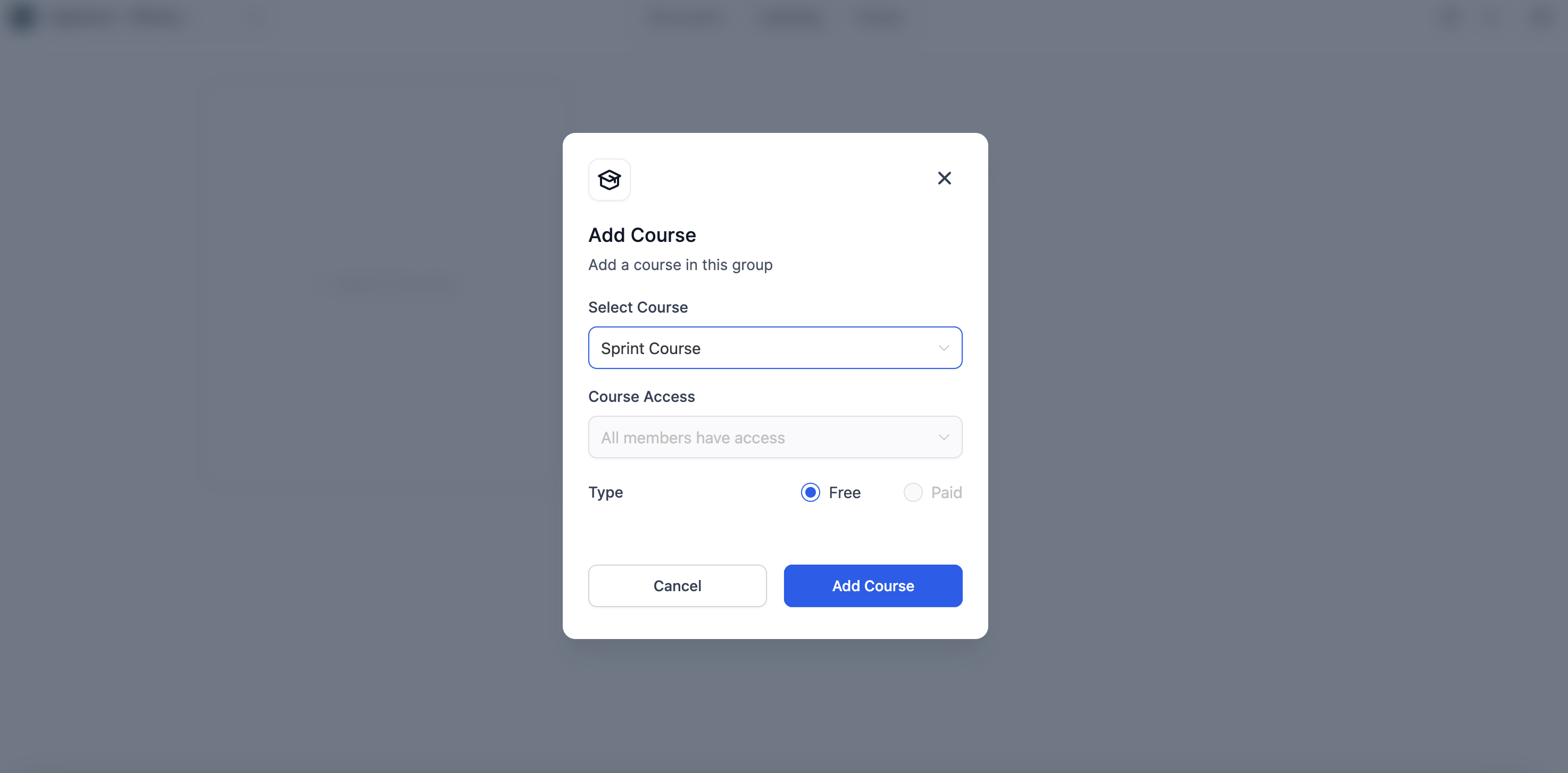
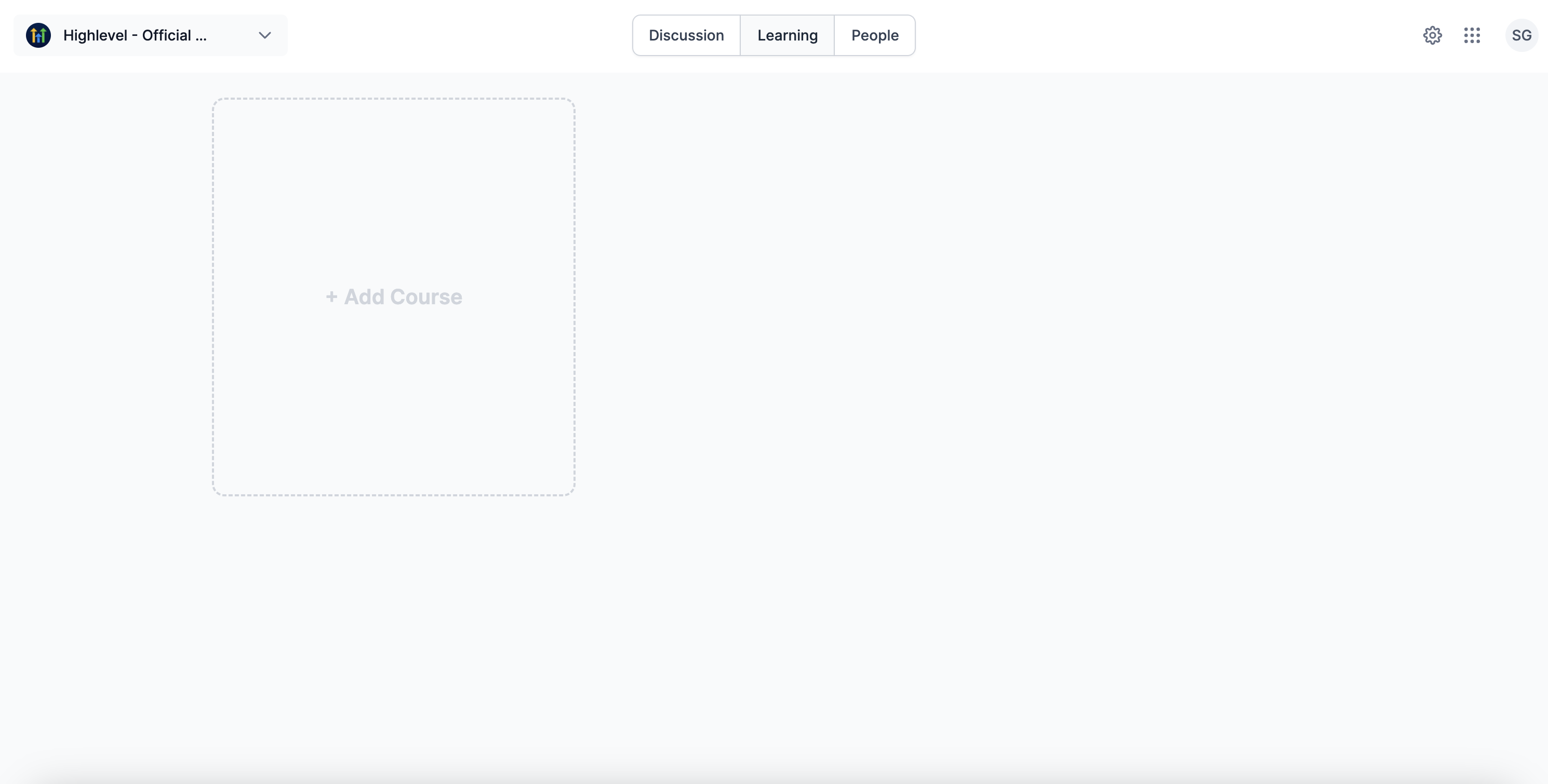
  1. Click on Add Courses.
  2. Choose the course you want to add.
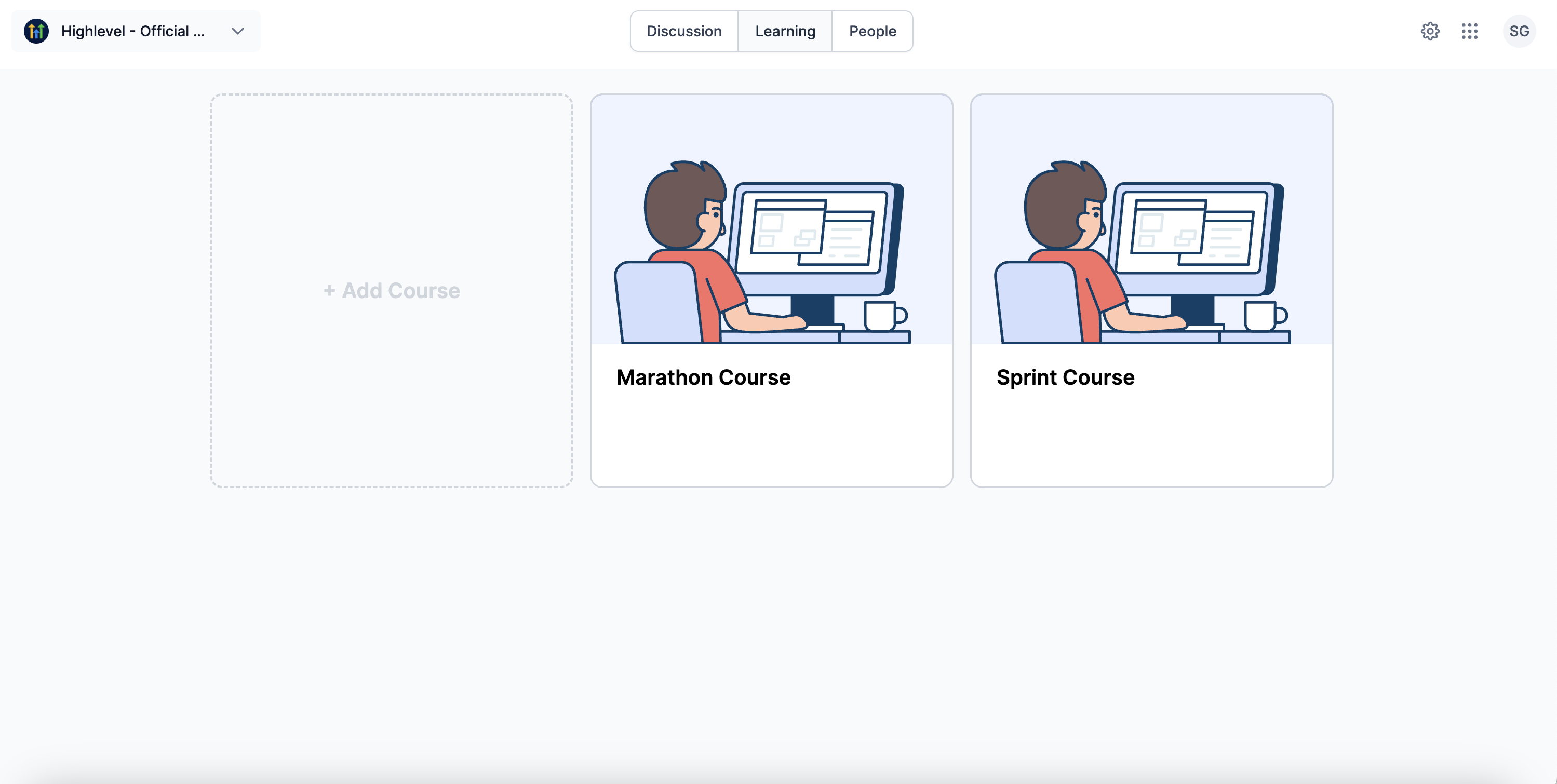
  3. The course appears on the Learning Tab page.

04What it looks like in HighLevel
Michael's take

Michael Reimer
Michael ReimerFounder of CRM Pros, HighLevel Commander and Certified Admin

Free courses are a small convenience that can become a real shift for any group that wants to keep members engaged without charging them.

The email alert means no one has to hunt for new material.

Get More InformationOpens on HighLevelPublished November 2, 2026 · Updated November 3, 2026

Common questions

Common questions about free courses.

How do admins add a free course to the Learning Tab?

Admins and Owners can effortlessly add free courses to the Learning Tab by clicking on Add Courses.

Who receives access to a course when it is added?

All members of the group receive the access to the courses.

How are members notified when a new course is added?

All users are notified via email, every time an admin or owner adds a new course to the group.

How do I remove a course after adding it?

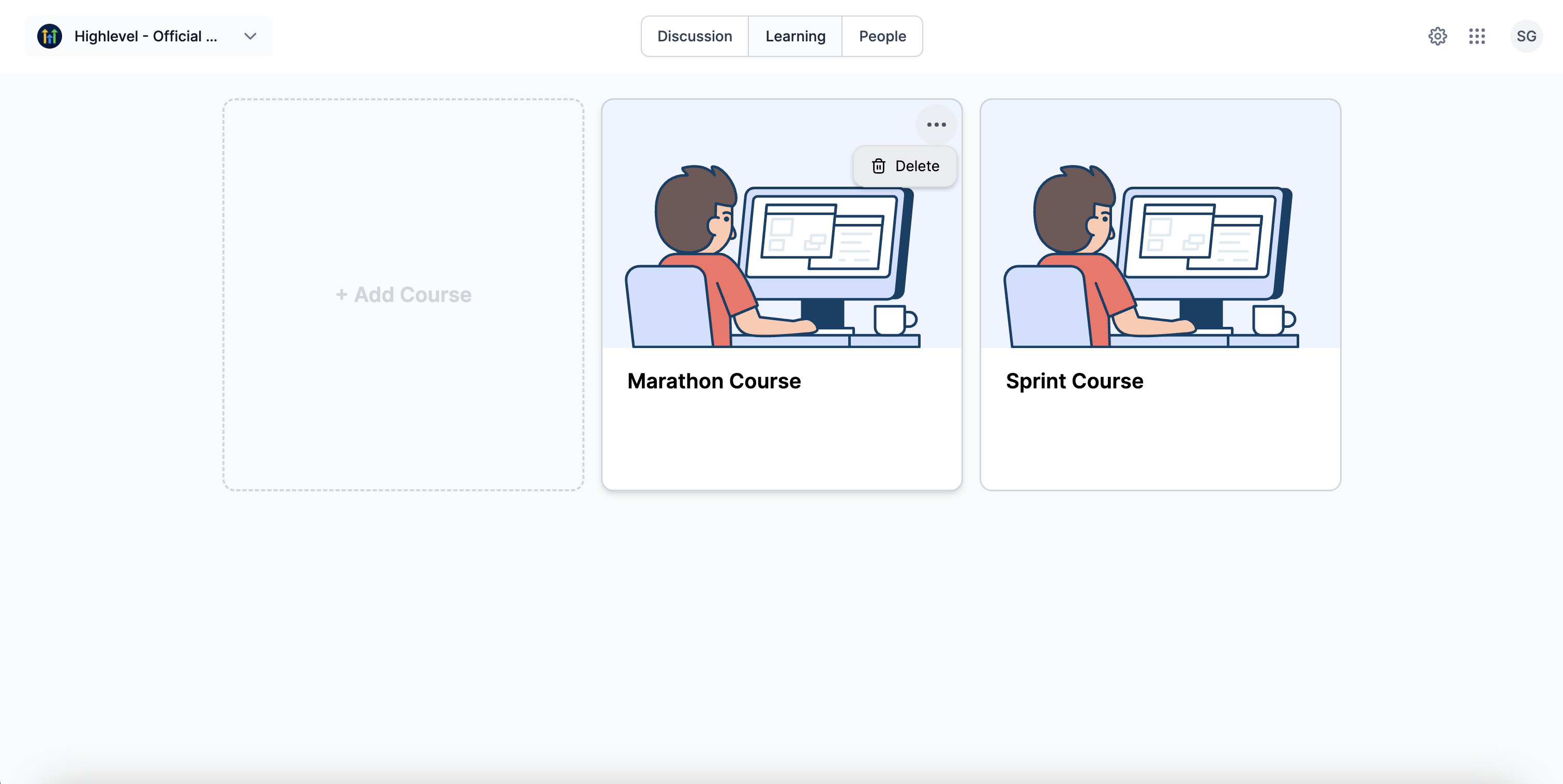
To remove a course, click on the delete button.

Next step

Pick the features that matter. Then get the plan that unlocks them.

Explore the features you want, start with the five at the top, and upgrade through my link when you are ready. The bonuses and the team come with it.

The features directory explains every HighLevel feature in plain English. Browse it to see what the platform can do.

Back to the FeaturesSee the full details
⌃

Site preview

Explore the next page

This destination is reserved in the page inventory and is not built yet.