
01Who this is for
- Course creators who want to deliver spoken content alongside videos, because audio can be accessed on any device.
- Coaches with subscription programs, because V2 offers support more payment gateways and recurring billing.
- Business owners who run promotions, because the V2 coupon feature provides a built in way to manage discounts.
02Audio files in courses, explained
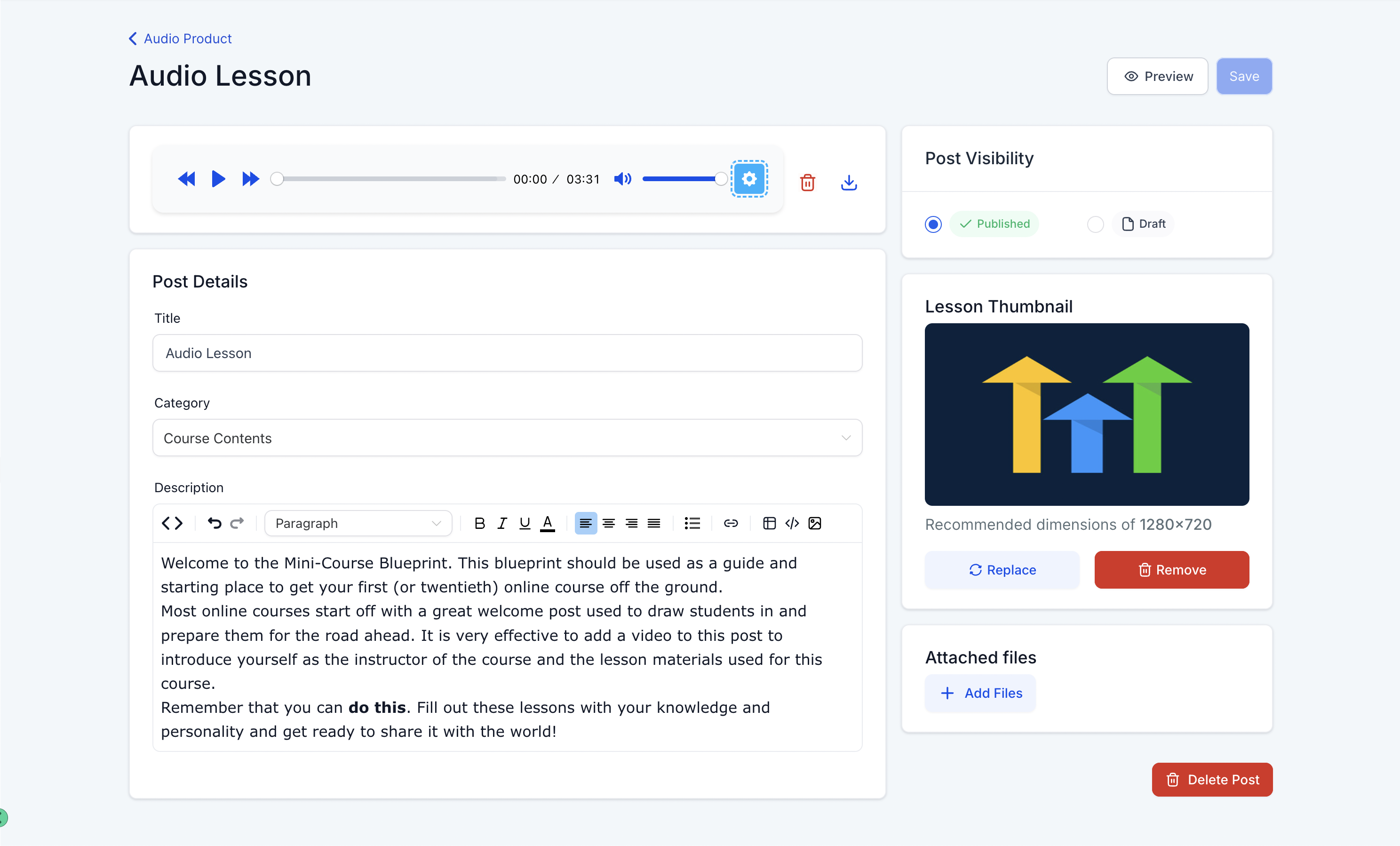
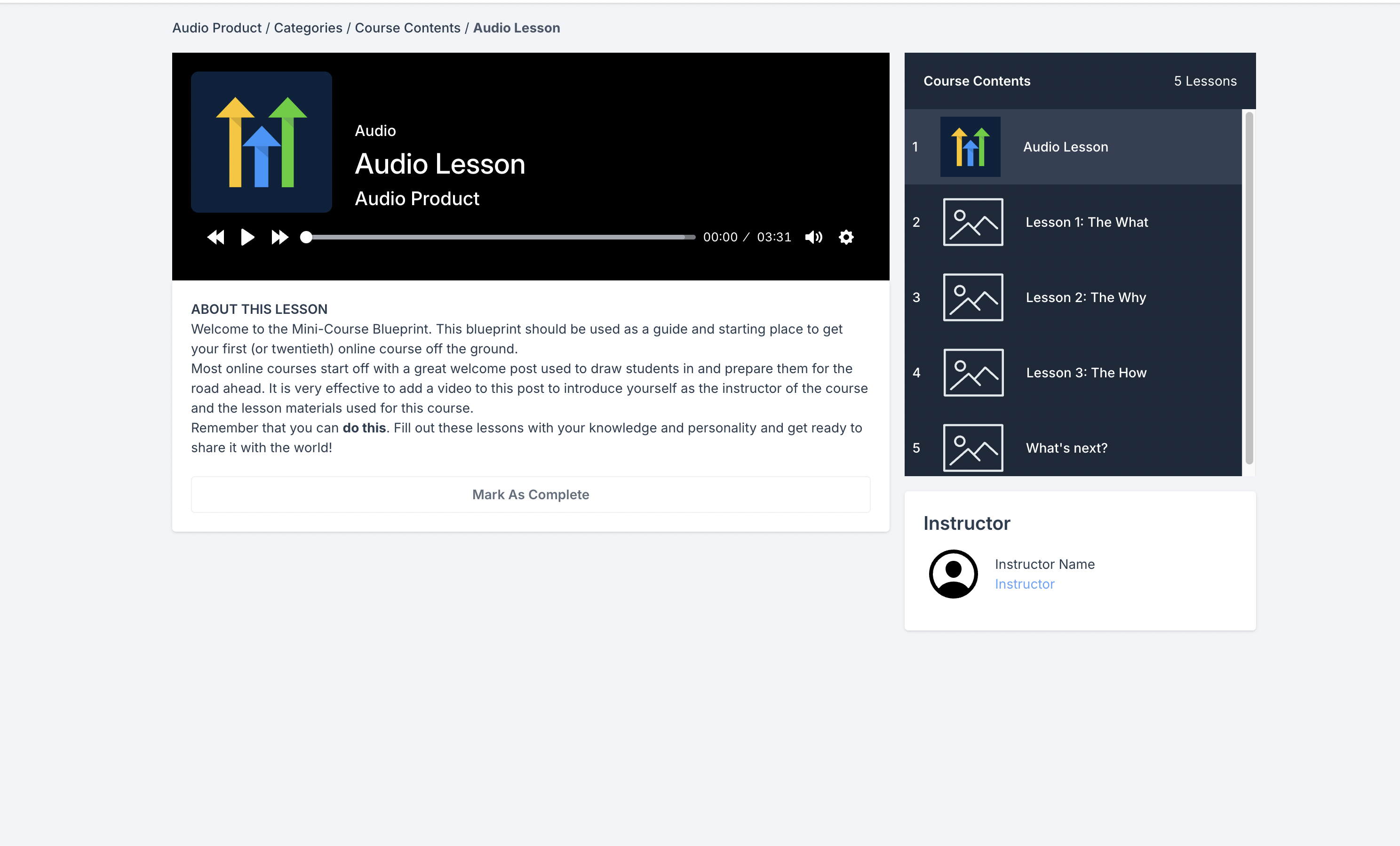
HighLevel’s course builder now includes an audio upload button. Click the button on a lesson to attach an MP3, AAC or WAV file. The platform creates a thumbnail from the lesson image and presents playback controls that let learners change speed.
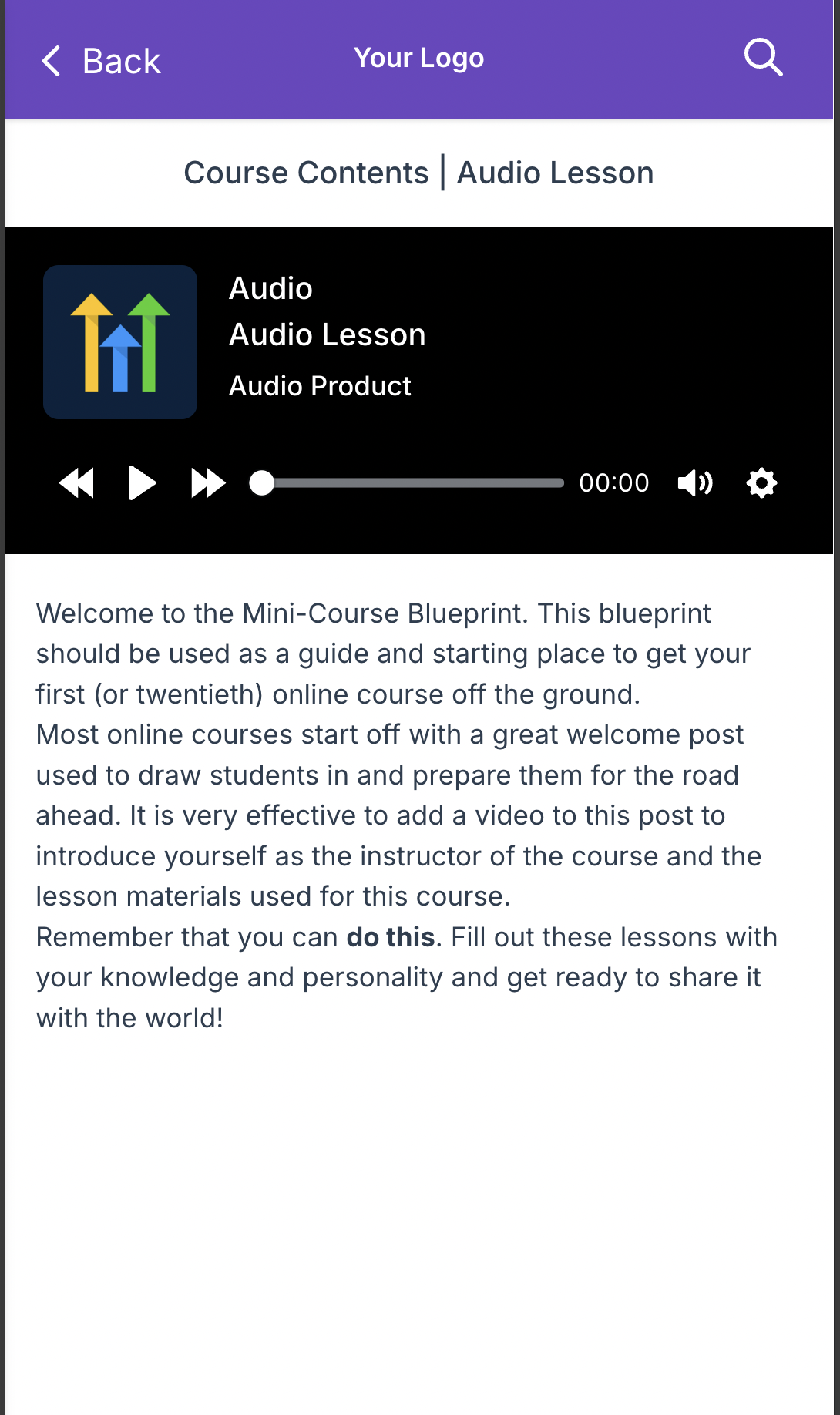
The audio player adapts to desktop, tablet and mobile screens, so the lesson looks consistent everywhere. Currently, snapshot and cloning actions do not copy audio files.
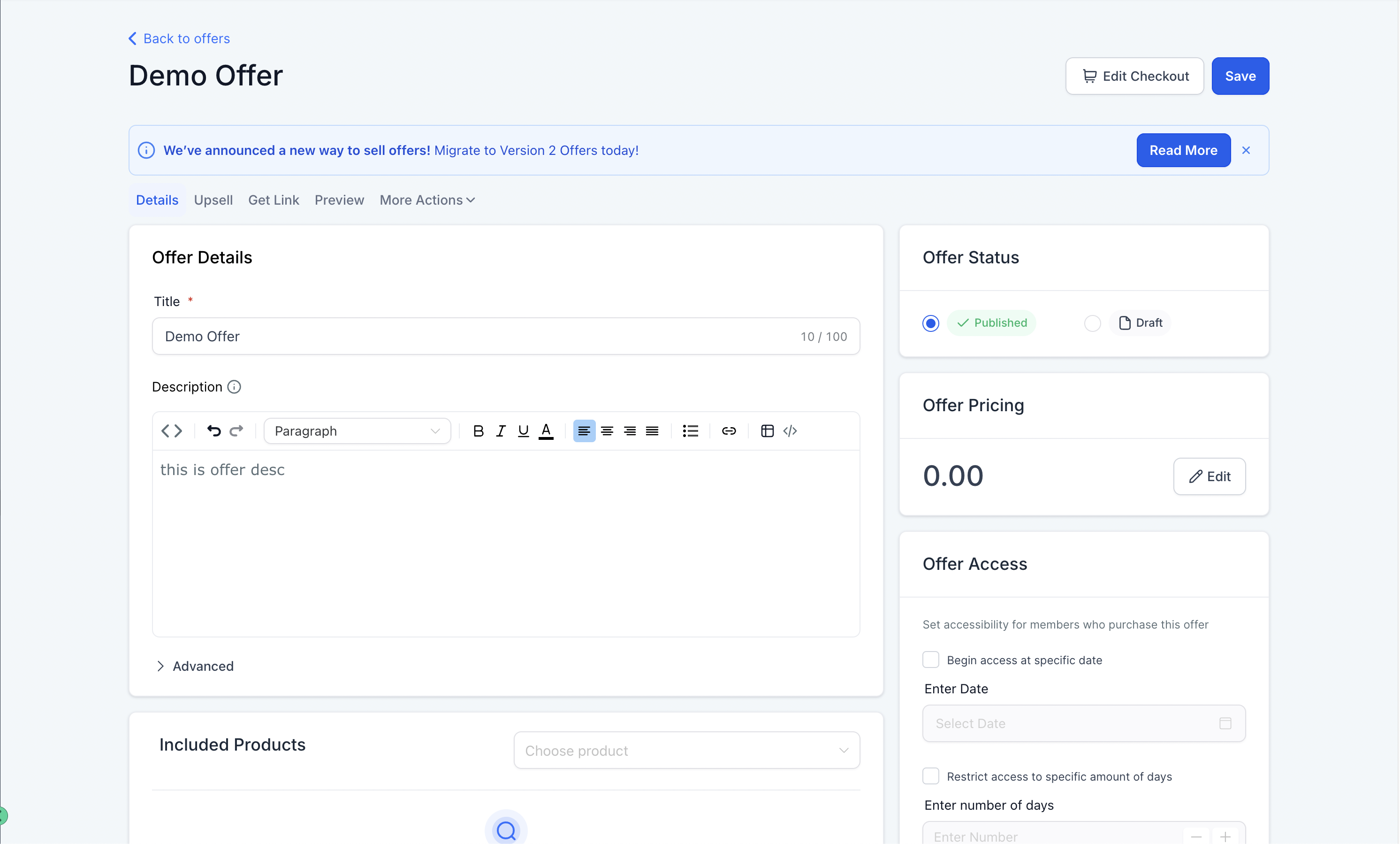
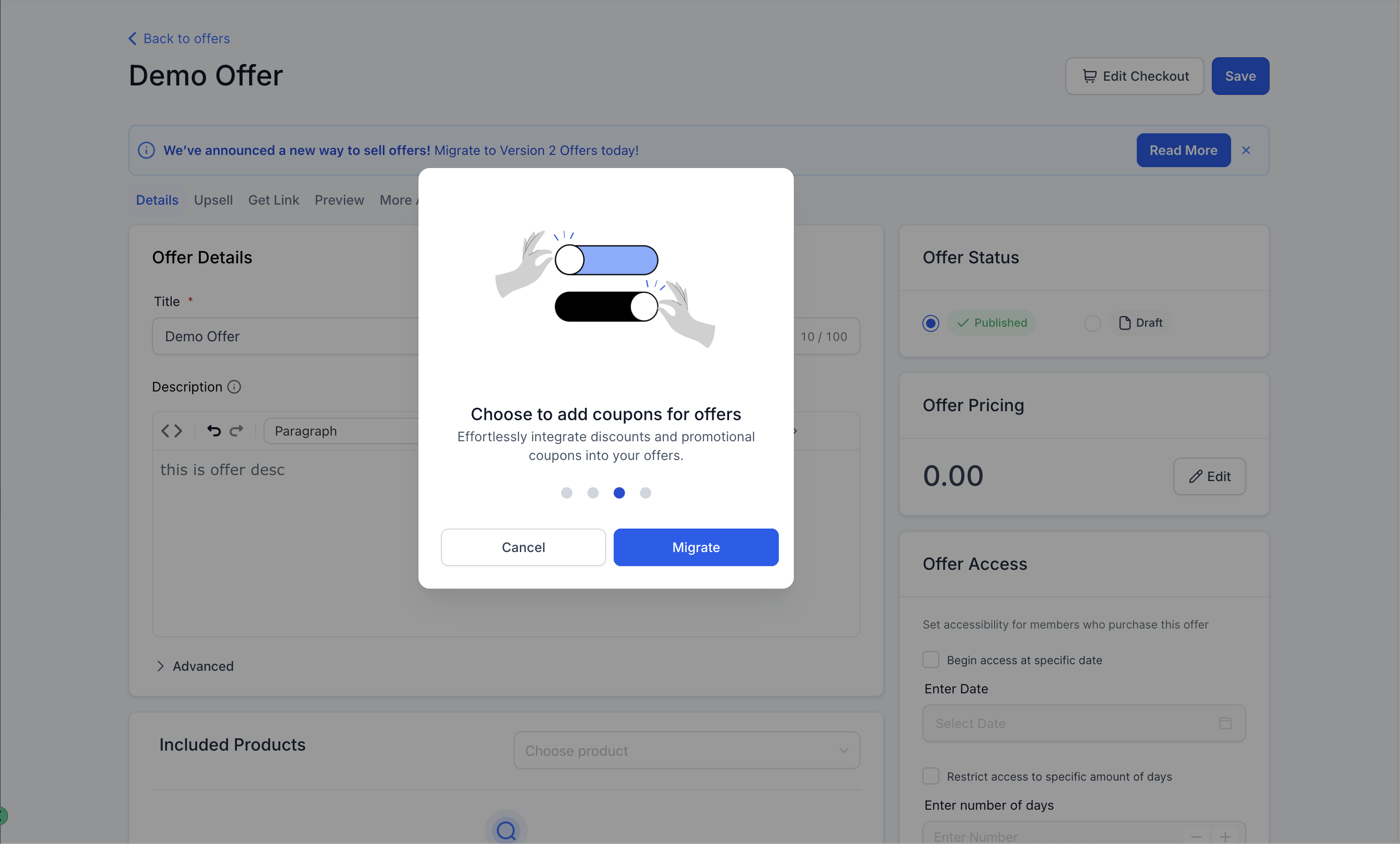
Separately, the offer migration tool moves existing V1 offers to the V2 system. V2 centralizes payment processing and adds support for gateways such as Authorize.Net, NMI, Square and Razorpay. It also adds subscription controls for trials and recurring plans, and a coupon manager for discount codes.
03How businesses use audio files in courses
- Online education platform. Upload a recorded lecture as an MP3 file to a lesson. The audio appears with playback speed options. Learners can listen on any device without needing a video.
- Fitness coaching business. Migrate a membership offer to V2. Select a new payment gateway like Square, then configure recurring billing and a trial period within the offer settings.
- Ecommerce retailer with a loyalty program. Create a coupon in the V2 offer interface. Apply the coupon code to a promotion and publish the offer to attract new customers.
04The numbers and rules that matter
- Supports MP3, AAC, WAV formats.
- V2 migration moves payment processing to a centralized payments system.
- V1 offers continue to be managed via Stripe only.
- V2 supports Authorize.Net, NMI, Square, Razorpay and more.
- V2 adds advanced subscription management for recurring payments, trials and services.
- V2 includes a built in coupon management system.
05What it looks like in HighLevel
06Things to know before you rely on it
- Audio snapshots and lesson cloning do not work for uploaded files yet.
- V1 offers remain limited to Stripe; other gateways require migration to V2.
- Supported audio types are MP3, AAC and WAV only.
07How it connects to the rest of HighLevel
- How to build courses in HighLevel Course builder guide
- Create a product and attach it to a membership offer Product setup
- HighLevel pricing and plans Pricing page
Michael's take

Adding audio to a course can feel risky if you’re used to only video or text. The lack of snapshot support means you can’t clone an audio lesson yet.
When it works, the feature widens the way you deliver content. You can embed a podcast style lesson, let users listen at their own speed, and reach people who prefer audio.