
01Who this is for
- Course creators need a fast way to bring existing Kajabi lessons into HighLevel without manual re entry.
- Marketing teams that run membership sites can keep their content library consistent when switching platforms.
- Education startups looking to consolidate course delivery can avoid rebuilding each lesson from scratch.
02Kajabi importer, explained
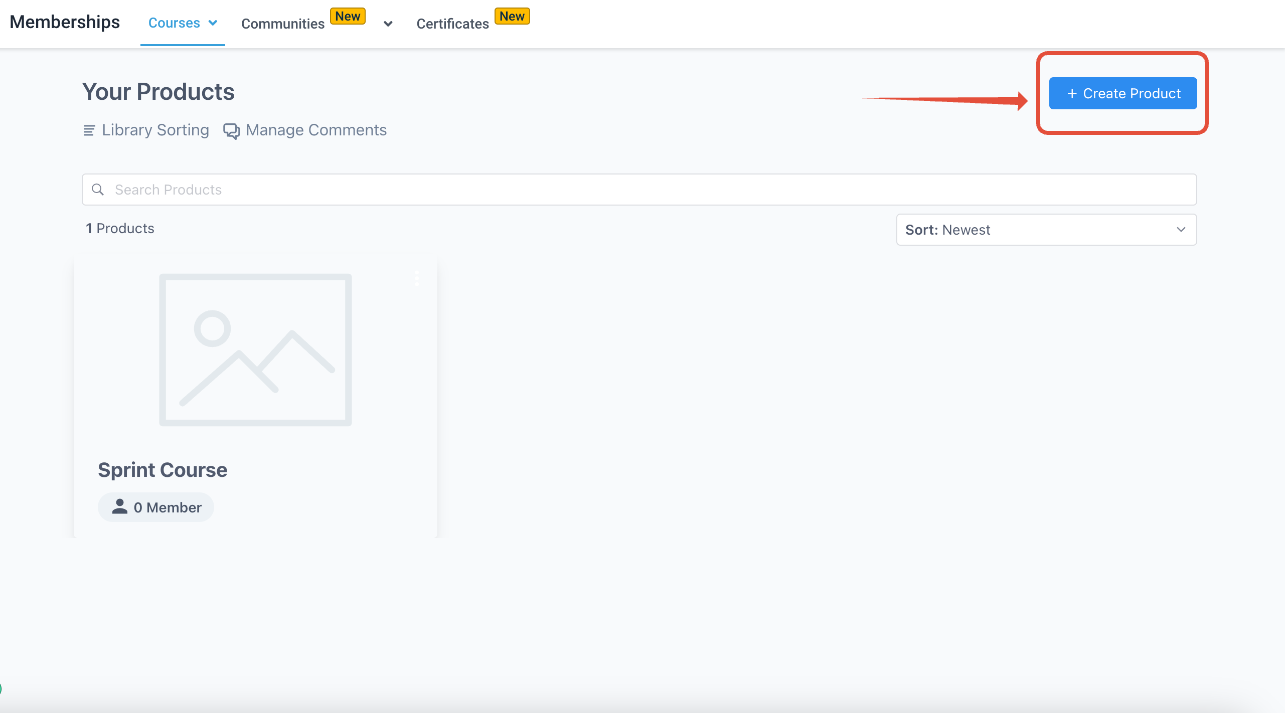
The importer lives under Memberships > Courses > Products > Create Product > Import. It asks for a learner email, password and the domain where those credentials are valid. After you submit, the tool logs in to Kajabi and begins scraping the course hierarchy.
During the run it follows “Show More” buttons, dives into nested categories and captures hidden lessons that are published. All text, images and video files from those lessons are copied into new HighLevel lessons. Assignments, quizzes and any unpublished material are omitted.
03How businesses use kajabi importer
- Online fitness coaching business. The coach creates a learner account in Kajabi, enters those credentials in the importer, and moves workout video lessons into HighLevel. The coach then publishes the new course from the Products tab.
- Digital marketing agency. The agency generates a learner profile for a client’s Kajabi training, runs the importer, and receives the client’s published strategy modules as HighLevel lessons, ready for resale in the agency’s membership portal.
- Professional development nonprofit. The nonprofit sets up a learner email for its existing Kajabi curriculum, runs the import, and right away has the published seminars available in a HighLevel course for members.
04How to set up and use kajabi importer in HighLevel
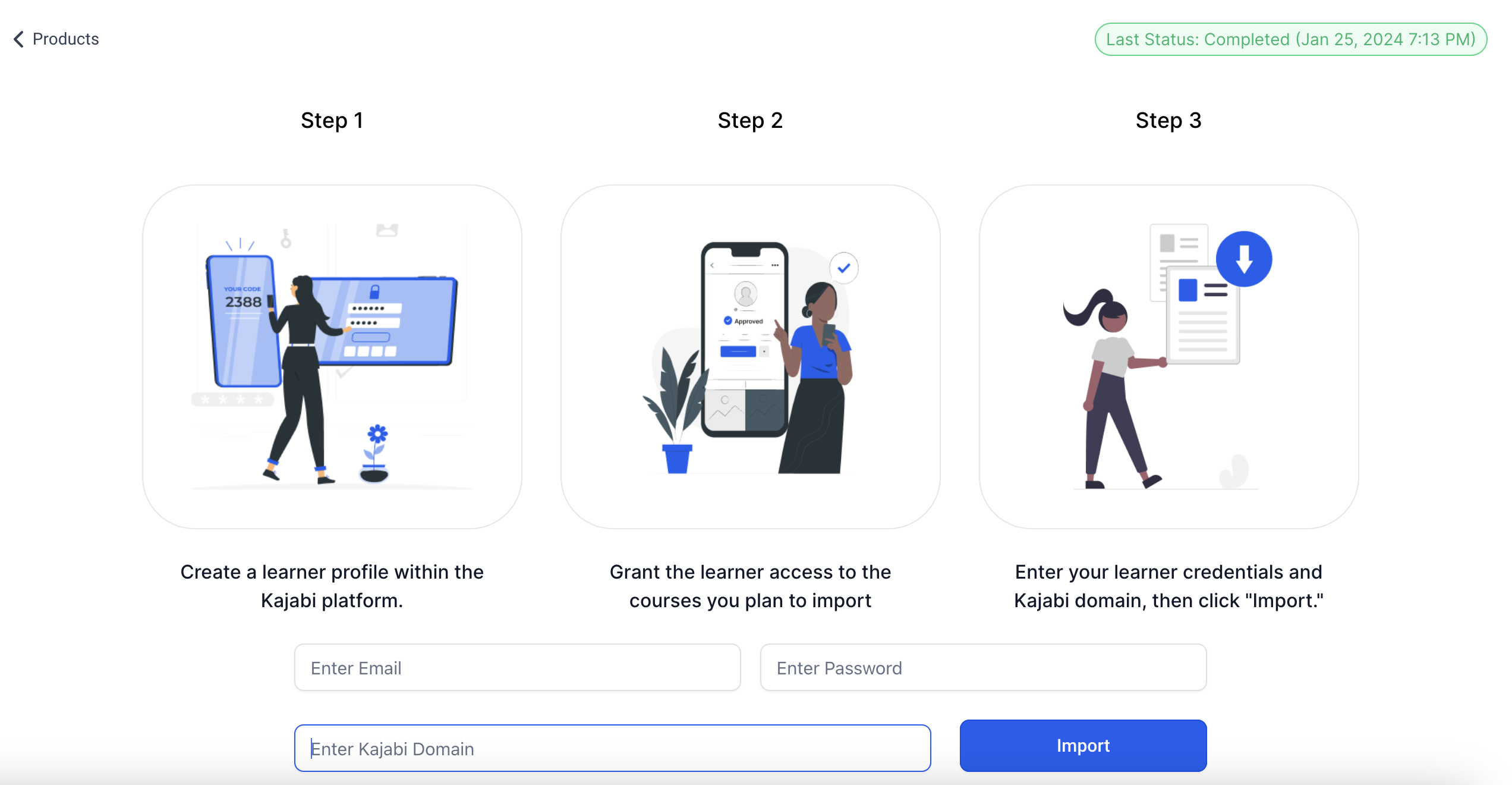
Create learner profile for import
- Navigate to Memberships > Courses > Products > Create Product > Import.
- Create a learner profile on the Kajabi platform.
- Make sure the profile is a new contact in Kajabi.
- Return to the importer screen and type the learner’s email and password.
- Enter the learner’s domain in the domain field.
- Press the Import button.
Run the import process
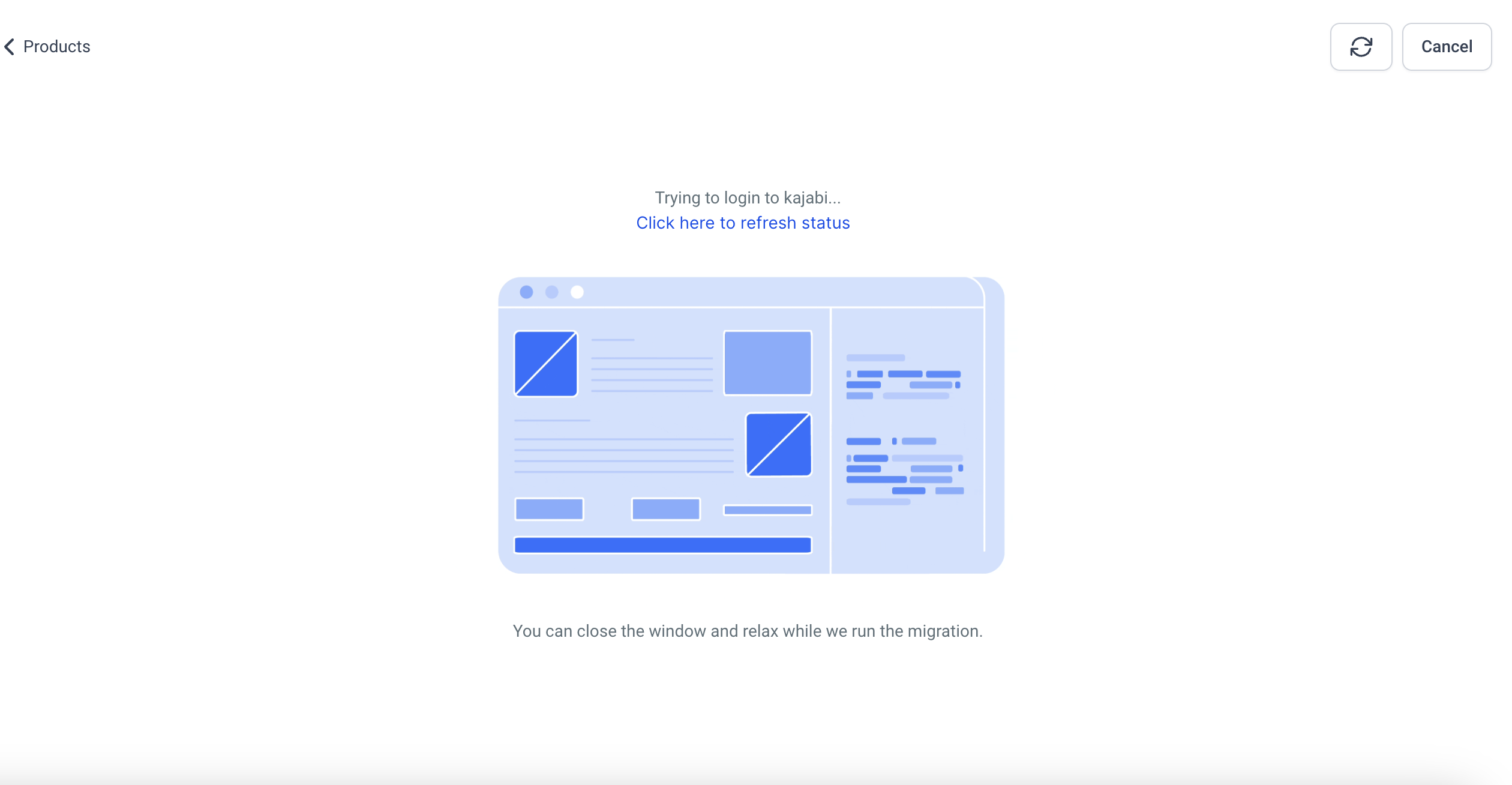
- The tool logs in with the learner credentials and starts pulling course data.
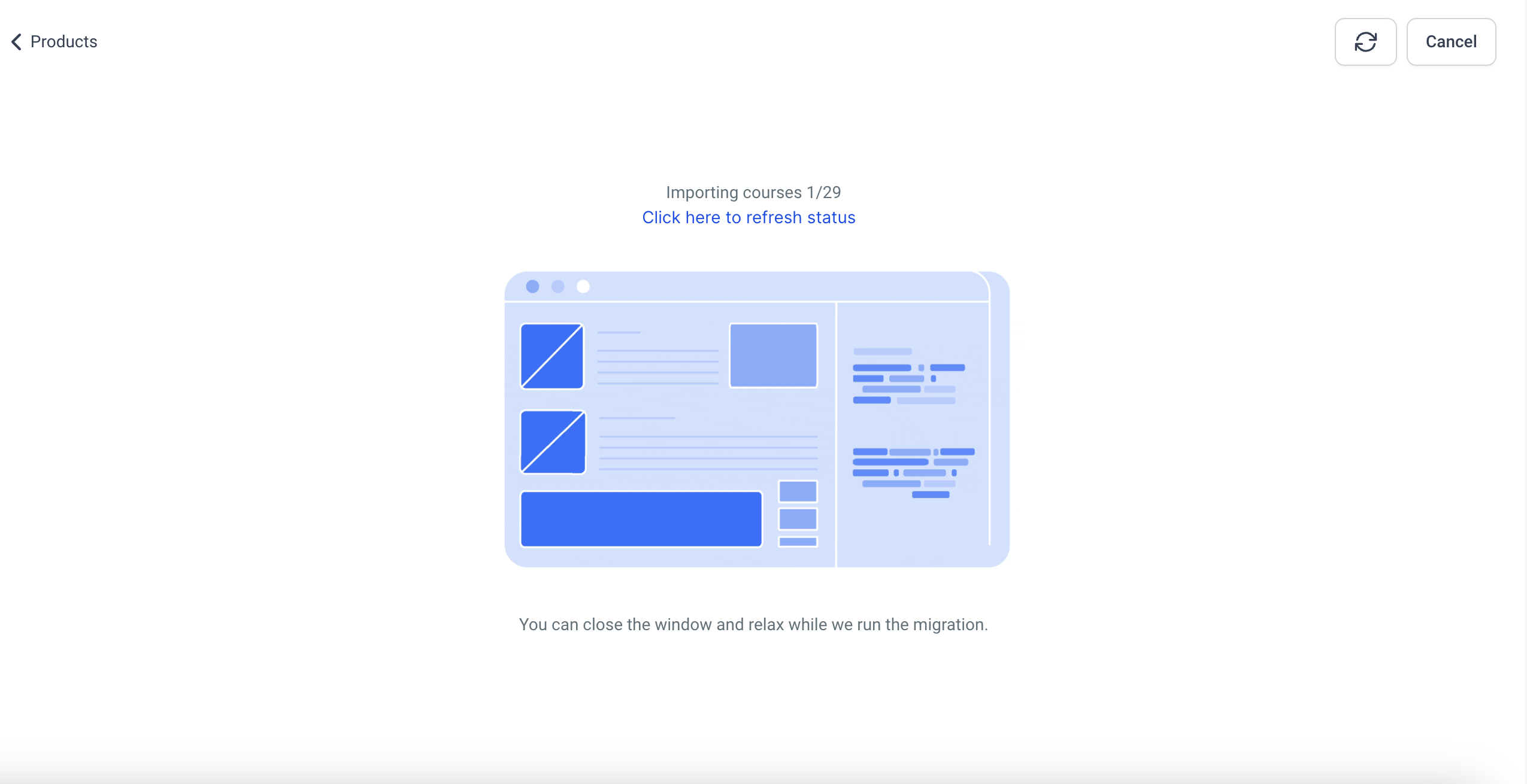
- Click Refresh to view the latest import status.
- Click Cancel if you need to stop the operation.
- You may switch browser tabs, but do not close the tab or window while importing.
- Observe that videos, images and text from published lessons are transferred into HighLevel.
05What it looks like in HighLevel
06Things to know before you rely on it
- Only lessons that are published in Kajabi are imported; drafts are ignored.
- Assignments, quizzes and assessments are not transferred by the importer.
- Large import payloads are now handled more reliably, but very deep nesting may still require a retry.
07If something goes wrong
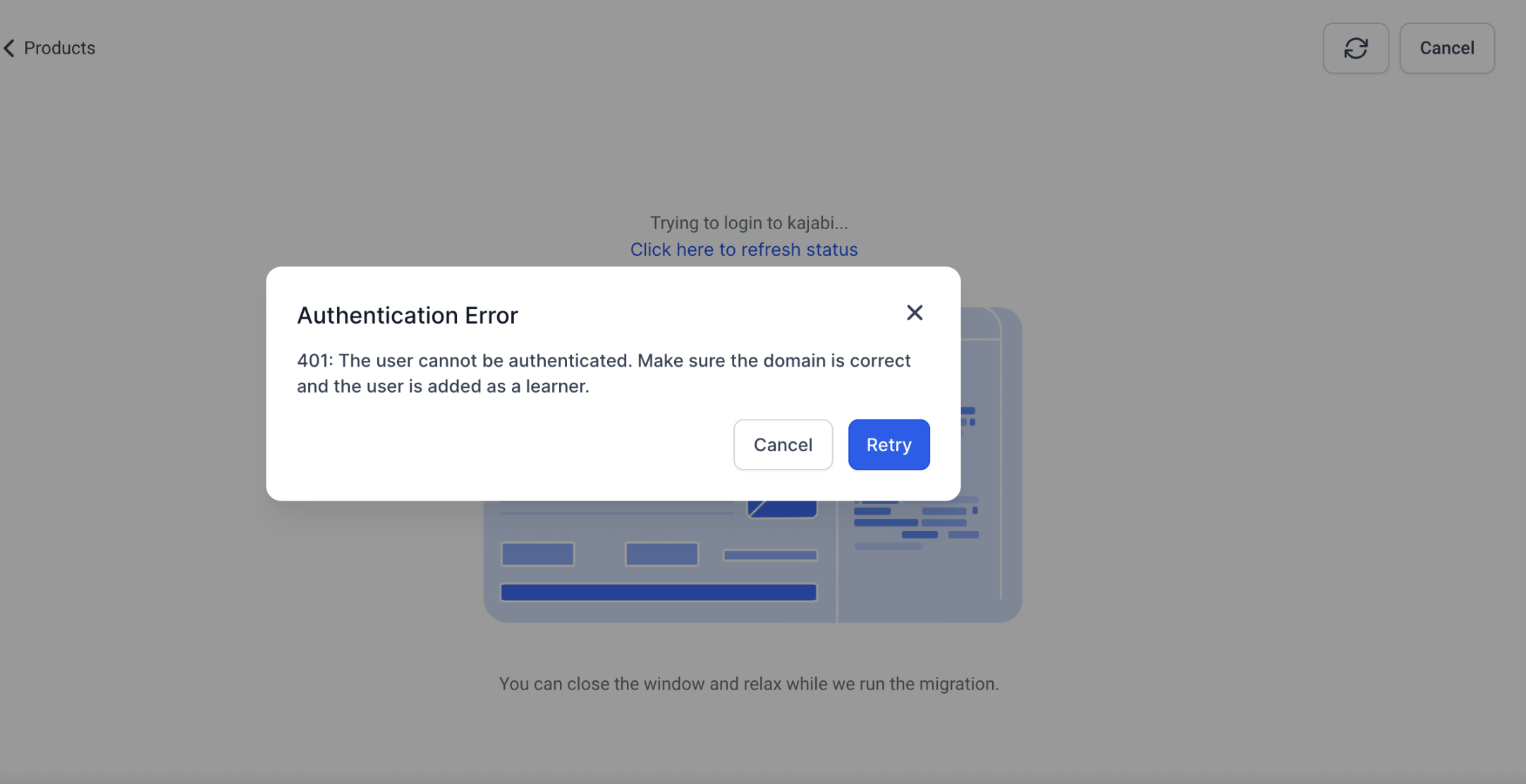
- Authentication error. Verify that the domain and learner credentials entered are correct before starting the import.
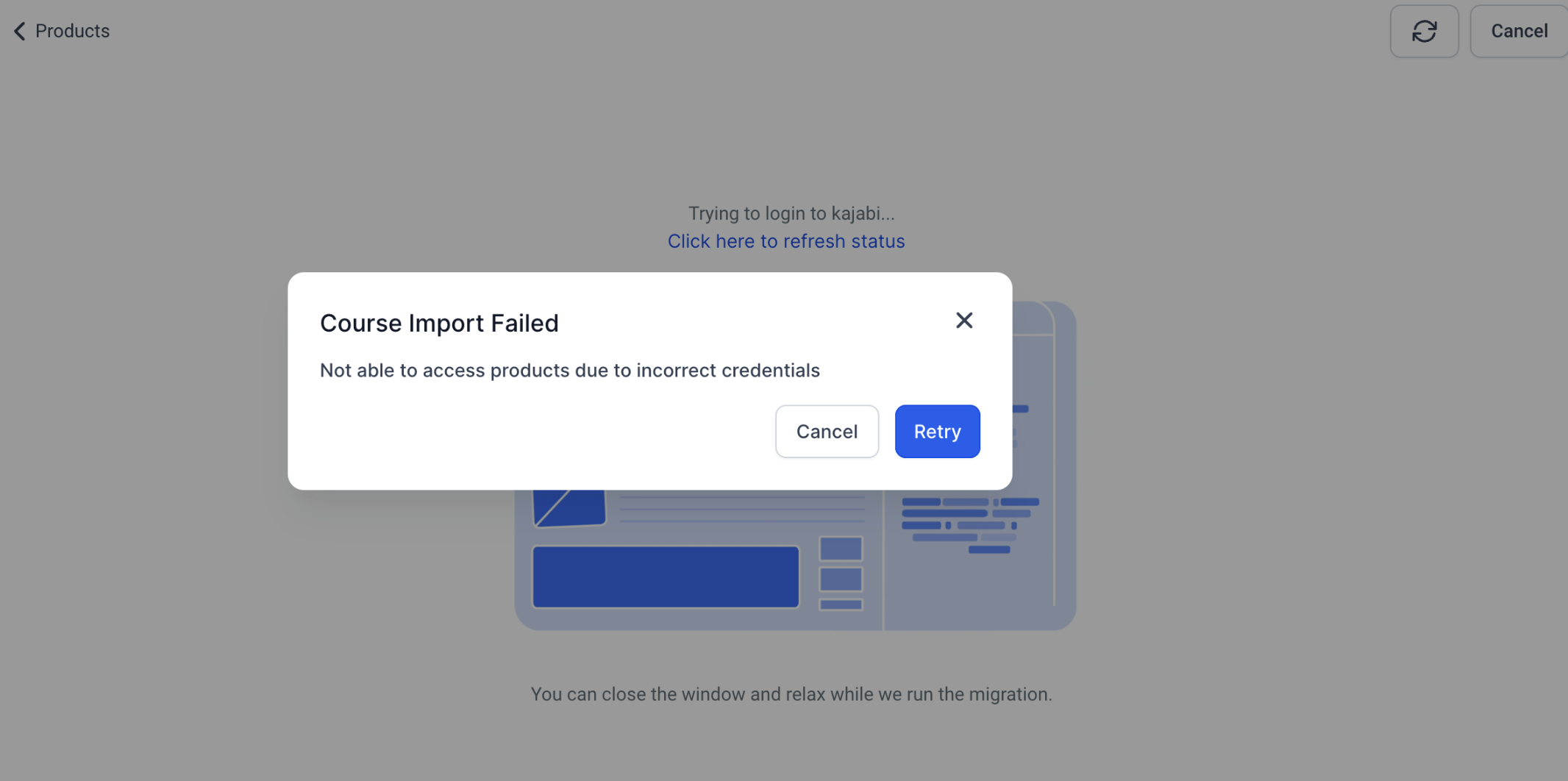
- "Course import failed" error. Check that the selected theme matches the source, confirm the credentials, ensure the domain includes the "/login" path, and then click Retry.
08How it connects to the rest of HighLevel
- Build and launch courses in HighLevel Course builder
- Generate password free access links for learners Magic links
- Start a free 30 day trial of HighLevel 30 day trial
Michael's take

The tool only moves published lessons, so treat it as a content migration shortcut, not a full scale rebuild.
If I were moving a Kajabi course, I’d first back up my themes, run the import late at night, and then double check that all lessons appear under Products. A quick sanity check of the imported pages saves a lot of back and forth later.