
01Who this is for
- Community managers benefit because they can post event information where members already interact.
- Event organizers gain control over audience access, allowing them to limit events to specific courses or membership levels.
- Members on mobile devices can see upcoming events, register, and add them to their calendars without leaving the app.
02Community events, explained
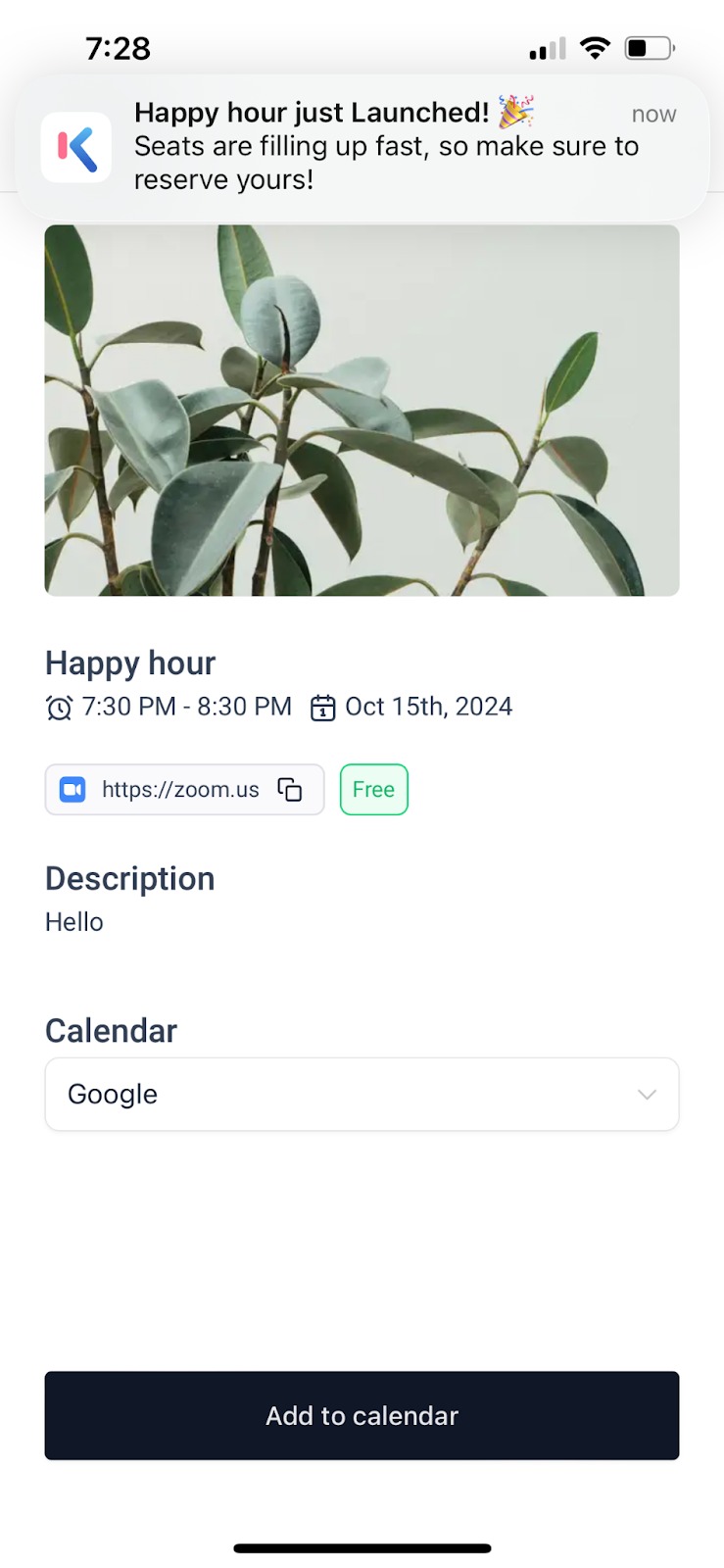
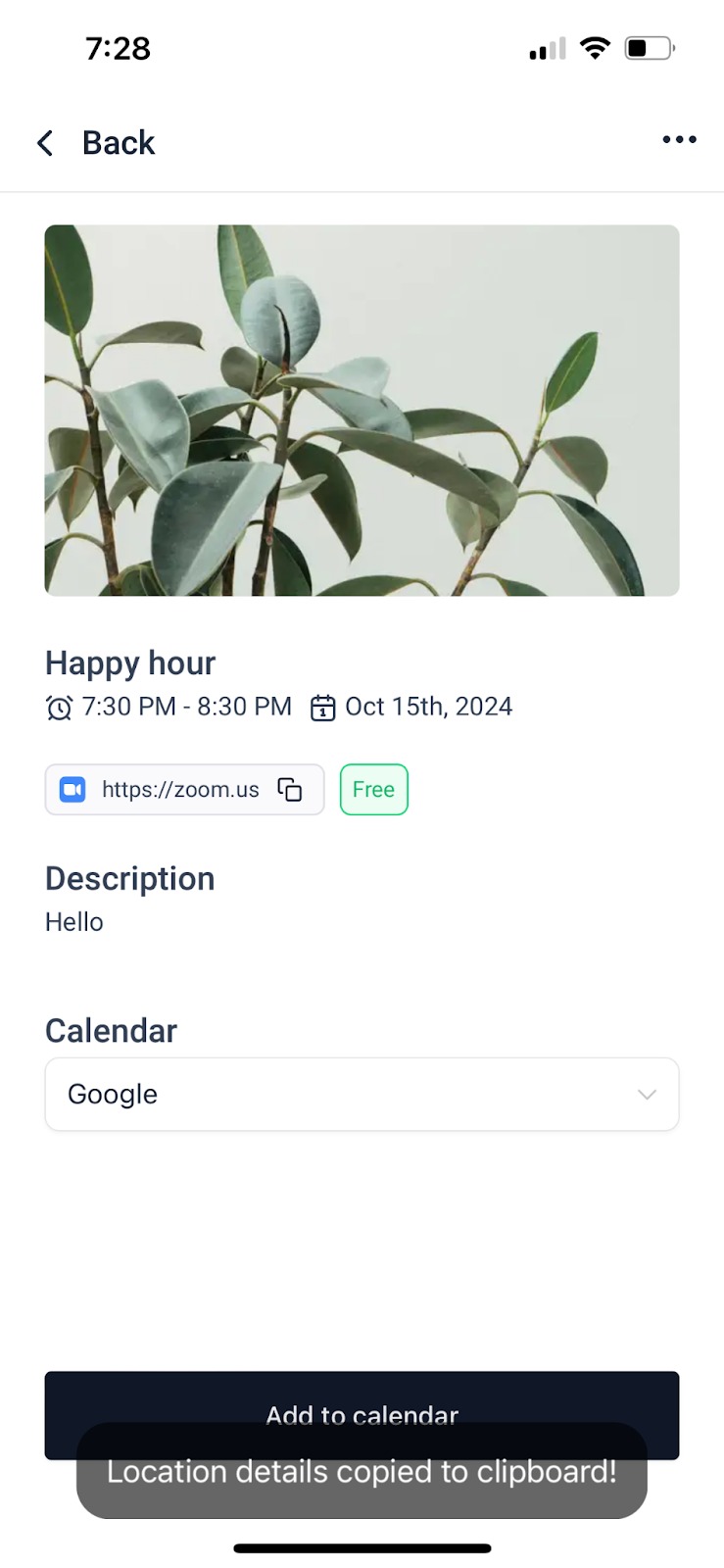
Community Events live as event posts in a HighLevel Community and the Client Portal. The post holds title, date, time, description, and a location or link. Admins can set the event as free or assign a registration fee. Visibility can be limited to a course, private channel, or membership tier.
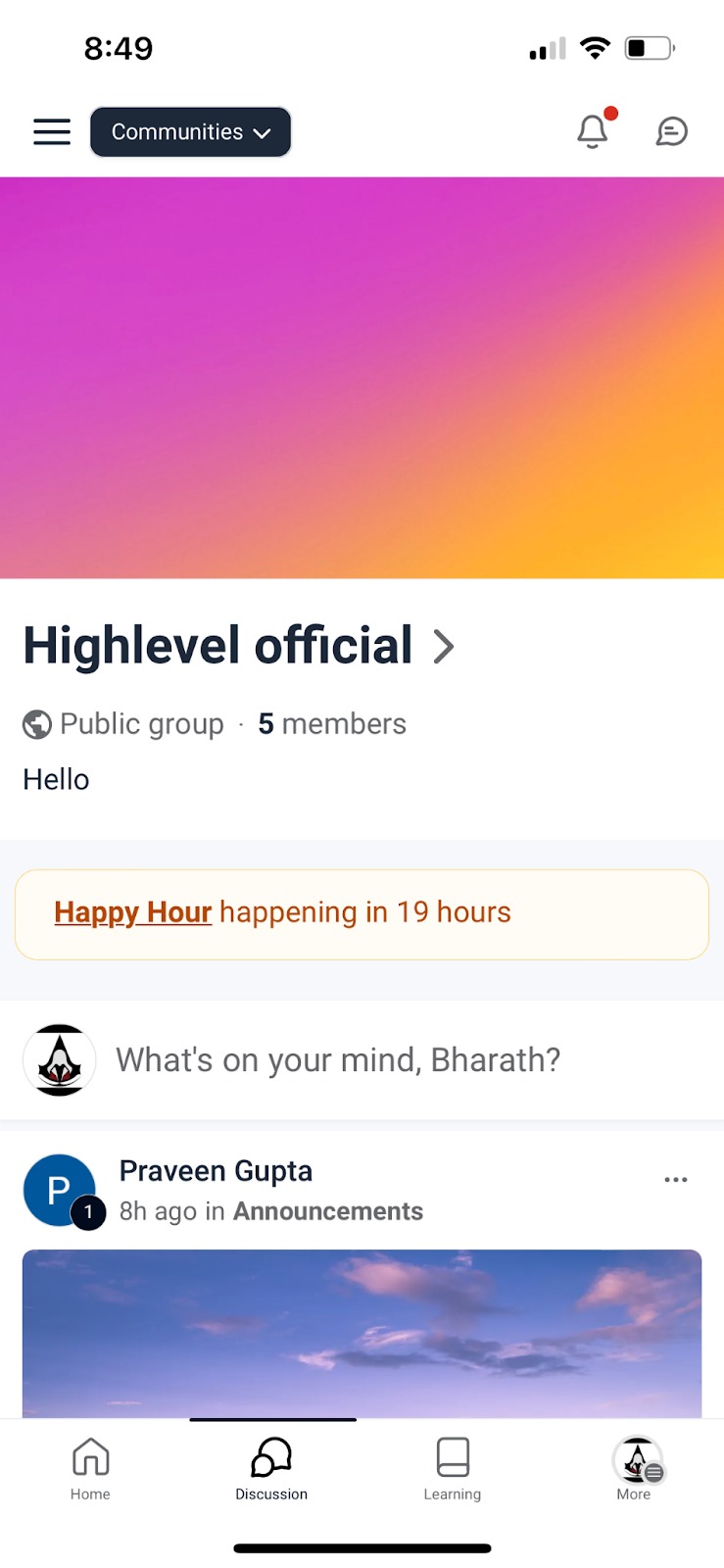
Members discover events in the Discussions tab or under the MORE section on mobile. They can register, add the event to Google or iCal, and receive in app and email reminders. Reminder emails are edited in the Client Portal email settings.
The feature works on both web and mobile, with the Events tab appearing under the group’s navigation. All actions are performed within the HighLevel interface.
03How businesses use community events
- Fitness studio. The studio creates a Community Event for a weekly class, sets the audience to members who have purchased the class package, and customizes the reminder email to match its branding. Participants register through the event post and add it to their calendars.
- SaaS training provider. The provider schedules an online workshop, marks it as a paid event, and restricts visibility to users who completed a prerequisite course. Attendees receive an email reminder before the session and can join via the provided Zoom link.
- Real estate agency. The agency posts an open house event, limits access to agents in a private channel, and leaves the event free. Agents register, see the event in the mobile app, and add it to their calendars to ensure attendance.
04How to set up and use community events in HighLevel
Create an event
- Open the group where the event belongs and select the Events tab.
- Click the option to add a new event.
- Enter the event title, date, time, description, and location or link.
- Choose which audience can view the event, everyone, a specific course, a private channel, or a membership level.
- If the event should be paid, set a registration fee and select the currency.
- Save or publish the event.
Customize reminder email
- Navigate to Sites > Client Portal > Memberships > Settings > Email Settings > Communities > Event Reminder Email.
- Select to create a new template or edit the existing one.
- Update the subject line to reflect the brand voice.
- Edit the body content with the desired messaging and save.
05What it looks like in HighLevel
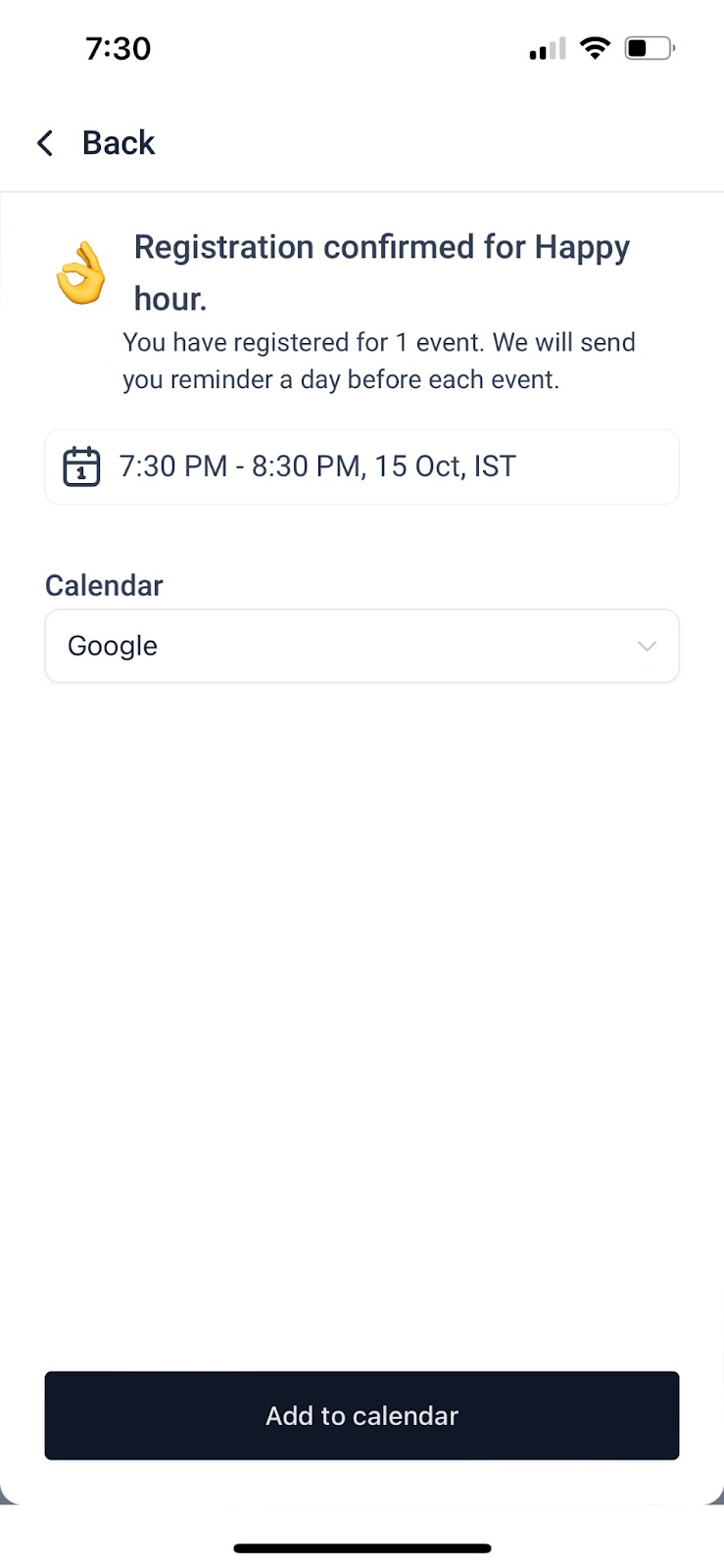
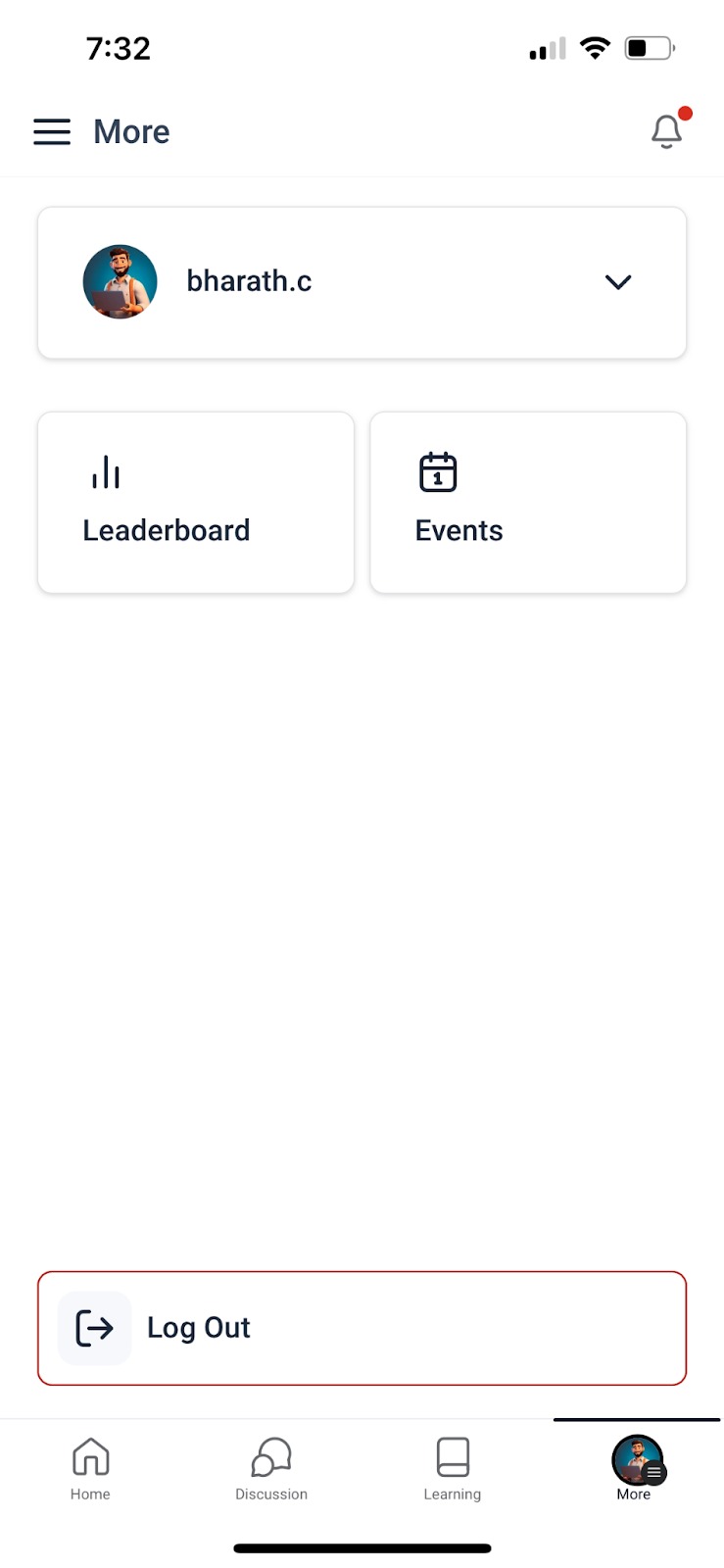
06Settings that matter
- Event Reminder Email. Controls the subject and body of the email sent to members as a reminder for upcoming Community Events.
07Things to know before you rely on it
- Admins and owners do not receive a notification when a member registers for an event.
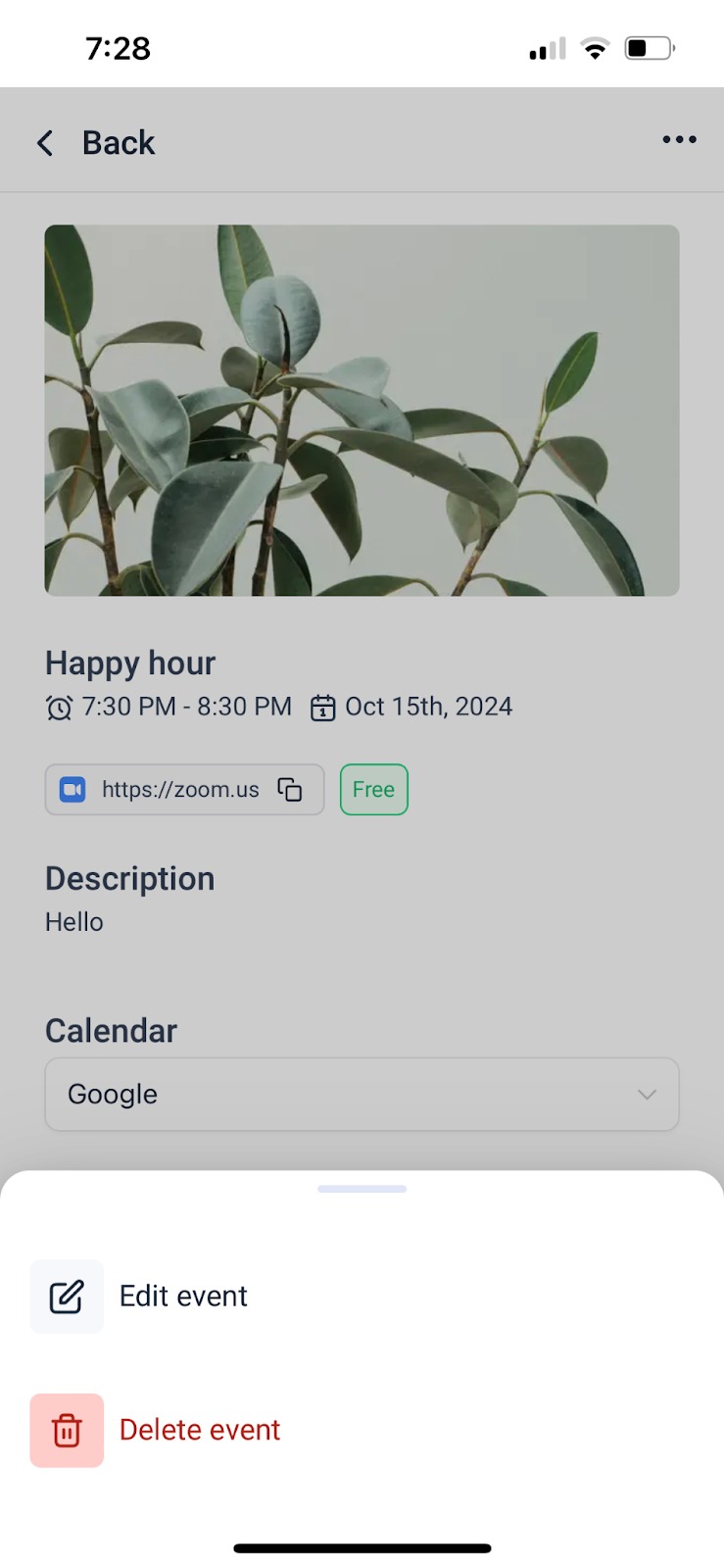
- There is no official cancel registration button; members can delete the event from their personal view on mobile.
08If something goes wrong
- Admins are not alerted when someone registers for an event.. Create a custom registration form and attach a workflow that triggers a notification.
- Members cannot find a way to cancel their attendance.. On mobile, go to the Events tab, open the hamburger menu, select the event, open the three dot menu, and choose Delete to remove it from the personal calendar view.
09How it connects to the rest of HighLevel
- Set up paid events using the Paid Groups feature. Paid groups
- Learn how to build and manage a full community where events live. Create and manage communities
- Review pricing and plan options for accessing Community Events. Pricing
Michael's take

Watch out for the lack of admin alerts when members sign up.
Built in reminders let members add events to their Google or iCal calendars.