
01Who this is for
- Community managers who need quicker moderation tools and unified navigation across groups.
- Course creators who want learners to switch between lessons and discussion threads without extra loading steps.
- Marketing teams that aim to boost engagement using emoji reactions and direct member chats.
02New communities experience, explained
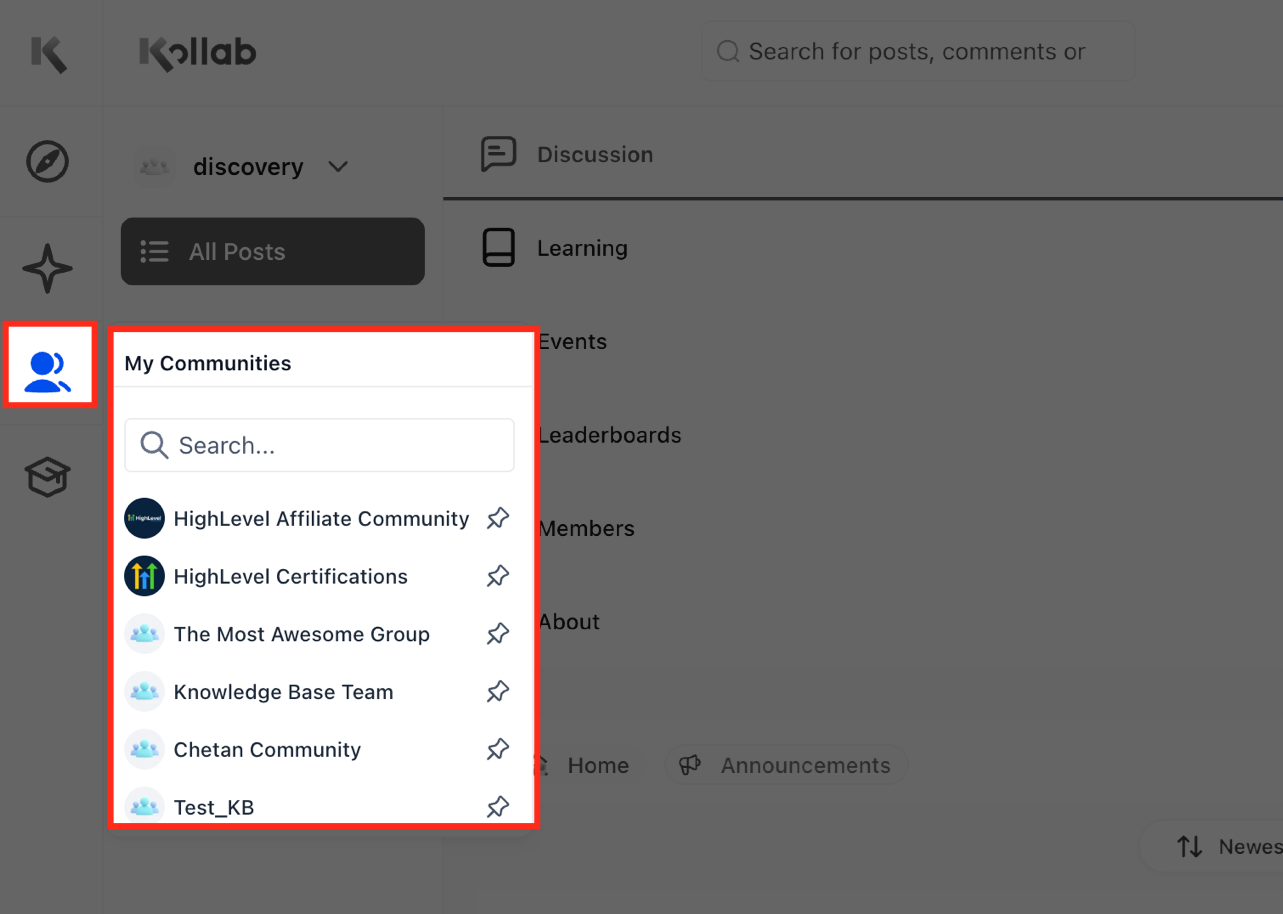
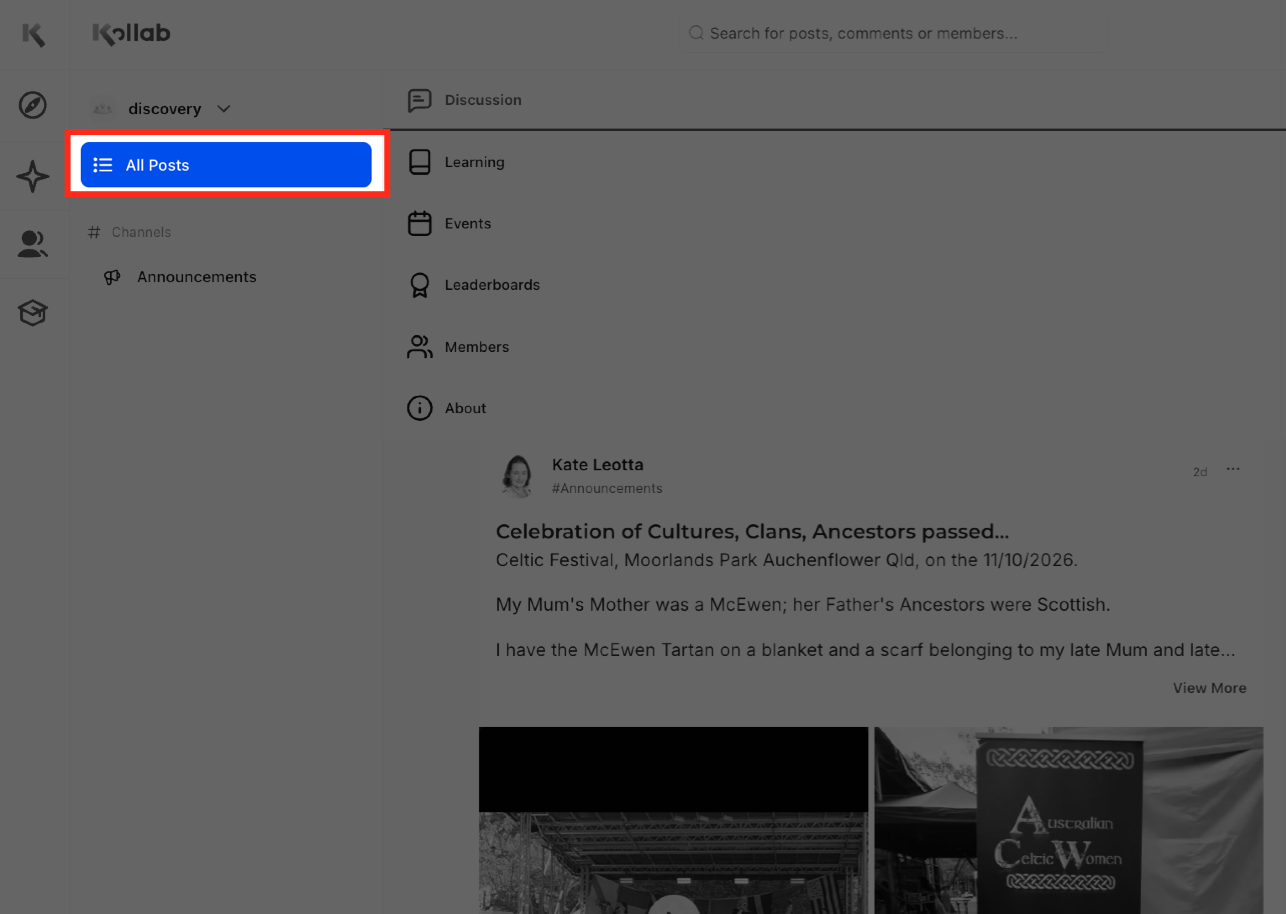
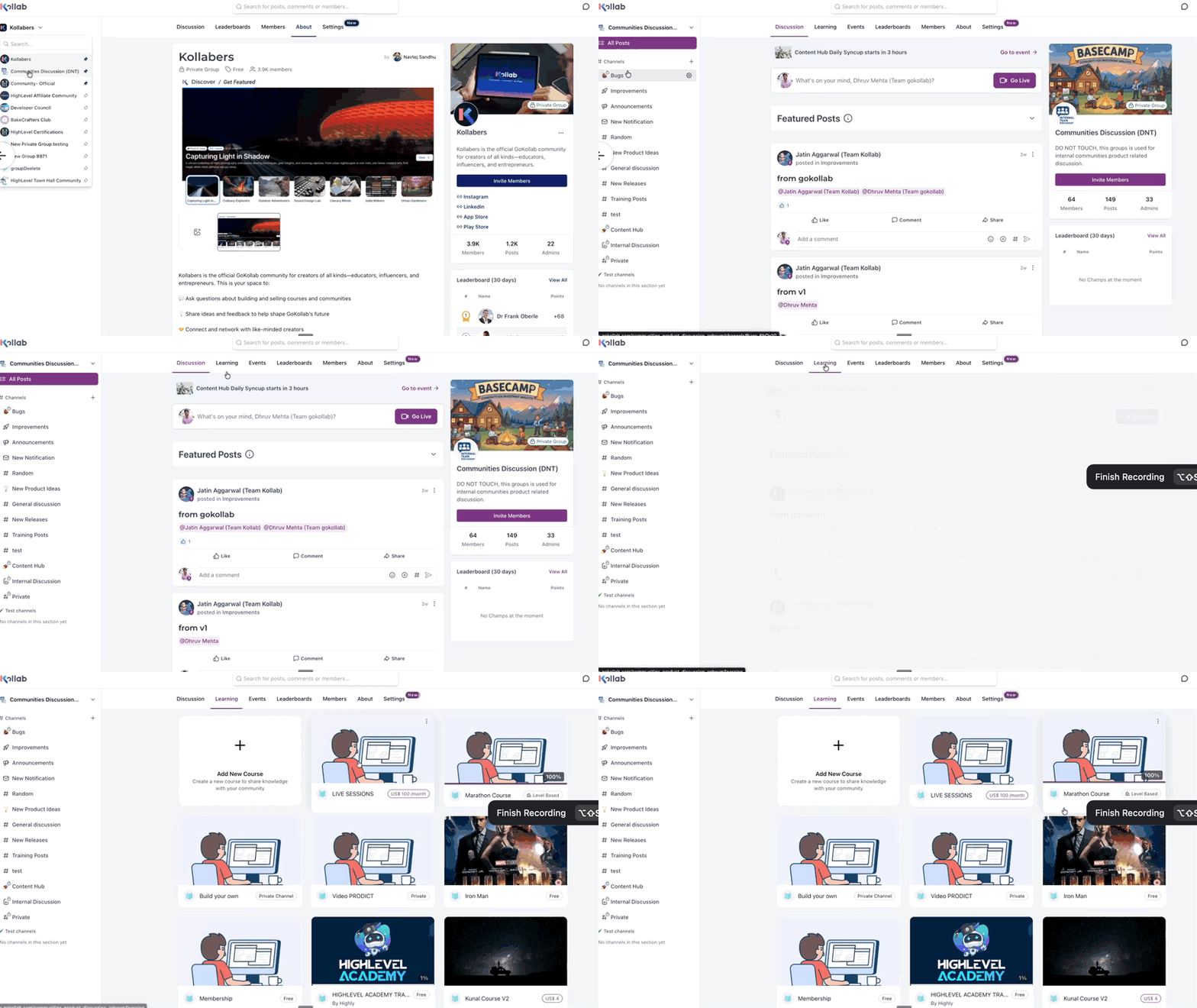
The new Communities experience is embedded in the unified Client Portal alongside Courses, Dashboard, Billing, Shared Files, Affiliates and Account Settings. Members can travel between community discussions and course lessons while retaining their position in each view. The Home page now defaults to an All Posts feed, showing activity from all channels in one place.
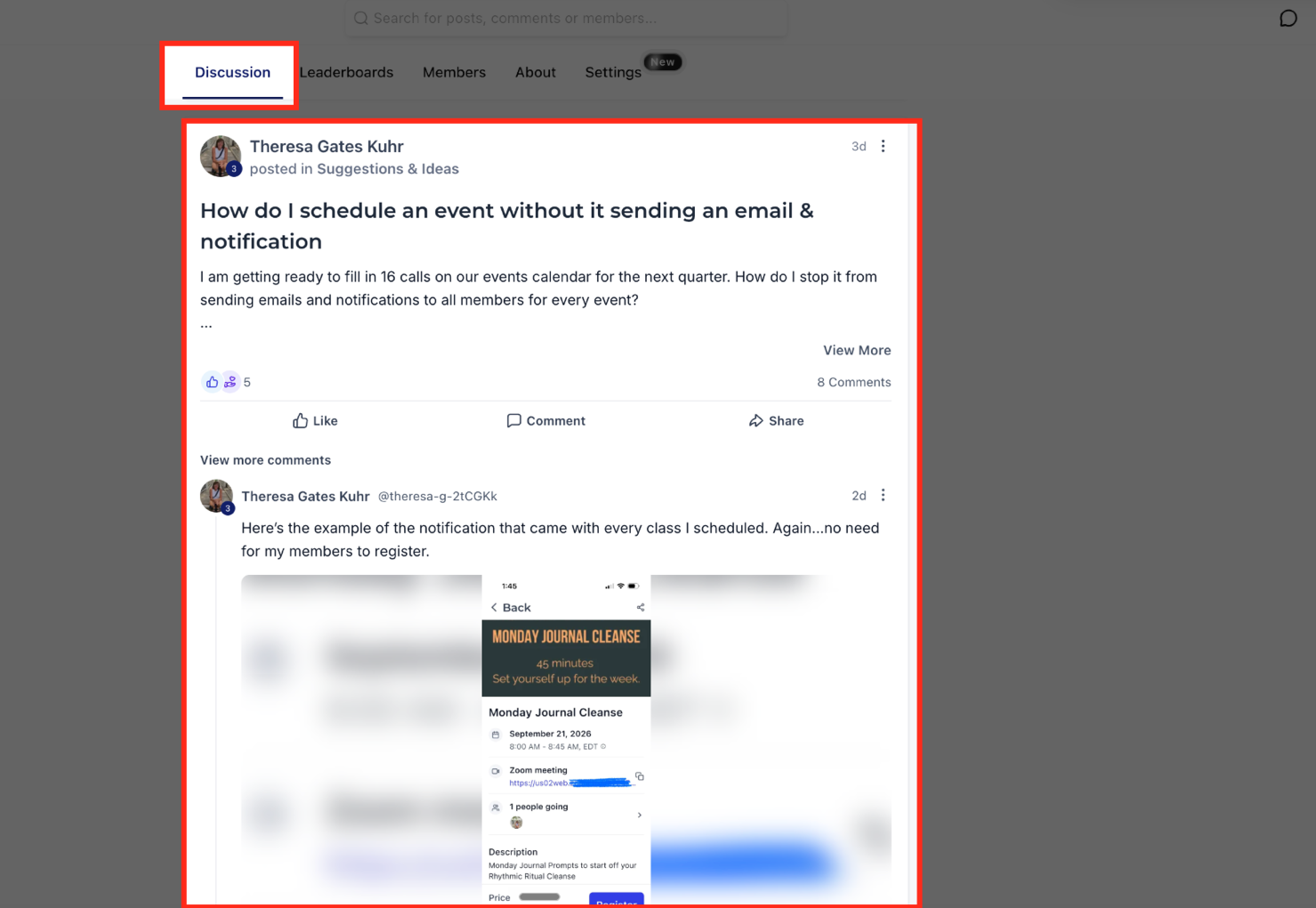
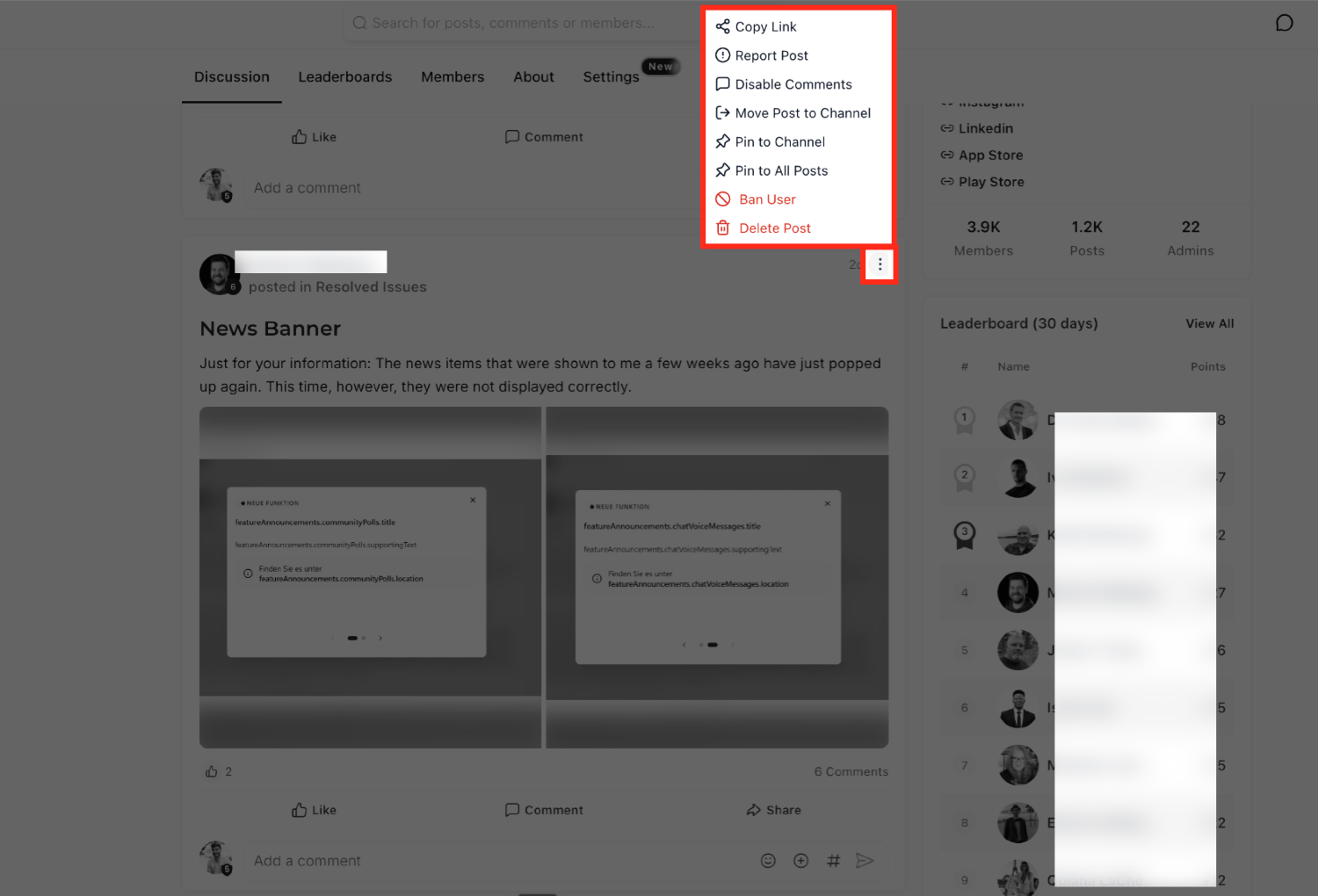
Discussion posts display a larger layout, and comments, replies and file attachments appear directly in the feed. Administrators can moderate posts from the three dot menu, performing actions such as pinning, banning or downloading recordings without leaving the discussion view. The Members tab offers shortcuts to profile pages and direct chat initiation, and emoji reactions let users react to posts right away.
03How businesses use new communities experience
- Coaching business. A coaching firm can host a community where clients discuss topics while accessing training videos. Coaches switch between the discussion feed and course lessons, keeping the client’s place in a video. They react to client posts with emojis and start private chats from the Members tab.
- Online tutoring platform. A tutoring platform can place class forums inside the portal, allowing students to view lesson content and ask questions in the same interface. Tutors use the post menu to pin important announcements and download shared recordings for later review.
- Fitness studio. A fitness studio can create a community for members to share workout tips, view class recordings, and react to posts. Instructors manage discussions through the three dot menu, ban disruptive members if needed, and start direct conversations with members from the Members tab.
04Before you start
- User must have a HighLevel account.
- User must be a GoKollab creator enrolled in the Beta program.
05How to set up and use new communities experience in HighLevel
Enter the redesigned Communities experience
- Sign in to your HighLevel account.
- Open the GoKollab application.
- Navigate to a community where the Beta version is active.
- Explore the refreshed navigation, Home feed, Members tab, Courses and emoji reactions.
06What it looks like in HighLevel
07Things to know before you rely on it
- The new experience is only available to GoKollab creators participating in the Beta program.
- No extra configuration is needed; eligible users receive the interface automatically.
08How it connects to the rest of HighLevel
- Learn how to set up and manage a community in HighLevel Create and manage community
- See how to manage members and groups within communities Manage members
- Configure paid groups and payments for exclusive content Paid groups
Michael's take

If your community is static or you never blend courses with discussion, the extra UI changes won’t move the needle. The beta is limited to GoKollab creators, so if you aren’t in that program you’ll see no benefit until the feature rolls out more broadly.