Home/HighLevel/Features/Memberships & Communities/How to use transfer ownership in HighLevel communities

Memberships, Courses and Communities

How to use transfer ownership in HighLevel communities

In short

Transfer ownership in HighLevel lets the current group owner move ownership to another agency member with location access, letting clients become the official group owners.

AreaMemberships & Communities · Communities
Used forClient hand off
Guide typeOverview
Last updatedNovember 3, 2026

01Transfer ownership, explained

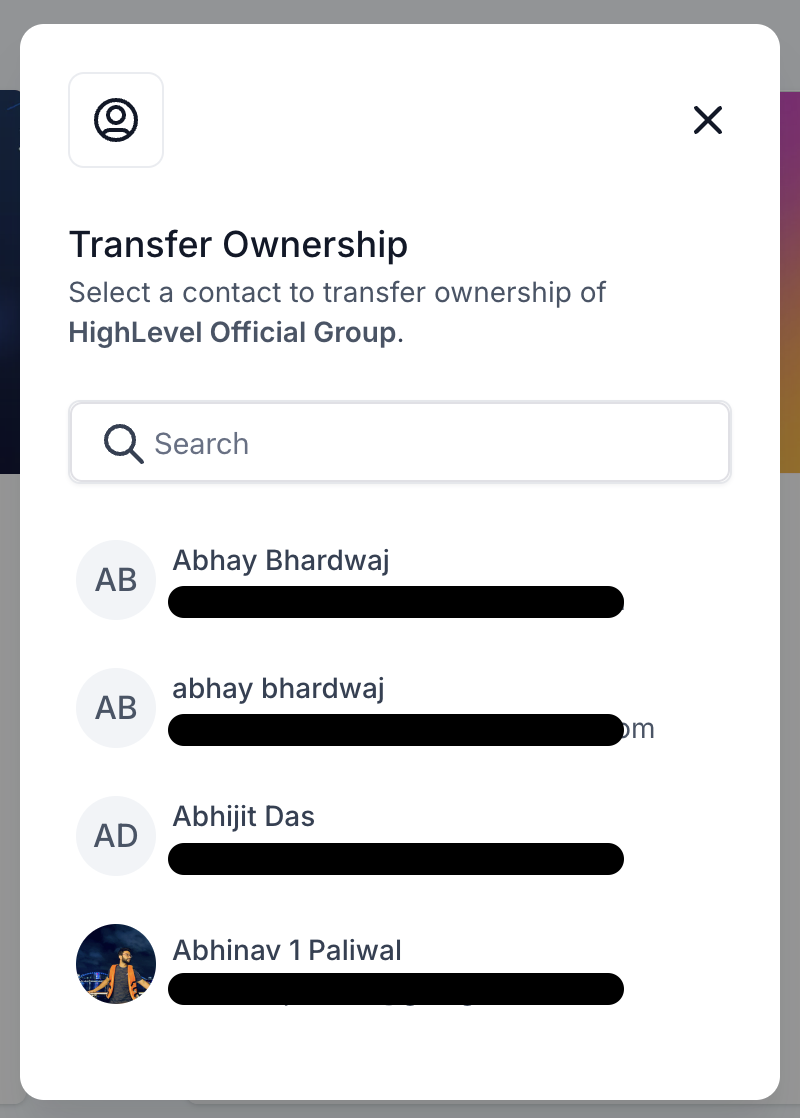
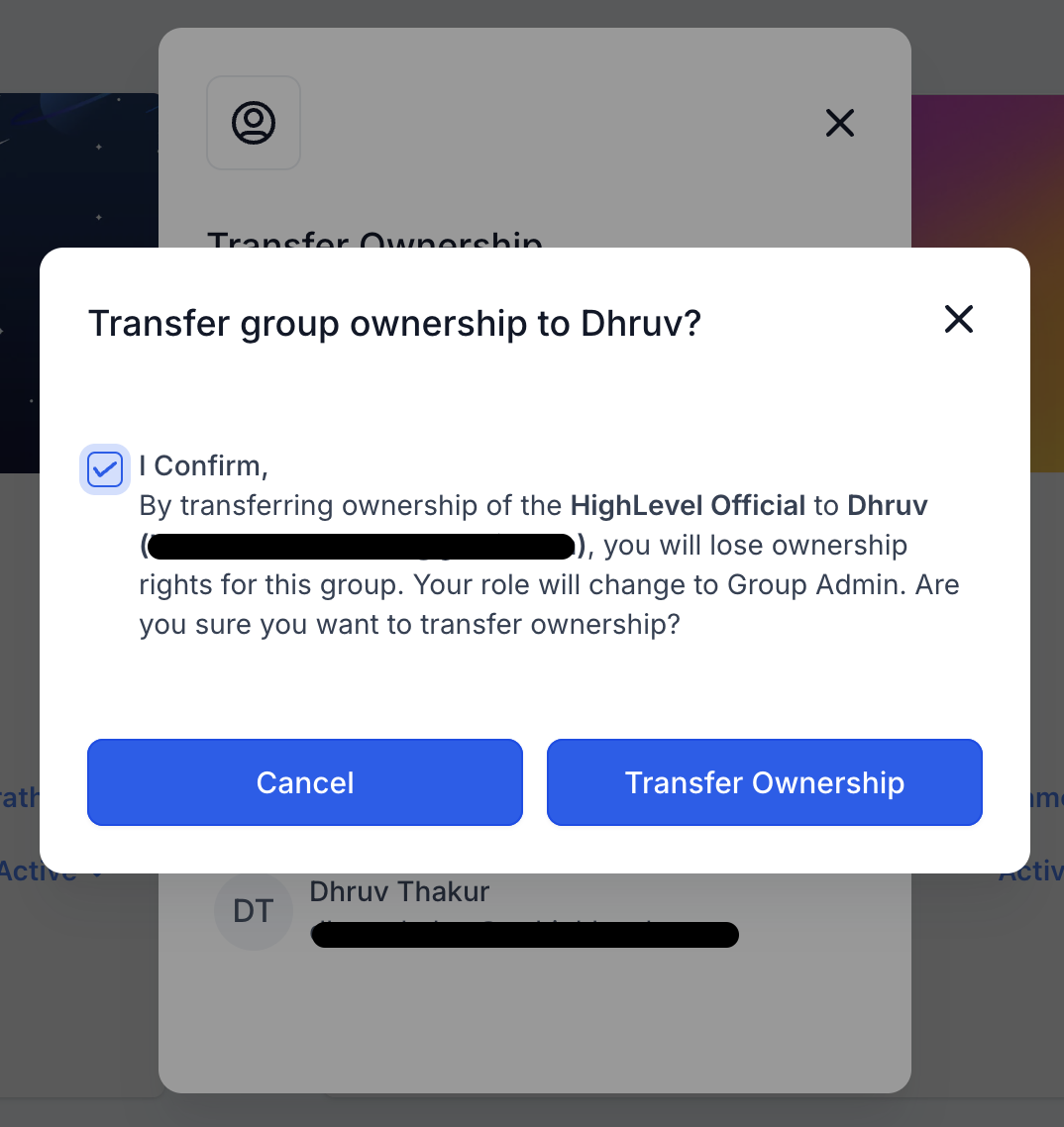
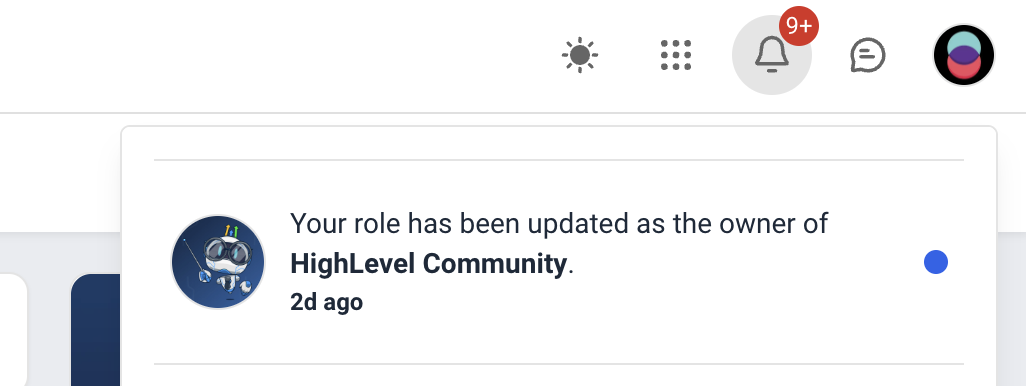
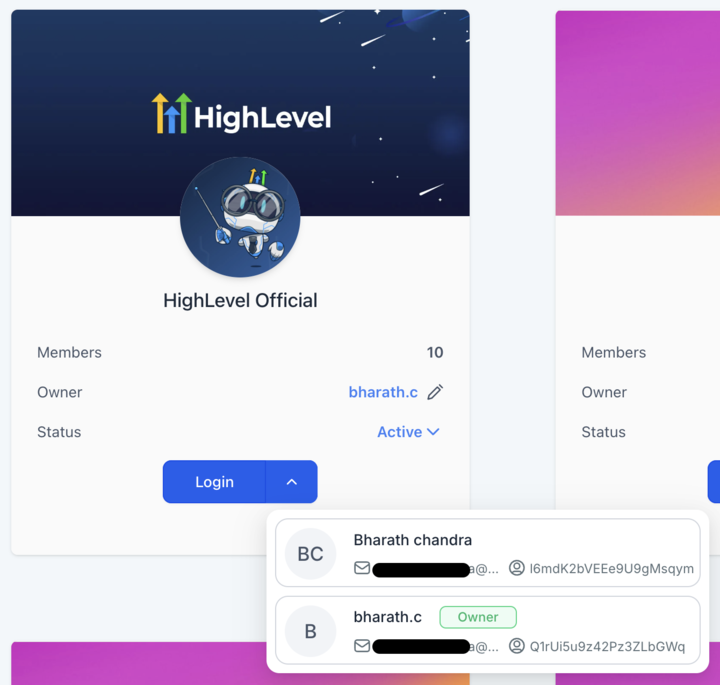
Transfer ownership is a feature for community groups in HighLevel. The current owner can transfer the ownership to other members of the agency who have access to the location.

The feature can be used by agencies that build groups for clients and then transfer ownership to the client, so the client becomes the owner of the group.

02How businesses use transfer ownership

  • Client hand off. An agency creates a community group for a client, then uses transfer ownership to make the client the official owner.

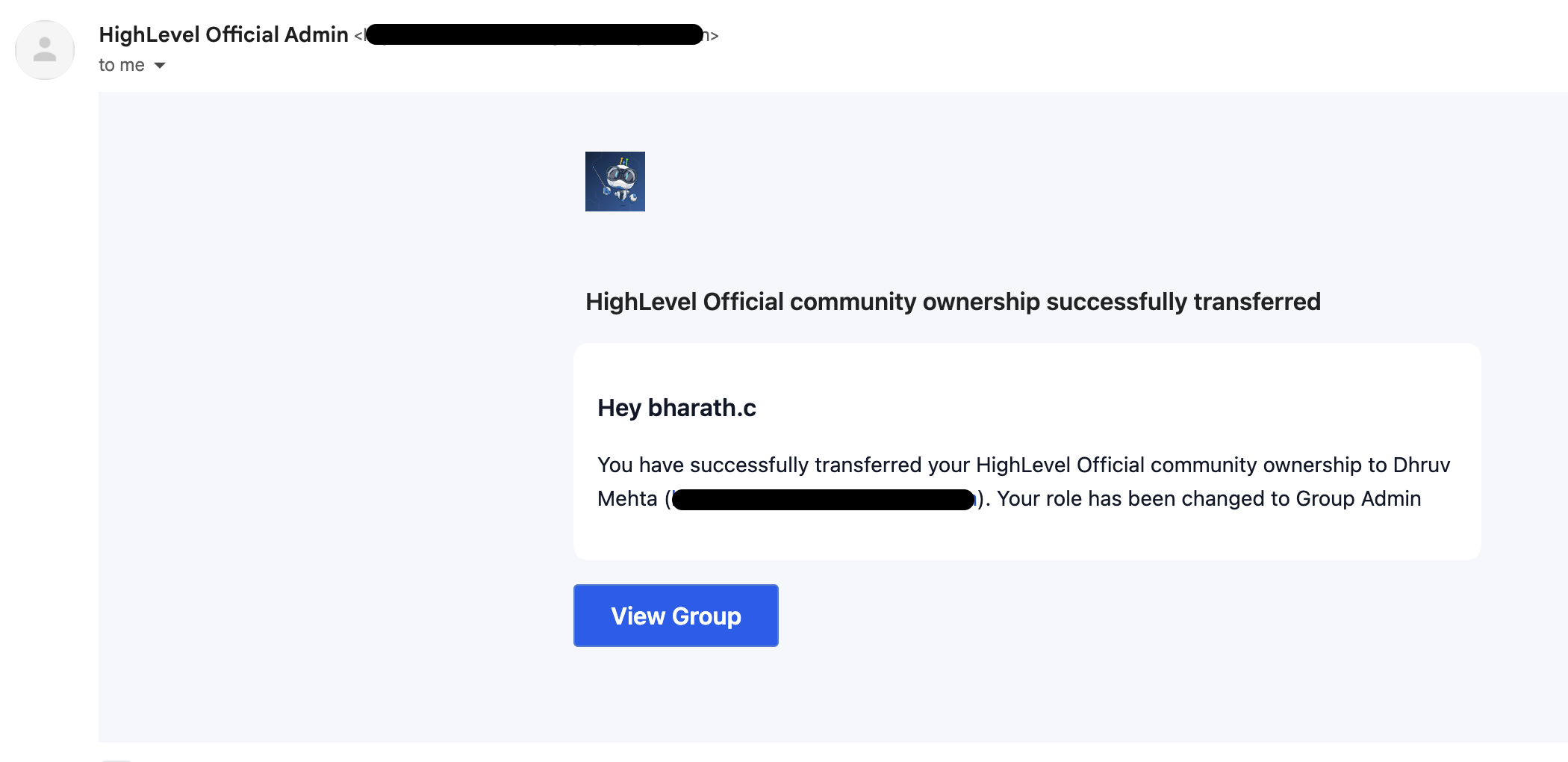
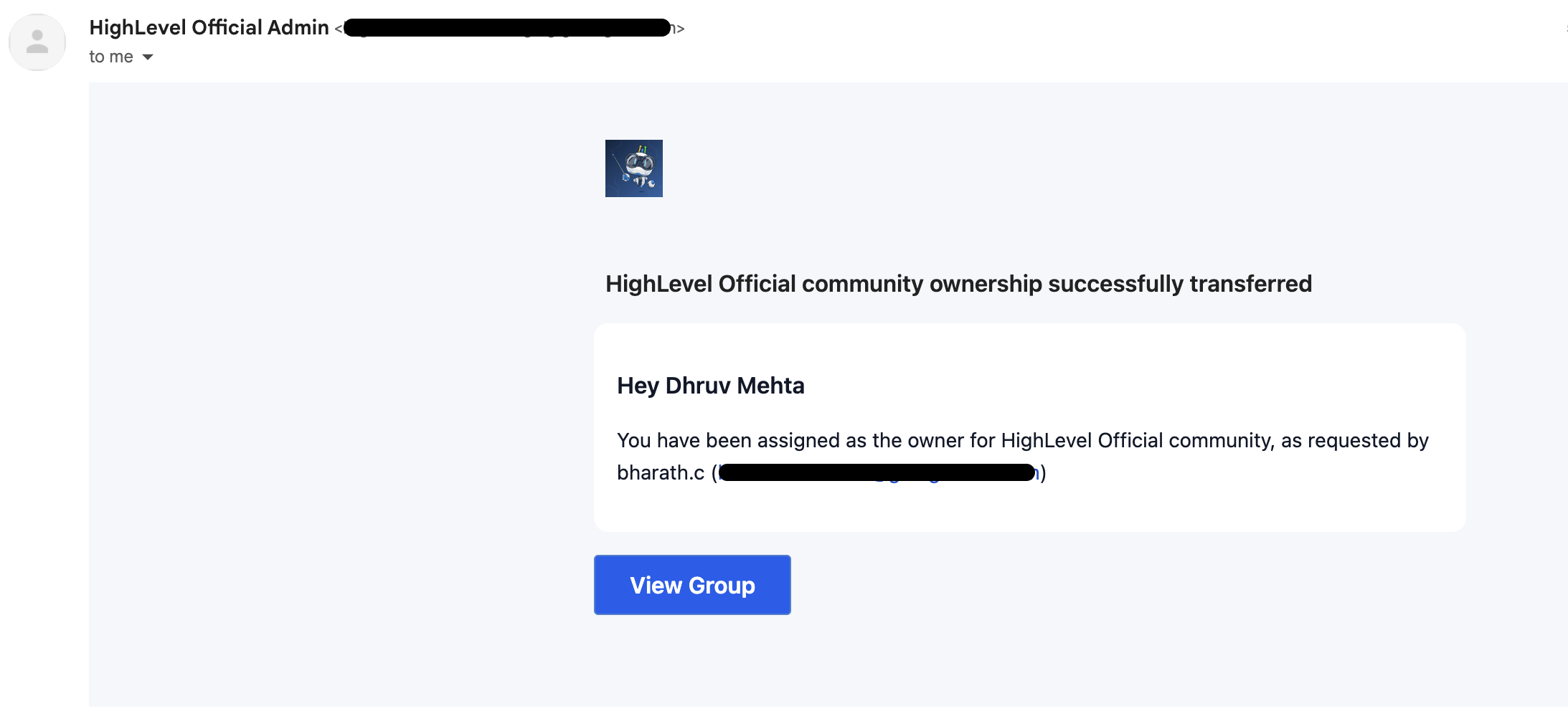
03What it looks like in HighLevel
Michael's take

Michael Reimer
Michael ReimerFounder of CRM Pros, HighLevel Commander and Certified Admin

Handing off groups to clients is a quick win for any small agency. It lets you focus on building and lets the client own the relationship without your branding sticking around.

Avoid transferring ownership to someone who doesn’t have location access, or the hand off will fail.

Get More InformationOpens on HighLevelPublished November 2, 2026 · Updated November 3, 2026

Common questions

Common questions about transfer ownership.

How do I transfer ownership of a community group?

Owner of the group can transfer the ownership to other members of the agency who have access to the location.

What does clicking the Owner name in the group card do?

Clicking on the Owner name in the group card will open the contact smartlist page for the owner.

How can I log in as a different contact in a group?

When there are more than 1 contacts associated with an agency/location user, the contacts list will be shown. Clicking on any contact from the list will log in to the group as that specific contact.

Next step

Pick the features that matter. Then get the plan that unlocks them.

Explore the features you want, start with the five at the top, and upgrade through my link when you are ready. The bonuses and the team come with it.

The features directory explains every HighLevel feature in plain English. Browse it to see what the platform can do.

Back to the FeaturesSee the full details
⌃

Site preview

Explore the next page

This destination is reserved in the page inventory and is not built yet.