
01Who this is for
- Founders who need a branded web address for AI generated landing pages, keeping the brand consistent across marketing assets.
- Marketing teams that publish client sites from AI Studio and want a professional domain instead of a generic preview link.
- Agency owners who manage multiple subaccounts and must attach custom domains to each project for their clients.
02AI Studio, explained
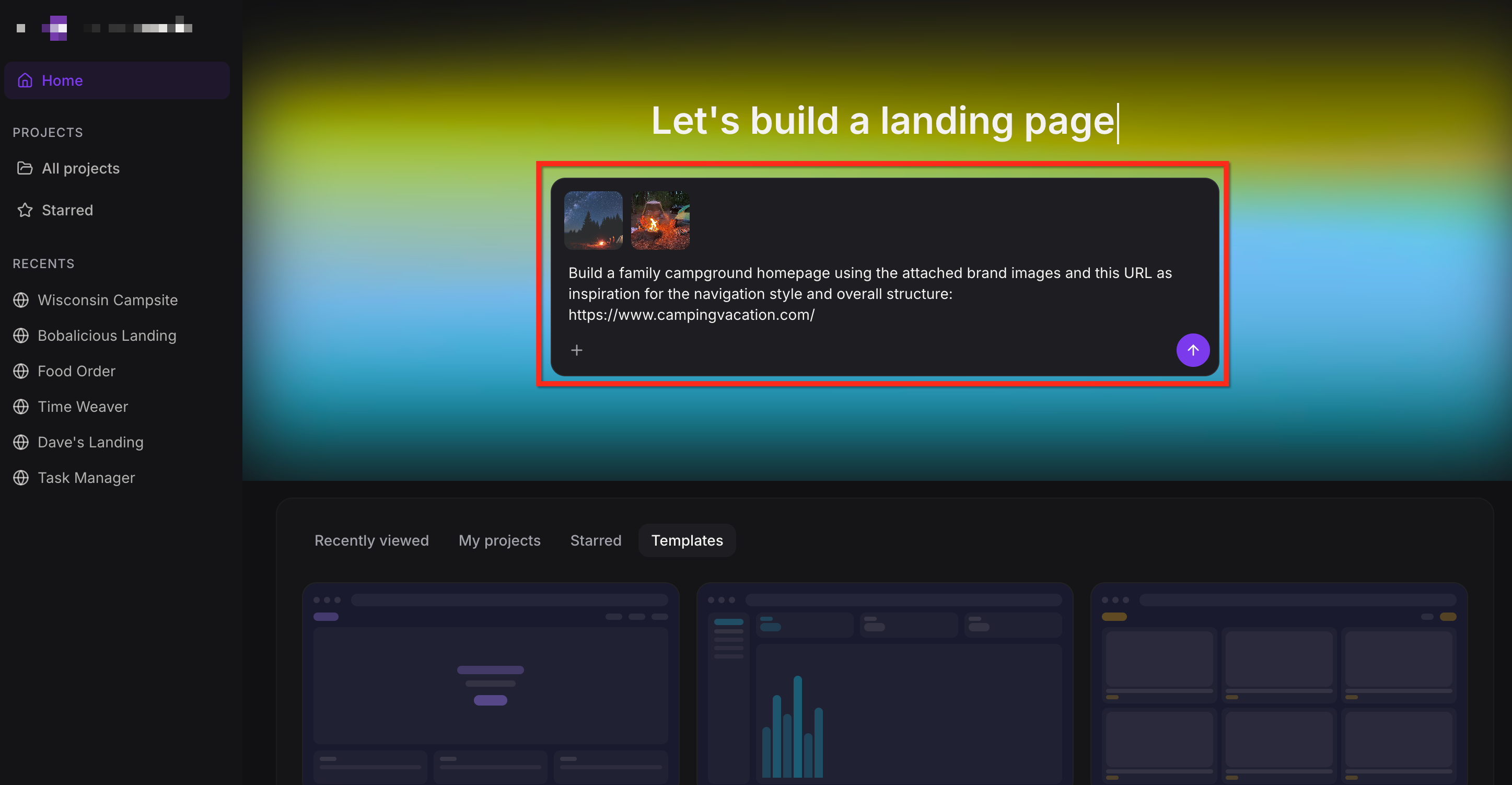
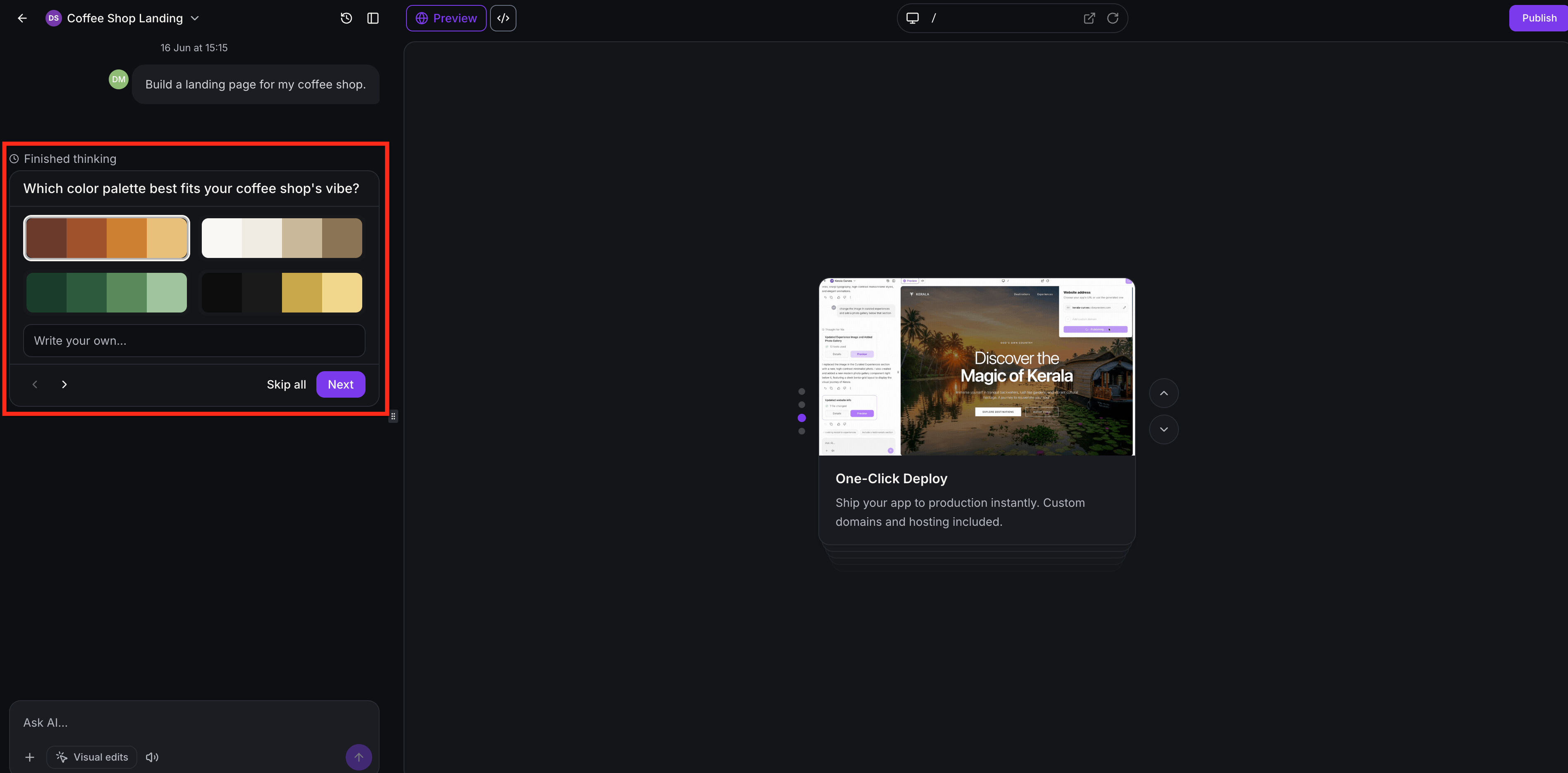
AI Studio creates website, landing page, or front end experiences using prompts. When you finish a build, you first publish the project to a preview domain, which gives you a live URL to review.
After the preview is live, you can connect a custom domain either from the Publish dialog by selecting Add Custom Domain or from Settings > Domains & URL Redirects > + Connect a domain > AI Studio. The flow lets you enter an apex or www domain, adds DNS records if needed, and verifies the setup.
When the domain is linked, it appears under the Domains section. You can set one of the connected URLs as the primary published URL, causing all other URLs to redirect with a 301 status. The project remains in AI Studio; no move to Sites or Funnels is required.
03How businesses use AI Studio
- Dental clinic. The clinic builds an appointment booking page in AI Studio, publishes it to a preview URL, then connects its clinicdomain.com as the custom domain. This gives patients a professional address to book visits directly.
- Ecommerce retailer. The retailer creates a storefront using AI Studio, adds product images, and publishes to a preview URL. They then attach shopbrand.com as the domain, making the store appear under the brand’s own web address.
- Coaching business. A coach generates a lead capture landing page in AI Studio, previews it, and links coachingpros.com as the custom domain. The domain provides a clean URL for marketing campaigns and webinar registrations.
04The numbers and rules that matter
- AI Employee Growth: 2x Usage Included*.
- AI Employee Unlimited: 5x Usage Included*.
- Pay Per Use: At Token Cost.
- Usage measured in 5 hour windows; limits reset at the end of each window.
- Free and unlimited usage subject to HighLevel's Terms of Service, including excessive use restrictions.
05Before you start
- The AI Studio project must be published to a preview domain before a custom domain can be attached.
06How to set up and use AI Studio in HighLevel
Connect a custom domain
- Click Publish then select Add Custom Domain.
- Enter the desired domain; if you use an apex or www domain, choose whether to add the companion domain and set up a redirect.
- If the domain is already managed in HighLevel, continue within the flow; if conflicting records appear, review the warning and affected records before clicking Add Records.
- If the domain is not managed in HighLevel, add the displayed DNS record(s) and click Verify DNS; add/verify both apex and www records if both were selected.
- After the setup finishes, the AI chat confirms the domain is connected and shows a View site option.
Clone a project
- Click the three dot menu on the project you want to clone and select Clone.
- In the Clone project window, type a new project name and choose the target subaccount and folder, or leave it at the root level.
- Toggle Include project history on or off, depending on whether you want chat activity and version history copied.
- Click Clone to create the duplicated project.
Publish to a preview domain
- Click Publish in the top right corner, update the URL if needed, then click Publish again.
- Update the icon, name, description, and social image.
- Click Apply Changes.
- Click Publish to make the preview URL live.
07What it looks like in HighLevel
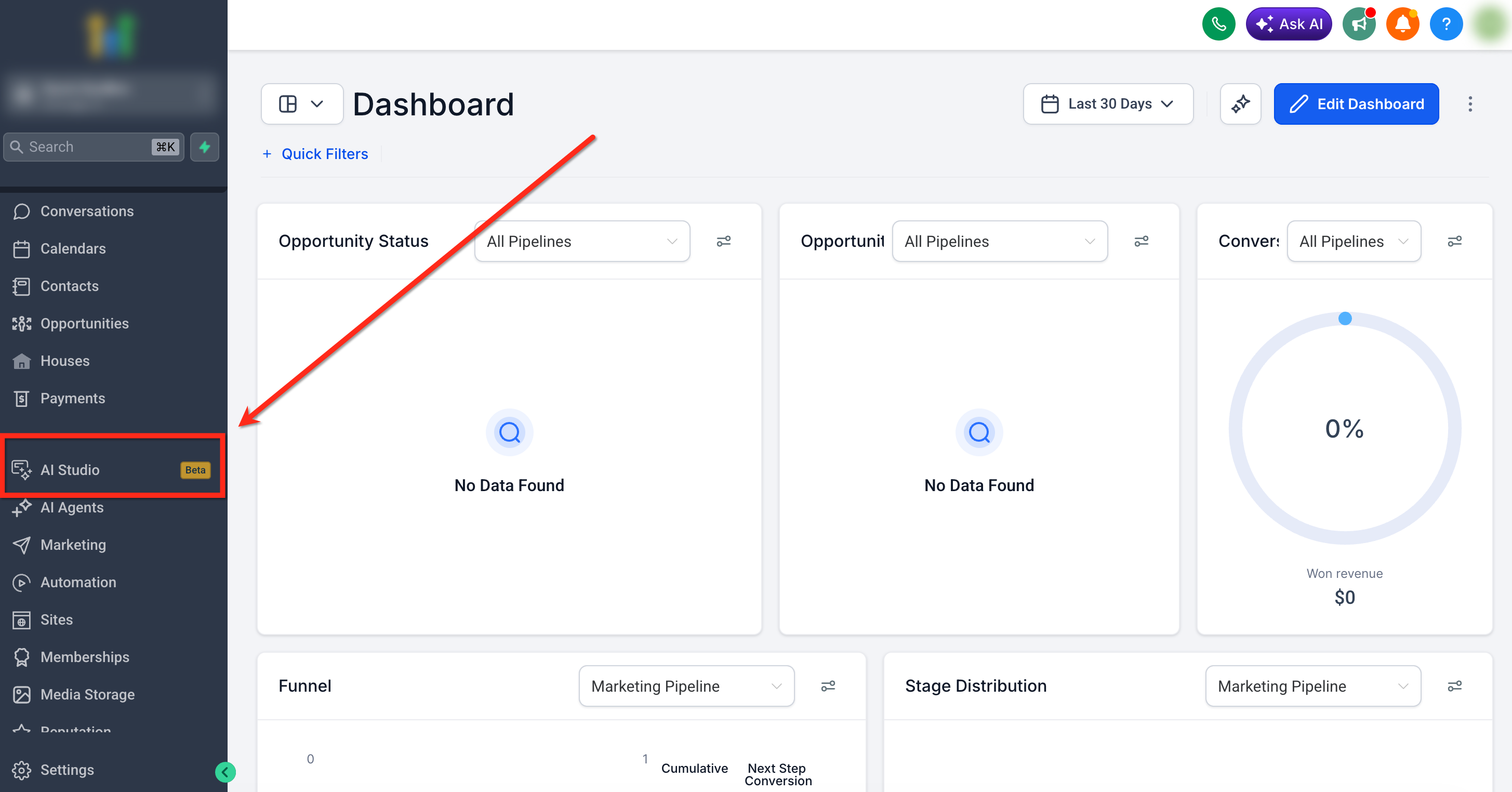
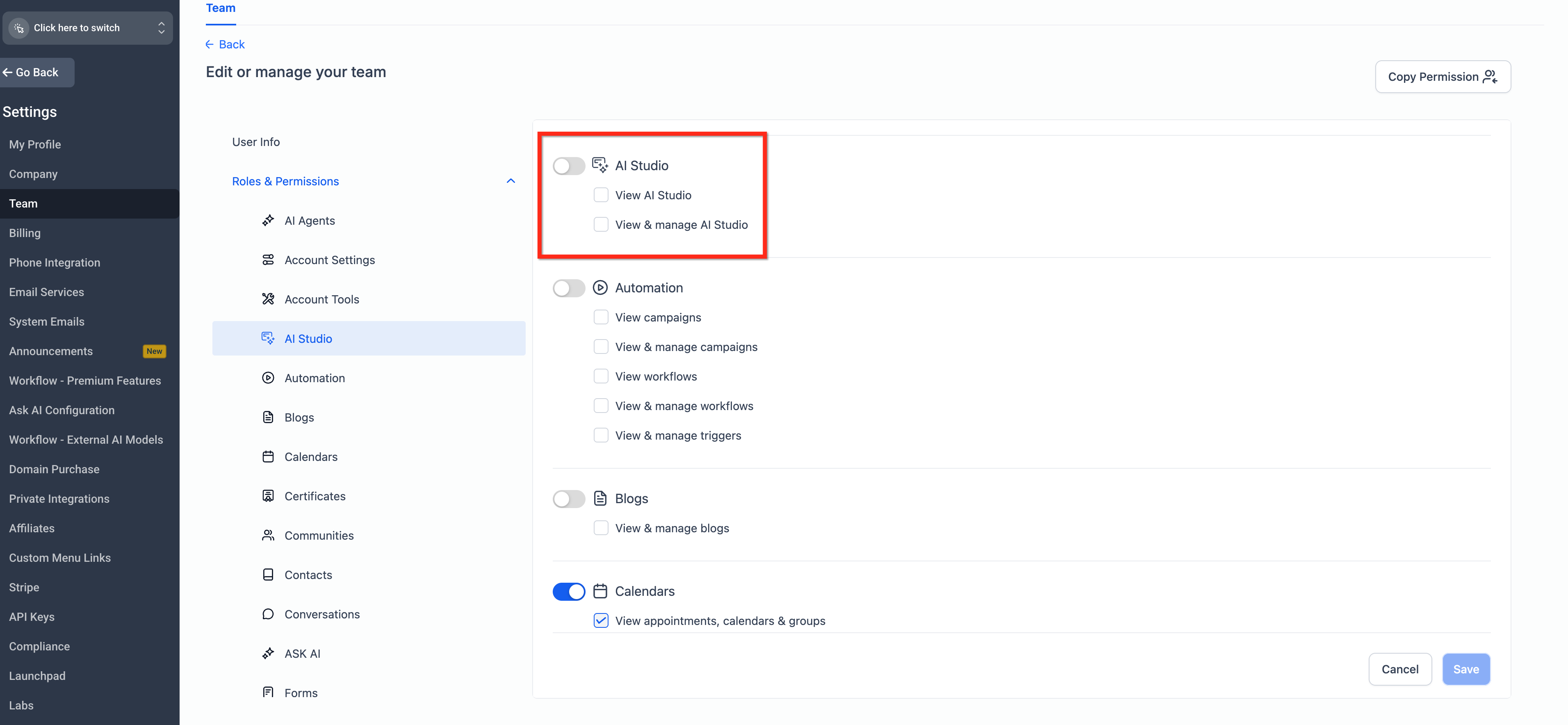
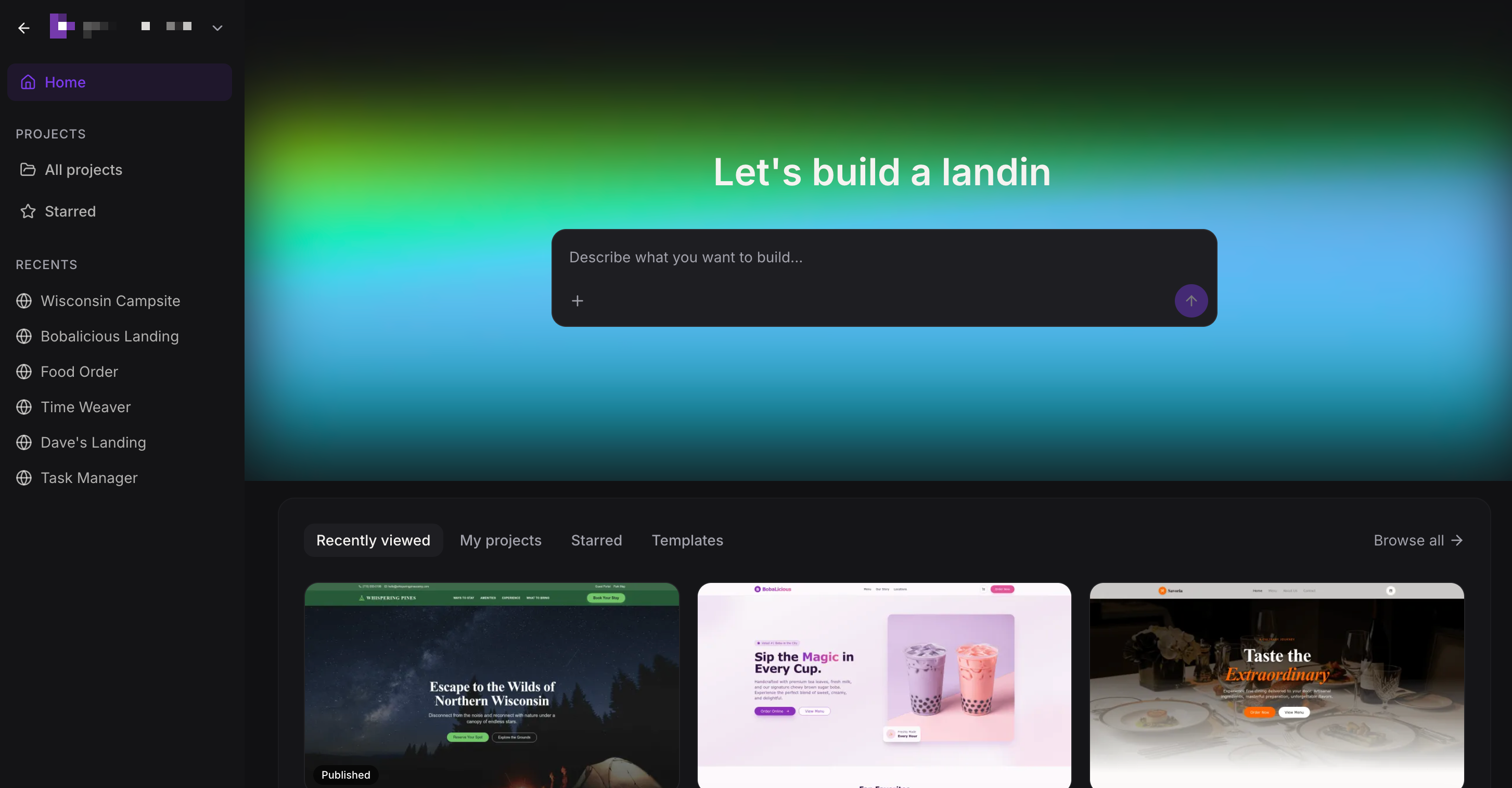
08Settings that matter
- Include project history. Controls whether chat activity and version history from the original project are copied when cloning.
09Things to know before you rely on it
- AI Studio projects stay inside AI Studio and cannot be moved into the standard Sites or Funnels builders.
- URL and image based recreation serves as inspiration only; exact duplication is not guaranteed.
- Forms and calendars created in AI Studio must be manually connected before they function with HighLevel data.
10If something goes wrong
- Preview shows an outdated version of the site.. Ask AI Studio to investigate the project; it will detect the stale preview and refresh the view before applying changes.
- An external resource referenced in the project is unavailable.. AI Studio will inspect the missing resource, identify the cause, and apply a fix or suggest a replacement.
- The project environment becomes unresponsive.. AI Studio attempts to recover the environment automatically and then continues with the requested action.
11How it connects to the rest of HighLevel
- AI Studio pricing and usage details AI Studio pricing
- How to connect forms and calendars in AI Studio Forms & Calendars
- HighLevel pricing and plans overview Pricing plans
Michael's take

I find AI Studio valuable when I need to create a landing page, booking flow, or simple survey quickly, letting me test ideas and capture leads without waiting weeks for a developer. The requirement to connect forms and calendars manually can feel like an extra step if I only need a static page, so in those cases I may prefer the classic builder or a designer.