
01Remove contact followers, explained
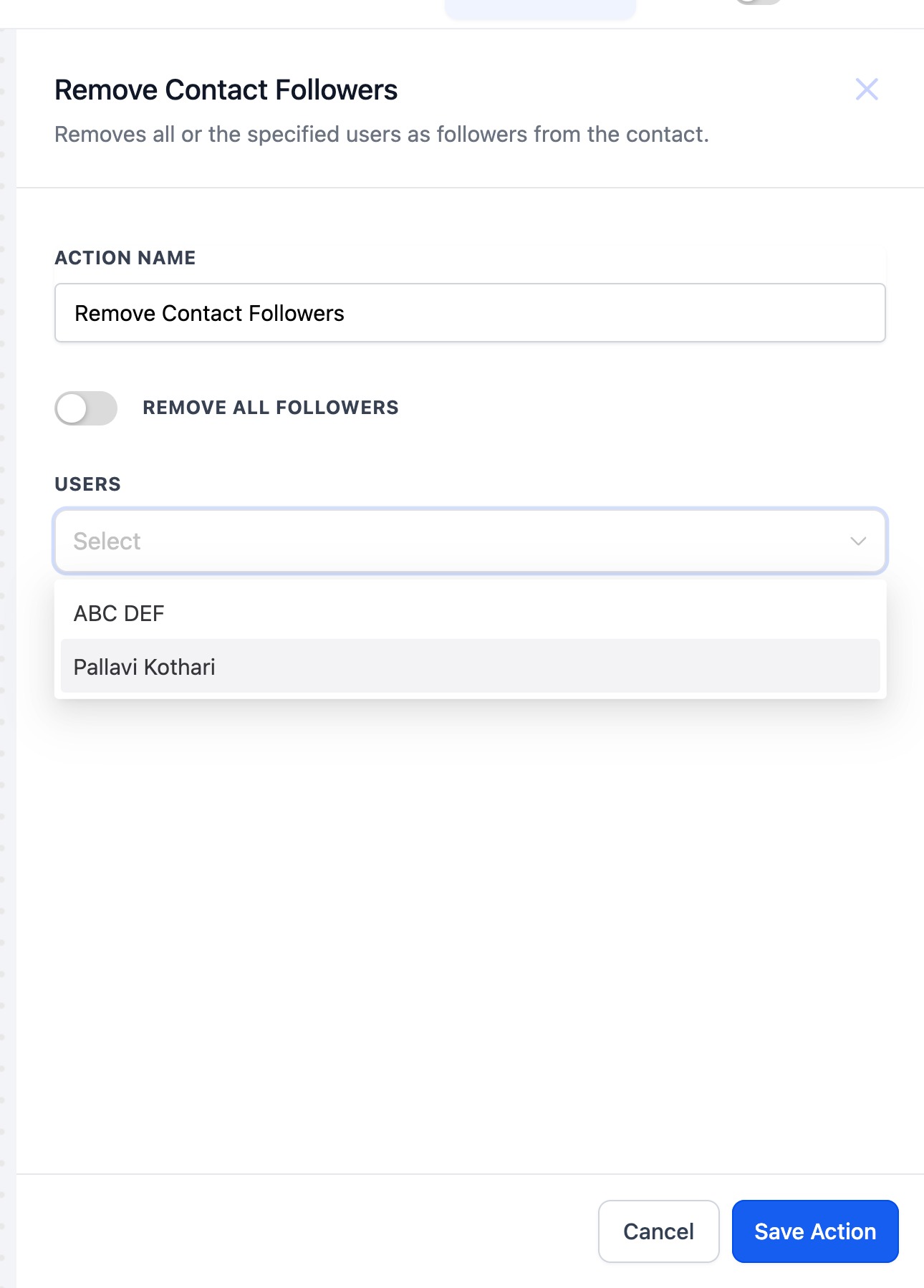
The Remove Contact Follower action is a workflow step that removes one or more followers from a contact’s profile. You can choose to remove a single follower, multiple selected followers, or all followers using the toggle.
When a workflow runs, the action removes the selected followers automatically.
02How businesses use remove contact follower
- Clean up after closed opportunities. When an opportunity linked to a contact reaches the "Closed" status, a workflow can fire the Remove Contact Follower action. The follower that was assigned for that opportunity is removed.
03How to set up and use remove contact follower in HighLevel
Configure remove contact follower action
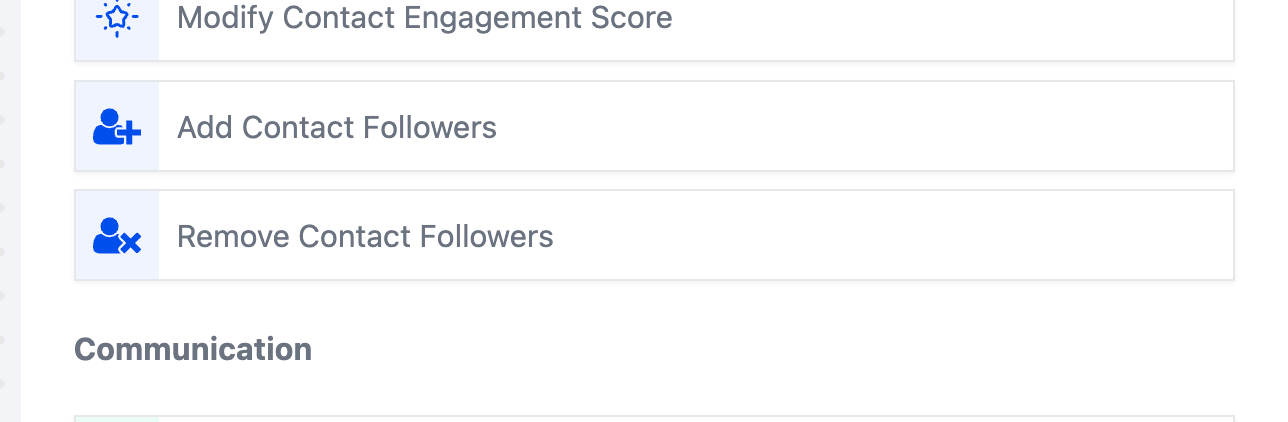
- Select workflow action, "Remove Contact Follower" in the "Contact" Category.
- Use the "Remove Contact Follower" action to remove chosen or all followers of a contact.
- Switch on the toggle to removes all followers from a contact or select from the list of followers.
04What it looks like in HighLevel
05Settings that matter
- Toggle to remove all followers. Switch on this toggle to delete every follower attached to the contact. Leave it off to pick specific followers from the list.
Michael's take

Michael ReimerFounder of CRM Pros, HighLevel Commander and Certified Admin
I often enable the "remove all followers" toggle when contacts change status.
If I were setting this up, I’d add the step right after the trigger that marks an opportunity as closed; the follower tied to the previous stage is removed when the workflow runs.
Get More InformationOpens on HighLevelPublished November 2, 2026 · Updated November 3, 2026