
01Who this is for
- Sales managers who need to clear ownership after a deal is closed, keeping the pipeline tidy.
- Operations teams that reassign leads during redistribution and require the old owner to be removed first.
02Remove Owner from Opportunity, explained
The Remove Owner from Opportunity action is a workflow step that, when executed, unassigns the current owner of a specific opportunity. The step relies on an opportunity being present in the workflow context, either from a trigger that originates on an opportunity or from a preceding Find Opportunity step.
If the platform’s opportunity settings synchronize owners between contacts and opportunities, removing the opportunity owner can also delete the contact owner. The action does nothing when there is no opportunity in context, when the opportunity already lacks an owner, or when multiple opportunities match a Find step, the workflow updates only one record.
This action works inside the HighLevel workflow builder and can be placed before or after other steps that assign owners, create opportunities, or add followers.
03How businesses use Remove Owner from Opportunity
- Real estate brokerage. When a property listing is marked closed, the broker adds the Remove Owner from Opportunity step to clear the agent assignment. If owner syncing is enabled, the listing’s contact record also loses its assigned agent, ready for reassignment.
- SaaS startup. During a quarterly lead redistribution, the startup’s workflow locates the target opportunity, then runs the Remove Owner step to release the current owner before assigning a new account manager.
- Insurance agency. After a policy is finalized, the agency’s workflow removes the opportunity owner to prevent further edits, and, when owners are synced, also clears the associated contact owner for audit purposes.
04Before you start
- An opportunity must be in context, either as the workflow trigger or from a prior Find Opportunity step.
05How to set up and use Remove Owner from Opportunity in HighLevel
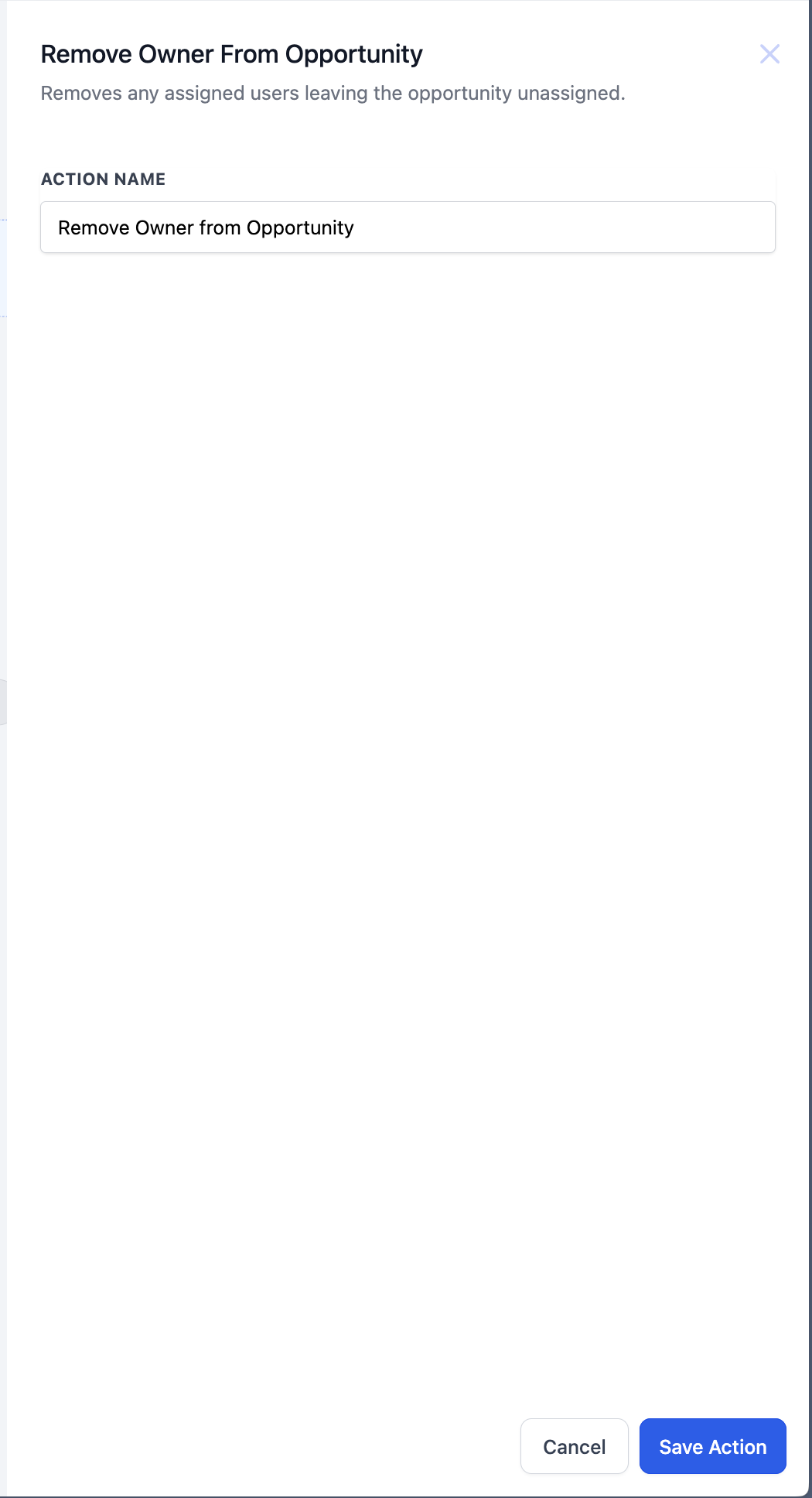
Add Remove Owner from Opportunity action to a workflow
- Open the desired workflow in the HighLevel workflow editor.
- Add a new action and choose Remove Owner from Opportunity from the list.
- Enter a unique Action Name to identify this step.
- Optionally set the Opportunity to Unassign field if you need to specify a different opportunity than the one that triggered the workflow.
06What it looks like in HighLevel
07Settings that matter
- Action Name. A mandatory label that uniquely identifies this step within the workflow.
- Opportunity to Unassign. The opportunity record to have its owner removed; if a Find Opportunity step ran earlier, its result overrides the triggering opportunity.
08Things to know before you rely on it
- If no opportunity is present in the workflow context, the action is skipped.
- When multiple opportunities match a Find step, only one (the earliest or latest) is affected.
- If the opportunity already has no owner, the step makes no changes.
- When contact and opportunity owners are synced, removing the opportunity owner may also remove the contact owner.
09How it connects to the rest of HighLevel
- Add Owner to Opportunity action details Add Owner to Opportunity
- Find Opportunity action usage in workflows Find Opportunity
- Remove Opportunity action overview Remove Opportunity
Michael's take

If you need a clean hand off of a deal. Like after a close or before a reassignment. This action can prevent stale ownership from lingering in your pipeline.
It also won’t clear the contact owner if the owners are not synced.