
01Add follower(s) to opportunity, explained
The Add Follower(s) to Opportunity action is a workflow step that attaches one or more users to an opportunity as followers. When the step runs, each chosen user is added to the opportunity’s follower list, allowing them to see any changes or notes. If a user is already a follower, the system prevents duplication.
The step only works when the workflow already knows which opportunity to act on, such as after a Find Opportunity step or an opportunity triggered workflow. If no opportunity is in context, the step is ignored.
02How businesses use add follower(s) to opportunity
- Keep leadership informed. When a high value deal is created, the workflow adds the sales manager and product specialist as followers. They gain access to the opportunity’s details and any future updates.
03Before you start
- A Find Opportunity step or an opportunity triggered workflow must provide an opportunity in context.
04How to set up and use add follower(s) to opportunity in HighLevel
Add followers to opportunity
- Open the workflow editor.
- Add a Find Opportunity step or ensure the workflow is triggered by an opportunity.
- Add a new step and select “Add Follower(s) to Opportunity” as the action.
- Enter a unique Action Name.
- Select one or more users in the Followers field.
- Save the workflow.
05What it looks like in HighLevel
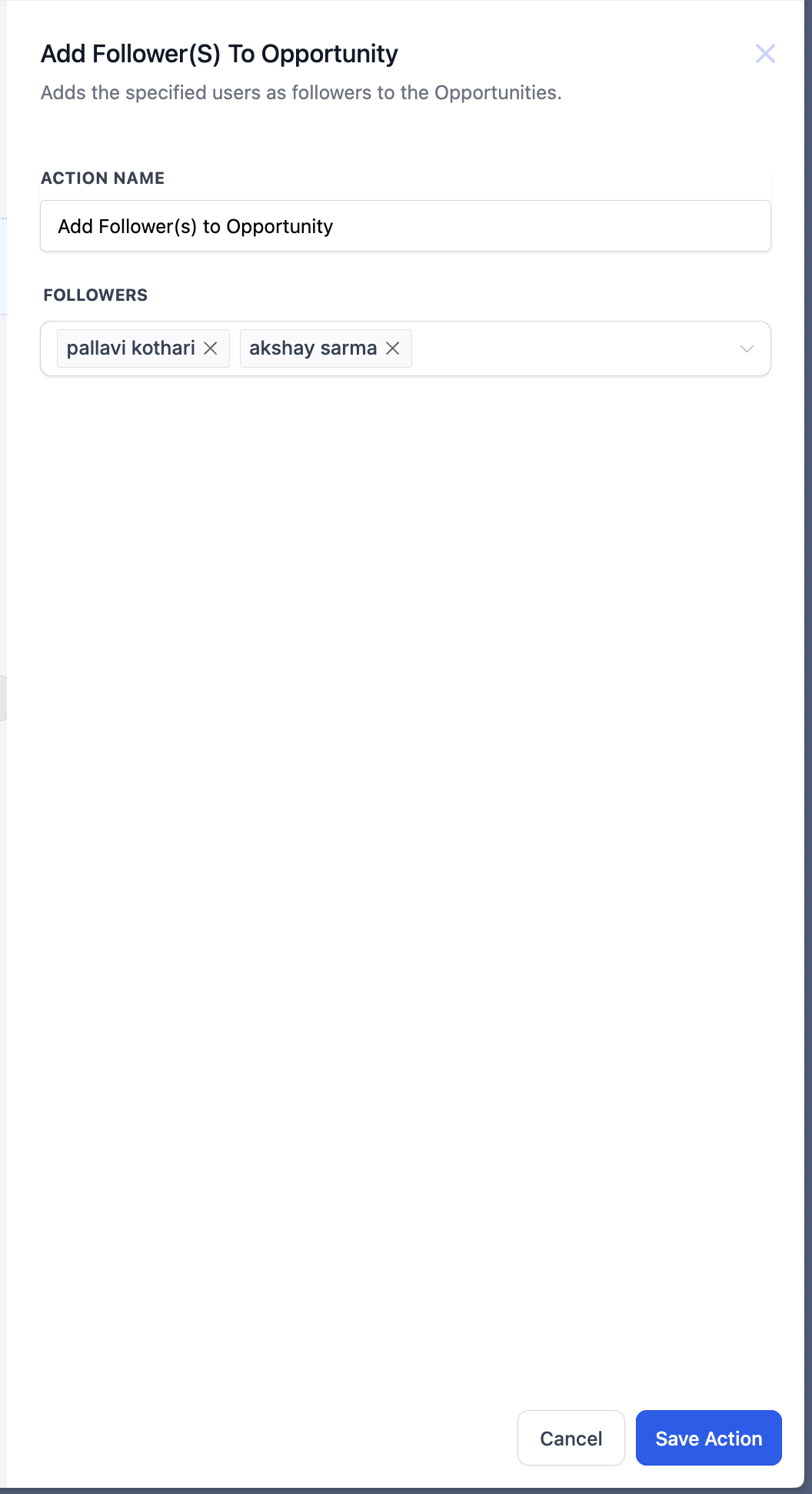
06Settings that matter
- Action Name. A unique label that identifies this step within the workflow.
- Followers. A dropdown or multiselect list of users to be added as followers of the opportunity.
07Things to know before you rely on it
- The action does nothing if the workflow was not triggered by an opportunity and no Find Opportunity step precedes it.
- When a Find Opportunity step matches multiple records, only one opportunity (earliest or latest as defined) is updated.
- Duplicates are not created; a user already following the opportunity is not added again.
Michael's take

Michael ReimerFounder of CRM Pros, HighLevel Commander and Certified Admin
Adds followers to an opportunity is useful but not essential for every business.
Teams that never share opportunity details across roles can skip this feature.
Get More InformationOpens on HighLevelPublished November 2, 2026 · Updated November 3, 2026