
Home/HighLevel/Features/Workflows/Add to Affiliate Manager workflow action in HighLevel

Workflows and Automation

Add to Affiliate Manager workflow action in HighLevel

In short

Add To Affiliate Manager in HighLevel adds a contact to the Affiliates list with an active status by default. It automates the conversion of existing contacts or customers into affiliates. Use it to enroll contacts when a specific tag is applied.

AreaWorkflows · Section
Used forConvert contacts to affiliates, Recruit interested customers
Guide typeOverview
Last updatedNovember 3, 2026

01Add to Affiliate Manager, explained

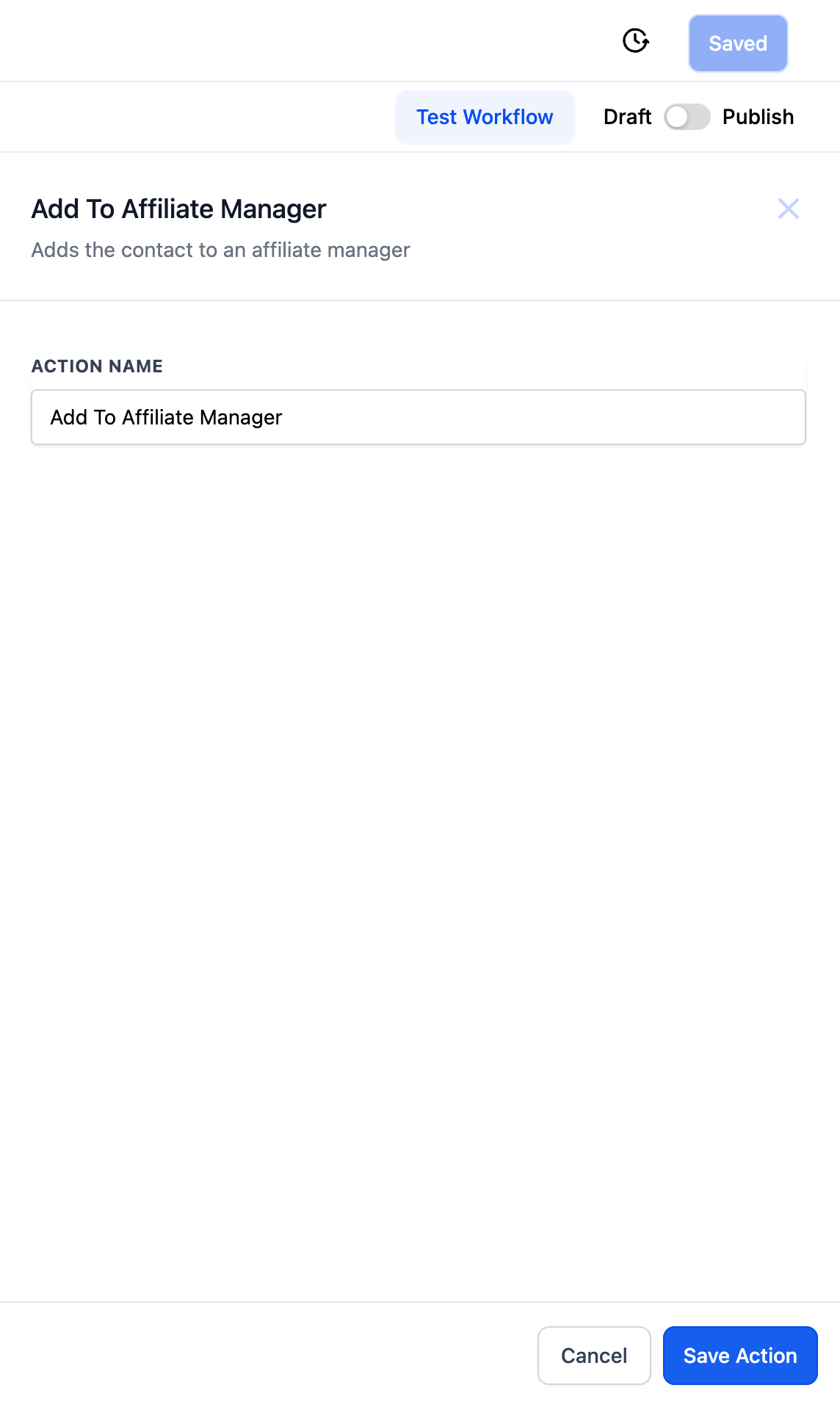
Add To Affiliate Manager is a workflow action that places a contact into the Affiliate Manager's list. The new affiliate receives an active status by default.

The action is useful for enrolling existing contacts or customers as affiliates. It can be triggered when a tag is added to the contact.

02How businesses use Add To Affiliate Manager

  • Convert contacts to affiliates. When a tag like "Affiliate" is added to a contact, the workflow runs the Add To Affiliate Manager action. The contact becomes an active affiliate in the subaccount affiliate manager.
  • Recruit interested customers. If a customer shows interest, you can tag them and let the workflow enroll them as an affiliate, streamlining recruitment without separate manual steps.

03What it looks like in HighLevel
Michael's take

Michael Reimer
Michael ReimerFounder of CRM Pros, HighLevel Commander and Certified Admin

When you have a clear signal. Like a tag that only sales or marketing adds. It’s a quick way to grow your affiliate pool without extra data entry.

Get More InformationOpens on HighLevelPublished November 2, 2026 · Updated November 3, 2026

Common questions

Common questions about Add To Affiliate Manager.

How do I trigger the Add To Affiliate Manager action?

Use a workflow trigger such as Contact Changed with a tag filter; when the tag is added, the action runs and adds the contact as an affiliate.

What status does a new affiliate receive?

The new affiliate is set to active by default.

Can I change the default status of a new affiliate?

This page states the status is active by default; it does not describe a way to change it during the action.

Next step

Pick the features that matter. Then get the plan that unlocks them.

Explore the features you want, start with the five at the top, and upgrade through my link when you are ready. The bonuses and the team come with it.

The features directory explains every HighLevel feature in plain English. Browse it to see what the platform can do.

Back to the FeaturesSee the full details
⌃

Site preview

Explore the next page

This destination is reserved in the page inventory and is not built yet.