
01Who this is for
- Service providers who schedule client sessions and need automated follow up messages.
- Healthcare clinics that must stop communications when a patient cancels an appointment.
- Coaches or consultants who handle rescheduled bookings and want contacts to re enter the outreach flow.
02Appointment scenarios, explained
The appointment trigger starts a workflow when a contact books a session. If the same contact books more than one appointment, the workflow can be entered each time, even if the contact is already inside the flow. This behavior does not depend on the "Allow Re entry" option.
When an appointment status changes from New, Confirmed, or Show to Cancel, Invalid, or No Show, the platform treats it as cancelled. The contact is then removed from the workflow and no further actions are executed.
If the start or end time of an appointment changes, the status becomes Rescheduled. The contact leaves the current workflow. Should the workflow contain a trigger for Appointment Status = Rescheduled and the appointment meets any filter criteria, the contact can re enter, but only when "Allow Re entry" is turned on in the workflow settings. Recurring appointments never fire the Customer Booked Appointment trigger.
03How businesses use appointment scenarios
- Salon or spa. When a client books several services at once, the system lets each booking start its own workflow, sending reminders for each service without requiring manual setup.
- Medical practice. If a patient cancels an upcoming visit, the workflow automatically removes the patient, preventing follow up messages from being sent after the cancellation.
- Business coach. When a coaching session is moved to a later date, the workflow pulls the client out and, if the coach has enabled re entry, adds the client back to continue sending pre session content for the new date.
04How to set up and use appointment scenarios in HighLevel
How HighLevel processes appointment changes within a workflow
- A contact can enter the workflow multiple times when booking several appointments, regardless of the Allow Re entry setting.
- If an appointment status changes to Cancel, Invalid, or No Show, the contact is removed from the workflow and no further actions occur.
- When start or end times change, the appointment is marked Rescheduled; the contact leaves the workflow but may re enter if the workflow has a Rescheduled trigger and Allow Re entry is enabled.
- Recurring appointments do not trigger entry via the Customer Booked Appointment trigger.
05What it looks like in HighLevel
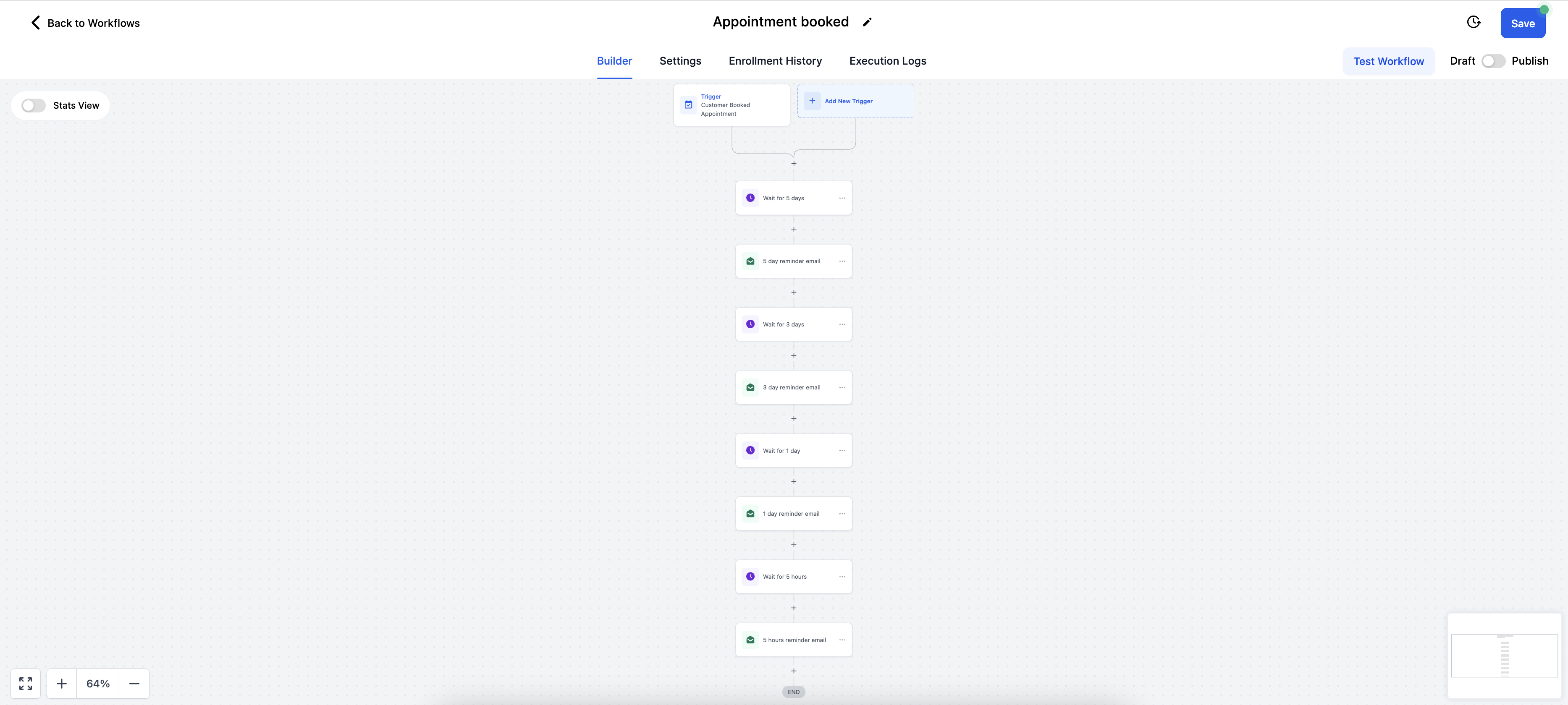
06Settings that matter
- Allow Re, entry. Controls whether a contact that meets trigger conditions can re enter a workflow after having left it.
07Things to know before you rely on it
- Multiple bookings allow re entry even when Allow Re entry is disabled.
- A cancelled appointment always pulls the contact out of the workflow.
- Rescheduled appointments only cause re entry if the trigger filters match and Allow Re entry is enabled.
- Recurring appointments never fire the standard appointment booking trigger.
08How it connects to the rest of HighLevel
- Create a workflow with appointment triggers Workflow creation guide
- Adjust workflow settings such as Allow Re entry Workflow settings overview
- Review available workflow triggers Triggers overview
Michael's take

People often think the Allow Reentry toggle works for every appointment change, but it only matters for reschedules that meet the trigger filters. Without that setting, a rescheduled appointment simply exits the flow.
I’d set up a test booking, cancel it, and watch the contact disappear before adding a reschedule trigger with Allow Reentry turned on. That way you can see exactly how the contact moves in and out of the workflow.