
01Who this is for
- Marketing managers who need to keep lead lists aligned between Airtable and HighLevel, reducing manual entry.
- Project coordinators using Airtable as a task board and HighLevel for client management, ensuring project status updates flow automatically.
- Agencies that manage multiple client subaccounts and want to rebill Airtable automation costs per execution.
02Airtable integrations, explained
The integration adds native Airtable steps to the workflow builder. Triggers detect when a row is created or edited in a chosen Base and Table. Detection uses a polling cycle of roughly five minutes. Actions let the workflow look up, add, modify, or remove rows.
All steps appear in the same list as other workflow triggers and actions. When a trigger runs, it supplies the record data as custom values that downstream actions can reference. Actions require you to map fields from the workflow to the Airtable columns you want to affect.
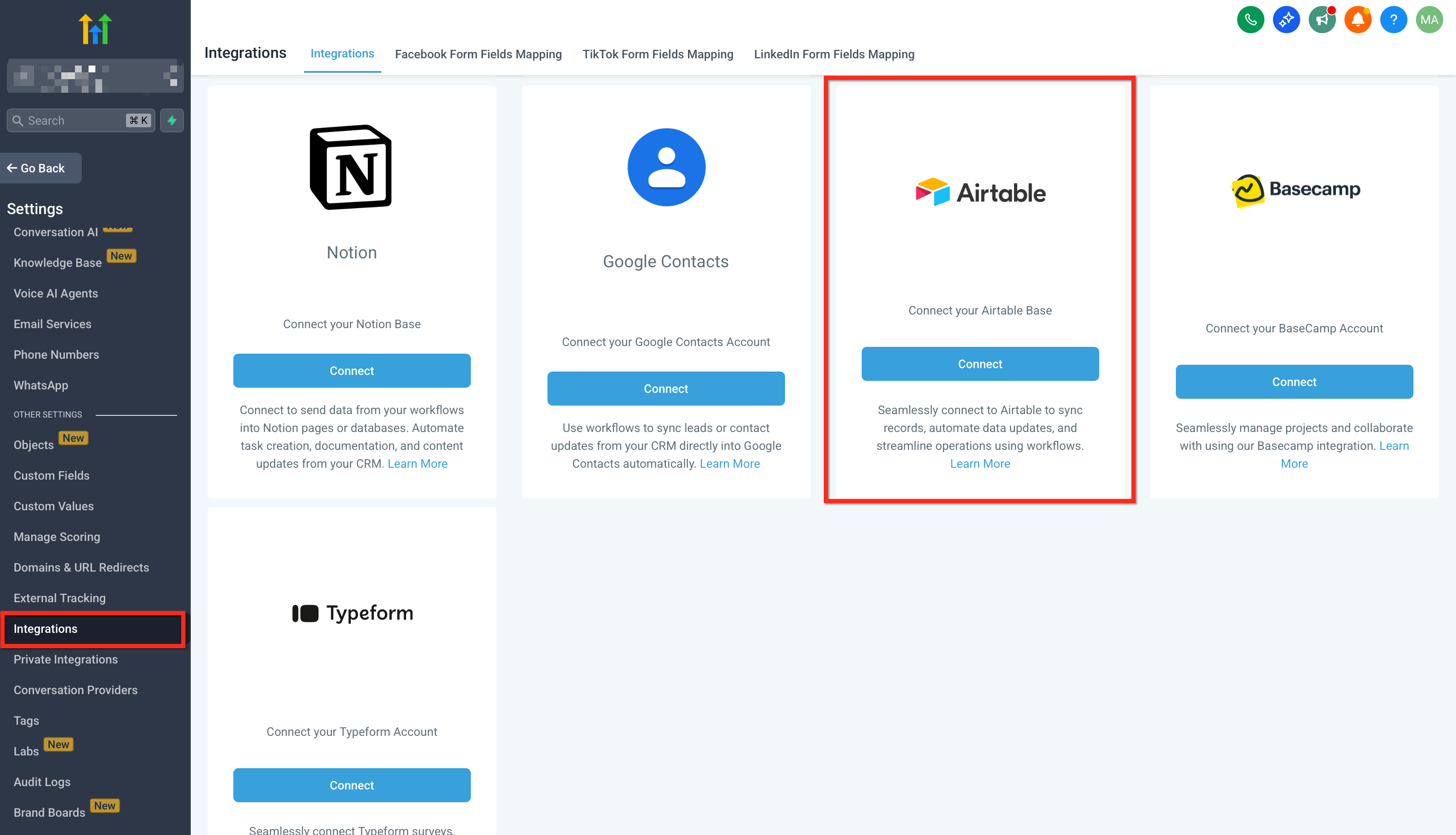
The connection is stored per subaccount under Settings > Integrations. Airtable steps are premium billed, and agencies may rebill subaccounts for those executions.
03How businesses use airtable integration
- Digital marketing agency. Create a workflow that starts with an Airtable Updated Record trigger. Map the lead's email from the sample record, then use a Find Record action to locate the contact in HighLevel. If found, update the contact; if not, create a new contact record.
- Construction project manager. Set up a New Record trigger for the project tracker Base. Add a Create Record action to insert matching tasks into a separate Airtable table, mapping the project ID and due date. Follow with an internal Email action to alert the foreman.
- Content agency. Use a New Record trigger on the Content Briefs table. Add a Find Record action to pull any existing brief, then a Generate Content AI action, and finally a Create Record action in a different Airtable table to store the draft. Notify the copywriter with a workflow email.
04The numbers and rules that matter
- Airtable steps are premium executions and are billed per execution at the account’s standard rate.
- Polling checks Airtable for new or updated records about every 5 minutes.
- The integration works with Airtable’s free plan; Airtable’s own limits still apply.
- Connections are per subaccount.
05Before you start
- Access to a HighLevel account with the Workflows feature enabled.
- An Airtable account (free or paid) with the required Base and Table created.
06How to set up and use airtable integration in HighLevel
Connect Airtable
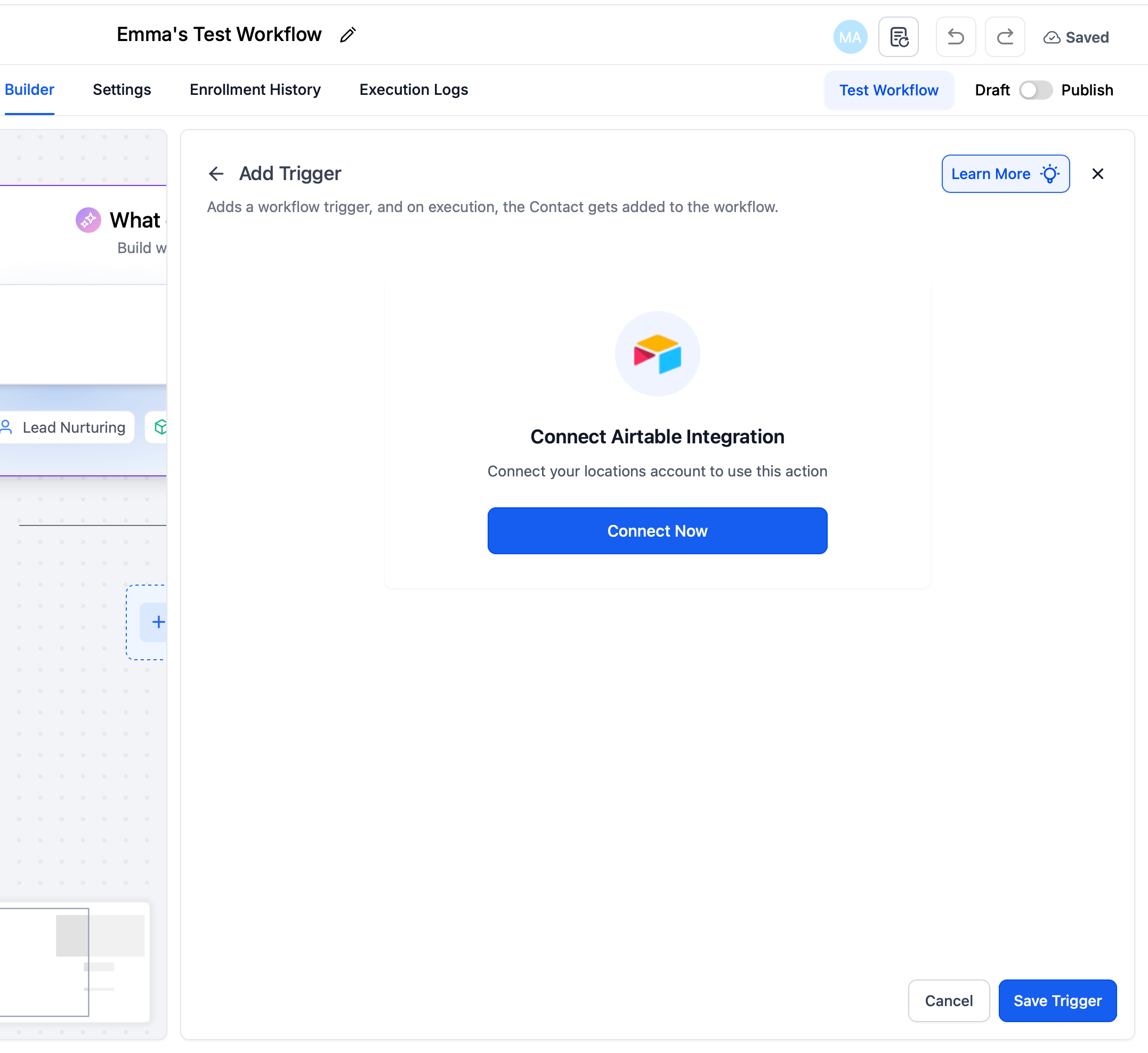
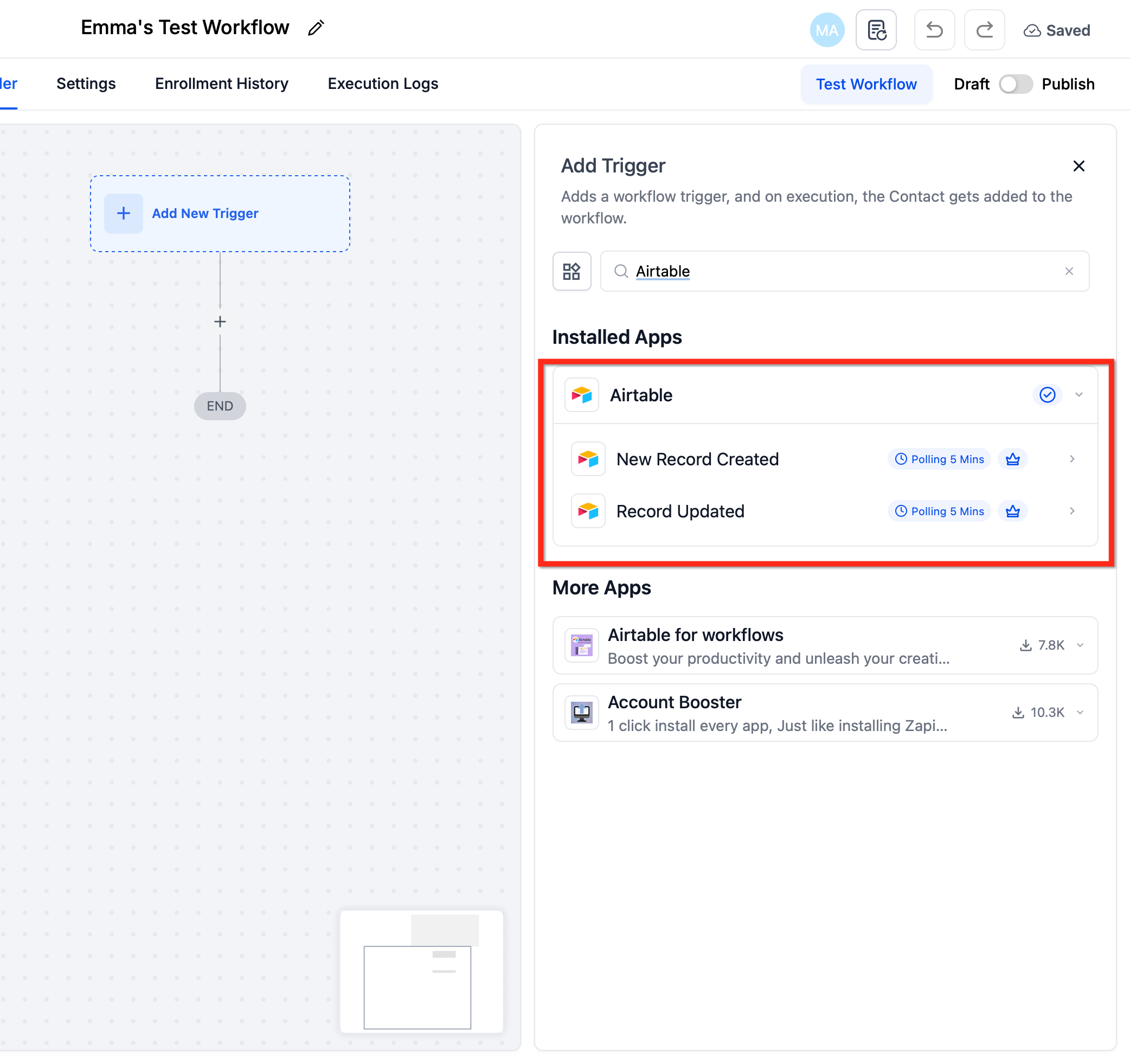
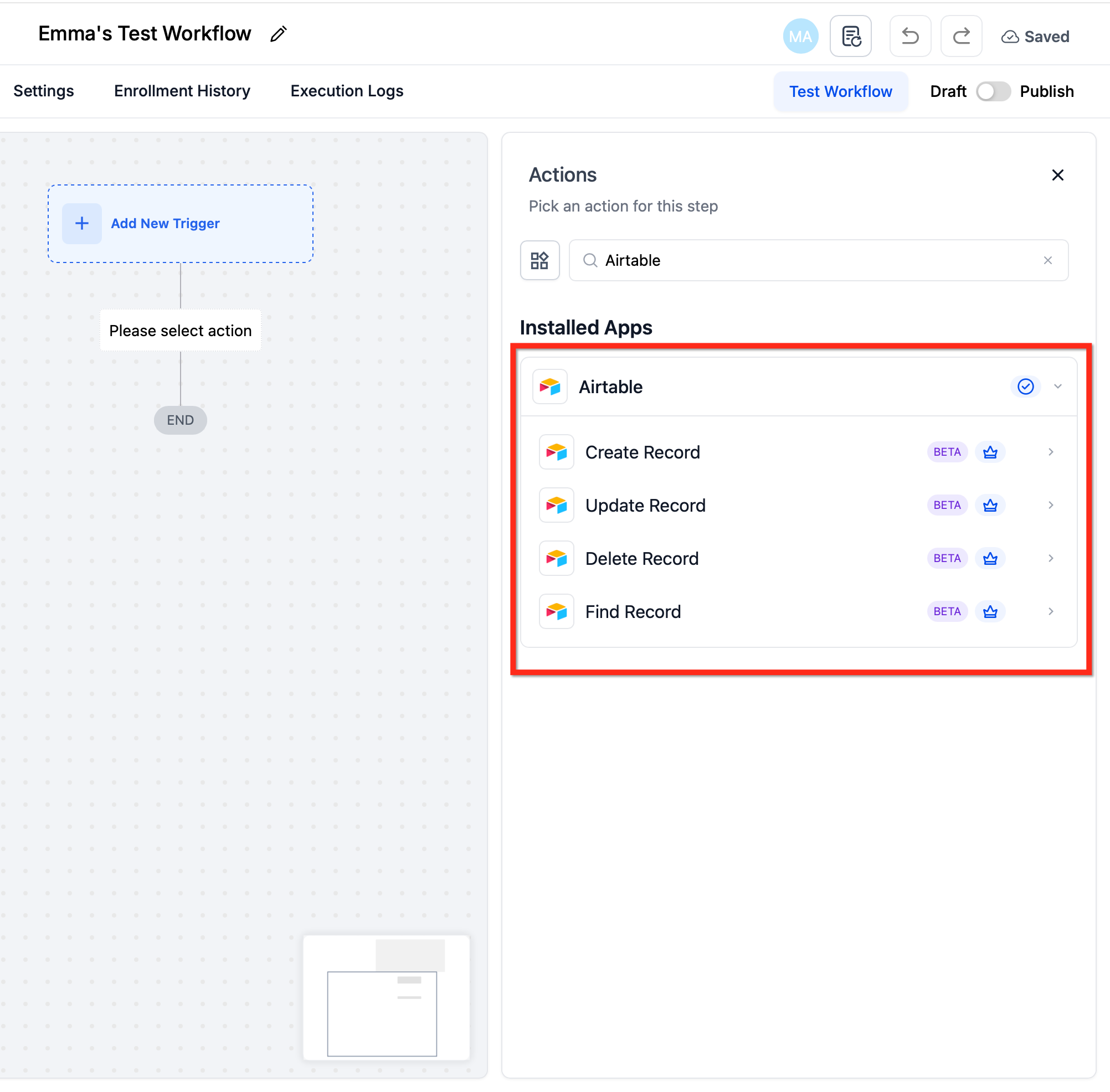
- In a workflow step, click + Add Trigger or + Add Action, search for Airtable, and select the desired trigger or action.
- Click Connect Now and sign in via OAuth or enter a Personal Access Token to authorize HighLevel.
- Alternatively, go to Settings > Integrations, locate Airtable, and complete the connection for the current subaccount.
Build your first flow
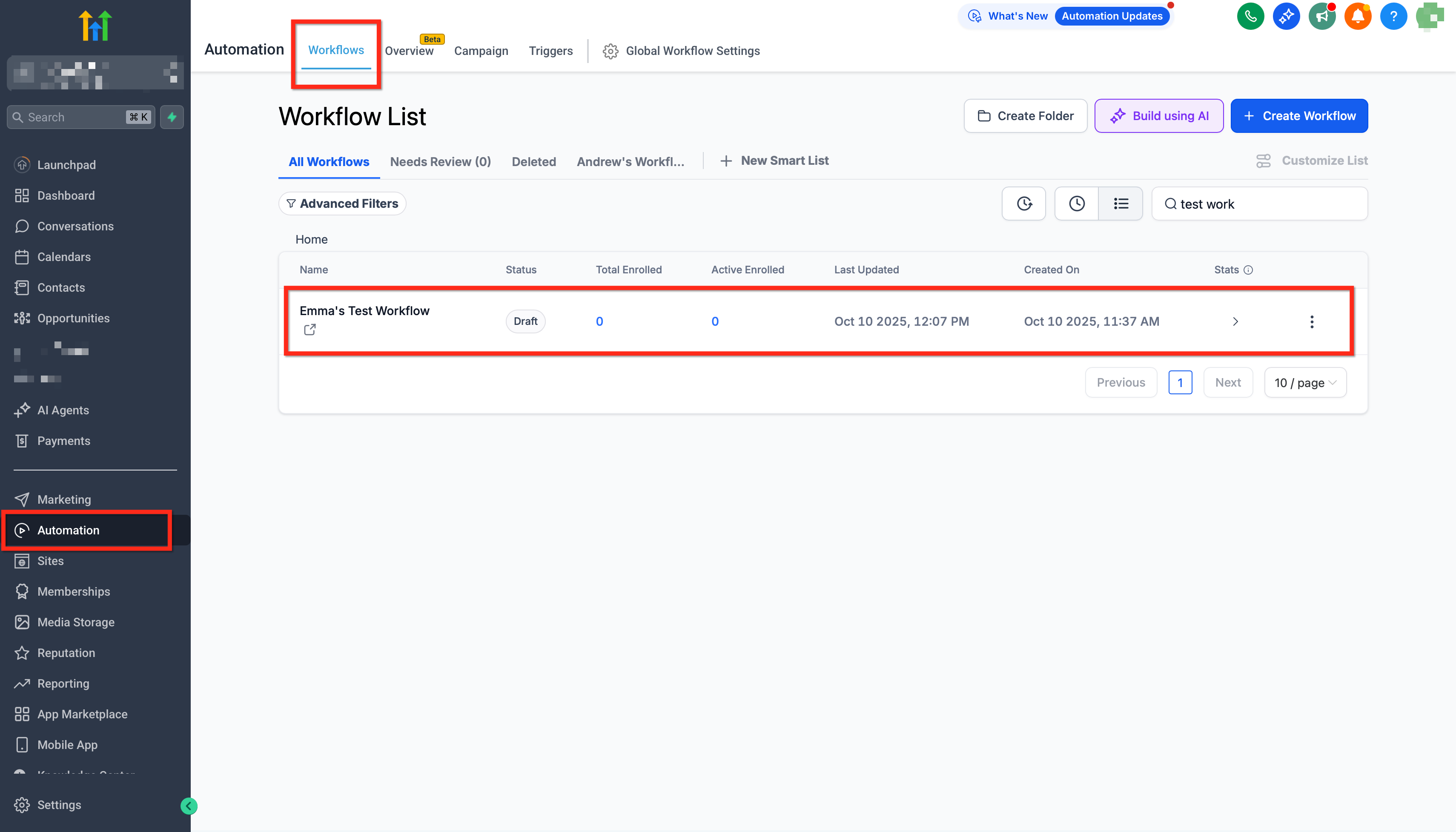
- Open Automations > Workflows in the target subaccount and click Create Workflow.
- Add an Airtable New Record or Updated Record trigger, select the Base and Table, then test the trigger to pull a sample record.
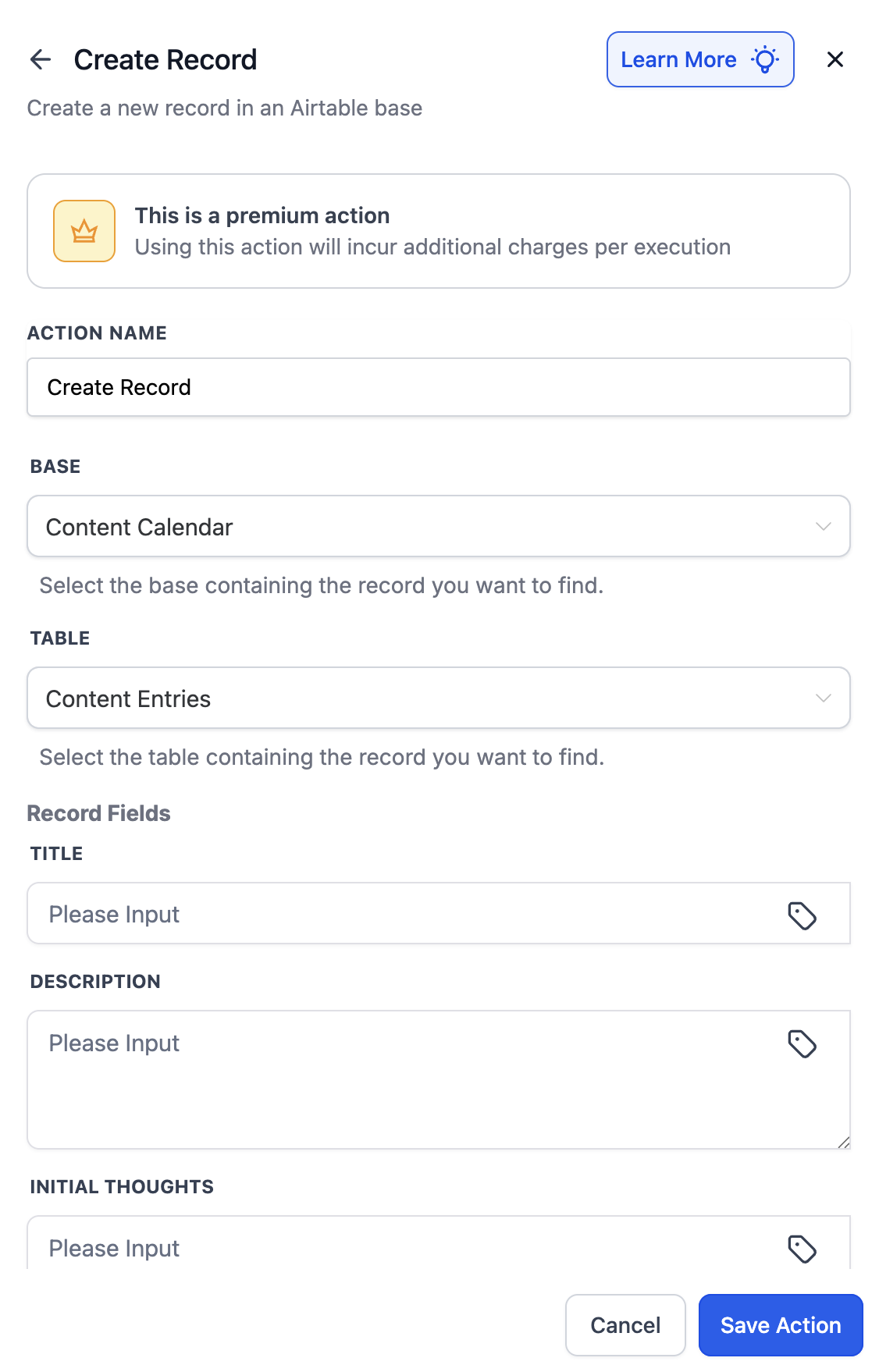
- Add Airtable actions such as Find Record, Update Record, or Create Record, mapping fields from the trigger sample.
- Add any follow up actions like Send Email or Notify User, publish the workflow, and verify execution in the logs.
07What it looks like in HighLevel
08Settings that matter
- New Record. Starts a workflow when a new row appears in the selected Airtable table.
- Updated Record. Starts a workflow when an existing row changes in the selected Airtable table.
- Find Record. Looks up a row using a Record ID or field criteria and returns its values for later steps.
- Create Record. Adds a new row to the chosen Airtable table with field values mapped from the workflow.
- Update Record. Modifies one or more fields in an identified row, using a Record ID or a previous Find result.
- Delete Record. Permanently removes a row from the selected Airtable table.
09Things to know before you rely on it
- Trigger detection runs on a polling schedule of about five minutes.
- Airtable steps are premium billed and can be rebilled to subaccounts.
- The integration works with Airtable’s free plan, but Airtable’s own limits, such as row caps and attachment storage, still apply.
- Connections are stored per subaccount; each subaccount must create its own Airtable link.
10If something goes wrong
- Invalid table or field errors in Execution Logs. Check the step configuration for correct table and field names, then re run the test.
- Authorization expired for Airtable. Reconnect the Airtable account via the workflow step or Settings > Integrations and run the test again.
11How it connects to the rest of HighLevel
- Learn the basics of HighLevel workflow automation Workflow basics
- Review pricing tiers for Workflow Pro features Workflow pricing
- Enable and rebill premium workflow features for subaccounts Rebilling guide
- See all workflow capabilities All workflow features
Michael's take

When your team juggles a project tracker in Airtable and a CRM in HighLevel, data gets out of sync and manual updates pile up. The Airtable integration removes that friction by letting changes in one system flow into the other without a third party connector.
The first setting I would lock down is the connection itself. Use the Settings > Integrations page to add the Airtable account and verify the OAuth token or personal access token works. A solid connection means every trigger and action runs reliably from day one.