
01Who this is for
- Agency owners who manage client messaging can add quick voice context without switching apps.
- Founders of service businesses can respond to leads faster by sending voice updates inside WhatsApp chats.
- Support teams handling customer inquiries can clarify issues with spoken messages directly from the conversation.
02Voice notes on WhatsApp, explained
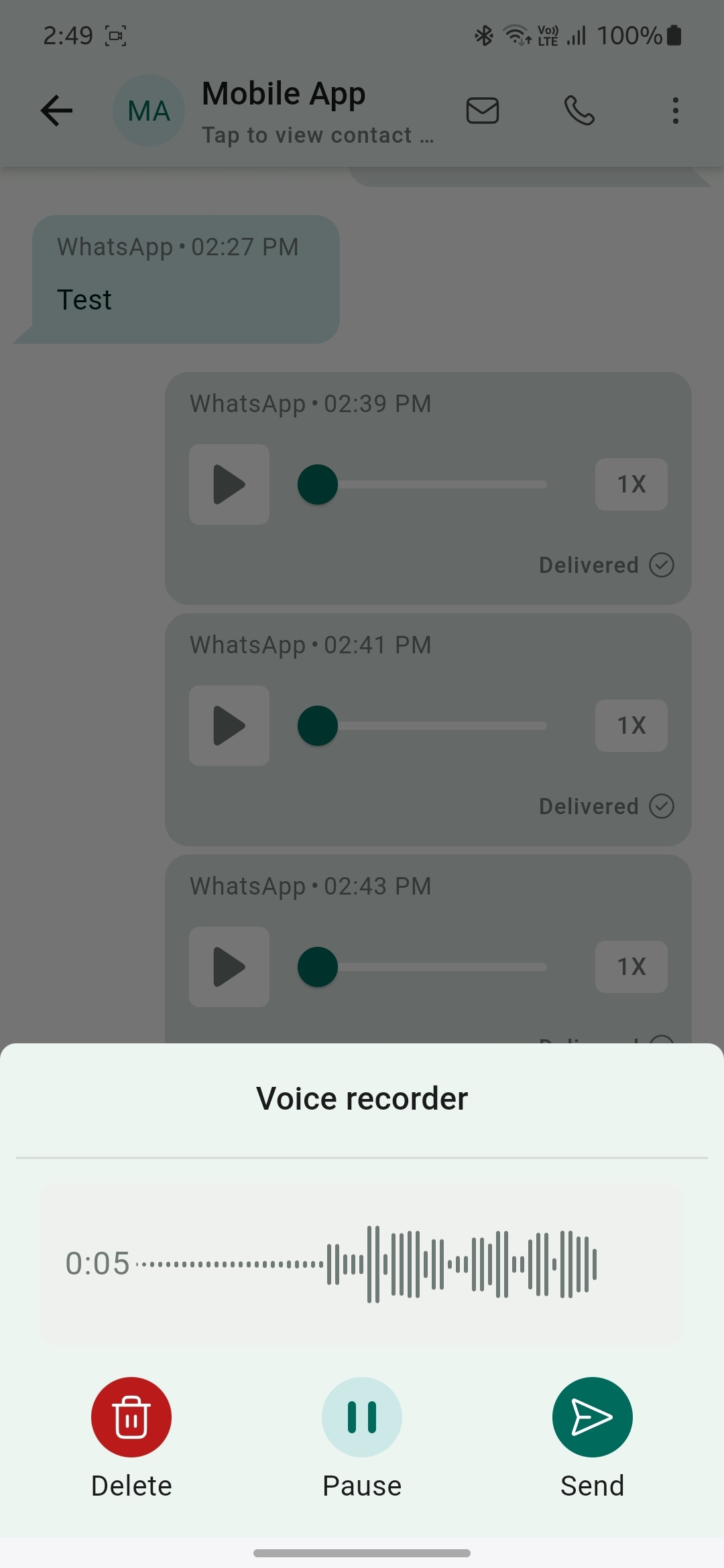
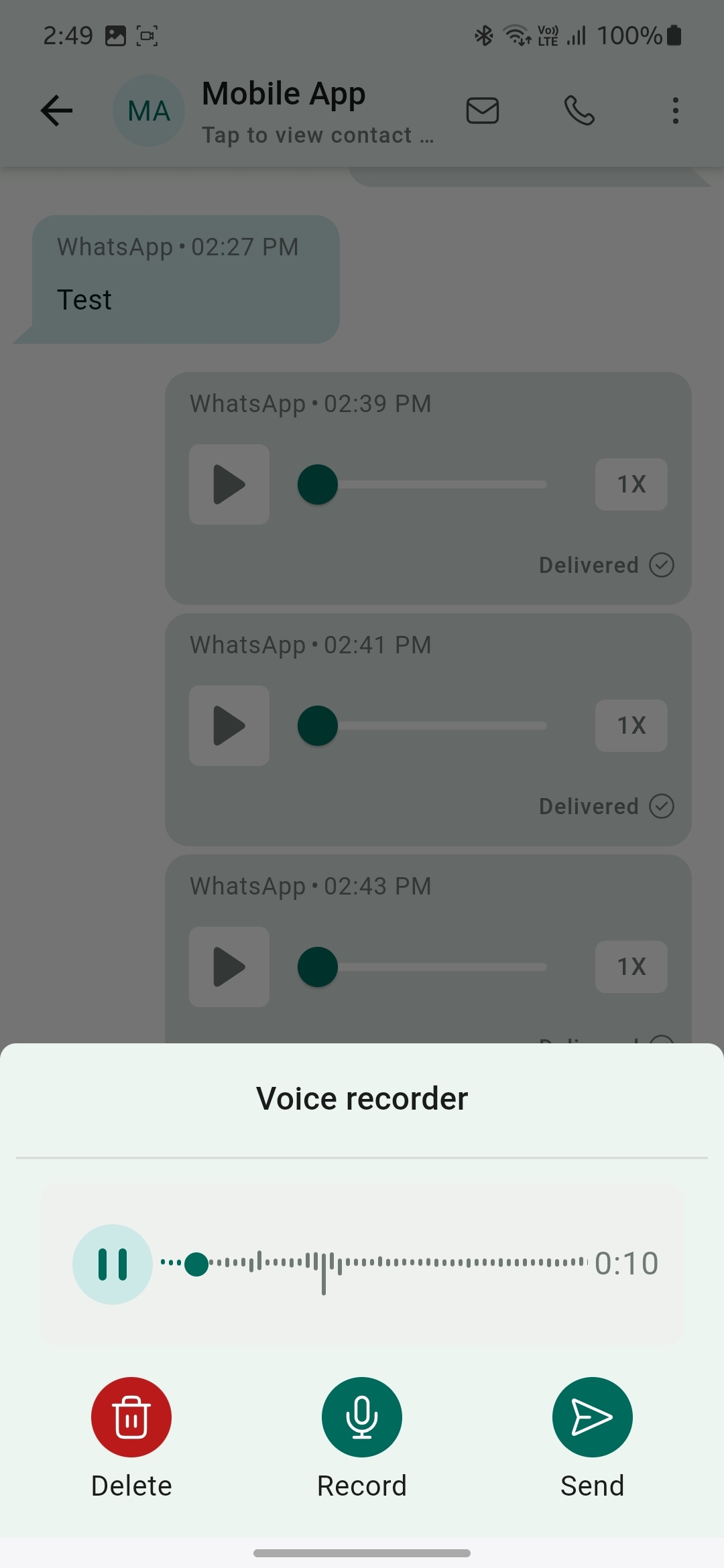
The feature adds a voice note button to the WhatsApp channel inside the Conversations view of the HighLevel mobile app. Users can record short audio clips, pause the recording, resume it, or discard it and start over before sending.
The icon appears to the right of the text input field. After finishing a recording, tapping the send icon delivers the audio message straight into the ongoing WhatsApp chat. The feature works on the mobile app for CRM, LeadConnector and whitelabelled versions.
03How businesses use voice notes on WhatsApp
- Real estate agency. Agents open the HighLevel mobile app, select a client's WhatsApp chat, tap the voice note icon, record a property description, and send it right away.
- Dental practice. Staff open a WhatsApp conversation with a patient, use the voice note icon to record post procedure care instructions, pause if needed, and then send the message directly.
- Ecommerce store. Customer service reps open a chat with a buyer, record a brief explanation of shipping details using the voice note button, and deliver the audio note without leaving the conversation.
04The numbers and rules that matter
- Available on CRM, LeadConnector, and whitelabelled apps (whitelabel update needs to be requested).
05Before you start
- Install the HighLevel mobile app on your device.
- Log in to a subaccount that has WhatsApp enabled as a channel.
06How to set up and use voice notes on WhatsApp in HighLevel
Send a voice note
- Open the HighLevel mobile app and choose the subaccount you want to use.
- Navigate to the Conversations section and open the WhatsApp chat you wish to reply to.
- Tap the voice note icon that appears next to the text input field.
- Record your message; you may pause, resume, or delete the recording as needed.
- Press the send button to deliver the voice note.
07What it looks like in HighLevel
08Things to know before you rely on it
- The feature is available on HighLevel, LeadConnector, and whitelabelled mobile apps; enabling it on a whitelabel app requires a request.
- Voice notes can only be recorded and sent from the mobile app, not from the desktop version.
09How it connects to the rest of HighLevel
- Set up WhatsApp as a channel for a subaccount WhatsApp subaccount setup
- Activate WhatsApp rebilling for agencies WhatsApp rebilling guide
- Increase your HighLevel WhatsApp message limit Message limit guide
Michael's take

Michael ReimerFounder of CRM Pros, HighLevel Commander and Certified Admin
Voice notes on WhatsApp are handy for adding a human touch to messages.
If you never use audio messaging or your audience prefers text only, skip it.
Get More InformationOpens on HighLevelPublished November 2, 2026 · Updated November 17, 2026