
01Who this is for
- Founders of ecommerce startups who need to test payment flows without using real money.
- Marketing agencies managing multiple client subaccounts that require separate Square locations for each client.
- Service providers offering memberships or recurring services who want to collect one time and subscription payments through Square.
02Square payment processor, explained
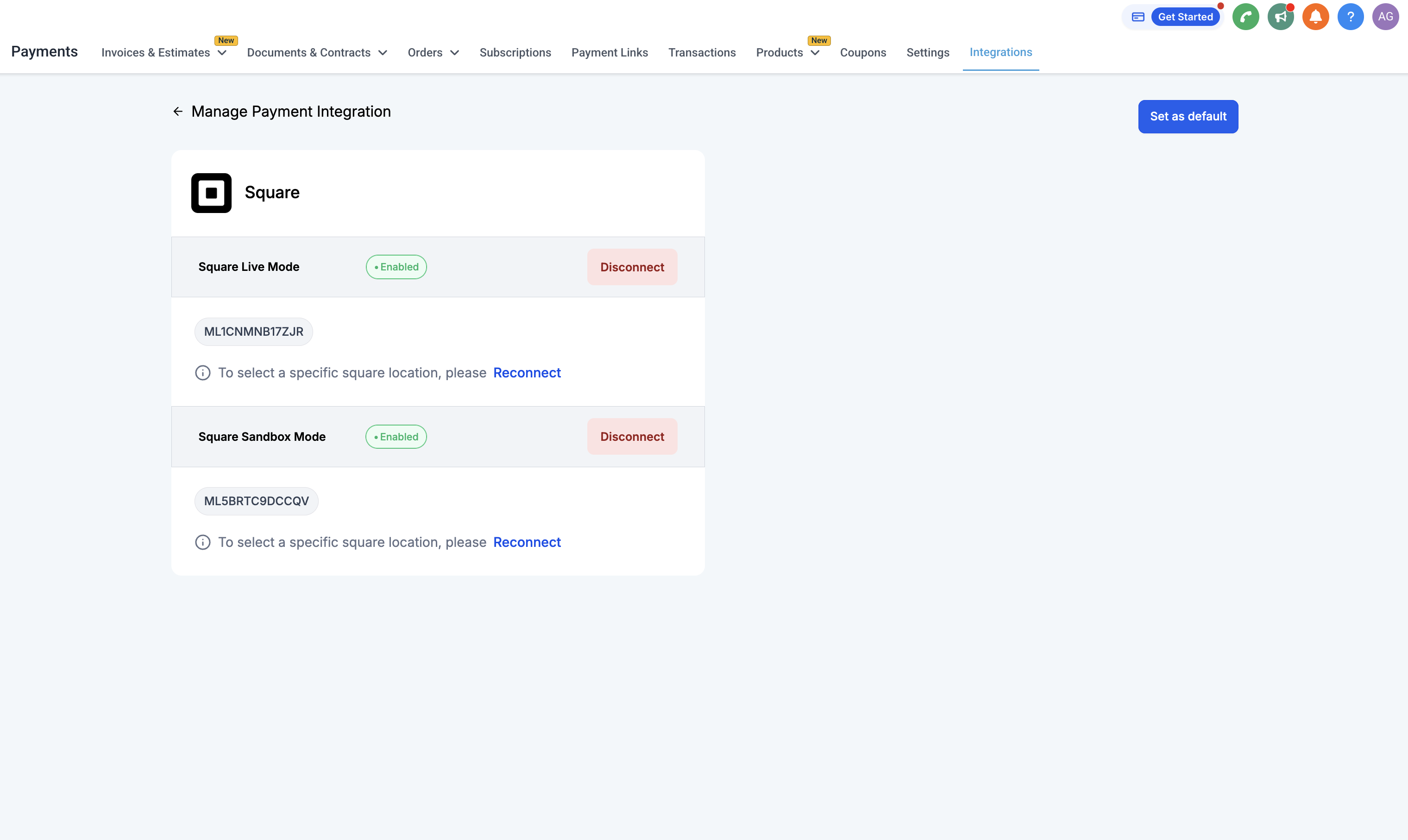
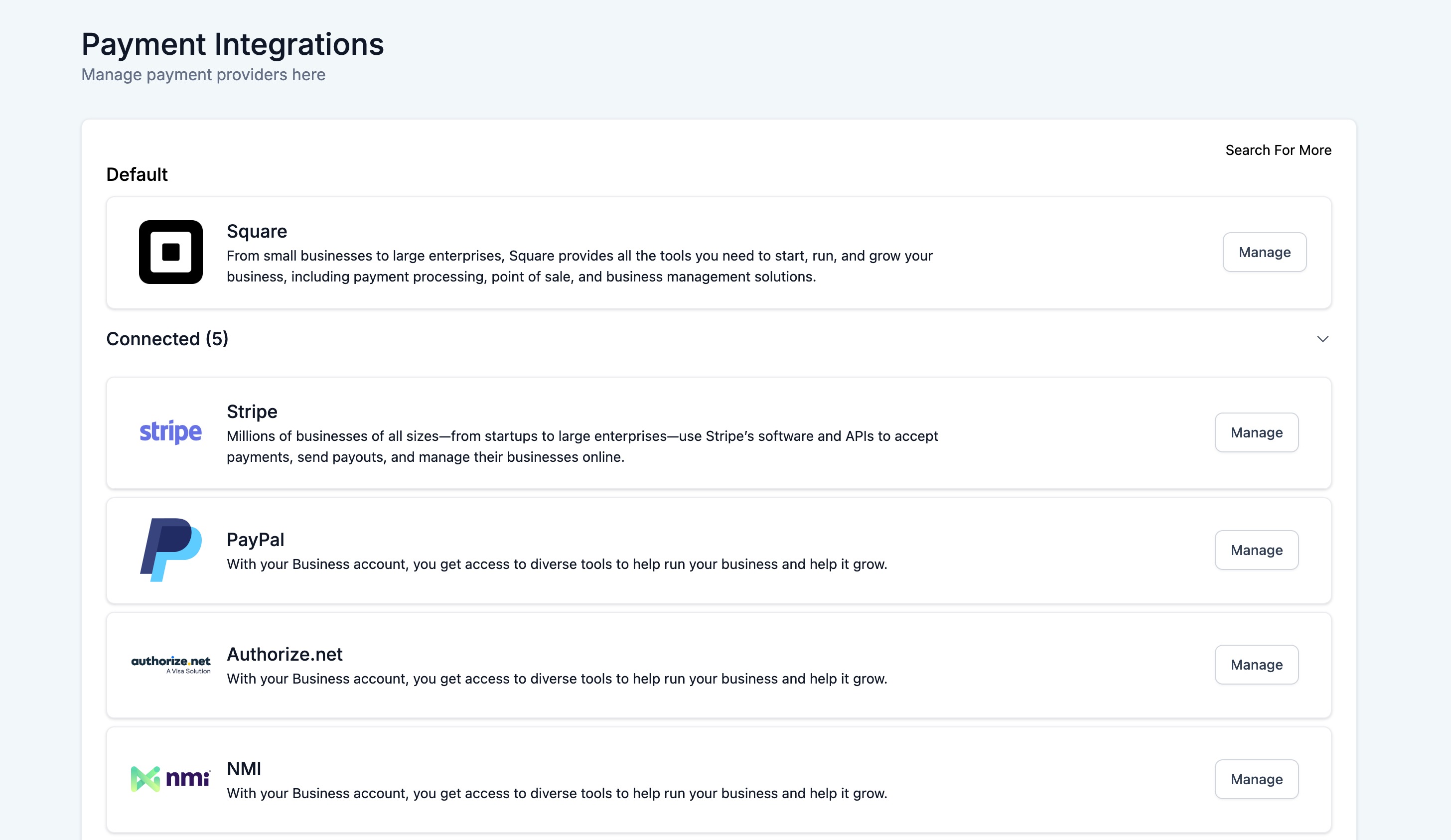
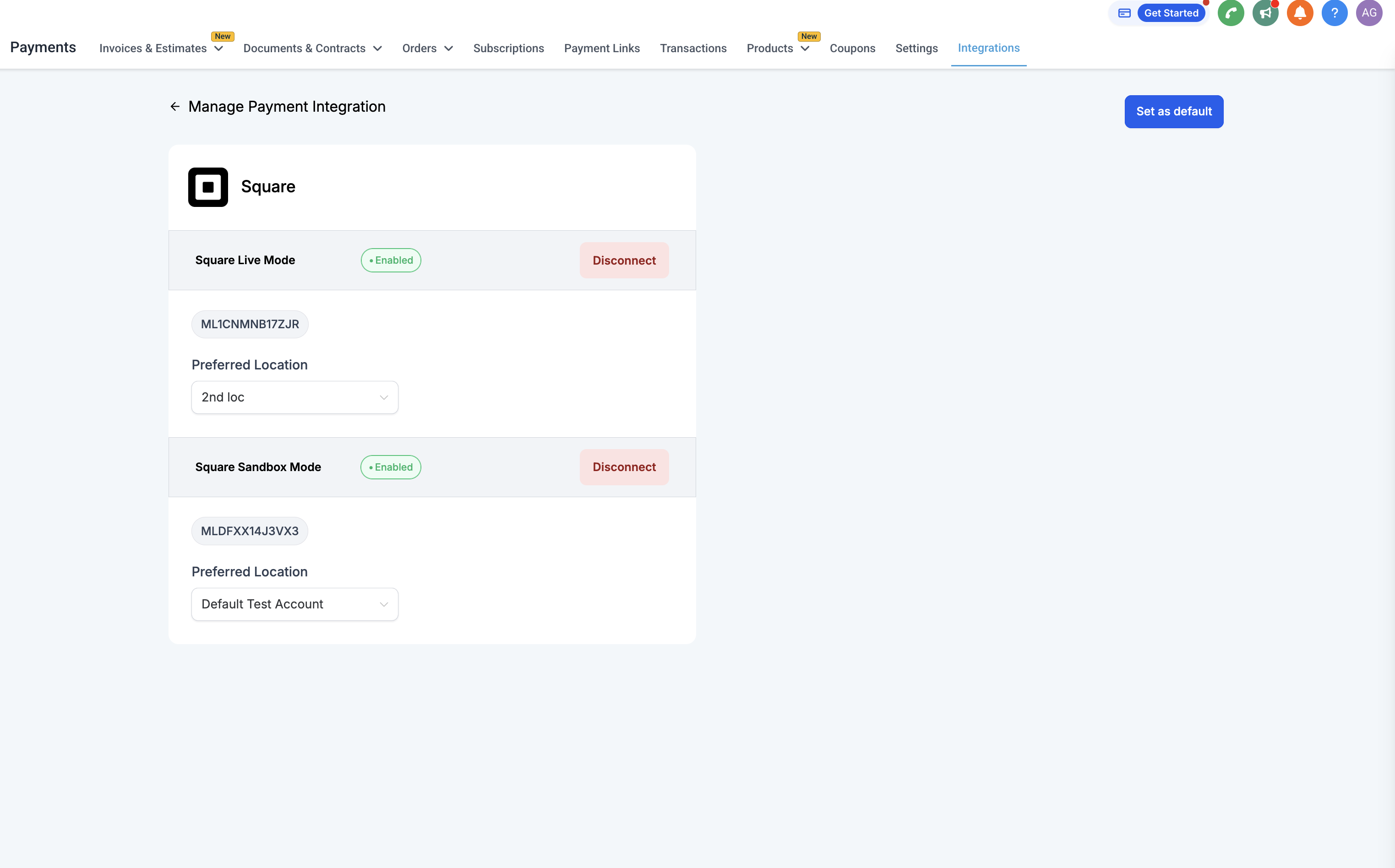
HighLevel offers a Square integration under Payments > Integrations. Users can attach a Square account, either live or sandbox, by using the Connect button. After the link is created, the platform automatically pulls all physical locations defined in the Square account and displays them for selection.
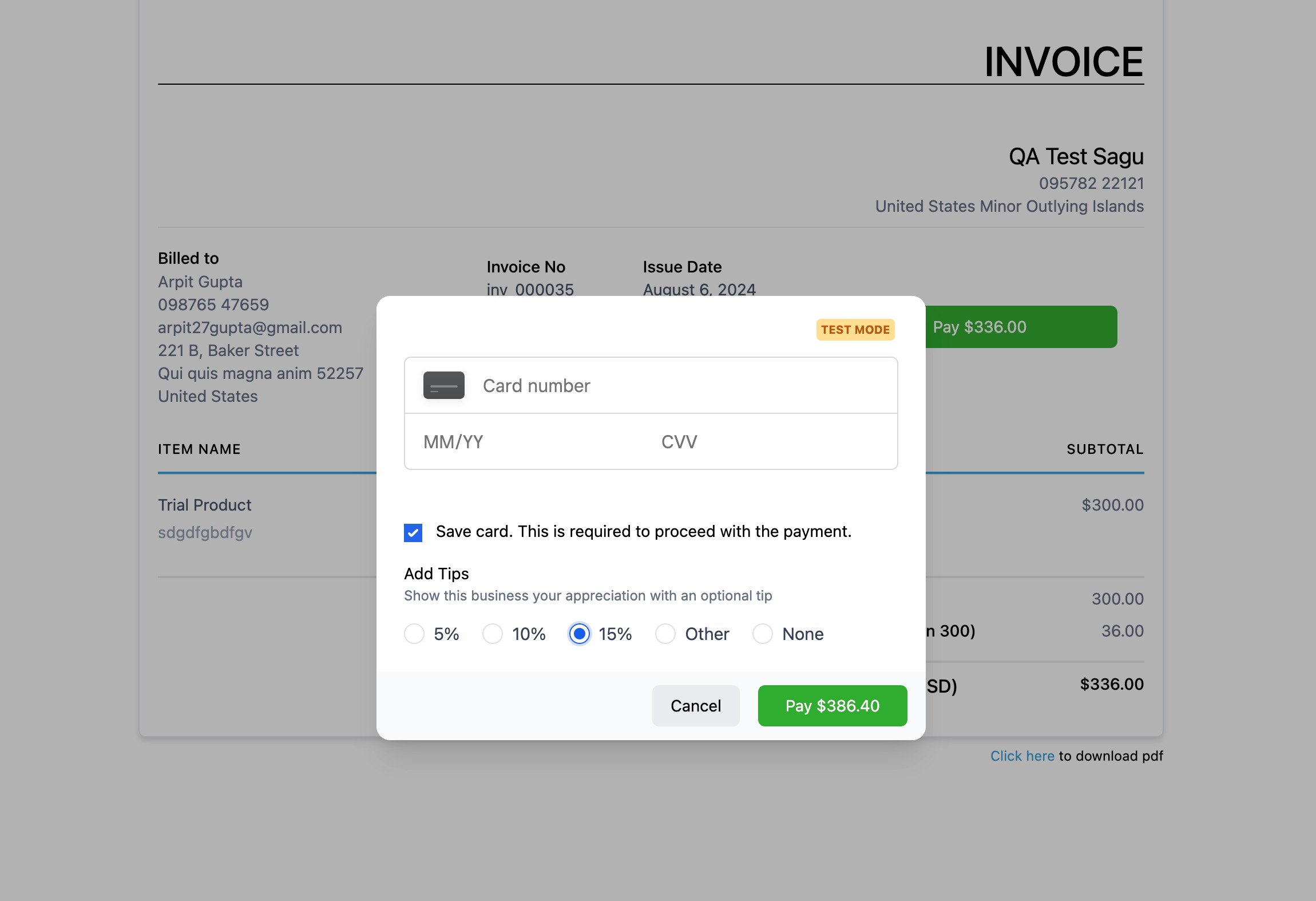
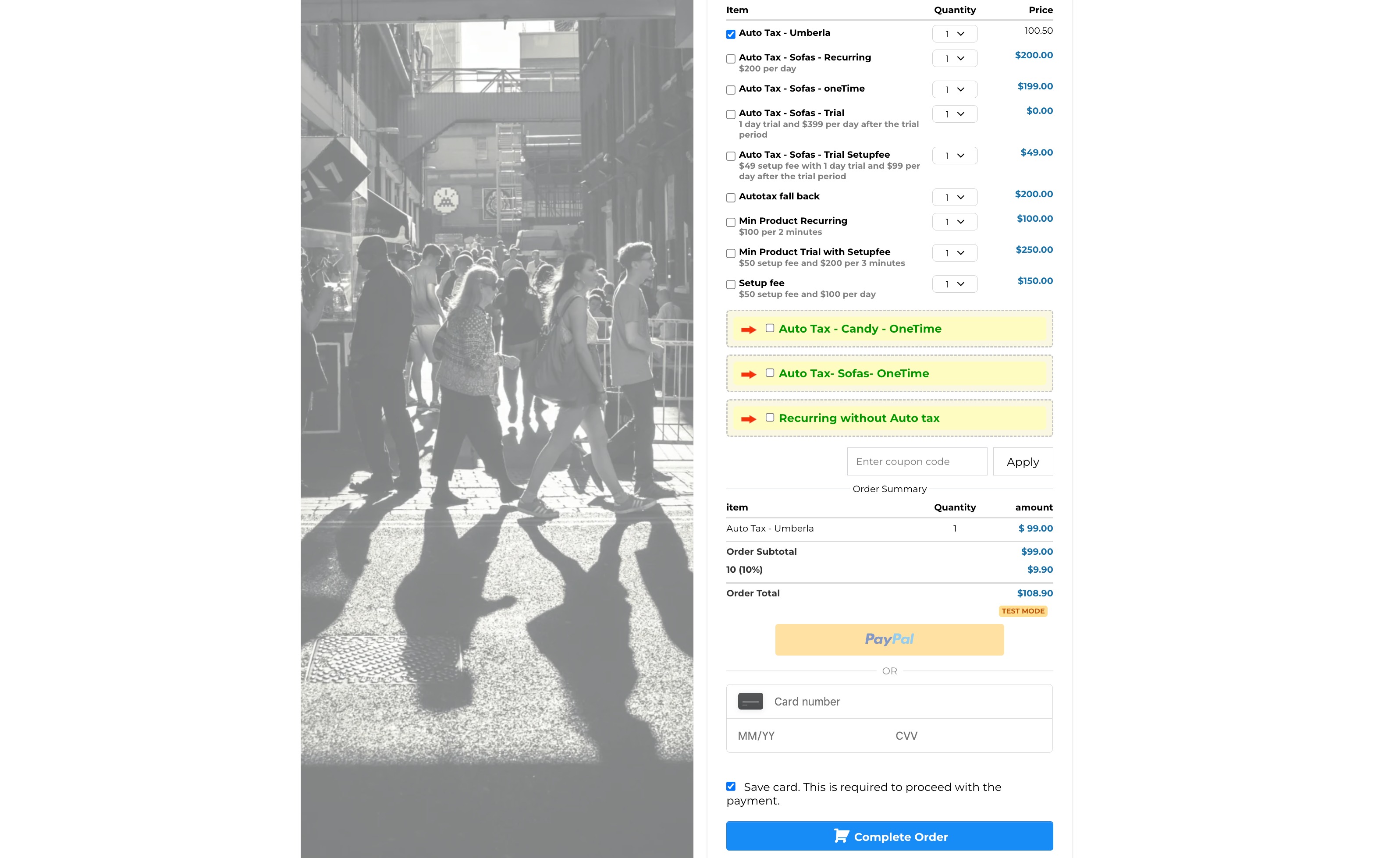
Products are set up in Payments > Products. Both one time and subscription payment types can be created and then used in any HighLevel payment element such as order forms, invoices, online stores, memberships, and payment links. The integration does not support SaaS or re billing at this time.
All transactions processed through Square appear in Payments > Orders and Transactions. Existing trigger actions that rely on payment events continue to work with this integration.
03How businesses use Square payment processor
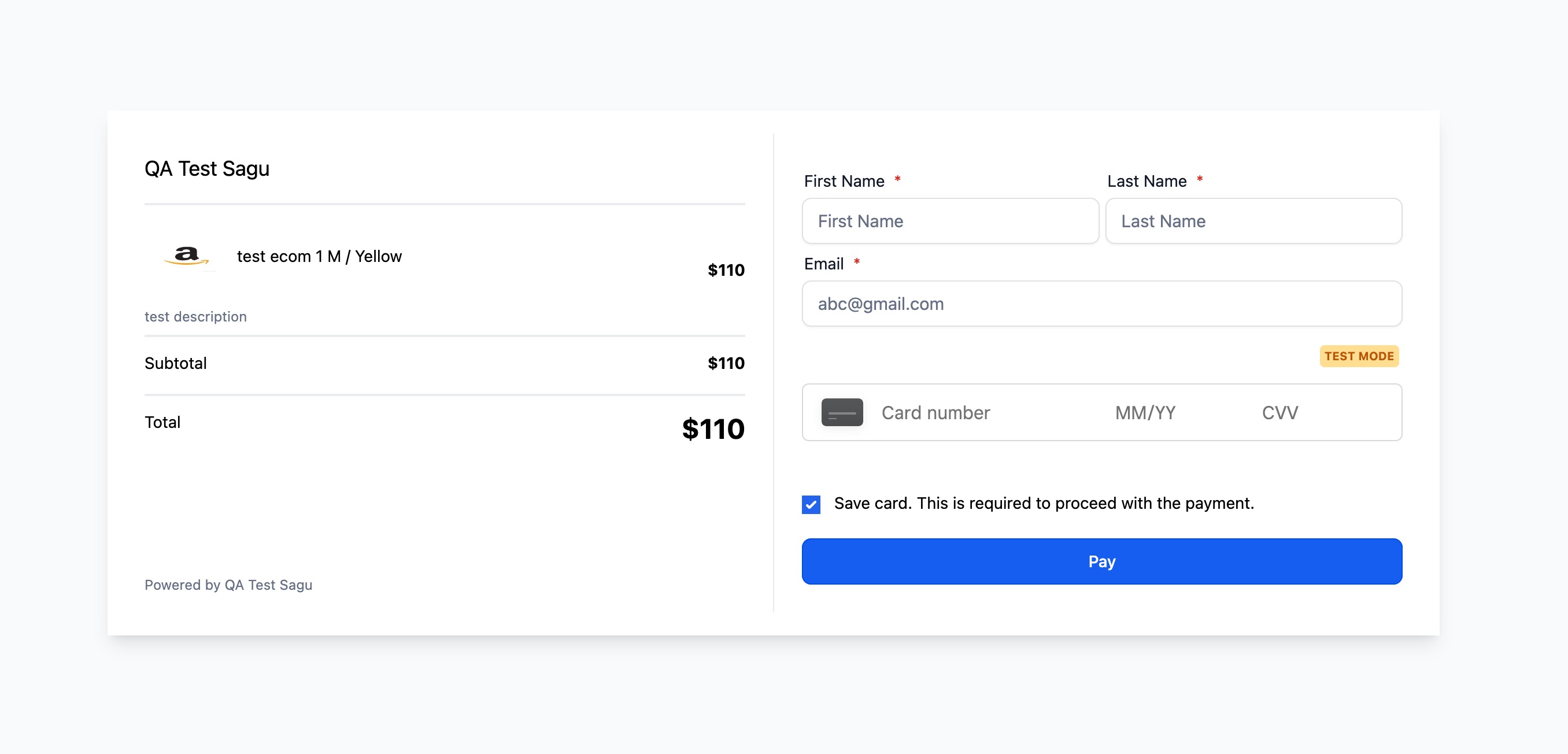
- Online boutique. The boutique logs into its Square sandbox, clicks the Connect button for Square Test Mode in HighLevel, selects the store location, creates product entries for each item, and adds those products to HighLevel order forms to collect customer payments.
- Gym or fitness studio. The studio connects its Square account, chooses the gym location, sets up membership plans as subscription products in HighLevel, and uses the membership feature to bill members on a recurring basis.
- Digital marketing agency. The agency reconnects each client’s Square account, assigns the appropriate physical location to each client subaccount, and processes client invoices through HighLevel invoicing using the linked Square payment method.
04Before you start
- Have a Square account with sandbox access enabled.
- Be signed in to the Square sandbox account on the Square dashboard.
05How to set up and use Square payment processor in HighLevel
Connect to Square in sandbox test mode
- Log in to your Square account at https://app.squareup.com/login.
- Open the sandbox Square account from the Square dashboard and stay signed in as a sandbox user.
- In HighLevel, click the Connect button for Square Test Mode; the platform will detect the signed in sandbox account and link it.
06What it looks like in HighLevel
07Settings that matter
- Connect button for Square Test Mode. Starts the linking process between the currently signed in Square sandbox account and the HighLevel subaccount.
- Reconnect. Refreshes access to a previously connected Square account and retrieves the list of its physical locations.
- Physical location selection. Allows the user to choose which Square location is associated with the HighLevel subaccount after a successful connection or reconnection.
08Things to know before you rely on it
- Only one time and subscription payments are supported; SaaS and re billing are not available.
- A default physical location is automatically selected after connecting, but it can be changed by the user.
- The integration is accessed under the subaccount Payments > Integrations area.
09How it connects to the rest of HighLevel
- See which payment providers are supported by region Supported payment providers
- Learn about using Square 3D Secure for added security Square 3D Secure
- Explore all payment related features in HighLevel All Payments features
Michael's take

Square payment processor feels like a small convenience shift for anyone already using Square and wanting to keep sales inside HighLevel.
A boutique fitness studio that sells class passes and monthly memberships fits well. Connect the Square sandbox, set up the class pass as a product, and let members sign up through a HighLevel form while Square handles the recurring charge.