
01Who this is for
- Marketing managers benefit because they can create a single template and reuse it for multiple newsletters, saving time on design.
- Agency owners gain efficiency by cloning campaigns for different clients while still being able to edit each before sending.
- Small business owners use templates to keep brand consistency across promotional emails without hiring a designer.
02Email templates and email campaigns, explained
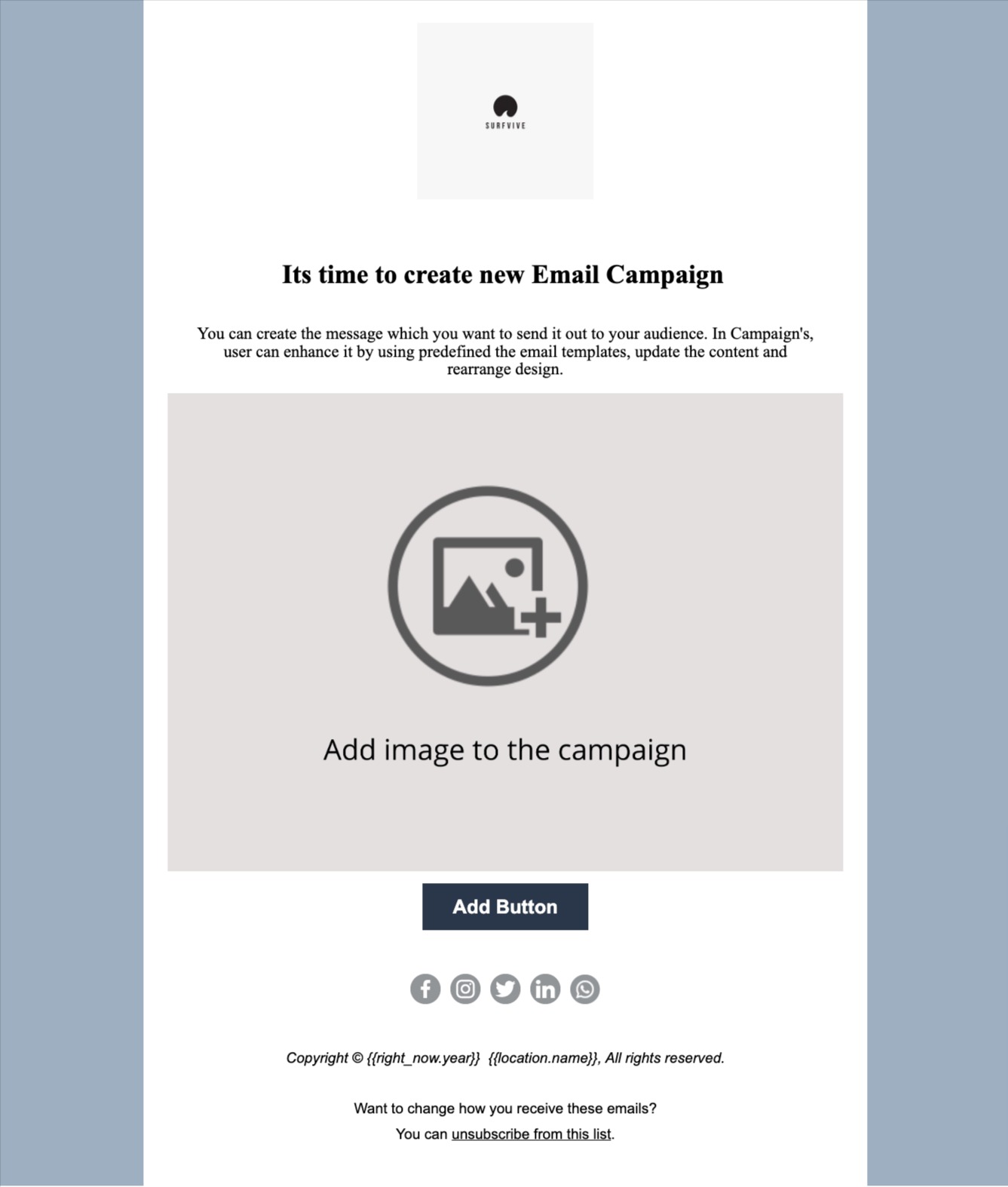
The Email Marketing section of HighLevel divides into two parts: Email Templates and Email Campaigns. Templates act as reusable foundations where logos, colors, and recurring blocks can be saved. Campaigns are the individual email sends that sit on top of a selected template.
When you open the Email Campaigns area, you first pick a template, then edit the content, arrange blocks, or add new elements. After customization you choose the audience, individual contacts, a smart list, or contact tags, and either schedule the send or dispatch it immediately. Campaigns can be duplicated, allowing you to clone a past send and modify it for a later date while keeping the original layout intact.
03How businesses use email templates and email campaigns
- Digital marketing agency. The agency creates a brand consistent template for each client. For each newsletter, the team opens Email Campaigns, selects the client’s template, edits the copy, picks the client’s smart list, and schedules the send.
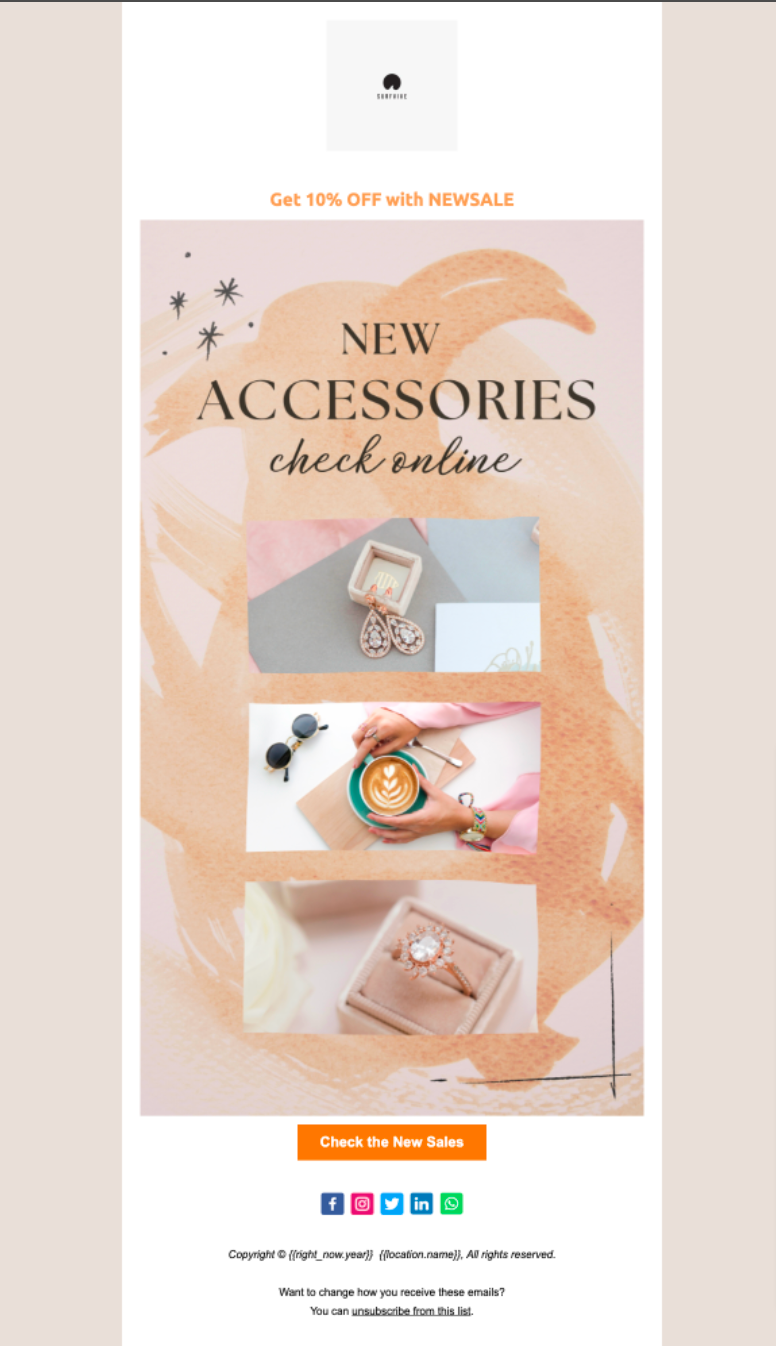
- Ecommerce store. The store builds a promotional template that includes product images and a call to action button. When launching a sale, it starts a new campaign, chooses the template, updates the sale details, selects contacts with a “sale interest” tag, and sends the email.
- Real estate brokerage. The brokerage designs a property listing template with placeholders for photos and descriptions. For each new listing, an agent creates a campaign, selects the template, fills in the specific property information, targets the “buyers” smart list, and schedules the email.
04How to set up and use email templates and email campaigns in HighLevel
Send an email campaign
- Open the Email Campaigns area in HighLevel.
- Select an existing Email Template to base the campaign on.
- Edit the template content and arrange the blocks as needed.
- Choose the recipients by picking individual contacts, a smart list, or contact tags.
- Schedule the send time or send the email immediately.
05What it looks like in HighLevel
06Things to know before you rely on it
- Templates are reusable layouts that can be applied to any number of campaigns.
- Campaigns can be cloned for later use while still allowing further customization before sending.
07How it connects to the rest of HighLevel
- Send or schedule a regular email campaign in HighLevel Send or schedule campaign
- How to edit an email template in HighLevel Edit email template
- Set defaults for custom values in emails Custom values
Michael's take

Having a steady flow of newsletters, promotions, or updates makes having solid templates useful.
If you only send occasional one off messages, you might choose to build a campaign without creating a custom template.