
01Who this is for
- Agency owners who need a fast way to move inbound leads between team members to keep customers engaged.
- Customer service managers who want agents to hand off calls without the caller hearing a dead line.
- Receptionists who must introduce callers to a specialist before completing the transfer.
02Eliza Agent Platform, explained
The Eliza Agent Platform is a messaging add on inside HighLevel that helps agencies answer leads, nurture them at scale, and manage bookings. It includes a phone interface where agents can start outbound calls and then transfer those calls to other team members.
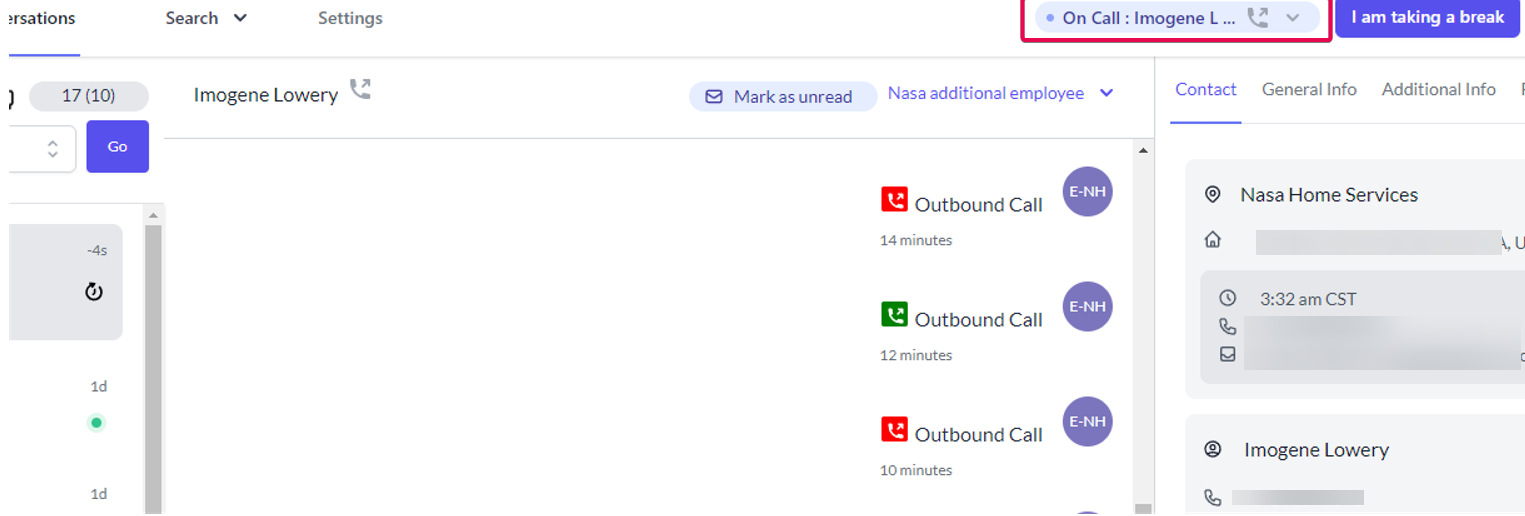
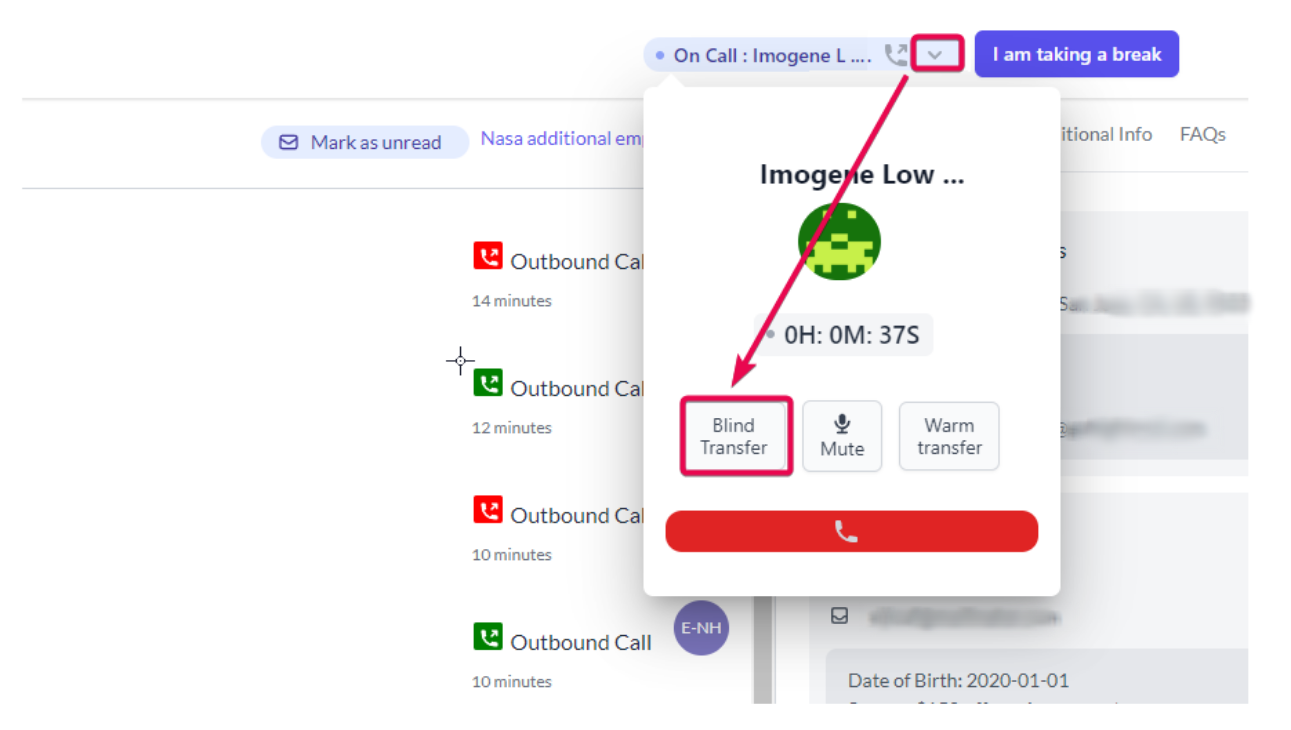
Blind transfers move the call immediately to a selected HighLevel team member. Warm transfers place the caller on hold while the second agent answers, then merge all parties into a conference before the first agent leaves. The transfer options appear in the call popup at the top of the conversation page.
All transfer actions are performed within the Eliza conversation view, using the dialer controls and team member list that belong to the HighLevel team section.
03How businesses use the Eliza Agent Platform
- Digital marketing agency. An agency can start an outbound call to a prospect, then use a blind transfer to route the prospect directly to a sales specialist. The specialist receives the call right away, reducing wait time.
- Real estate brokerage. A broker’s receptionist can place a client on hold, choose a warm transfer, and dial the listing agent. Once the listing agent answers, the system creates a three way conference. The receptionist then drops off, letting the client and agent continue.
- Health clinic. When a patient calls, the front desk can start the call, select warm transfer, and connect with the appropriate practitioner. After the practitioner picks up, the staff clicks Patch Call, then drops off, ensuring the patient speaks directly with the doctor.
04The numbers and rules that matter
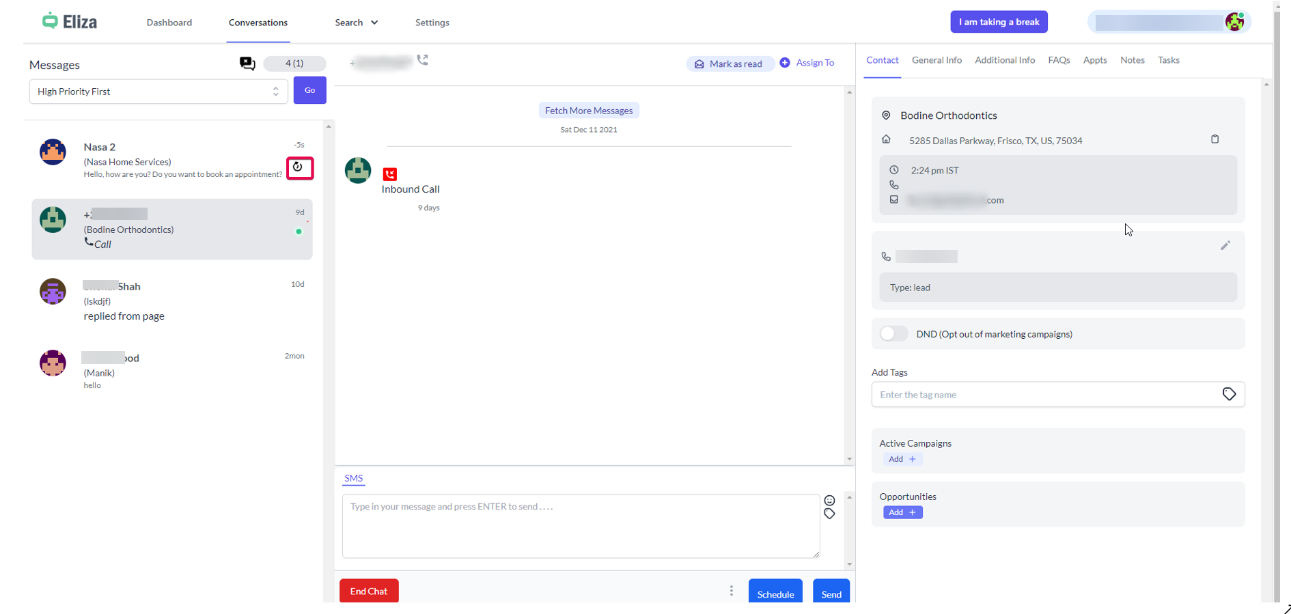
- Inbound calls are not pushed into Eliza yet (planned for H1 2022).
05Before you start
- A HighLevel team member with a phone number must already exist in the team section for a blind transfer.
- The browser must have microphone access enabled before initiating any call transfer.
- If the +Assigned To link is missing, refresh the API key on the main app and use the new key for the Eliza location.
06How to set up and use the Eliza Agent Platform in HighLevel
Blind transfer call
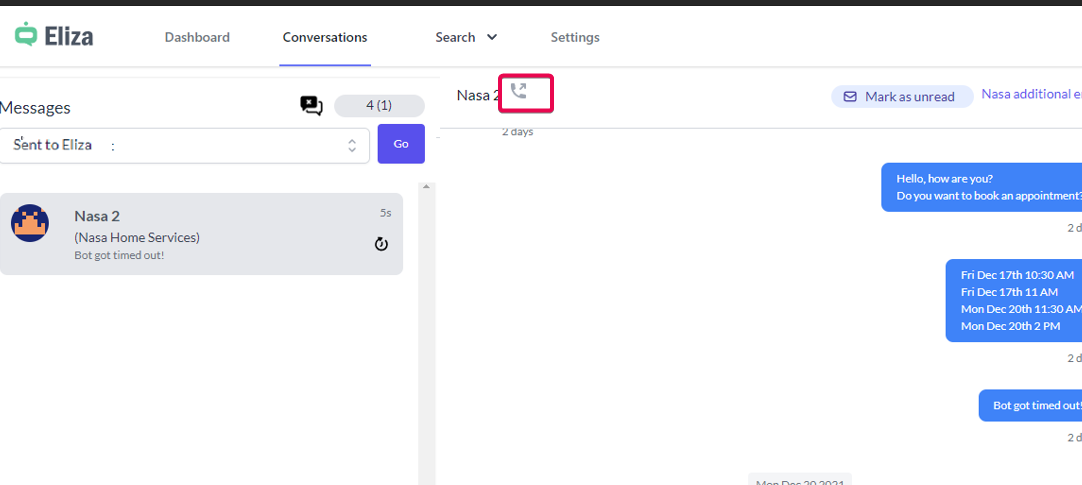
- Click the phone icon to start an outbound call to the lead.
- When the call popup appears, click the down arrow next to the dialer icon.
- Select the Blind transfer option from the menu.
- Choose a GHL team member from the displayed list.
- Click Call & Disconnect to move the call to the selected team member.
Warm transfer call
- Make an outbound call to the contact.
- In the call popup, select Warm Transfer.
- Pick the destination number and click Call and Hold.
- When the second agent answers, click Patch Call to create a conference.
- Press the red Drop Off button to leave the conference and let the two parties continue.
07What it looks like in HighLevel
08Settings that matter
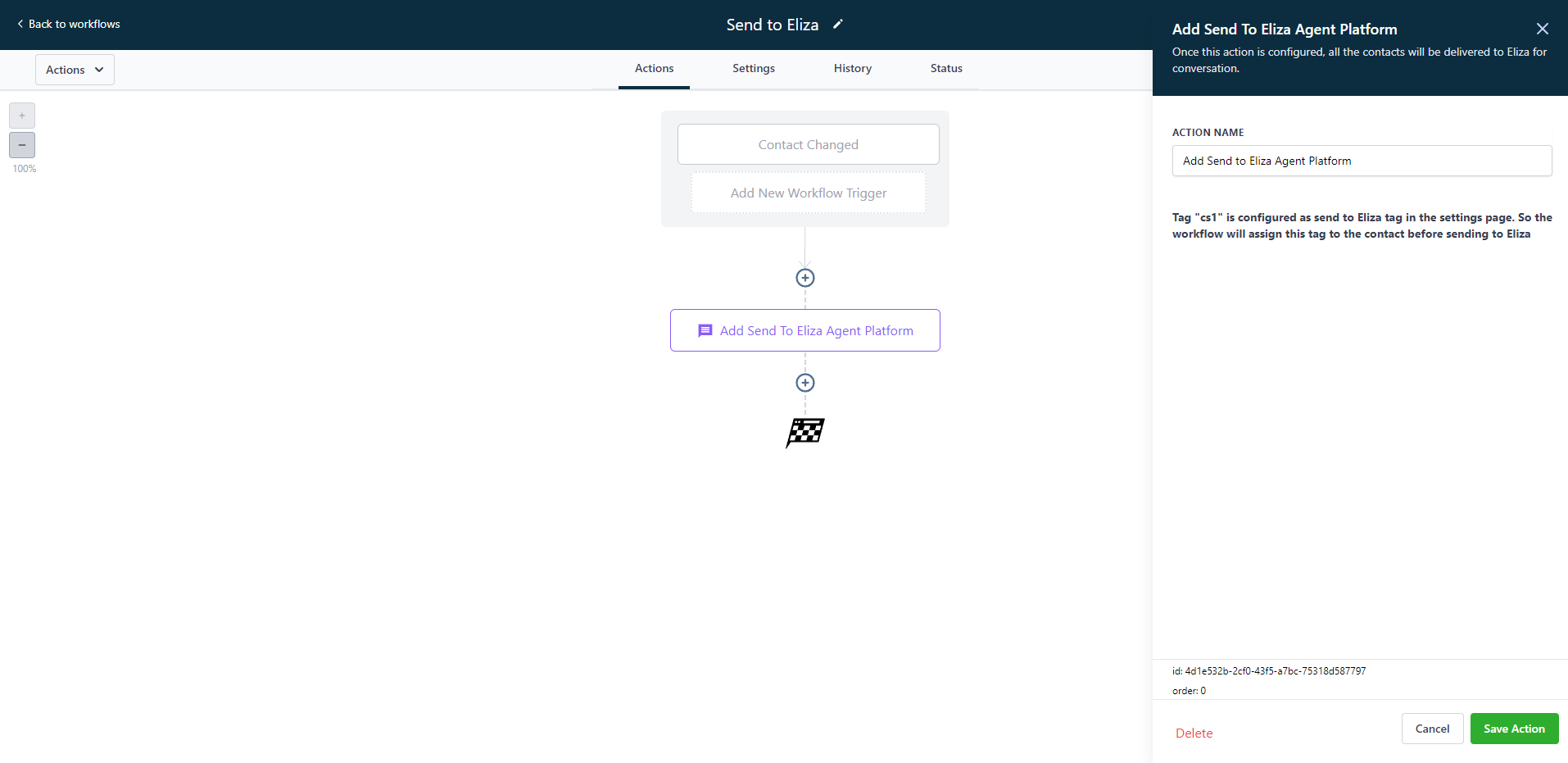
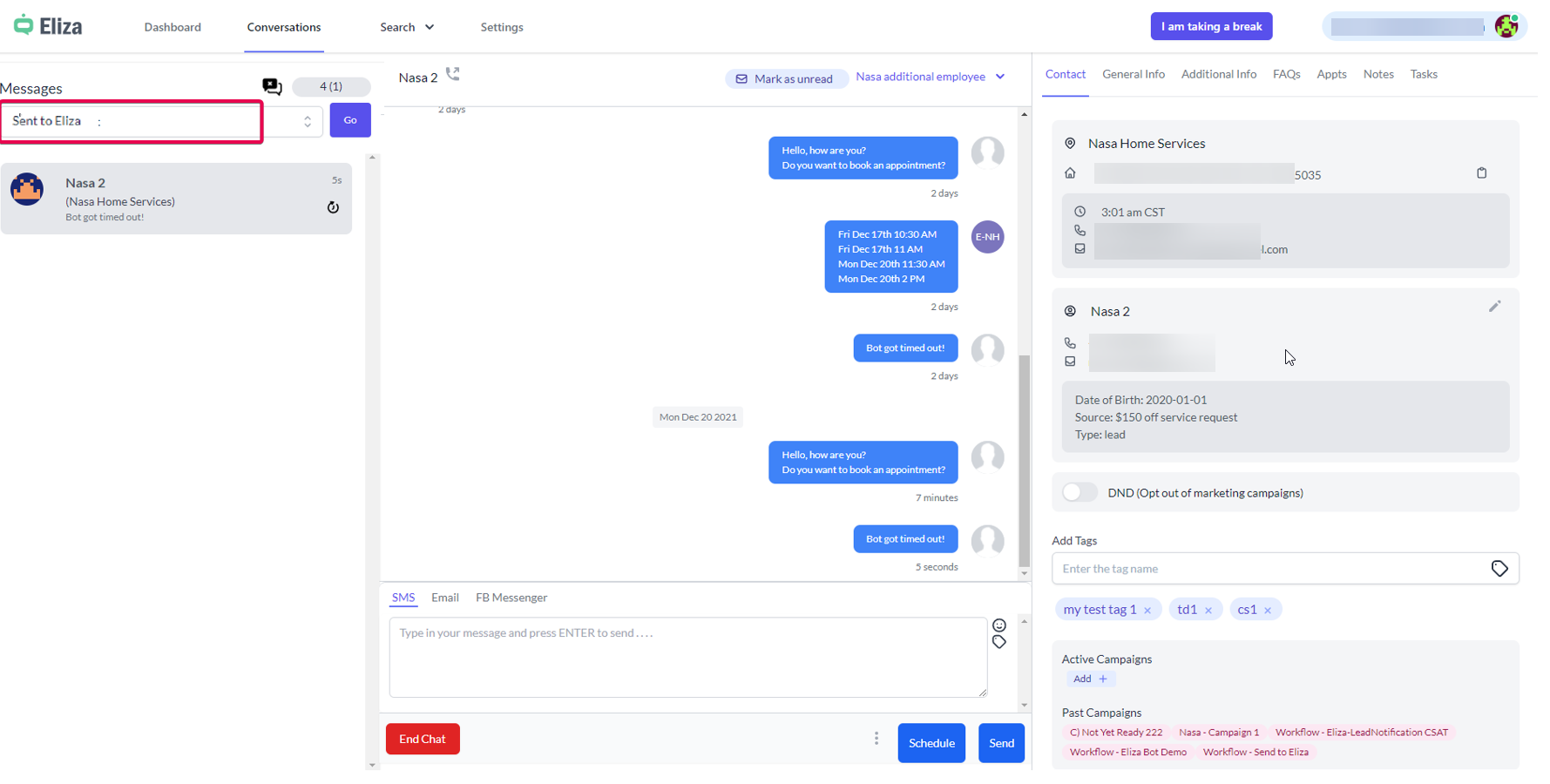
- Send to Eliza tag. A tag that can be assigned automatically when contacts are sent to Eliza via the workflow action; it is optional for the action to work.
- Eliza Service permission. Controls whether a user can edit FAQs and configure the Eliza bypass tag and Send to Eliza tag in the location settings.
09Things to know before you rely on it
- Only inbound messages are added to Eliza automatically; inbound calls are not supported yet.
- Blind transfers can only target phone numbers that are already part of the HighLevel team section.
- If a contact has no assigned user, the user.name placeholder will be empty in templates.
- Warm transfer waits for the second agent to pick up before creating a conference.
10If something goes wrong
- System becomes inconsistent during calls. Make sure the browser can access the microphone and refresh the page to re establish the Twilio connection.
- Contact remains in the chat queue after an appointment is created. Agent should click End Chat, or use the Close without a disposition button to end the conversation.
- Eliza Service tab does not appear in subaccount Settings. Confirm the location is added on Eliza, the user’s email is a location admin or user, and the Eliza Service permission is enabled for that email.
11How it connects to the rest of HighLevel
- See the Eliza Agent Platform dashboard for an overview of conversations and activity. Dashboard overview
- Configure tags, permissions, and other options in the Eliza settings area. Platform settings
- Use the search tools to audit conversation history and filter contacts sent to Eliza. Search tools
Michael's take

The Eliza Agent Platform is a solid addition for agencies that need a human focused lead response system.
Skip it if your agency relies solely on fully automated bots and does not need live agent interaction.