
01Who this is for
- Real estate brokers who need a central database of property details and client interests.
- Property management firms that must track maintenance schedules and vendor contacts for each asset.
- Real estate investment groups that organize transaction records and analyze property attributes.
02Custom Objects, explained
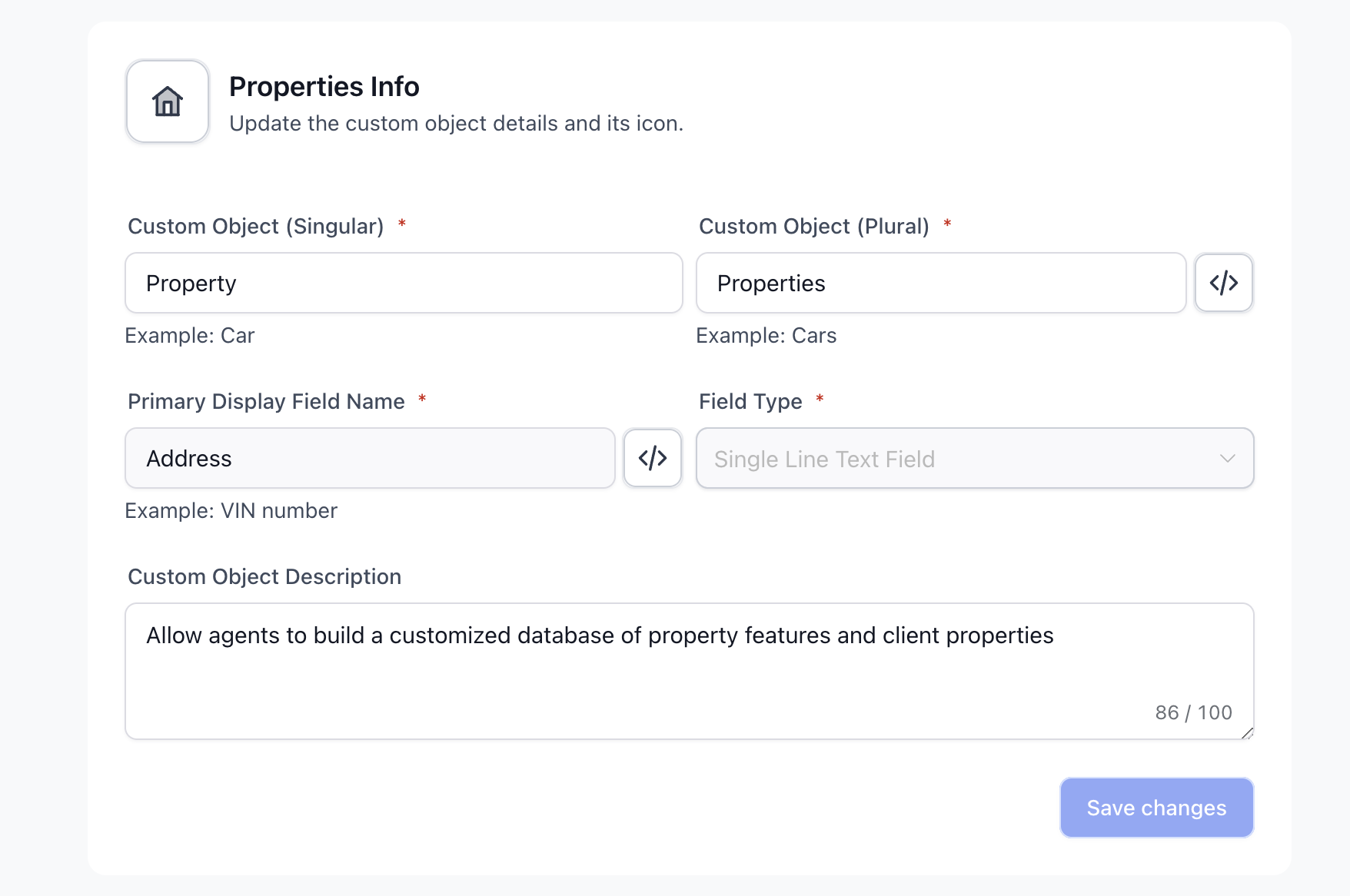
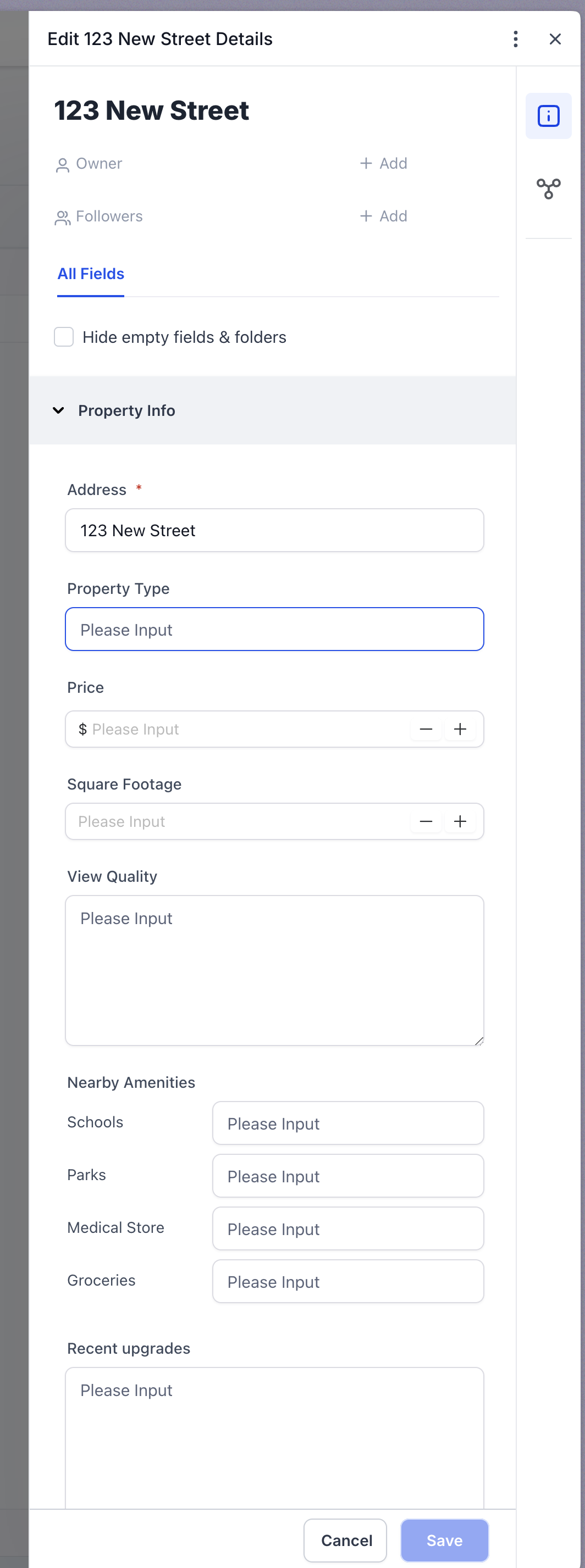
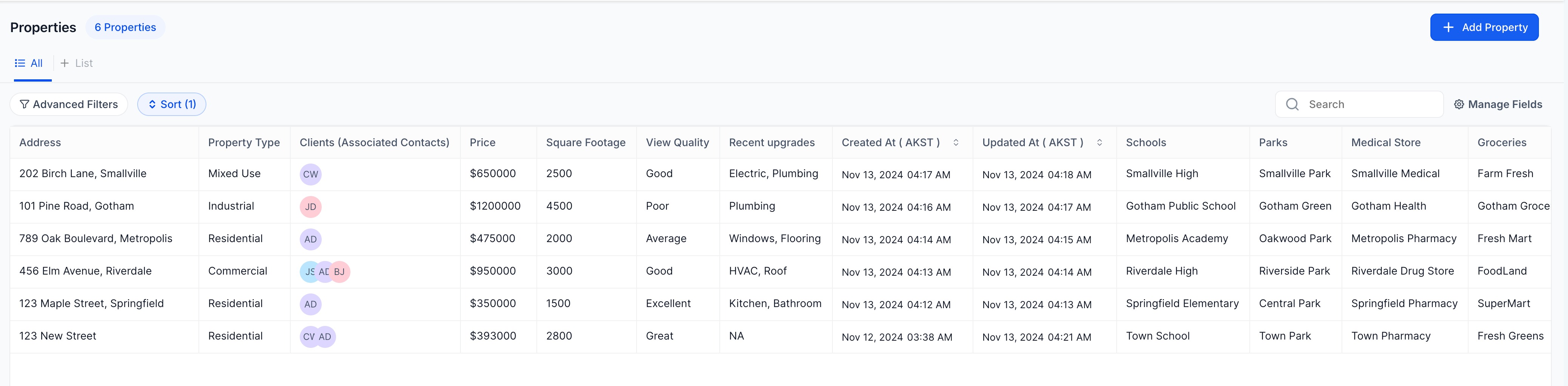
Custom Objects provide a way to define new record types inside HighLevel. For real estate teams, the new type is typically a Property record that can hold any fields the team requires, such as location, price, square footage, view quality, or recent upgrades.
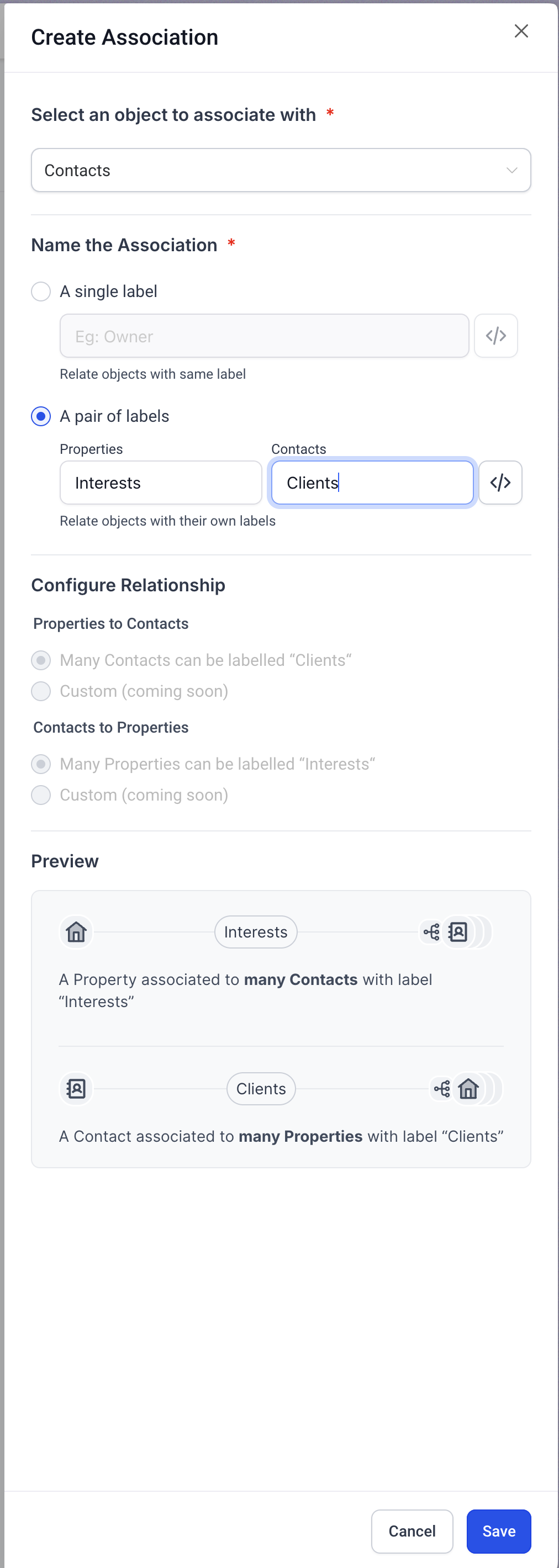
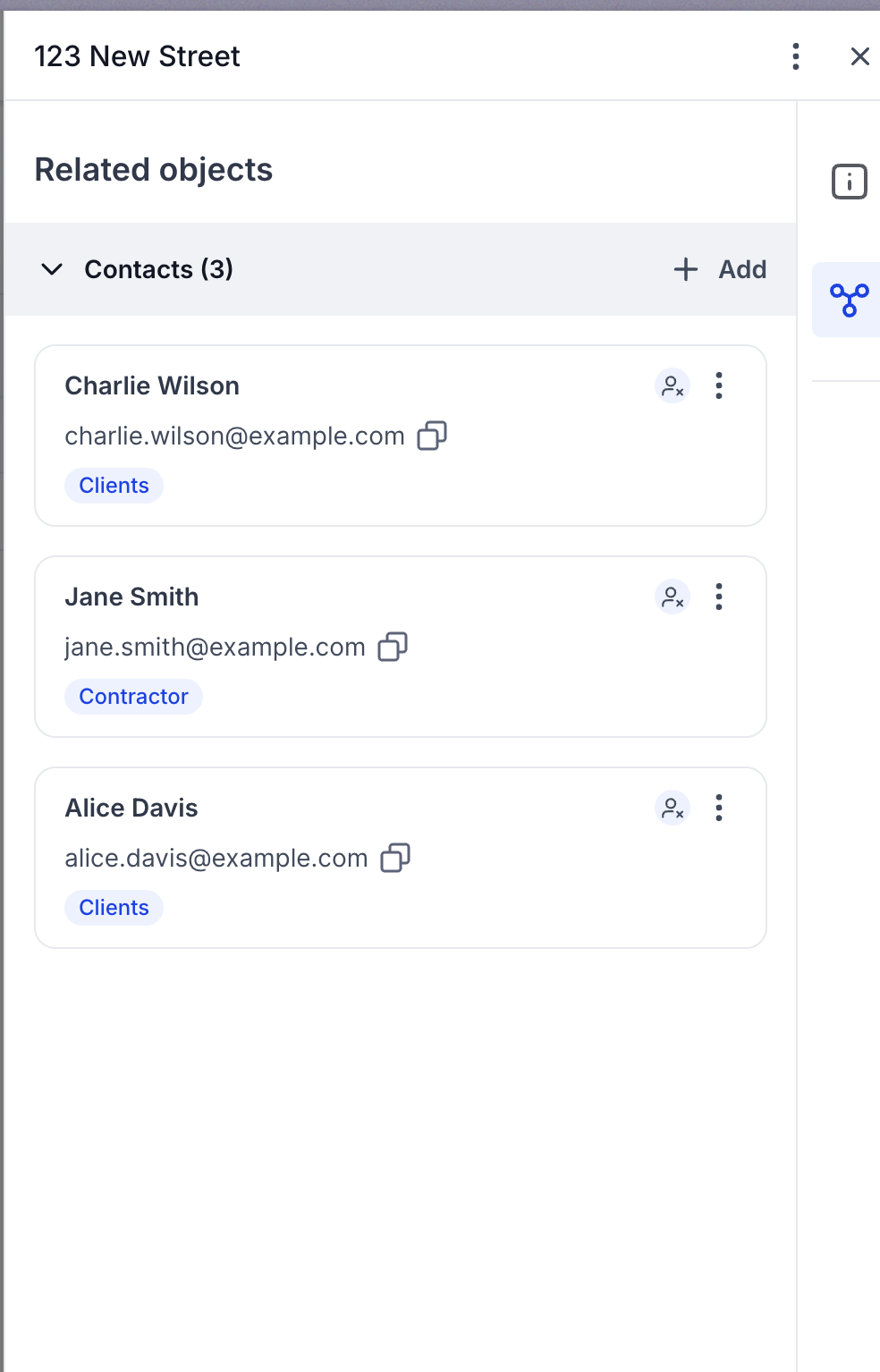
Each Property record can be linked to existing client and vendor records using association labels. This creates a single source of truth for property information, client interest, and vendor responsibilities, and the data can be reported on across the platform.
The feature lives within HighLevel as part of the data modeling toolkit, available wherever Custom Objects are supported. It works alongside other platform features like SmartLists and workflow automations.
03How businesses use Custom Objects
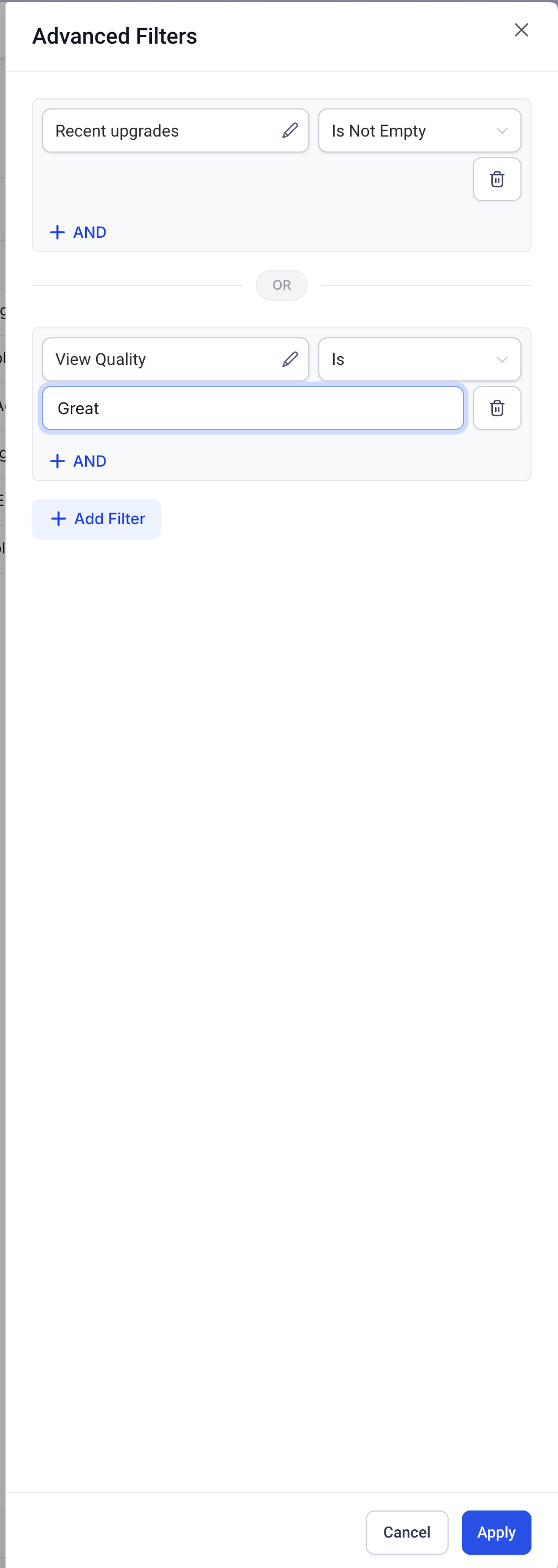
- Real estate brokerage. Agents create Property records with custom fields for each listing. They then link those records to client profiles to see which homes match client preferences. Filters let agents surface the right listings fast.
- Property management company. Managers add each owned property as a Custom Object and attach maintenance schedules. Vendors such as contractors or inspectors are associated with the property, enabling quick access to upcoming tasks and service history.
- Real estate investment firm. The firm records transaction details and property attributes in Custom Objects. By linking properties to deals, they can review investment performance and compare assets based on custom criteria.
04The numbers and rules that matter
- Operational visibility centralizes maintenance and transaction context per property.
05How to set up and use Custom Objects in HighLevel
Create and associate a property record
- Add a new Custom Object record for the property and fill in fields like location, type, price, and any custom attributes.
- Use association labels to link the property to relevant client and vendor records.
06What it looks like in HighLevel
07How it connects to the rest of HighLevel
- Start using Custom Objects in HighLevel Getting started
- Create, edit, and delete Custom Object records Create and edit
- Apply SmartLists to filter and segment Property records SmartLists
Michael's take

Custom Objects give a small brokerage a single source of truth for every listing, client interest, and vendor task, turning scattered spreadsheets into a searchable, reportable database.
Avoid building duplicate property records; use the association labels to keep relationships clean.