
01Who this is for
- Founders who need quick visual access to contact data can use the new List View to scan records faster.
- Operations managers benefit from the advanced filter builder to segment contacts for targeted campaigns.
- Sales teams gain efficiency by sharing SmartLists with precise permission control.
02Revamped contacts list view & smartlists, explained
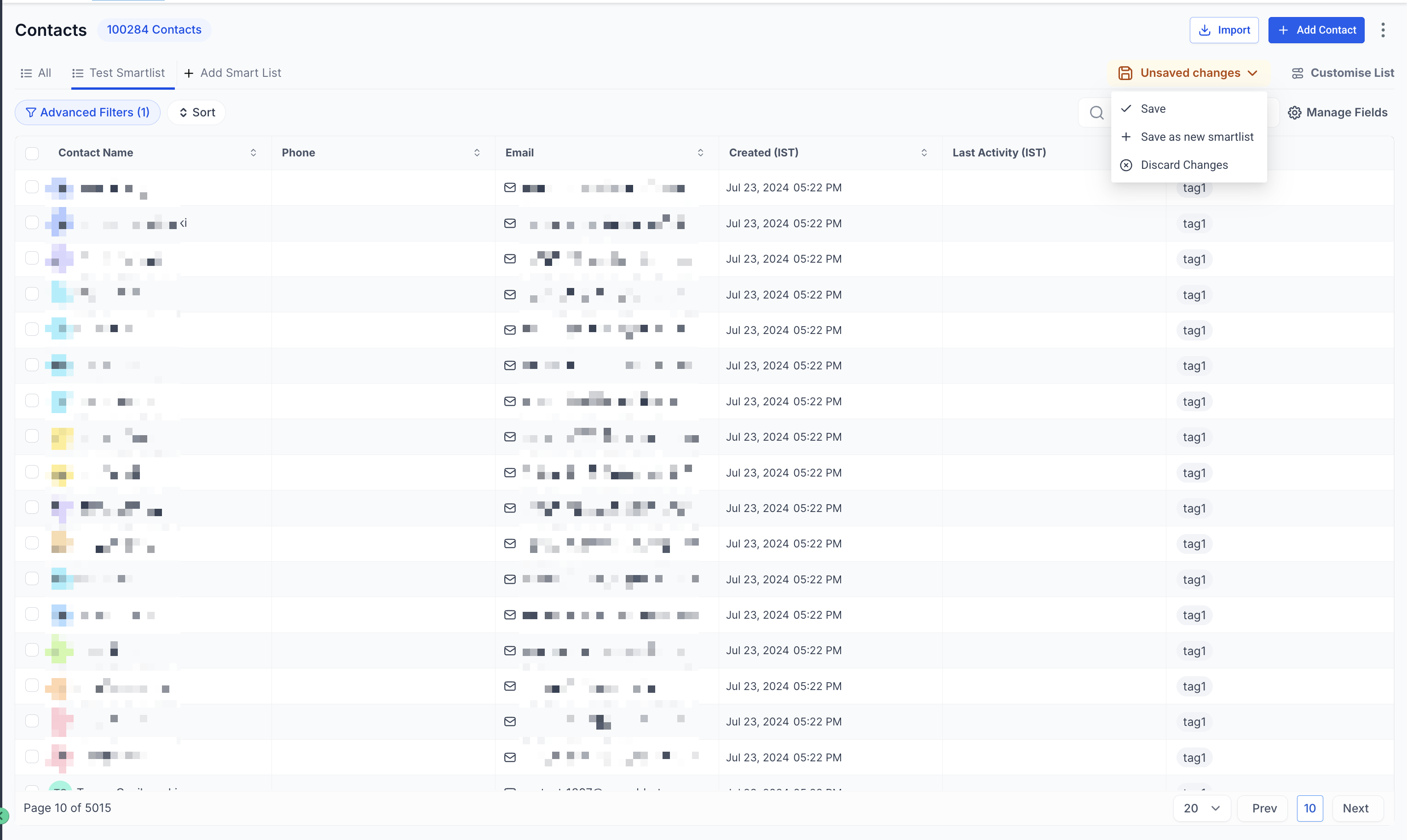
HighLevel now presents contacts through a unified List View that matches the look of other pages. Columns can be searched, reordered by drag drop, and customized to surface the most relevant information.
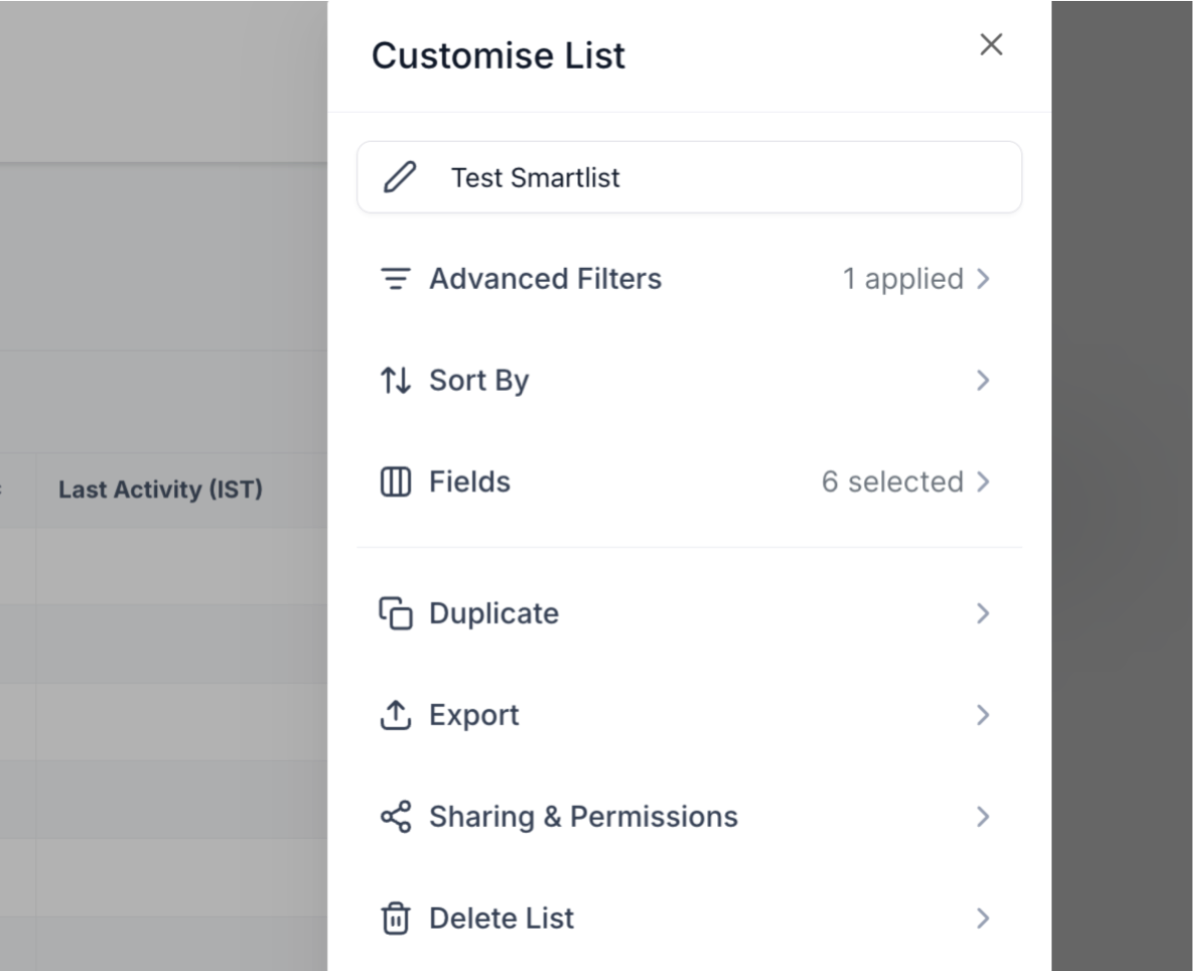
SmartLists 2.0 expands that experience. The filter builder supports both AND and OR logic, allowing detailed queries. Users can add, remove, or reorder fields, sort results by any column, and set sharing and permission rules to decide who may view or edit each SmartList.
03How businesses use revamped contacts list view & smartlists
- Real estate agency. Agents create a SmartList that filters contacts by property interest and location using AND/OR logic. They sort the list by last contact date and share it with the sales manager, who can edit permissions for the team.
- Dental practice. The office manager builds a SmartList of patients due for cleanings, adds custom fields for insurance type, and orders columns to prioritize appointment dates. The list is shared with hygienists who can only view it.
- SaaS startup. Marketing staff generate a SmartList of trial users who have not upgraded, filter by usage metrics, sort by sign up date, and grant edit rights to the product team for follow up outreach.
04What it looks like in HighLevel
05How it connects to the rest of HighLevel
- Create and manage SmartLists Smart Lists guide
- Bulk actions for contacts and SmartLists Bulk actions
- HighLevel pricing and plans Pricing
Michael's take

Michael ReimerFounder of CRM Pros, HighLevel Commander and Certified Admin
The revamped list view and SmartLists streamline contact organization, which can improve overall workflow efficiency.
Setting the proper sharing permissions helps protect sensitive contact data.
Get More InformationOpens on HighLevelPublished November 2, 2026 · Updated November 17, 2026