Home/HighLevel/Features/App Marketplace/Managing external connections for Marketplace apps in HighLevel

Mobile and Desktop Apps

Managing external connections for Marketplace apps in HighLevel

In short

Marketplace apps in HighLevel let you link third party tools to each subaccount. Connections are created per subaccount and use OAuth, API keys or Basic Auth.

AreaApp Marketplace · Workflow Triggers & Actions
Used forApp Marketplace
Guide typeOverview
Last updatedNovember 3, 2026

01Marketplace apps, explained

Marketplace apps let you integrate HighLevel with third party applications.

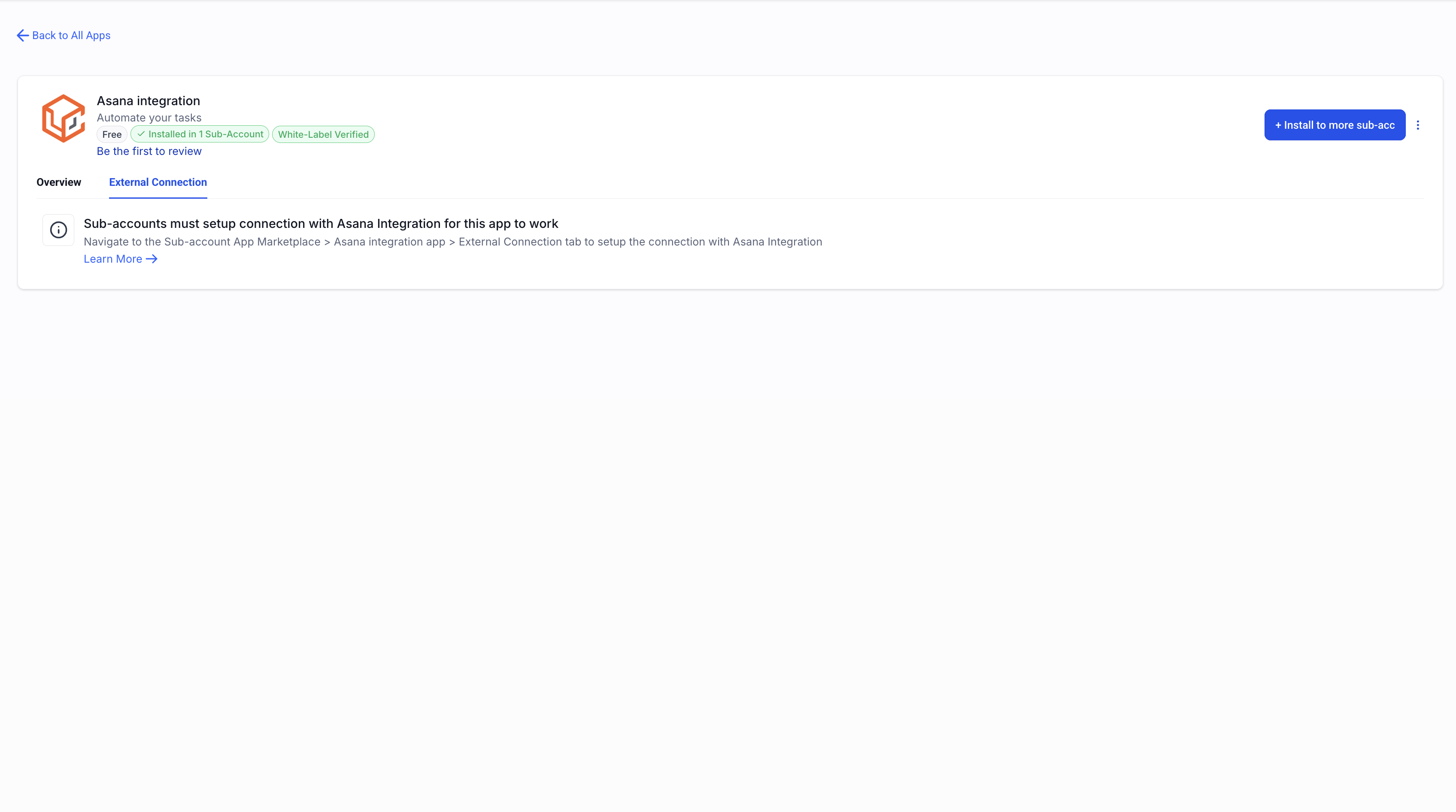
Each subaccount gets its own connection.

When you install an app that needs an external connection, the request to connect appears right after the install finishes.

If you install the same app for many subaccounts at once, the request does not appear automatically; each subaccount must start the connection from its own marketplace.

02What it looks like in HighLevel
Michael's take

Michael Reimer
Michael ReimerFounder of CRM Pros, HighLevel Commander and Certified Admin

Wondering if you really need separate connections for every subaccount? The short answer is yes. Each subaccount gets its own link to the third party tool.

If I were adding an email marketing service, I’d install the app across the relevant subaccounts and then have each account owner complete the OAuth flow.

Get More InformationOpens on HighLevelPublished November 2, 2026 · Updated November 3, 2026

Common questions

Common questions about marketplace apps.

How are connections created for Marketplace apps?

All connections are made at the subaccount level. If you're installing an app that requires an external connection to a particular subaccount, the connection request will launch immediately after the installation is completed. If you are bulk installing an app across multiple subaccounts, the connection request is not automatically launched; each subaccount user must connect the app within the subaccount marketplace.

What authentication methods can I use?

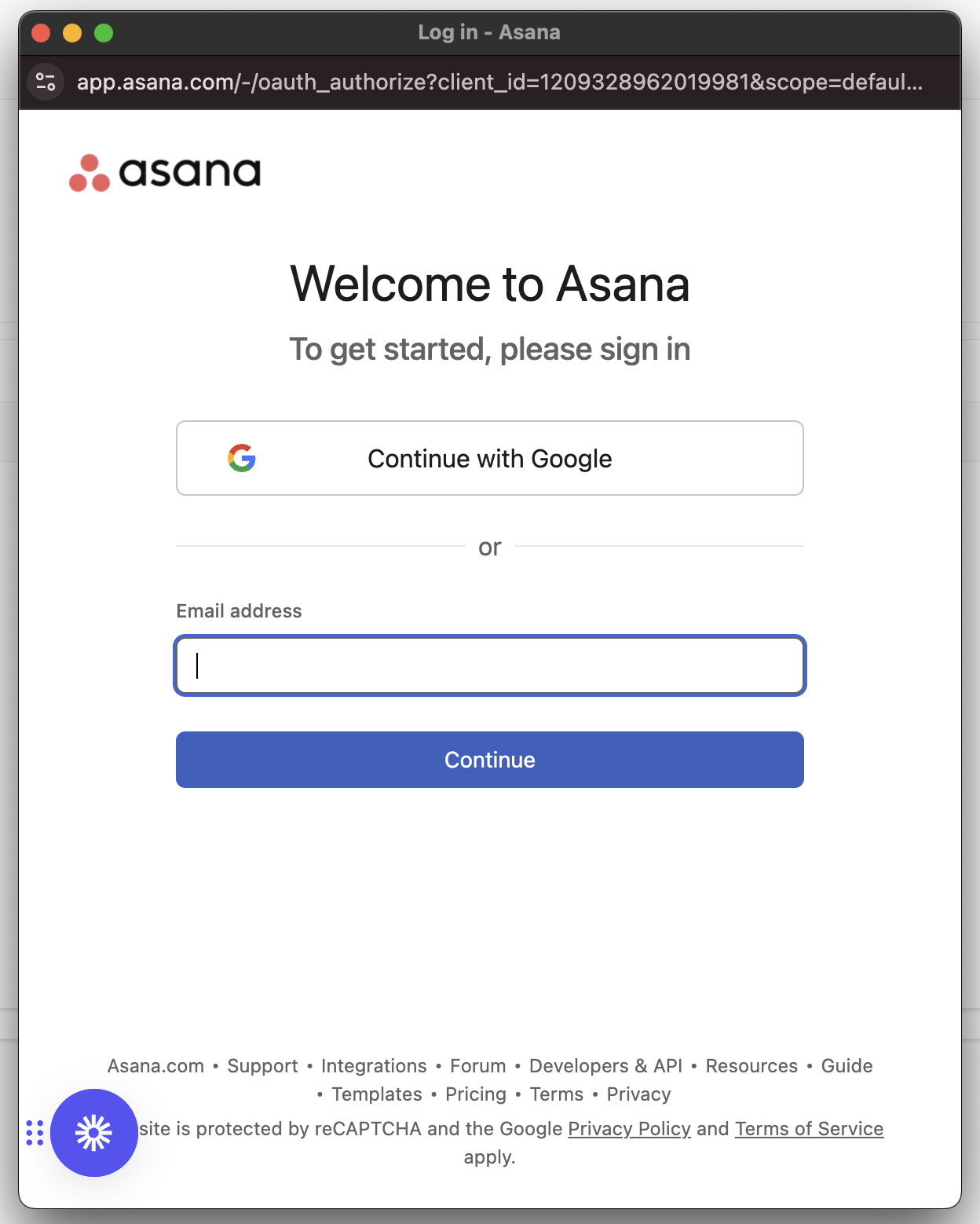
We currently support three types of authentication methods: OAuth. Login with the third party app and authorise the integration; API Keys. Copy the API key from the third party app and paste it in HighLevel; Basic Auth. Username/password credentials of your third party app.

Can I install an app for many subaccounts at once?

You can bulk install an app. The connection request will not launch automatically; each subaccount user must connect the app within the subaccount marketplace.

Next step

Pick the features that matter. Then get the plan that unlocks them.

Explore the features you want, start with the five at the top, and upgrade through my link when you are ready. The bonuses and the team come with it.

The features directory explains every HighLevel feature in plain English. Browse it to see what the platform can do.

Back to the FeaturesSee the full details
⌃

Site preview

Explore the next page

This destination is reserved in the page inventory and is not built yet.