
01Who this is for
- Users building workflows who need fast, on brand SMS copy, because the AI creates professional messages without manual writing.
- Service providers that send appointment reminders or follow ups, as the tool quickly produces context aware text for each client interaction.
02SMS AI, explained
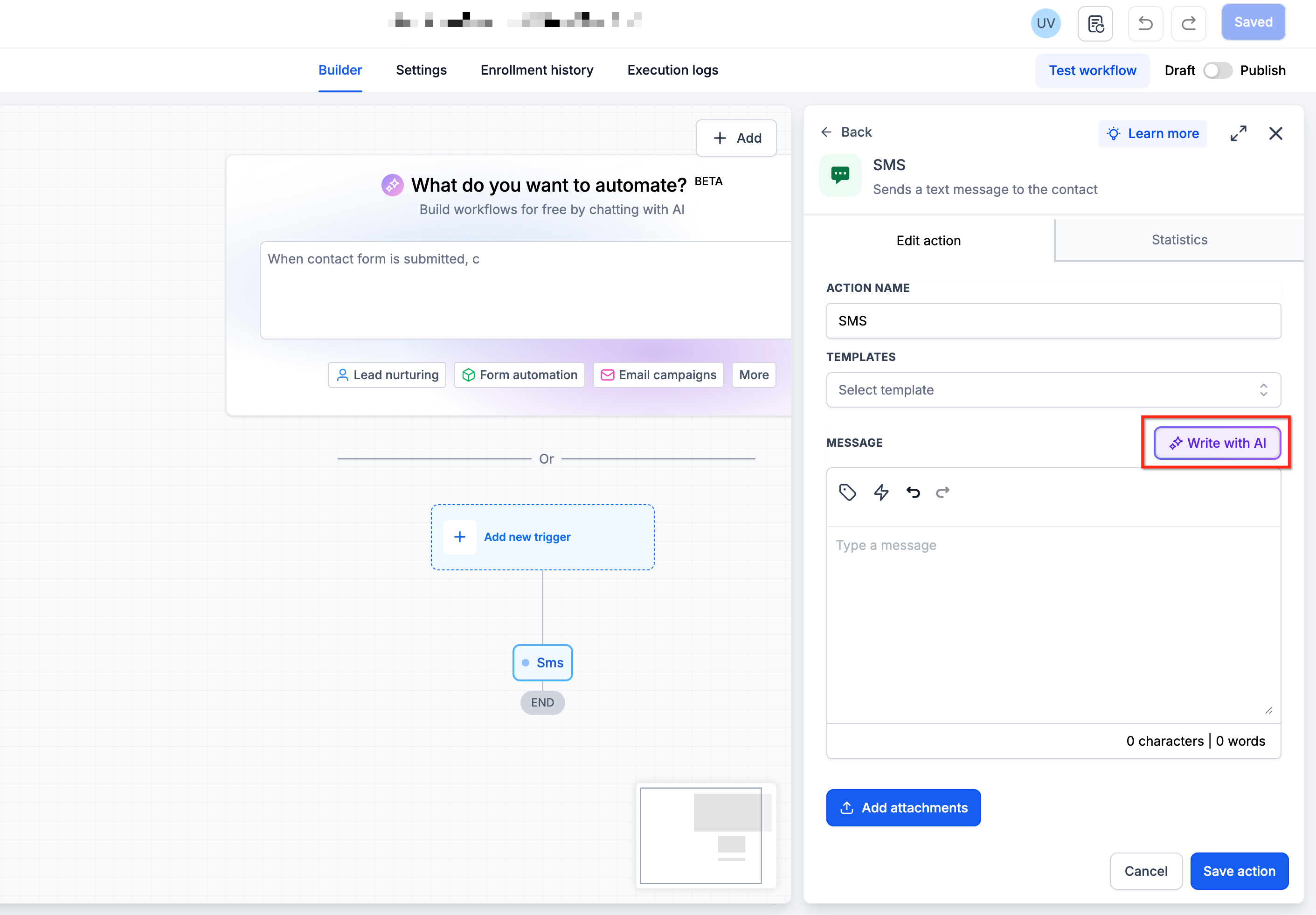
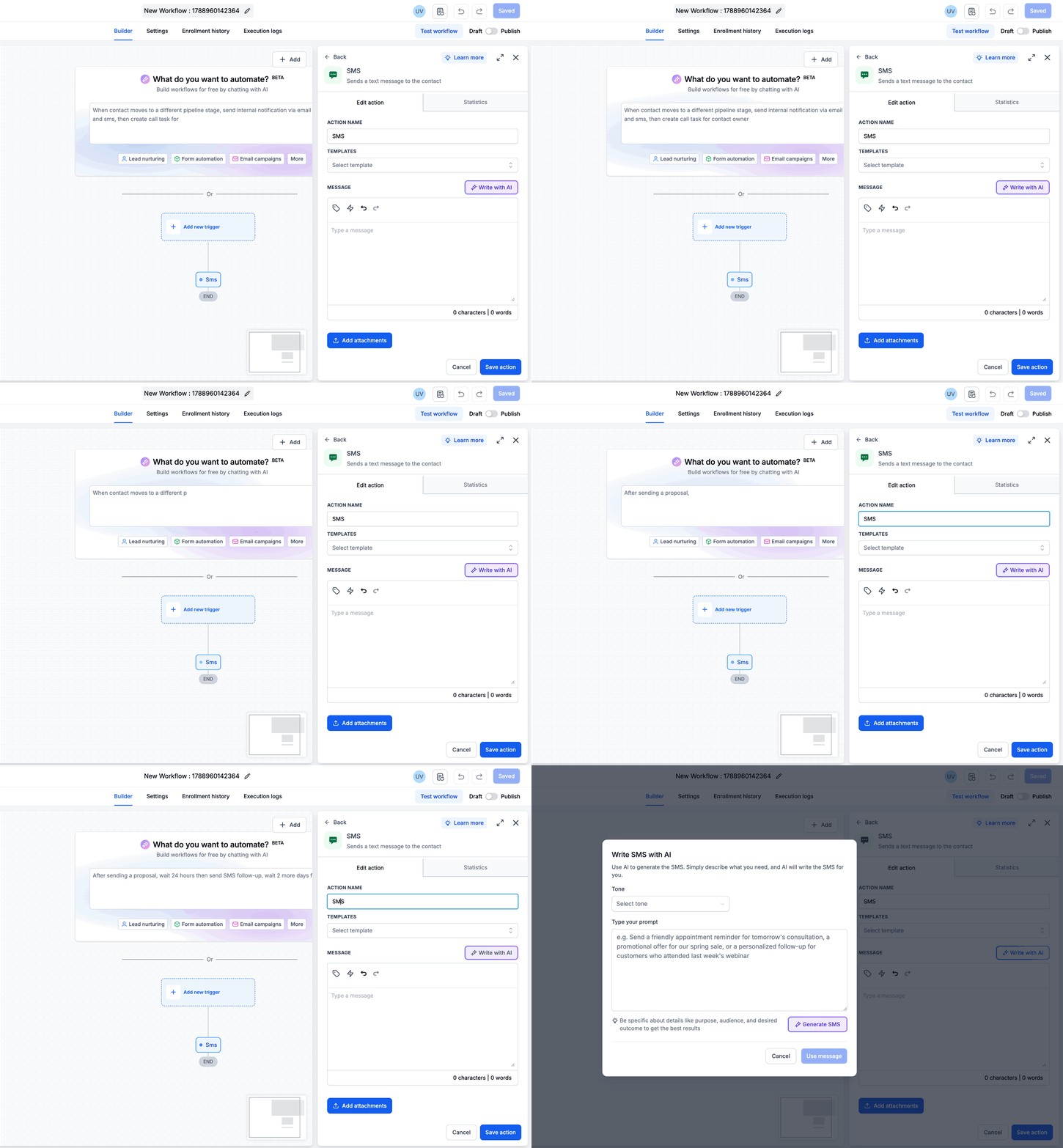
SMS AI lives inside the workflow builder and attaches to any SMS action. When you open the action’s settings, a Write with AI button launches the AI assistant. You type a plain language description of the message you want, optionally select a tone, and the assistant returns a preview of the SMS.
The generated message can be reviewed, edited, or regenerated as many times as needed. When satisfied, clicking Use Message places the text directly into the SMS action, making it part of the automation flow.
03How businesses use SMS AI
- Real estate agency. The agency opens a workflow that sends new listing alerts. In the SMS action they click Write with AI, describe a short alert for a specific property type, choose a friendly tone, generate the text, review it, and insert it so the alert is sent to prospects automatically.
- Fitness studio. The studio creates a workflow for class reminders. Using SMS AI, they describe a reminder for a yoga class, select a professional tone, generate the message, optionally regenerate for better wording, and add it to the SMS action to be sent before each session.
- Dental practice. The practice builds a follow up workflow after appointments. They invoke SMS AI, explain they want a thank you note with a request for a review, pick a courteous tone, generate the content, edit if needed, and embed it in the workflow to reach patients after their visit.
04How to set up and use SMS AI in HighLevel
Generate SMS messages with AI in a workflow
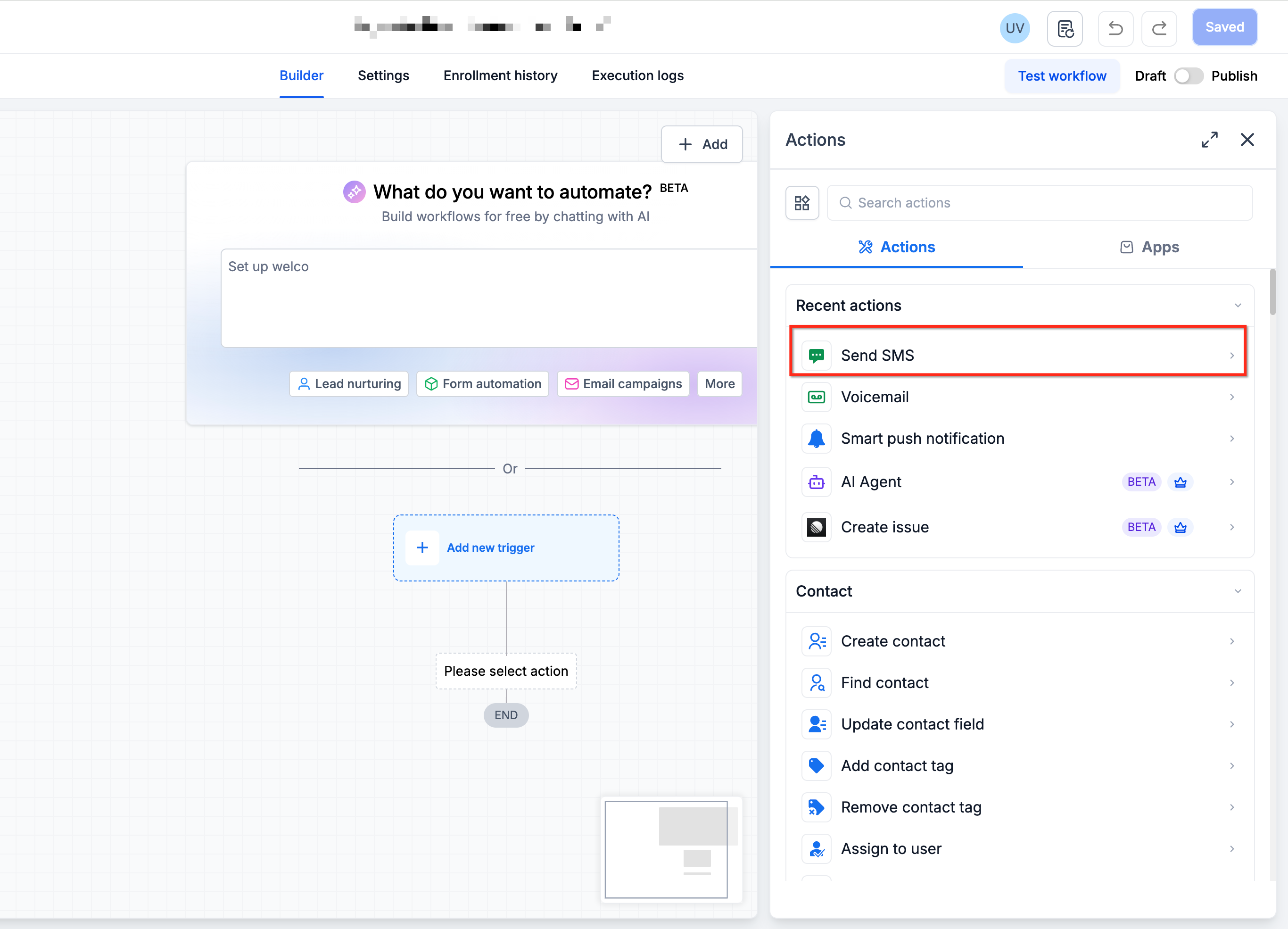
- Open the desired workflow in the workflow builder and select the SMS action where the message will be created.
- Click the Write with AI button located in the SMS action configuration panel.
- Enter a plain language description of the SMS purpose and audience in the AI assistant input field.
- Optionally choose a tone such as professional, casual, friendly, or urgent; if omitted, a neutral tone is used.
- Press the Generate button to have the AI produce an SMS preview based on the description and tone.
- Examine the generated text and, if acceptable, click Use Message to place it into the SMS action.
- If the output needs improvement, click the Regenerate button to request new variations without re typing the description.
05What it looks like in HighLevel
06Settings that matter
- Tone. Controls the style of the AI generated SMS, allowing selection of professional, casual, friendly, urgent, or other predefined tones.
07How it connects to the rest of HighLevel
- Explore the Workflow AI Assistant that powers SMS AI and other workflow prompts. Workflow AI Assistant
- Review how to enable Extra Usage and manage AI limits for SMS AI usage. AI Limits
- See HighLevel pricing and plan options if you need access to workflow AI features. Pricing
Michael's take

Wondering if you really need a copywriter for every text blast? With SMS AI you just tell the assistant what you want. Like a holiday discount or a reminder. And it drafts a ready to send message in seconds.
I’d start by adding the AI step to a simple appointment reminder workflow to see how well it captures the tone and details you need. Once the output looks solid, you can roll it out to larger campaigns.