
01Who this is for
- Agencies that need a central way to grant AI tools to multiple client accounts while controlling costs.
- Founders managing several subaccounts who want to monitor AI usage and apply markup or fixed rate pricing.
- SaaS providers that include AI Employee in their product tiers and must choose the exact Starter, Growth or Unlimited tier.
02AI Employee, explained
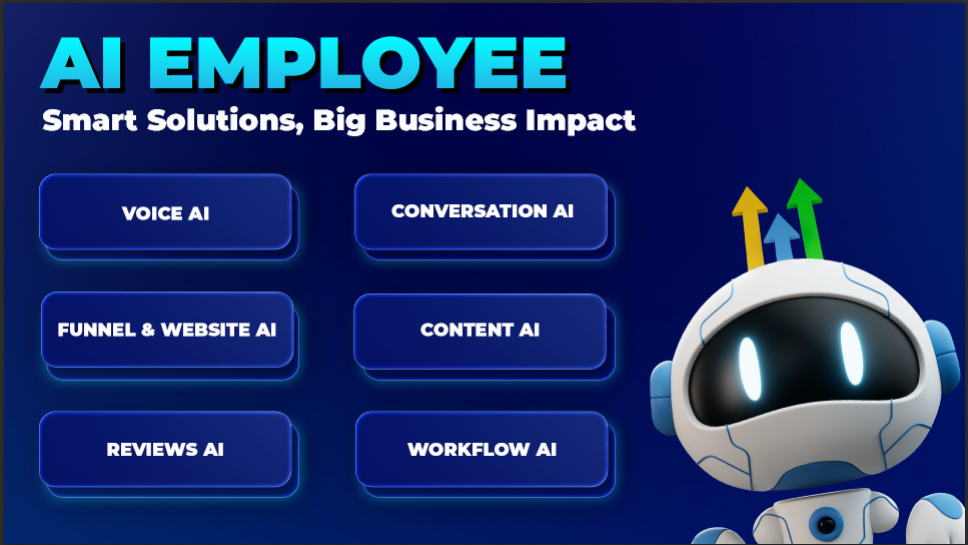
AI Employee aggregates supported AI capabilities, Conversation AI, Voice AI, Reviews AI, Content AI, Ask AI, AI Studio and others, under a single pricing model. Depending on the selected tier, usage may be billed per event, have monthly included amounts, or be covered without limit for Voice AI subject to fair use.
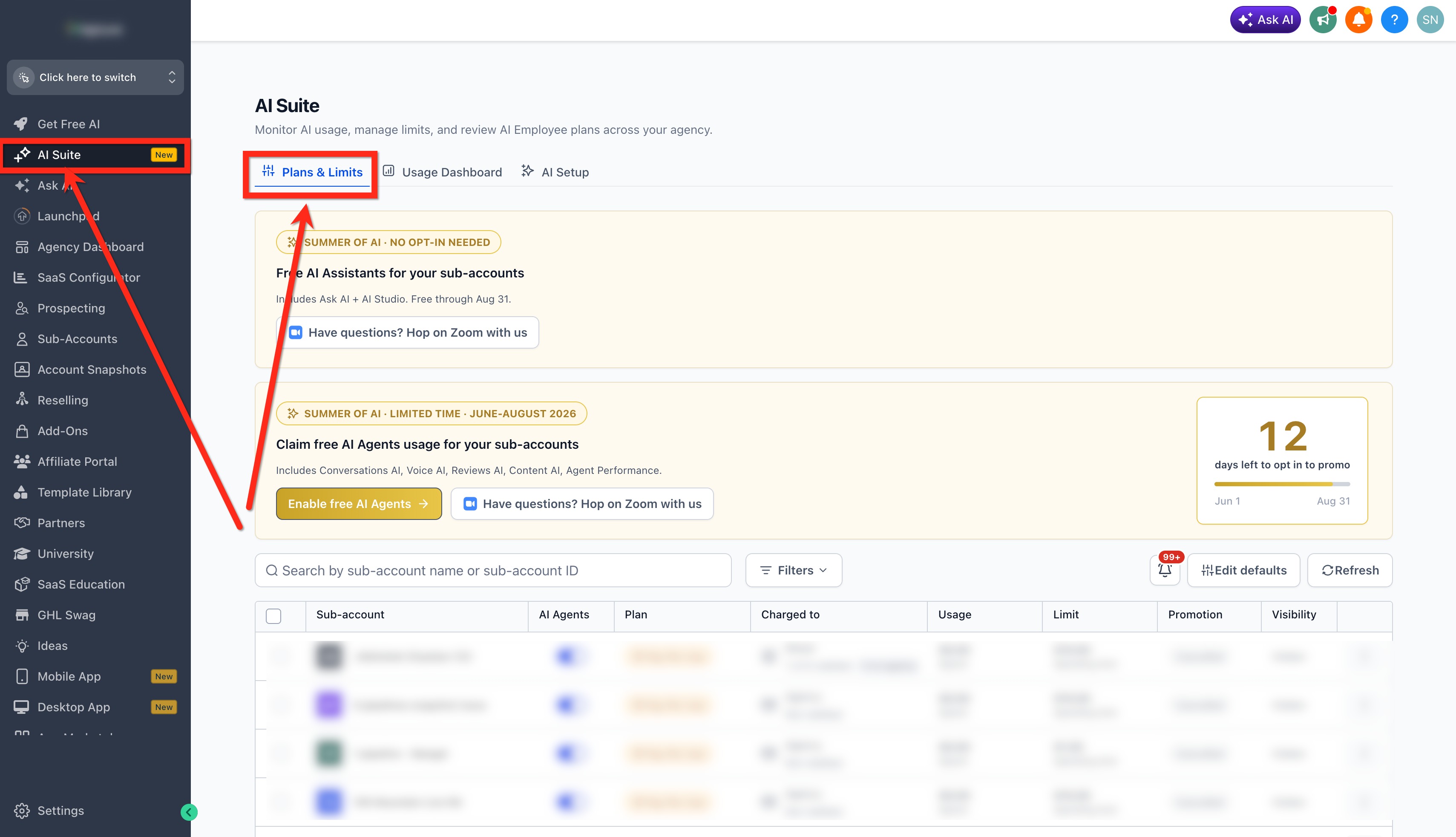
The feature is managed from the agency side. Agencies first enable the AI Employee setting, then use the AI Suite’s Plans & Limits view to control which subaccounts receive access, configure usage based rebilling, or set up a resale subscription. All configuration lives within the agency view of the platform.
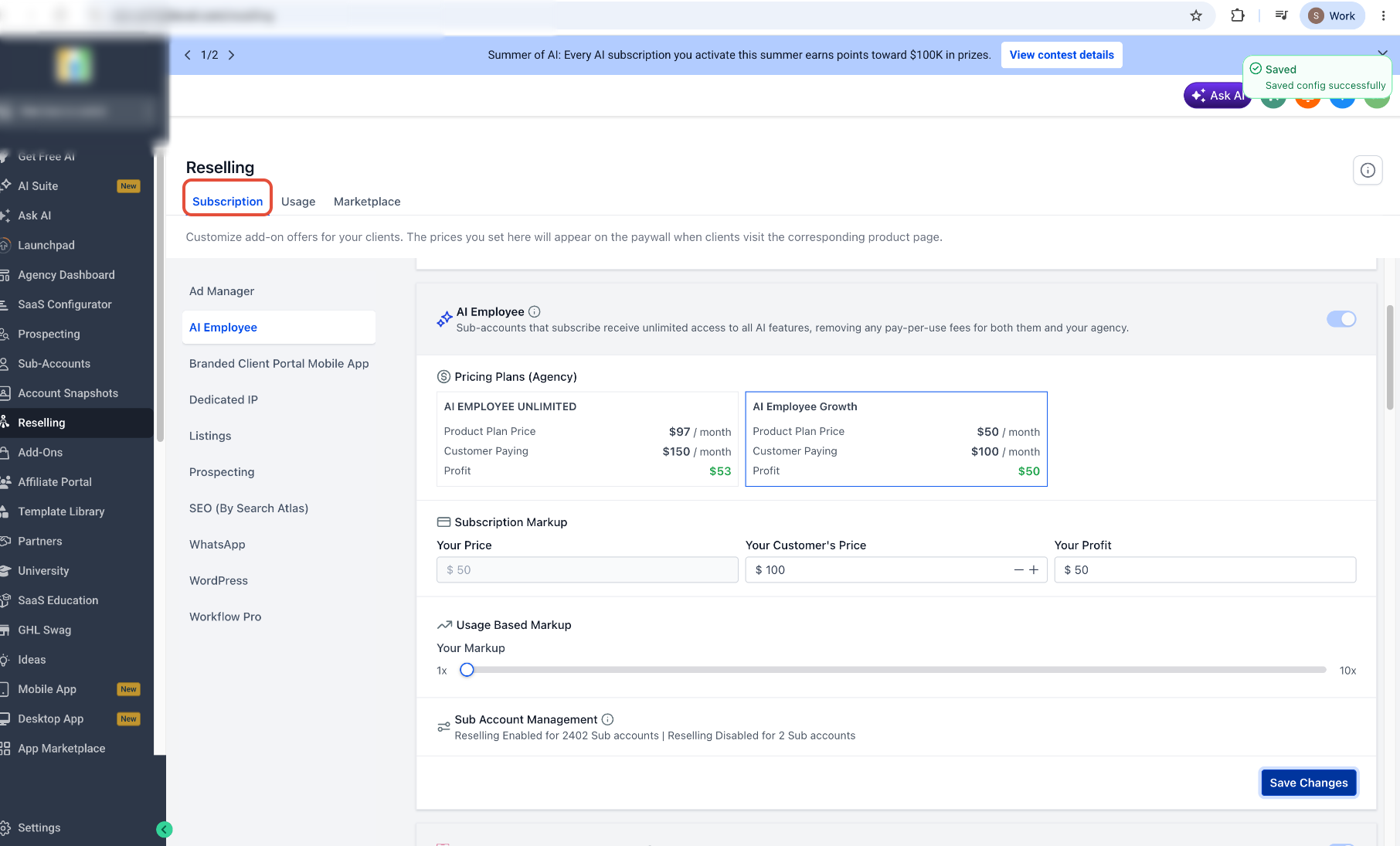
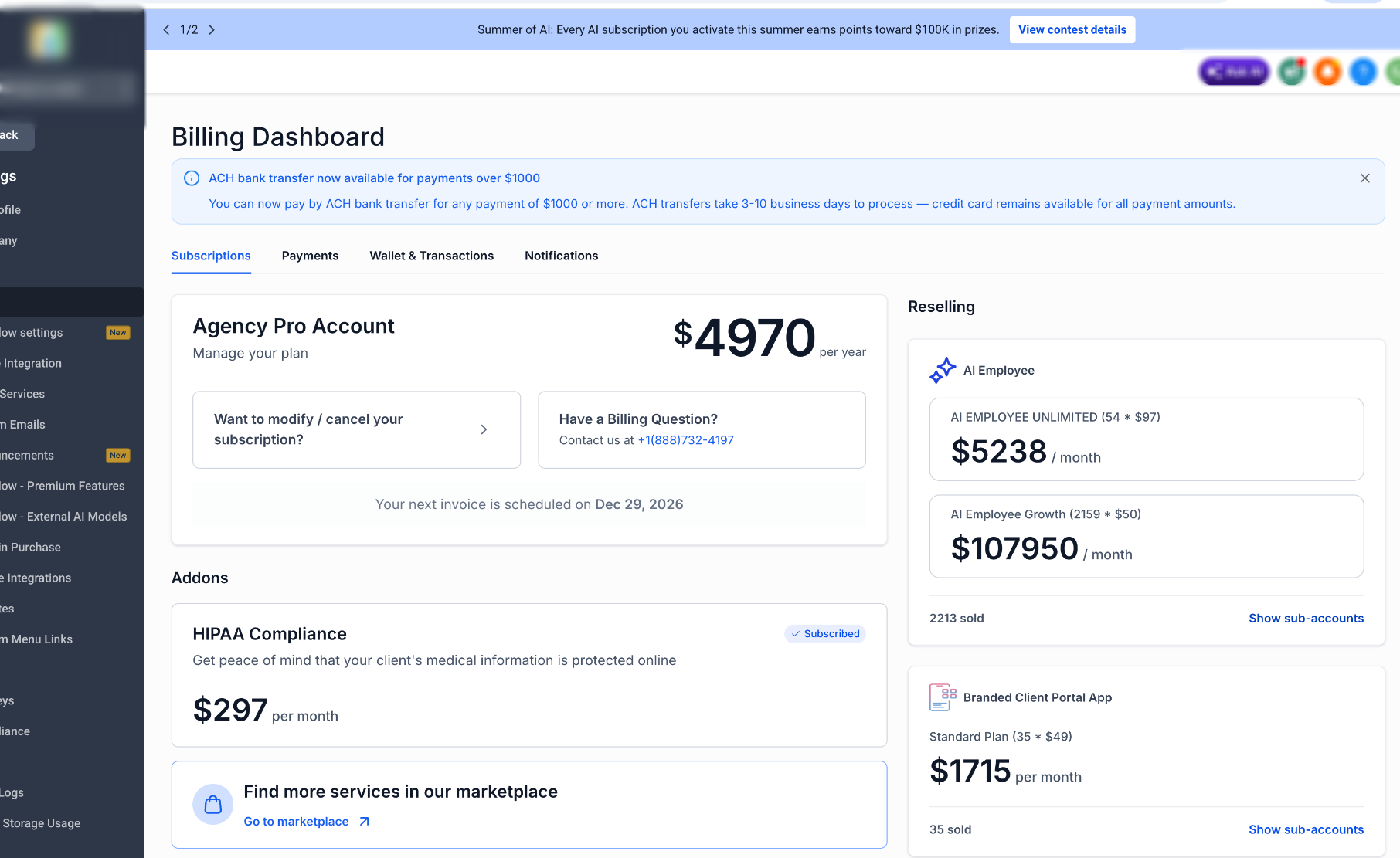
Rebilling lets agencies apply a markup or fixed client rate to supported AI usage, while reselling lets them package a Starter, Growth or Unlimited plan as a recurring client offering. Usage and charges are displayed in the agency level AI Usage Dashboard, separate from Phone System fees.
03How businesses use AI Employee
- Digital marketing agency. The agency enables AI Employee for its account, then grants access to each client subaccount that needs Conversation or Voice AI. It configures rebilling with a markup so each client pays for the AI usage they generate.
- SaaS platform. When building a SaaS plan that includes AI, the provider selects the appropriate tier, Starter, Growth or Unlimited, in the SaaS Configurator. The chosen tier is then offered to customers through the Reselling interface.
- Consulting firm. The firm reviews the AI Usage Dashboard to see how many AI messages or Voice AI minutes each consulting project has consumed, and compares those usage charges with the underlying Phone System fees.
04The numbers and rules that matter
- AI Employee pricing tiers: Pay Per Use, Starter, Growth, Unlimited.
- Unlimited includes unlimited Voice AI for inbound, outbound and widget usage, subject to fair use.
- Growth includes 100 AI Agent minutes per month.
- Additional Voice AI usage after the 100 minutes is billed at pay per use rates.
- Rebilling can use markup based pricing or fixed rate pricing per supported unit.
05Before you start
- The agency must enable the AI Employee setting in Settings > Company before any subaccount can receive access.
- Agencies must be on the Founders Plan to configure rebilling for AI Employee usage.
06How to set up and use AI Employee in HighLevel
Set up AI Employee access
- Switch to Agency View using the agency switcher.
- Go to Settings > Company, locate the AI Employee option and enable it.
- Open AI Suite and select Plans & Limits.
- Search for the target subaccount by name or ID, applying filters if needed.
- Use the AI Agents control or the subaccount three dot menu to grant or revoke access.
Configure rebilling
- Navigate to Agency View > AI Suite > Plans & Limits.
- Find the subaccount you want to rebill.
- Open the three dot menu for that subaccount.
- Select Configure Rebilling.
- Enable rebilling for each supported AI product and pick a markup or fixed rate model with a rate.
- Click Save Markups to store the configuration.
Resell an AI Employee plan
- In Agency View, open Reselling.
- Open the Subscription tab and select AI Employee.
- Review the Starter, Growth and Unlimited options and current pricing.
- Choose the plan you want to offer.
- Enter the client facing price.
- Review any additional supported usage pricing options.
- Click Save Changes.
Review AI usage and charges
- Switch to Agency View.
- Open AI Suite.
- Open the Usage Dashboard.
- Filter or select the relevant subaccount and AI product.
- Compare AI usage charges separately from Phone System fees.
- Verify whether usage exceeds included limits or if a phone related charge applies.
07What it looks like in HighLevel
08Settings that matter
- AI Employee. Controls whether the agency and its subaccounts can access the bundled AI products.
- Configure Rebilling. Enables usage based rebilling for supported AI products and lets the agency set markup or fixed rate pricing.
09Things to know before you rely on it
- Unlimited tier covers Voice AI usage but is limited by fair use; it does not eliminate Phone System charges.
- Conversation AI and Voice AI are billed as separate products, so rebilling settings for one do not affect the other.
- Agencies must be on the Founders Plan to activate rebilling for AI Employee usage.
10How it connects to the rest of HighLevel
- Check current AI product pricing before quoting clients. AI product pricing guide
- Monitor agency level AI usage and fees in real time. AI usage dashboard
- Get started with HighLevel AI tools for your business. Getting started with AI tools
Michael's take

AI Employee feels like a small convenience that can become a real shift for agencies that sell AI services. It bundles Conversation AI, Voice AI and other tools under clear pricing tiers, making it easier to put a price on usage and package recurring plans for clients.
A digital marketing agency that runs chatbots for local businesses fits perfectly. They can enable AI access for each client, rebill usage based on messages or minutes, and offer a Growth plan that includes a set number of Voice AI minutes. If I were an agency, I’d first test the rebilling configuration on a low volume client to confirm the markup works before scaling it up.