
01Who this is for
- Agencies that need custom tools can generate apps without coding and rely on built in infrastructure.
- SaaS Founders can quickly prototype Marketplace integrated apps using simple prompts.
- Marketing teams can create intake or booking apps that sync directly with HighLevel contacts and appointments.
02App Studio, explained
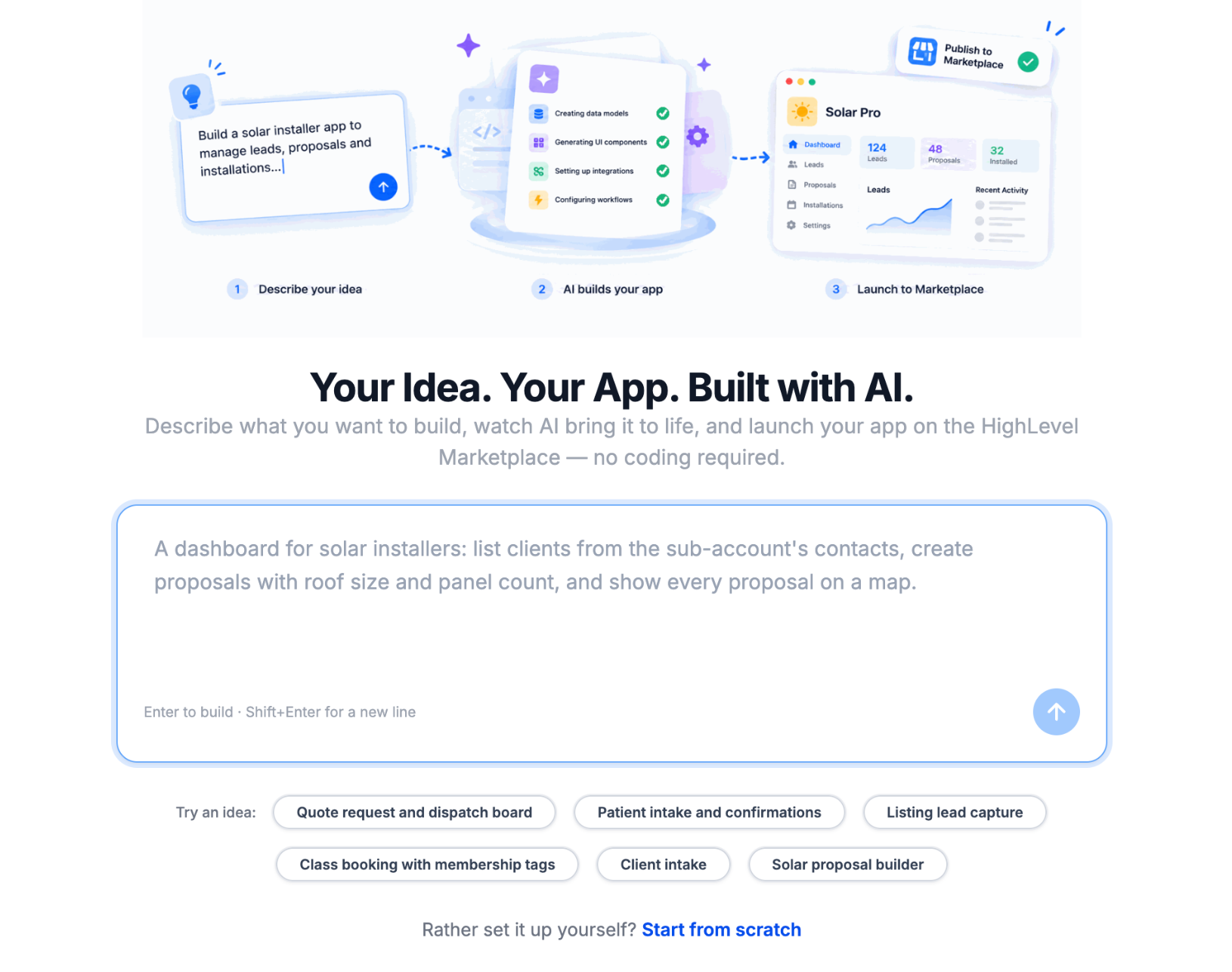
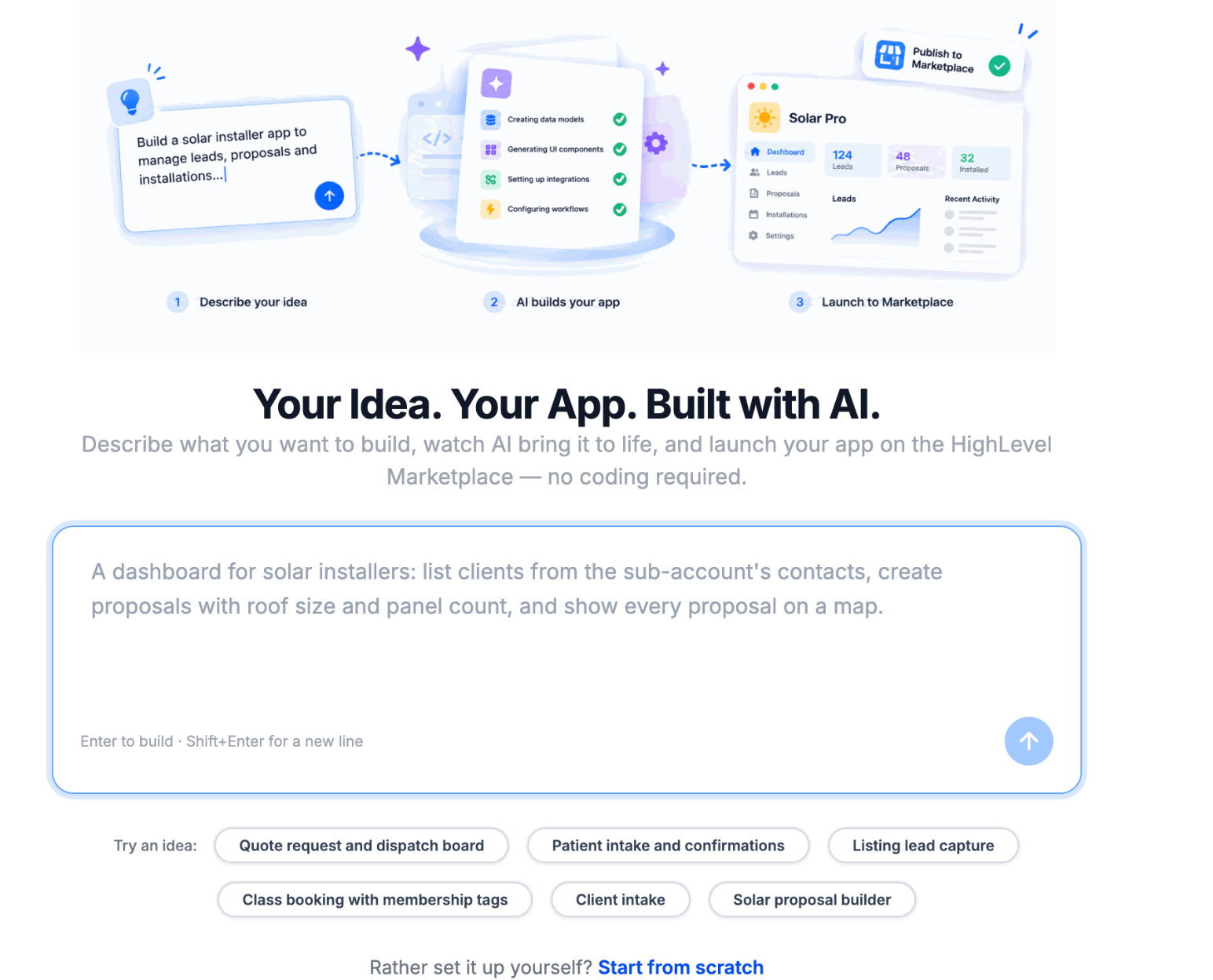
App Studio lives in the HighLevel Developer Portal. It takes a natural language prompt, optional mockups, and produces a complete application, including UI, backend logic, PostgreSQL database, OAuth setup, and webhooks, ready to run inside a HighLevel subaccount.
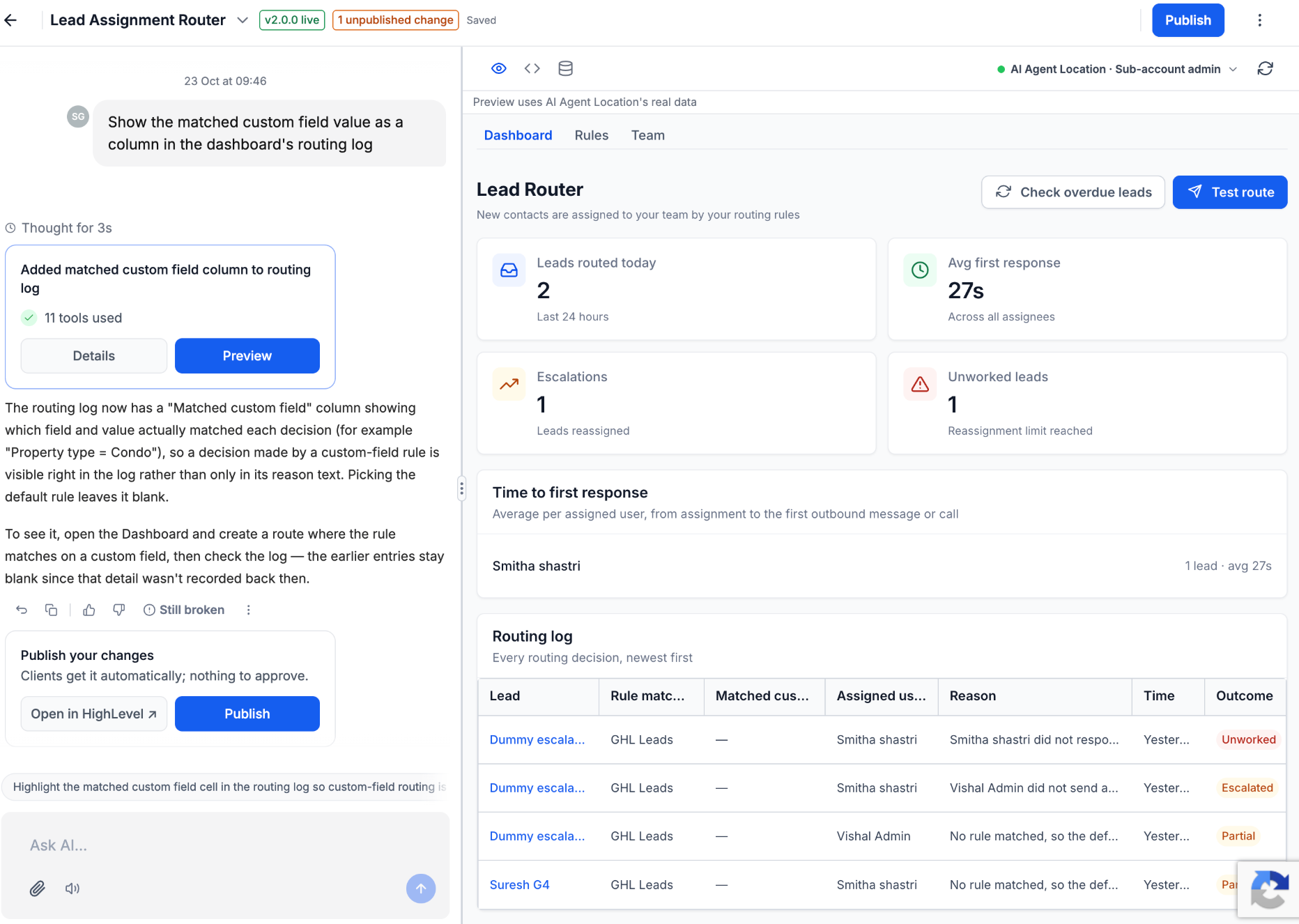
After generation, the app appears in a live preview where users can chat with the AI to request feature tweaks, design changes, or bug fixes. The preview can be opened in a selected subaccount for real time testing against actual HighLevel data. Build versions are saved automatically; earlier versions can be restored, source code downloaded, and database tables inspected.
When the app passes validation, users publish a new version, add release notes, and generate either a HighLevel or grey labeled installation link to share with eligible subaccounts. The current release only supports private subaccount apps; agency wide Marketplace publishing is slated for a later update.
03How businesses use App Studio
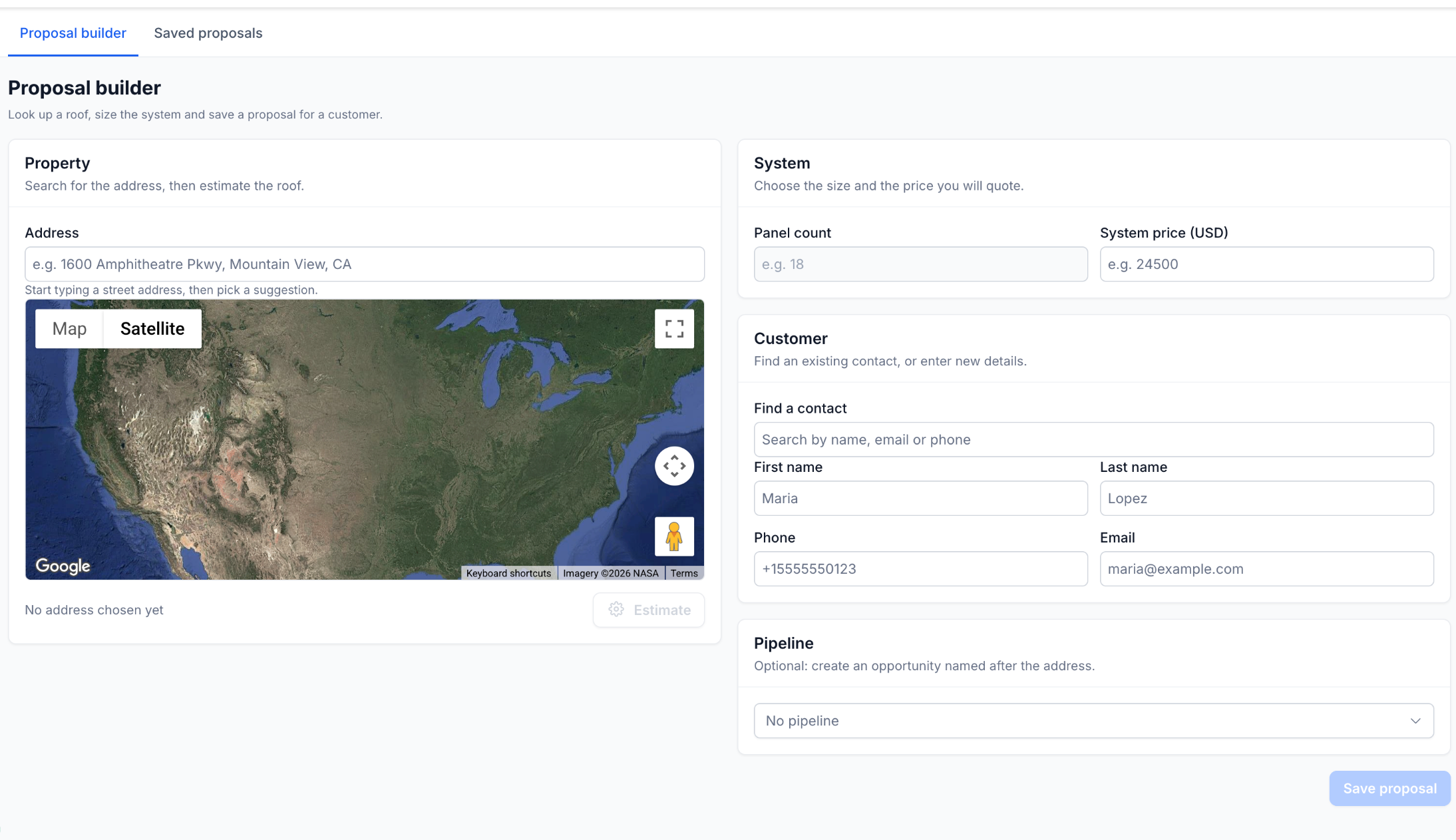
- Solar installation company. Create a solar proposal app that pulls contact records, displays property locations on a map, accepts panel counts and pricing, saves proposals, and optionally creates pipeline opportunities, all generated from a single description.
- Real estate brokerage. Build a property lead capture app that records new leads, links them to contacts and opportunities, and provides a dashboard for tracking lead status, using the native HighLevel integration.
- Fitness class provider. Develop a class booking app that manages member registrations, tracks class capacity, and synchronizes appointments with the HighLevel calendar, all defined through a natural language prompt.
04The numbers and rules that matter
- Usage metering: Team level usage within a rolling 5 hour window.
- Message length: Maximum 16,000 characters.
- Image attachments: Up to 5 images per message, 5 MB each.
05Before you start
- You must have access to the HighLevel Developer Portal.
- Your account must be eligible for Labs access to enable App Studio.
06How to set up and use App Studio in HighLevel
Set up and use App Studio
- Open the HighLevel Developer Portal.
- In the Profile Menu > Labs, turn on App Studio if it is not already enabled.
- Navigate to My Apps > Create App.
- Select the Build with App Studio option.
- Enter a prompt that describes the app’s purpose, features, and required HighLevel integrations, or pick a starter idea.
- Attach any optional mockup or reference images to the prompt.
- Click the Build button to generate the application.
- Review the generated app in the live preview pane.
- Enter follow up instructions in the chat panel to customize the app.
- Click Try it in HighLevel and choose a subaccount for testing.
- Authorize any required permissions and test the app’s forms, navigation, and data actions.
- Important: Use a dedicated test subaccount to avoid unintended changes to production data.
- Click Publish, resolve any validation issues, add release notes, then click Share to copy a HighLevel or grey labeled installation link.
07What it looks like in HighLevel
08Settings that matter
- App Studio (Labs toggle). Enables the AI powered app builder in the Developer Portal for accounts that have Labs eligibility.
09Things to know before you rely on it
- App Studio is only available to eligible developers through Labs (early access).
- The current release supports private subaccount apps; agency level Marketplace apps are not yet supported.
- Team usage is metered within a rolling five hour window; additional builds must wait for the reset period.
- Only one build can run at a time.
- Prompt length is limited to a maximum of 16,000 characters.
- You may attach up to five images per message, each no larger than 5 MB.
- Scheduled or background jobs are not supported; execution relies on requests and webhooks.
10How it connects to the rest of HighLevel
- Learn how to enable extra AI usage and view your usage limits. AI usage limits
- Set up access, rebilling, and reselling for HighLevel AI Employee features. AI Employee access
- Review HighLevel pricing plans to see which level includes Labs access. HighLevel pricing
Michael's take

When a developer or agency needs a custom tool but doesn’t want to write code, App Studio fills that gap by turning a plain description into a working app.
The first thing I would lock down is the test subaccount, so I can experiment without touching live contact records.