
01Who this is for
- Agency admins, they have full access to Ask AI across agency and subaccount views, enabling rapid workflow automation.
- Subaccount users, eligible through pay per use or an AI Employee subscription, they can leverage the copilot for routine tasks.
- Marketing teams, can generate on brand copy and images using the Brand Voice setting without switching tools.
02Ask AI Assistant, explained
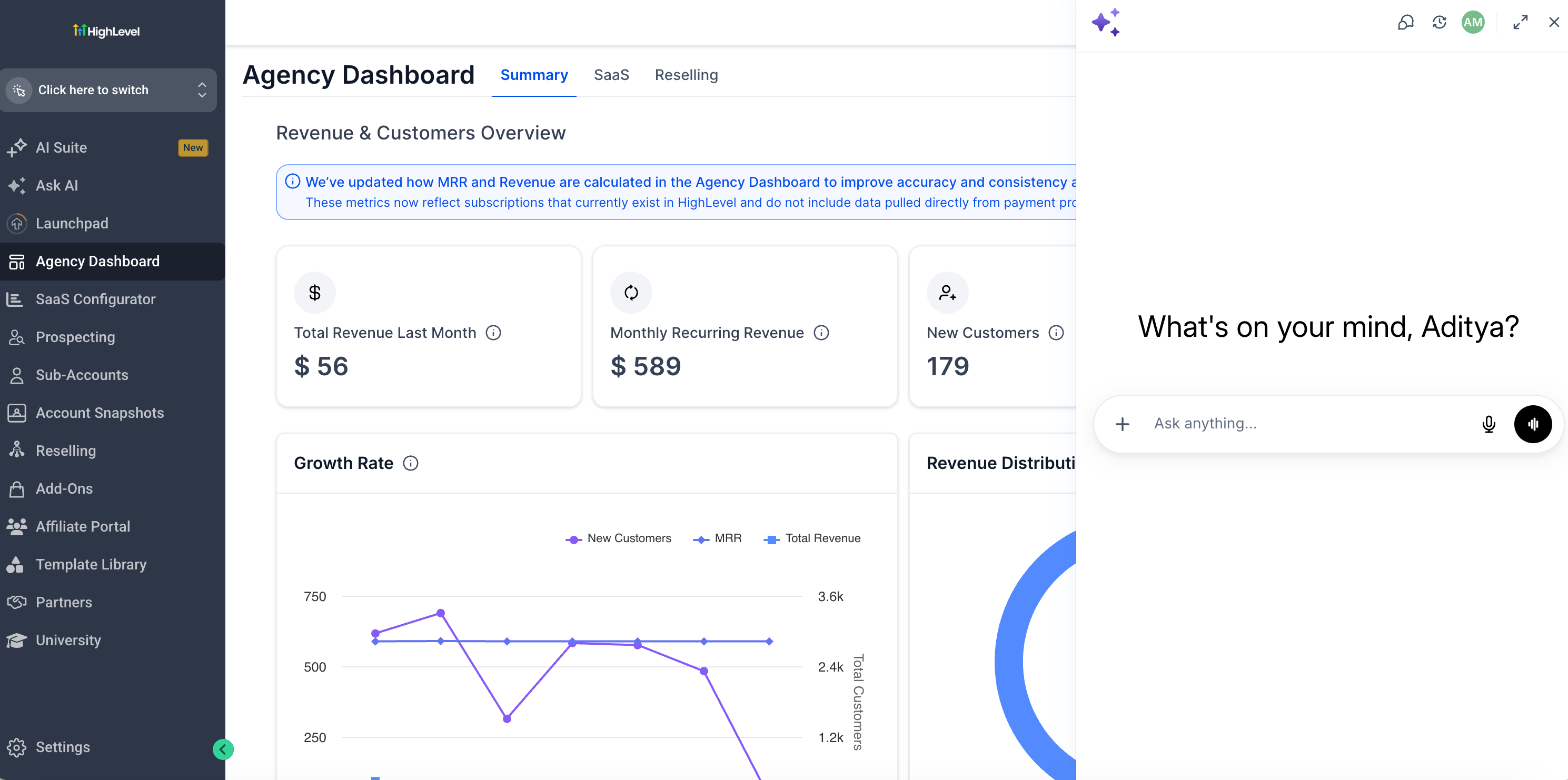
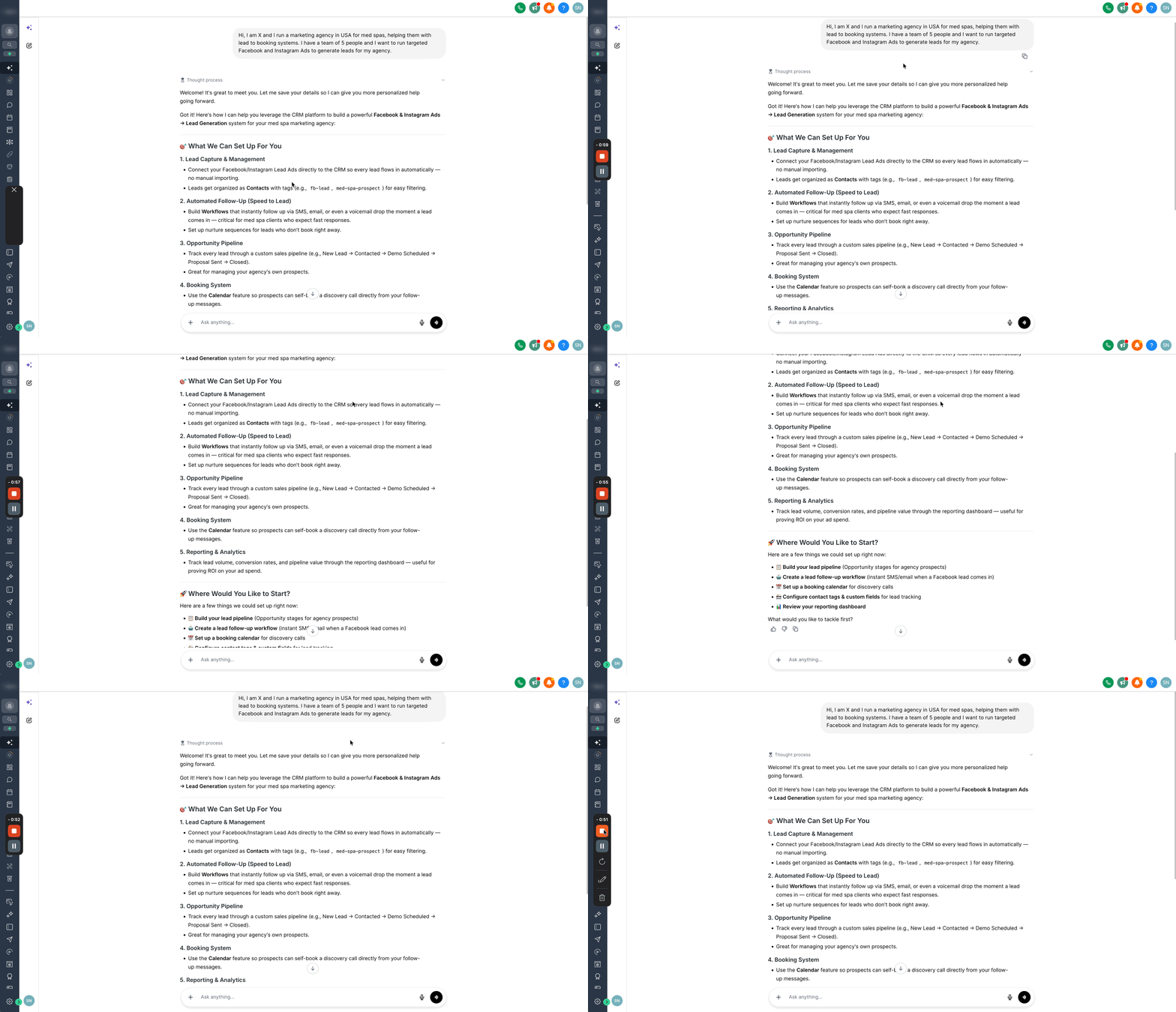
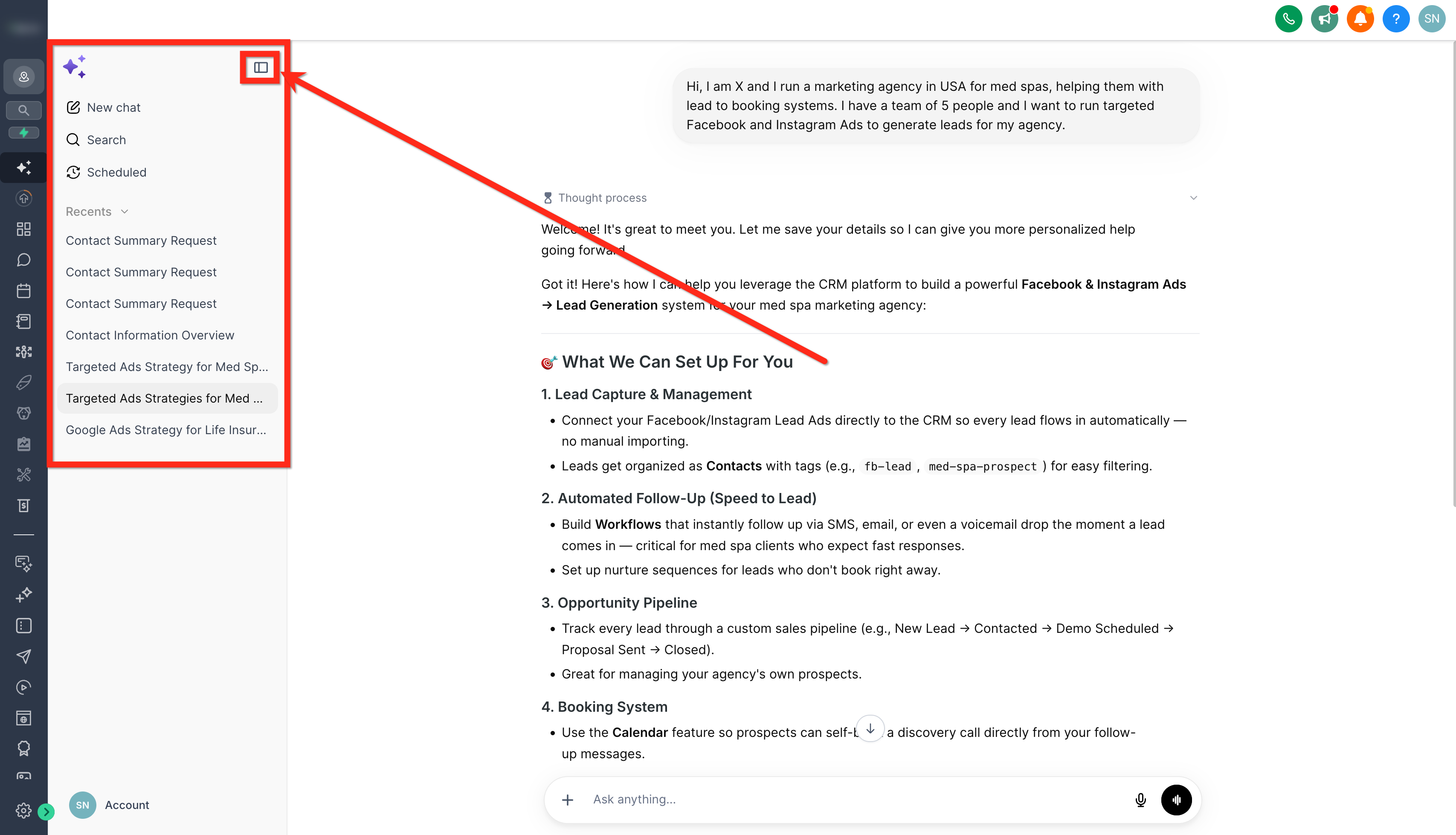
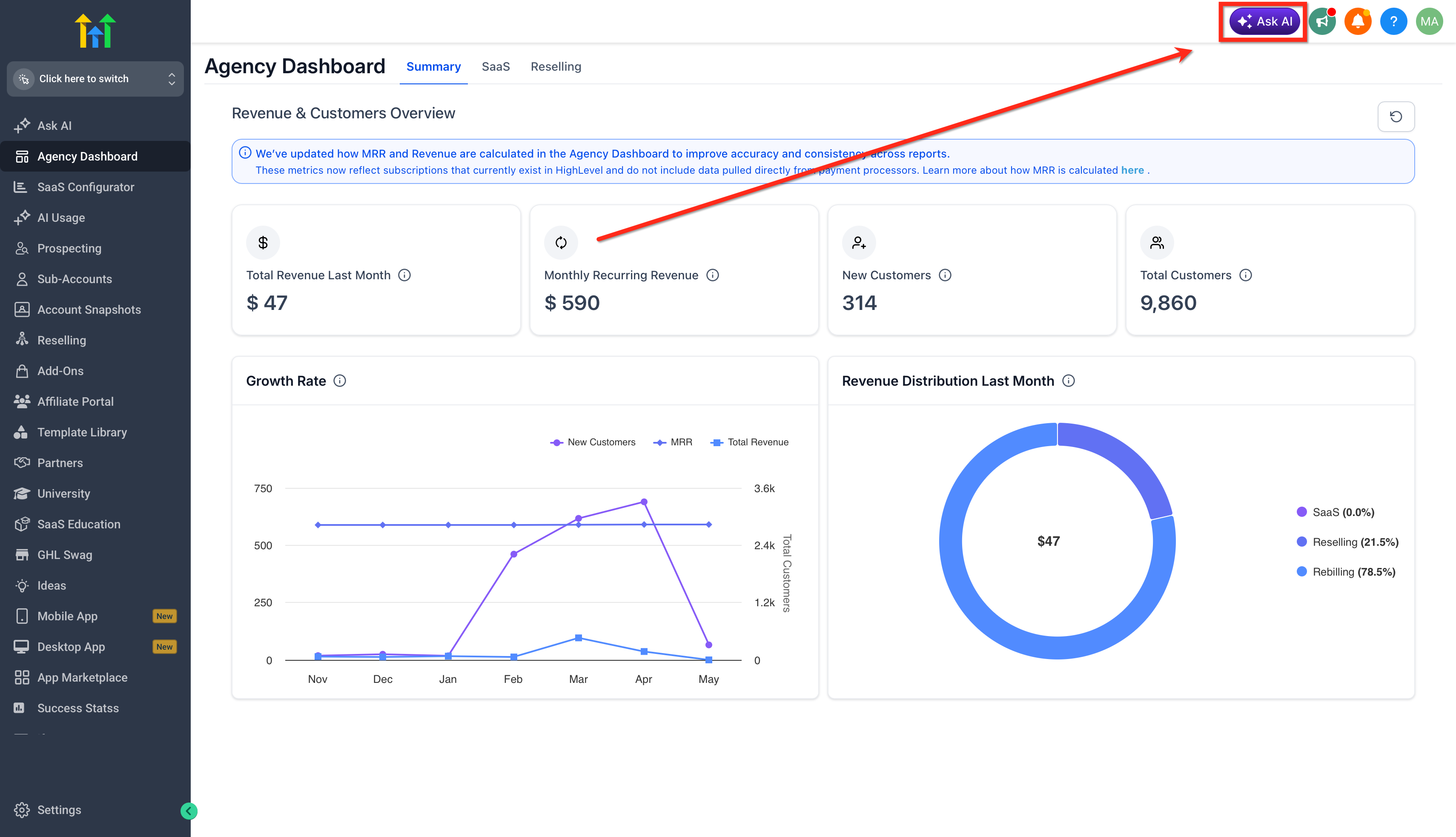
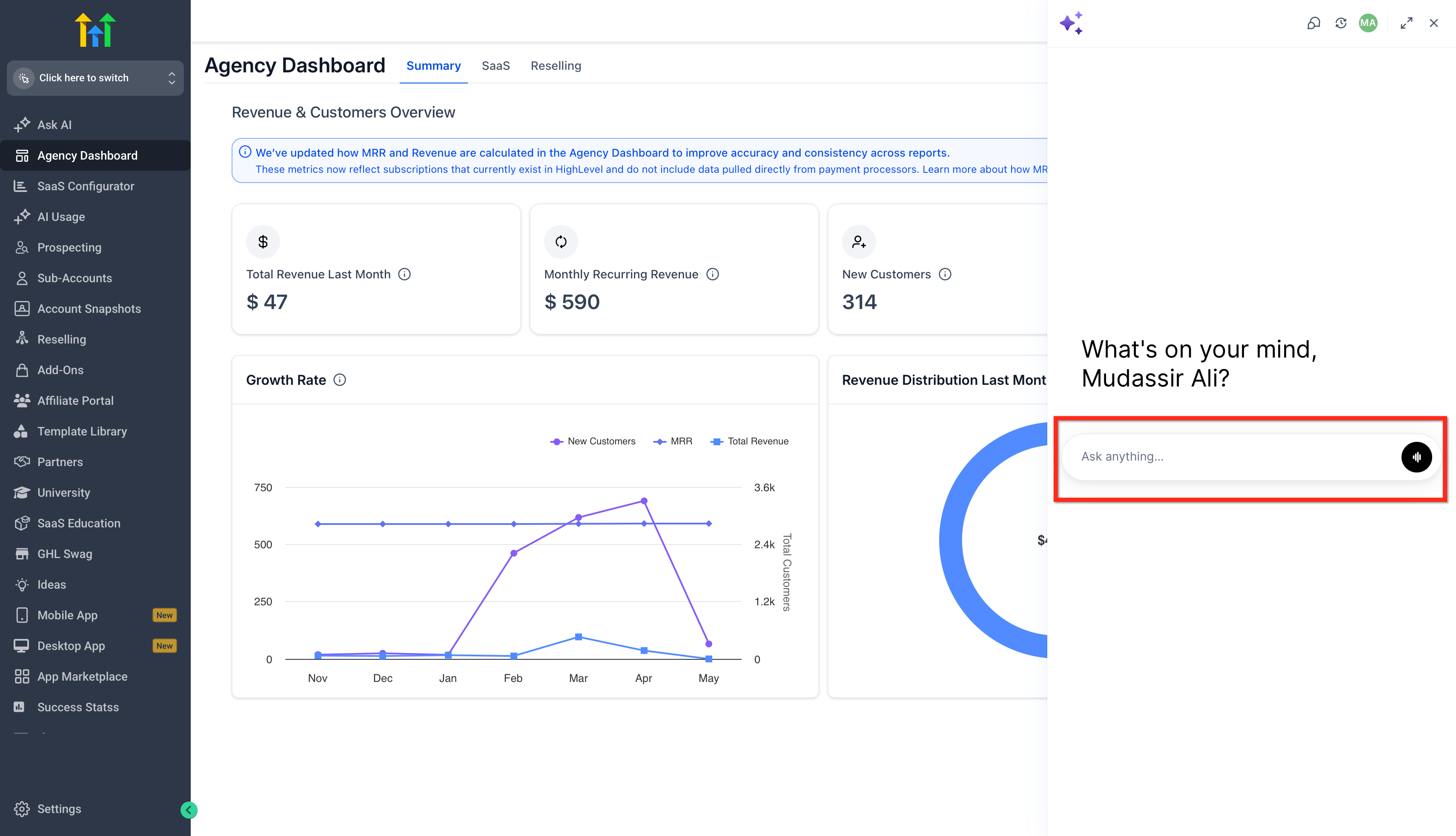
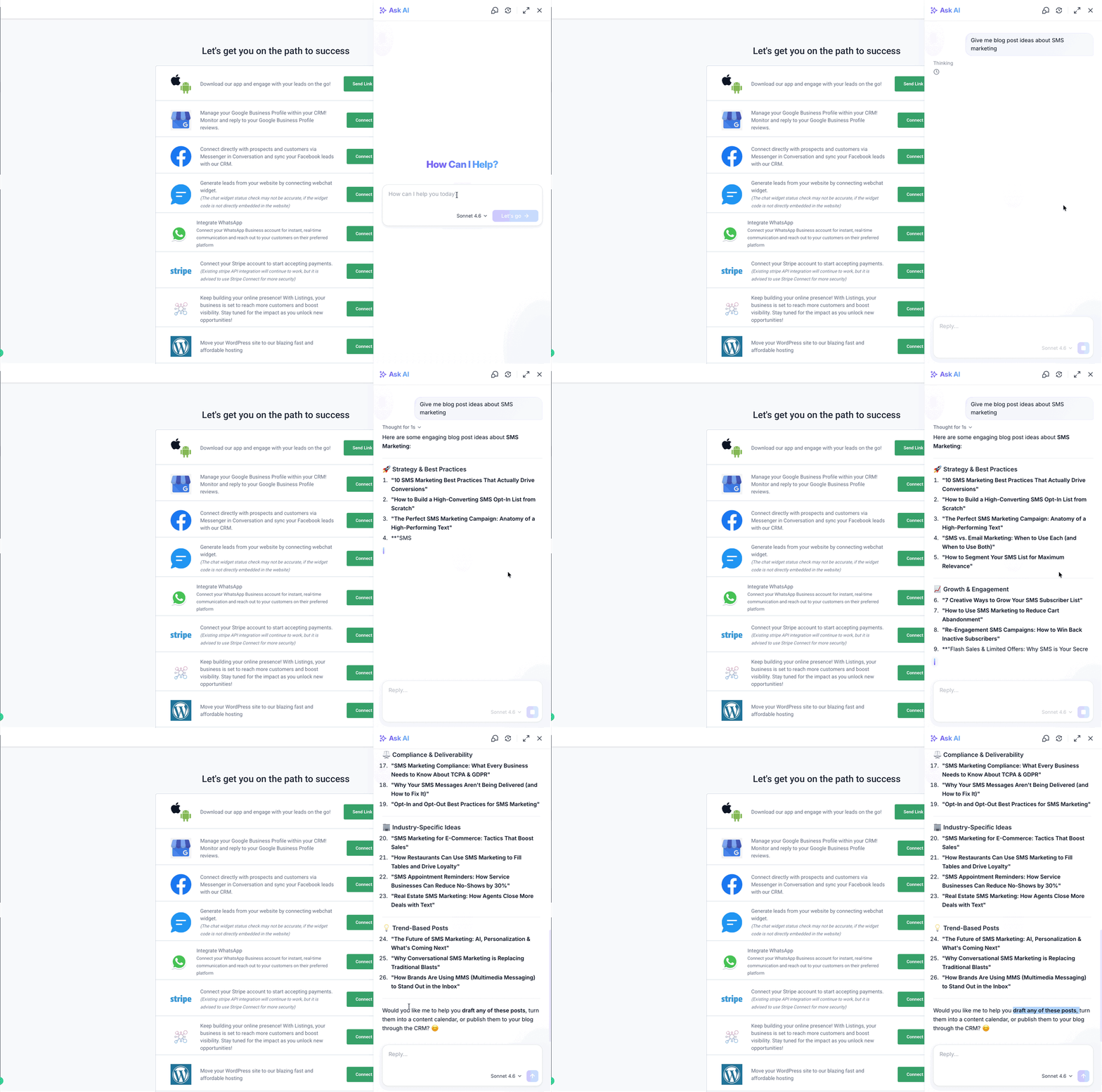
Ask AI lives as a chat panel in the top navigation bar and as a full screen workspace in the left sidebar. It reads and writes data across more than fifty modules, from contacts and opportunities to invoices and AI agents. Users type or speak a request, and the assistant returns a formatted response that may include text, tables, code blocks or a live task tracker for multi step actions.
The assistant can create and update records, run bulk SMS or email campaigns, generate images, draft blog posts, schedule appointments, and even provision Conversation AI or Voice AI agents. For actions that change data, it always shows a confirmation screen before execution. Responses are saved in a sidebar, allowing users to revisit prior conversations.
Ask AI is also reachable from Global Search: if a search yields no results, the user can hand the query to the AI, which replies in place and then opens a dedicated chat to continue the interaction.
03How businesses use Ask AI Assistant
- Dental practice. The practice can ask the assistant to generate a hero image for a landing page and then create an appointment funnel for new patients. The AI also schedules the funnel’s follow up emails using the brand voice settings.
- Real estate agency. Agents can request a list of available phone numbers in a target area, then have Ask AI set up a WhatsApp template for appointment reminders. The same prompt can retrieve a summary of recent contacts tagged as hot leads.
- SaaS startup. Founders can instruct Ask AI to draft a promotional email for a product launch, generate banner images matching their brand colors, and create a new subaccount for a new client location, all from a single conversation.
04The numbers and rules that matter
- Up to four research agents can run simultaneously.
05Before you start
- Configure Brand Voice under Marketing > Brand Boards > Brand Voice if you plan to generate branded content.
- Ensure you have the required access level, agency admin, agency user, or an eligible subaccount with pay per use or AI Employee subscription.
06How to set up and use Ask AI Assistant in HighLevel
Open Ask AI from Global Search
- Open the Global Search field and type your query.
- If no matching results appear, click the Ask AI option displayed.
- Review the initial answer that appears directly inside Global Search.
- Select Continue to launch Ask AI with the same query and keep the conversation going.
07What it looks like in HighLevel
08Settings that matter
- Brand Voice. Controls the style, tone, and brand colors used when Ask AI generates on brand copy or images.
09Things to know before you rely on it
- Workflows are read only; Ask AI can list them but cannot create or edit steps.
- Campaigns are read only; the assistant can retrieve listings but not build new campaigns.
- Affiliate Manager, Listings/Yext, Chat Widget, full Sites builder, raw call and SMS logs, automation execution history, and IVR/call routing are not yet connected.
- Up to four research agents can run in parallel; additional tasks wait in a queue.
10How it connects to the rest of HighLevel
- Review plan eligibility and usage limits for Ask AI. HighLevel pricing and plans
- Start a free trial to explore Ask AI and other features. 30 day trial
- Learn about the Founder Plan that includes advanced AI capabilities. Founder Plan
Michael's take

While the AI first workspace sounds exciting, it’s easy to fall into the trap of overrelying on it for every tiny tweak. The assistant is capable, but it still needs clear prompts and a check on its output before you hit send.
The upside is obvious: You get a single place to draft copy, update contacts and schedule reports without juggling menus. If you were starting a new campaign, I’d let Ask AI draft the first email and then fine tune it, keeping the brand voice consistent.