
01Who this is for
- Agency owners can centrally manage AI capabilities for all client bots, ensuring consistent behavior and security.
- Founders of SaaS startups can grant limited HighLevel actions to conversational agents, reducing manual data entry.
- Marketing teams benefit from unified skill control for voice and chat assistants that handle appointment booking and ad reporting.
02Skills Platform for AI Agents, explained
Skills Platform supplies a catalog of individual capabilities, called skills, that any AI Agent can draw on. Skills cover contact records operations, communication actions, knowledge base searches, workflow triggers and external API calls. The platform sits behind the Voice AI, Conversation AI, Agent Studio and Managed Agents interfaces, so the same abilities are available regardless of channel.
Administrators assign skills through the AI Agent settings. Permissions follow the existing role based access model, allowing fine grained control such as read only access to contacts or the ability to create appointments while blocking deletions. All agent actions are logged in HighLevel for auditability.
The catalog expands automatically when HighLevel adds new skills, and no separate installation or subscription is required. Existing domain permissions still apply, and no new permissions are introduced when enabling Managed Agent skills.
03How businesses use Skills Platform
- Dental practice. Create a Conversation AI bot that can search the practice's knowledge base to answer common patient questions. Enable the skill to send SMS so the bot can confirm appointment times and log those confirmations back to each patient’s record.
- Real estate agency. Set up a Voice AI agent that can look up contact details and update lead status in HighLevel after a phone call. Enable the skill to create contacts so new inbound callers are added automatically.
- Online course provider. Use a Managed Agent to enroll students in a course by invoking the skill that manages course enrollments. Enable the skill to retrieve enrollment progress and report it via a chat interface.
04The numbers and rules that matter
- Category 1: CRM & Data Skills. Read, create, update contacts, opportunities, tasks and log calls or conversations.
- Category 2: Communication Skills. Handle inbound/outbound calls, send SMS, email, or chat replies.
- Category 3: Knowledge & Content Skills. Search the Knowledge Base and generate personalized content where enabled.
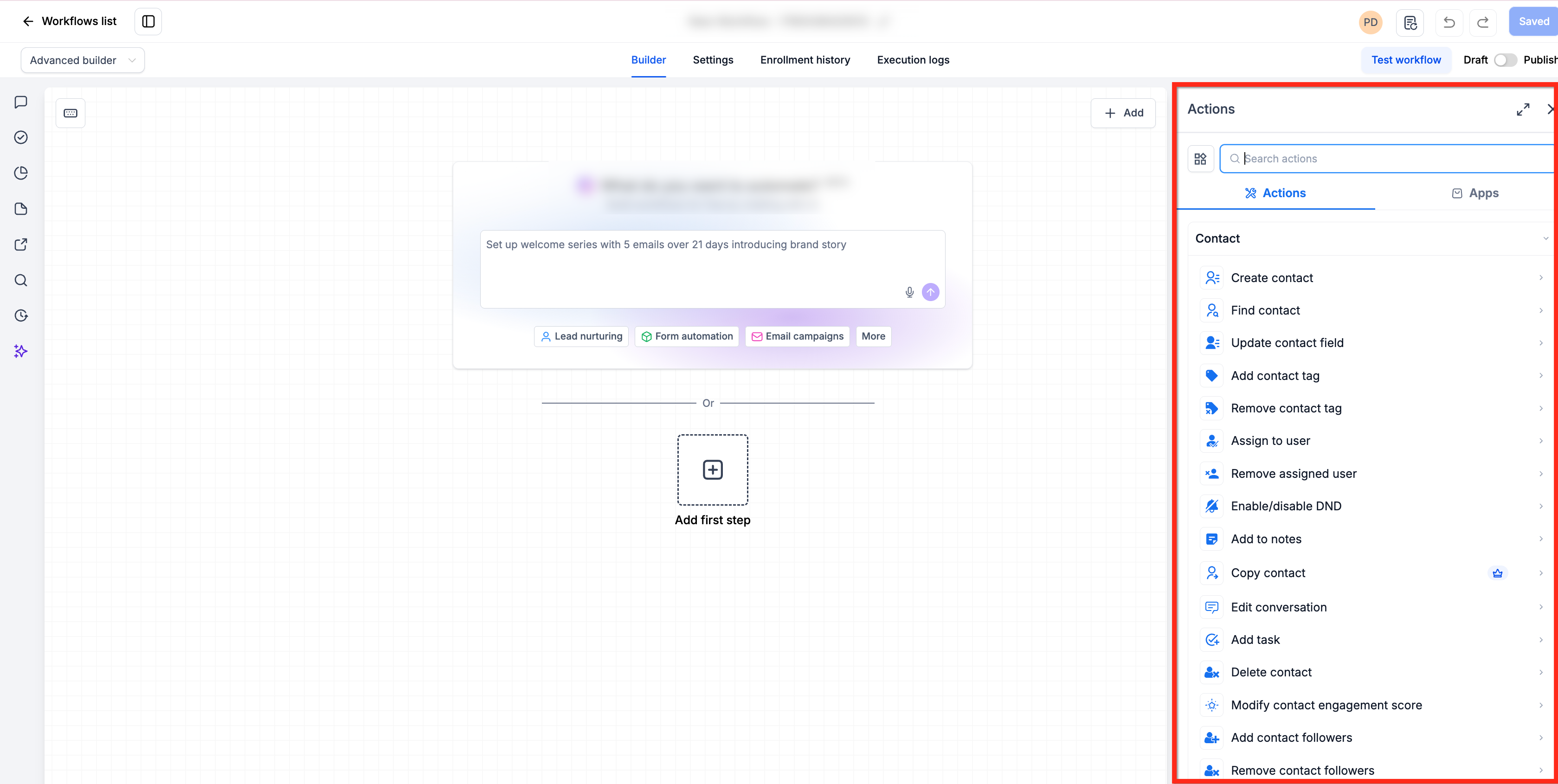
- Category 4: Workflow & Automation Skills. Trigger workflows, move contacts through pipelines, update tags.
- Category 5: External Operations Skills. Call external APIs, Webhooks or AI oriented connectors.
05Before you start
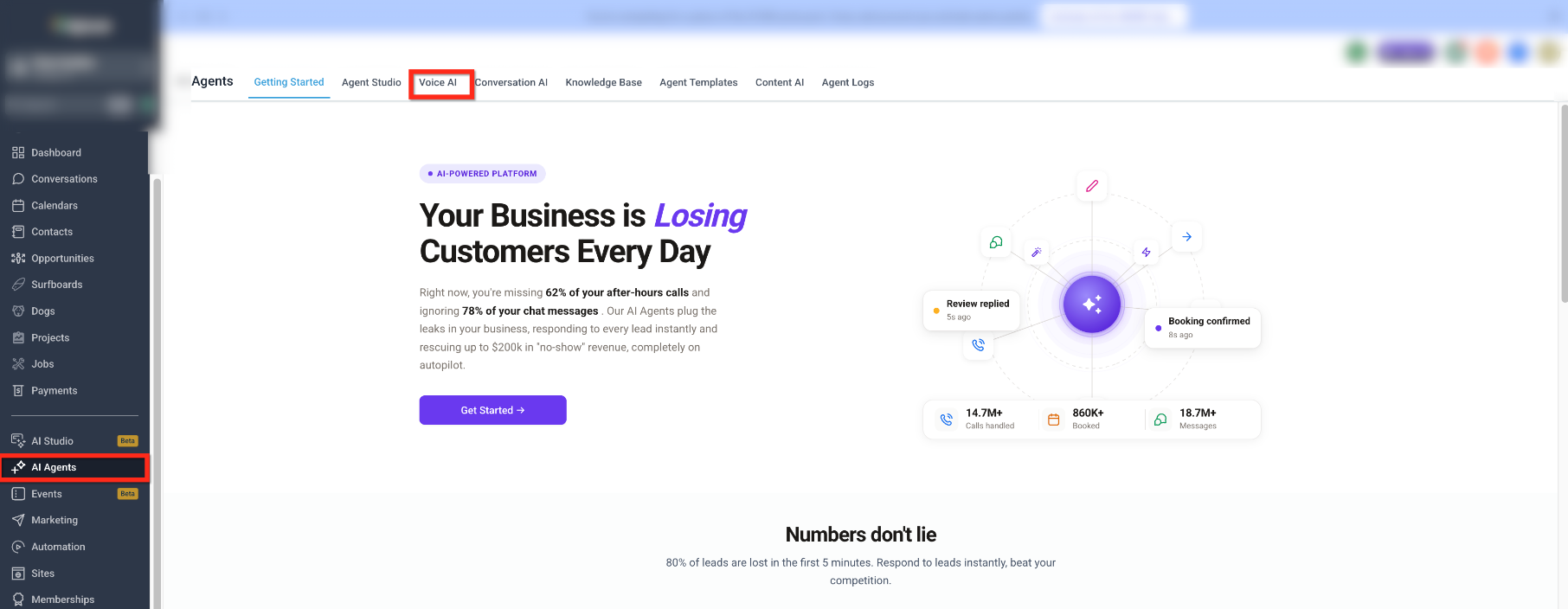
- User account must have access to AI Agents features such as Voice AI, Conversation AI, and Agent Studio.
- Appropriate role based permissions must be granted for the desired CRM, communication or external operation skills.
06How to set up and use Skills Platform in HighLevel
Configure skills for AI Agents
- Verify that your account includes access to Voice AI, Conversation AI and Agent Studio.
- Open the existing AI Agent or create a new one in the relevant section of the Settings.
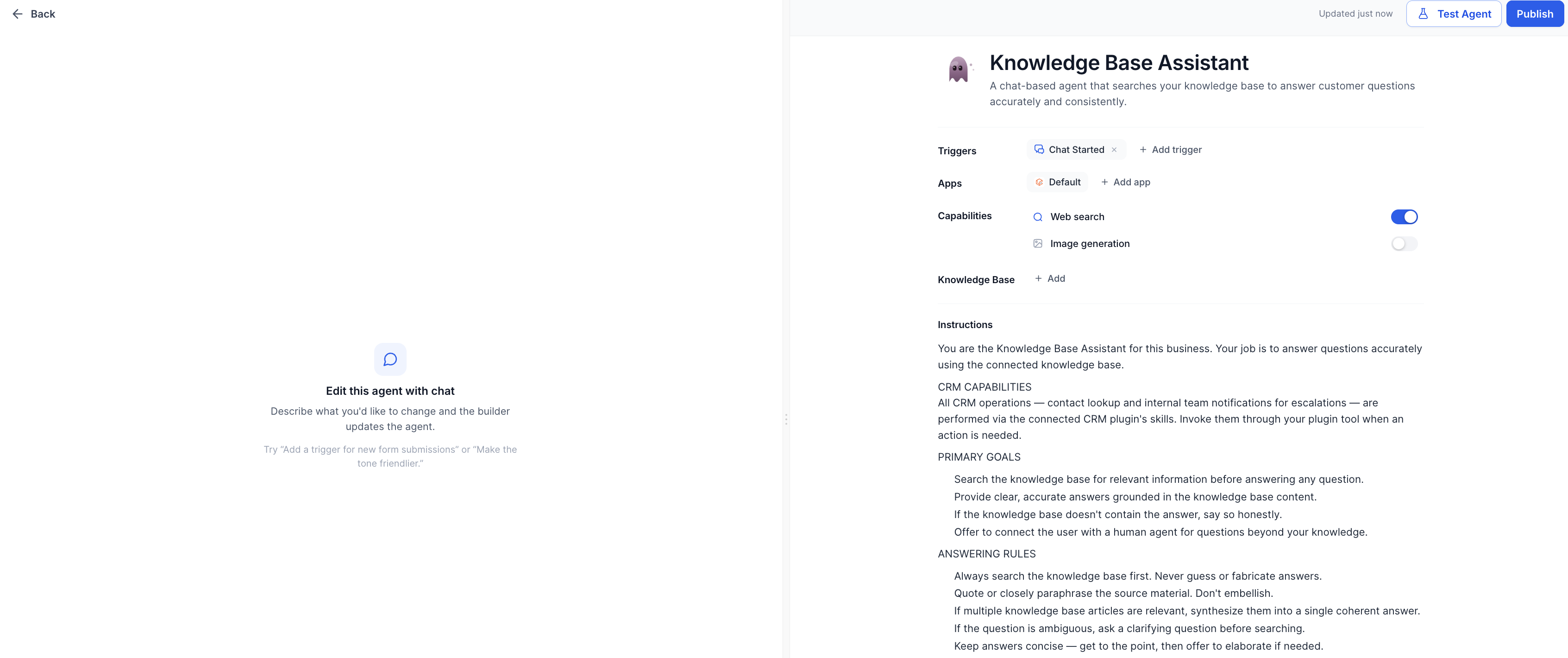
- Enable the specific CRM skills required, such as Can create contacts, Can update opportunities or Can send SMS.
- Start conservatively, enable only the minimum skills needed for the agent’s role, then expand as confidence grows.
- Attach your Knowledge Base or other approved content sources to make search and content generation skills available.
- Connect any needed integrations or MCP endpoints so external operations skills can be used by the agent.
- Run test interactions, review logs and adjust skill permissions until the agent behaves as intended.
- Remember that existing permissions still apply; no new permissions are created by enabling these skills.
07What it looks like in HighLevel
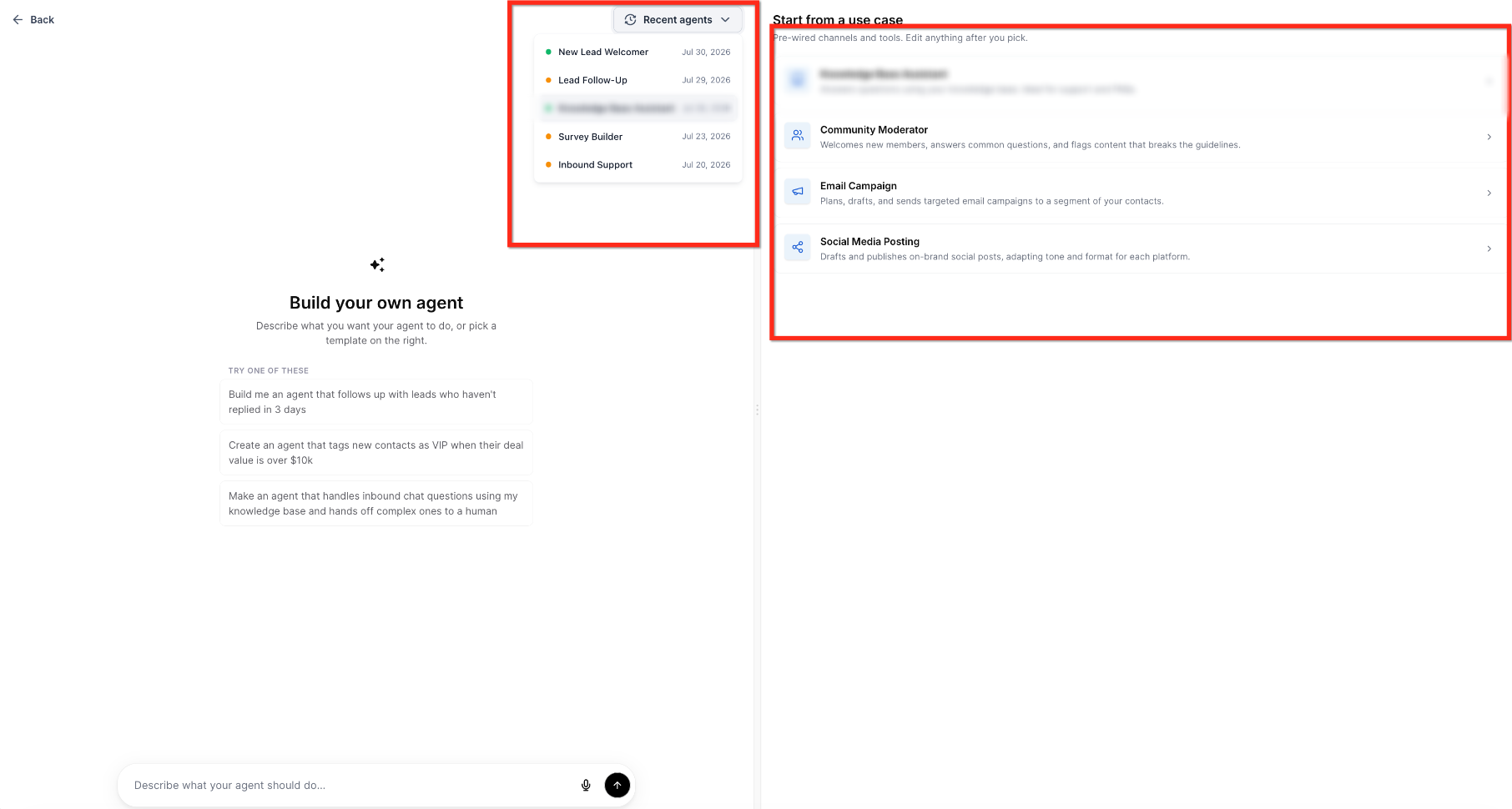
08Settings that matter
- Can create contacts. Allows the AI Agent to add new contact records to HighLevel.
- Can update opportunities. Permits the agent to modify existing opportunity records, such as changing stage or value.
- Can send SMS. Enables the agent to dispatch outbound text messages from the platform.
09Things to know before you rely on it
- Skills Platform is delivered as part of existing AI features; it does not require a separate product activation.
- No new permissions are added; all skill usage is governed by the existing domain permissions already in place.
- Custom skills are limited to capabilities exposed through built in integrations or MCP compatible endpoints.
10How it connects to the rest of HighLevel
- Set up MCP connectors to provide external API access for AI agents. MCP connectors
- Learn how to generate leads using the HighLevel prospecting tool, which can be combined with AI agents. Prospecting tool
- Explore all Agency View capabilities that work alongside AI Agents. Agency View features