
Home/HighLevel/Integrations/LinkedIn
Integrations · LinkedIn
GoHighLevel LinkedIn integration. Posts, leads and ads, built in.
GoHighLevel connects to LinkedIn without a third party tool for three jobs: publishing posts, capturing Lead Gen Form leads and running LinkedIn ads. Here is how each connection works and where it stops.
The short answer
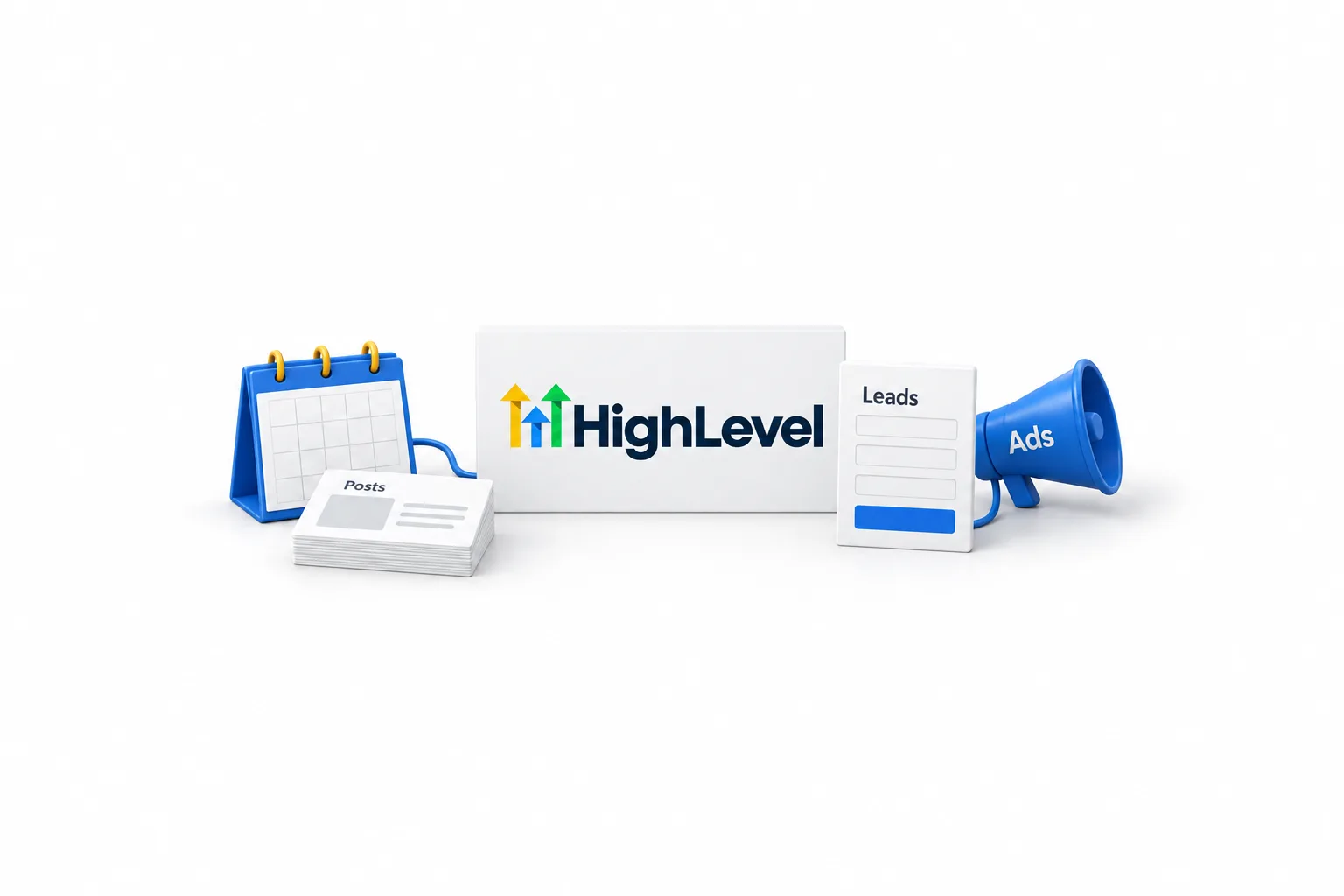
GoHighLevel works with LinkedIn natively in three places: Social Planner publishes posts to LinkedIn profiles and pages, the LinkedIn Lead Ads integration pulls Lead Gen Form leads into your contacts, and Ad Manager runs LinkedIn ads. For anything else, use Zapier, Make, webhooks or the HighLevel API.
Michael is a sponsored HighLevel affiliate. Links to HighLevel use his partner link at no extra cost to you. HighLevel prices and product facts on this page come from HighLevel's own pricing page and help center, checked on the date above.
Overview
Does GoHighLevel integrate with LinkedIn?
Yes. HighLevel, which most people still search for as GoHighLevel, has three native LinkedIn connections, and each one does a different job. You connect each one separately, in a different part of the account. Setting up one does not set up the others, so working posts do not mean lead forms are flowing.
| Route | What it does | Where you connect it |
|---|---|---|
| Social Planner | Publishes and schedules posts to LinkedIn profiles and pages | Marketing, then Social Planner |
| LinkedIn Lead Ads integration | Pulls Lead Gen Form leads into contacts, with field mapping | Settings, then Integrations |
| LinkedIn Lead Form Submitted trigger | Starts a workflow the moment a lead form is submitted | Automation, then Workflows |
| Ad Manager | Creates, publishes and reports on LinkedIn ads | Marketing, then Ad Manager |
| Zapier, Make, webhooks or the API | Anything the native routes do not cover | The outside tool, plus a HighLevel workflow |
The other connections HighLevel offers are listed on the HighLevel integrations hub. If you already use HighLevel with Facebook and Instagram, the LinkedIn setup will feel familiar: sign in, approve permissions, pick the page.
Connect
How do you connect LinkedIn to Social Planner?
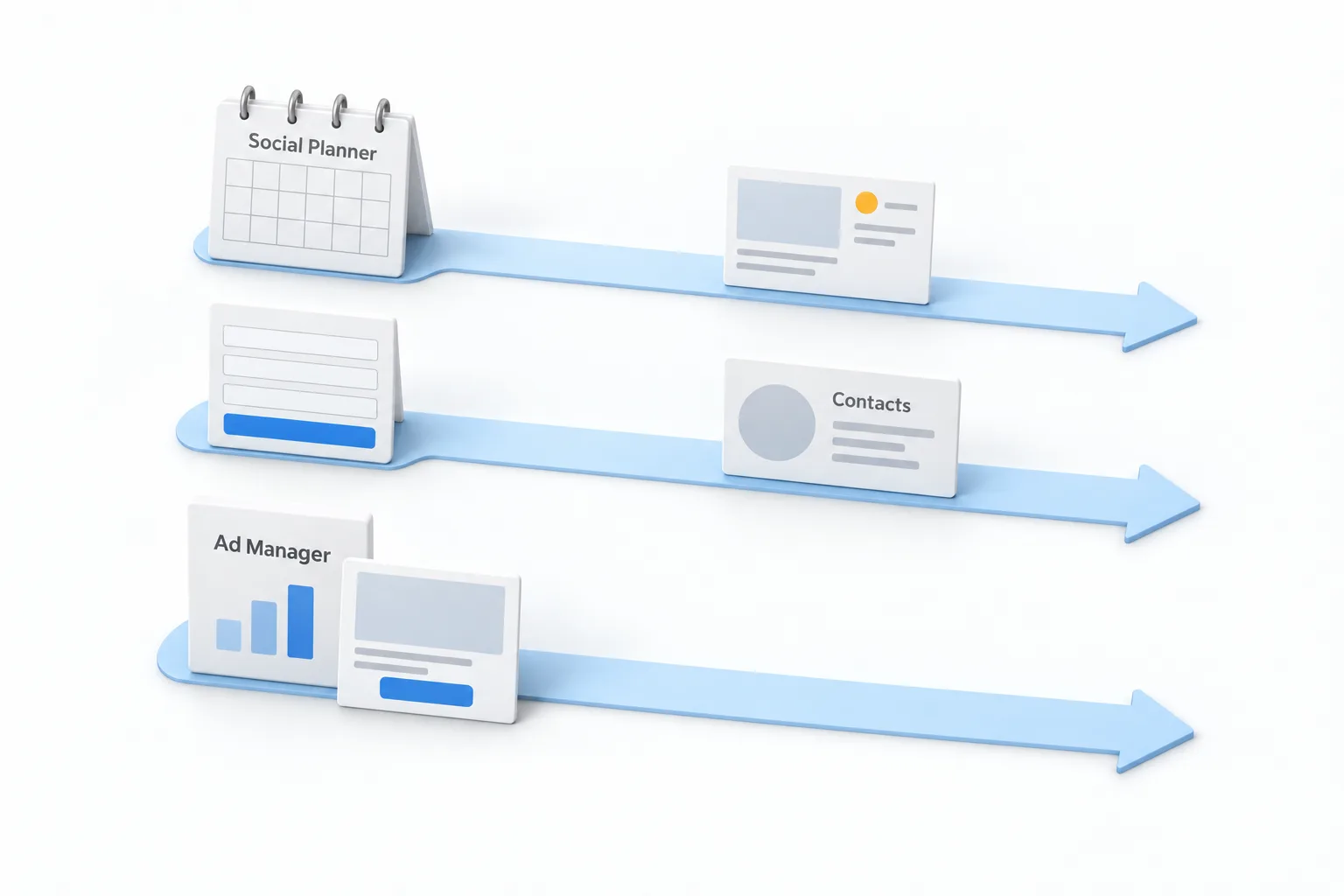
You connect LinkedIn inside Social Planner by signing in and approving access. The steps below follow the HighLevel help center article on connecting LinkedIn profiles and business pages to Social Planner. You need admin access to any LinkedIn page you want to connect.
- Go to Marketing, then Social Planner.
- Click + Socials, or open Settings, then Social accounts, and click + Connect Social.
- In the popup, click Connect LinkedIn.
- Sign in with your LinkedIn credentials.
- Click Allow to authorize access through LeadConnector.
- Select the profile or page and click Add.
- Confirm the account shows as Connected in the Social Accounts section.
Once a profile and a page are both connected, you choose where each post publishes while you write it. The full posting routine, including bulk scheduling, is in how to schedule social posts in HighLevel.
Posting
What can you post to LinkedIn from HighLevel?
Text, images, video and polls. HighLevel publishes its own content guidelines for every network in Social Planner. These are the LinkedIn profile and page limits listed there when I checked on November 11, 2026.
| Post element | LinkedIn limit in Social Planner |
|---|---|
| Text | Up to 3,000 characters |
| Images | JPEG, PNG or GIF, up to 8 MB each, up to 20 in a post |
| Video | MOV or MP4, from 3 seconds to 30 minutes, up to 1 GB |
| Images and video together | Not supported in one post |
| Posting rate | 200 posts in 24 hours |
| Polls | Question up to 140 characters, 2 to 4 options of up to 30 characters, lasting 1, 3, 7 or 14 days |
Polls have one catch. A LinkedIn poll cannot be combined with images, video, PDFs or other media. If media is attached to the LinkedIn version of a post, the poll is not published. When you send one post to several networks, keep the LinkedIn version media free and add the media to the other versions.
Leads
How do LinkedIn lead forms get into HighLevel?
Through the LinkedIn Lead Ads integration, which is separate from Social Planner. It pulls leads from LinkedIn Lead Gen Forms into your contacts. The steps follow the help center article on the LinkedIn Lead Ads integration.
- Open Settings, then Integrations.
- Find the LinkedIn integration and click Connect.
- Sign in to LinkedIn and grant the permissions it asks for.
- Select one or more ad accounts to link to the subaccount.
- For each ad account, choose All leads or New leads, then click Connect.
- Open the LinkedIn form field mapping tab, click Map Fields and match each LinkedIn form field to a HighLevel contact field.
- Click Confirm, then submit a test lead and check that it appears in Contacts.
All leads brings in the past 90 days of leads plus every new one. New leads brings in only what arrives from now on. The help center says there is no limit on how many ad accounts you connect to a subaccount. To stop leads from one form, switch its status toggle off.
To act on a lead right away, build a workflow with the LinkedIn Lead Form Submitted trigger. It enrolls the contact as soon as the form is submitted, and an optional Page filter limits it to one LinkedIn page. If you are new to automation, start with build your first workflow. The same pattern drives Meta lead forms, covered in connect Facebook lead ads.
Ads
Can you run LinkedIn ads from HighLevel?
Yes, in Ad Manager. The help center article on LinkedIn ads in Ad Manager lists two campaign objectives, Lead Generation and Website Traffic, and three ad formats: single image, single video and carousel. You can target by job title, industry, company size, seniority and skills, and a geographic location is required.
Before you connect, you need an active LinkedIn ad account in Campaign Manager and a company page linked to it. You also need Campaign Manager access to the ad account and admin access to the company page. To connect, go to Marketing, then Ad Manager, open the settings gear, choose LinkedIn under Platform Settings and click + Connect Account. A connected account shows a green Active status. Leads from Lead Gen Forms appear in Contacts with the source LinkedIn Ads.
Data
What data moves between LinkedIn and HighLevel?
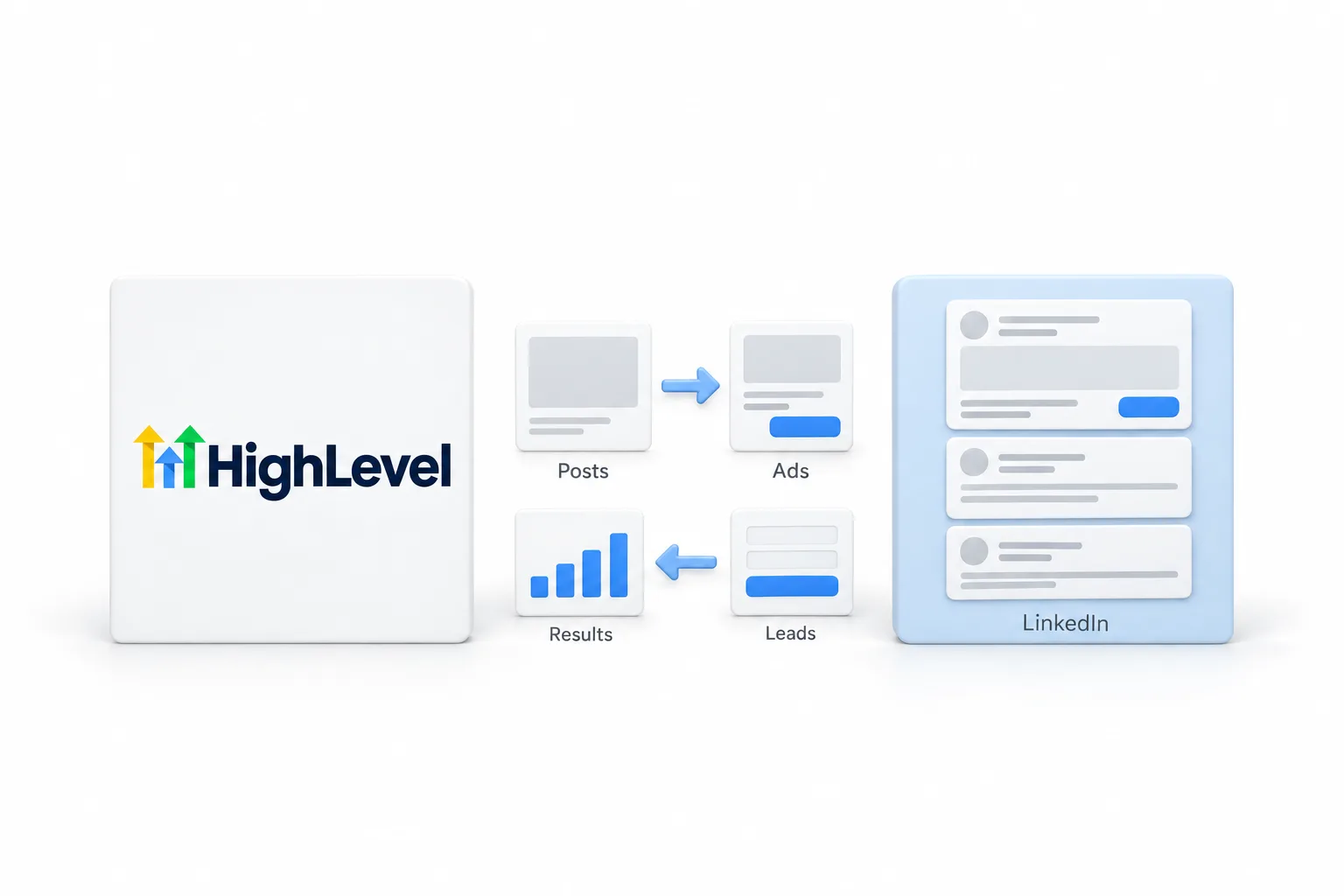
Posts and ads go out. Leads and ad results come in. Nothing else moves unless you build it.
| Direction | What moves | Through |
|---|---|---|
| HighLevel to LinkedIn | Posts, images, video and polls you publish or schedule | Social Planner |
| HighLevel to LinkedIn | Campaigns, ad creative and targeting you publish | Ad Manager |
| LinkedIn to HighLevel | Lead Gen Form submissions, in the fields you mapped | LinkedIn Lead Ads integration |
| LinkedIn to HighLevel | Ad figures such as impressions, clicks, leads and spend | Ad Manager statistics |
On the lead side, HighLevel matches an incoming lead to an existing contact on identifiers such as email or phone. A match updates that contact. No match creates a new one. If you still see doubles, fix duplicate contacts appearing covers the cleanup.
Limits
What are the limits of the LinkedIn integration?
The main limits are a posting token that expires, media rules on LinkedIn posts and a 90 day ceiling on lead history. The native connections cover posting, lead forms and ads. I did not find a HighLevel help center article for LinkedIn direct messages or connection requests, so this page does not cover them.
- The Social Planner token for LinkedIn lasts about 60 days, then the account needs reconnecting
- A LinkedIn poll cannot carry images, video or other media
- Images and video cannot be mixed in one LinkedIn post
- Lead sync needs a LinkedIn page linked to each ad account
- The All leads option reaches back 90 days, not further
- Social Planner lists a rate limit of 200 LinkedIn posts in 24 hours
- The workflow trigger has one optional filter, and it works by LinkedIn page
Fixes
What do you check when LinkedIn stops syncing?
Start with the connection status, because an expired or incomplete authorization is the first thing to rule out. Then work down this list in order.
- Open Social Planner settings and look at the LinkedIn account. A Reconnect prompt means the token expired. Click it and authorize again.
- If the status says Permissions Missing, the LinkedIn user lacks admin rights on the page, or a permission was not granted. Run the connection steps again and grant full access.
- If an ad account does not appear, confirm it is active in Campaign Manager, not archived or suspended, that your LinkedIn login has Campaign Manager access to it, and that it has a linked company page.
- If leads are missing, confirm the form's status toggle is on and its fields are mapped, then submit a test lead.
- If the lead arrives but the workflow does not run, check the trigger filters, then the workflow's Enrollment History and Execution Logs.
- If a poll did not publish, remove any media from the LinkedIn version of the post.
The help center notes that leads typically sync shortly after submission, so allow a brief delay before you decide a test failed.
Other routes
When do you need Zapier, Make, webhooks or the API?
Only when the native routes do not reach what you need. A common case is a LinkedIn tool from another vendor that should hand contacts to HighLevel. Check the HighLevel App Marketplace first for an app from that vendor. If there is none, three general routes remain.
Zapier works with HighLevel through the LeadConnector app, with triggers and actions in both directions. Make connects to HighLevel through webhooks. And any tool that can send JSON can start a HighLevel workflow, as shown in how to use webhooks. For reading and writing CRM records directly, the API with a private integration token is the deeper option.
To test the LinkedIn connections in your own account, use the 30 day trial through Michael's link. GoHighLevel pricing lists what each plan costs, and the full HighLevel review covers the strengths and the limits.
Also on TikTok? Read the GoHighLevel TikTok integration guide.

Put the LinkedIn reconnect on your calendar. The Social Planner token lasts about 60 days. Renew it on your schedule, before a Reconnect prompt shows up in the middle of a busy week.
Questions
Common questions.
Does GoHighLevel integrate with LinkedIn?
Yes. GoHighLevel connects to LinkedIn natively in three places. Social Planner publishes and schedules posts to LinkedIn profiles and pages. The LinkedIn Lead Ads integration pulls Lead Gen Form leads into your contacts. Ad Manager creates and reports on LinkedIn ads. Zapier, Make, webhooks and the API cover anything else.
Can HighLevel post to a personal LinkedIn profile and a company page?
Yes. The HighLevel help center says you can connect personal LinkedIn profiles and business pages to Social Planner. You need admin access to any page you connect. Once both are connected, you choose where each post publishes when you create it.
How often do I need to reconnect LinkedIn in Social Planner?
About every 60 days. The help center says the LinkedIn token in Social Planner is valid for about 60 days. After that a Reconnect prompt appears next to the account. Click it and authorize through LinkedIn again.
Why are my LinkedIn leads not showing up in HighLevel?
Check four things. The ad account must have a linked LinkedIn page, or the integration fails. The form status toggle must be on. The form fields must be mapped. Your LinkedIn login must still have access to the page and the ad account. Then submit a test lead and look in Contacts.
Can HighLevel send LinkedIn direct messages?
Not through any native route I could confirm. I did not find a HighLevel help center article for LinkedIn direct messages or connection requests. The confirmed native routes are posting through Social Planner, lead sync through the LinkedIn Lead Ads integration and ads through Ad Manager.
Next step
See it in your own account. Thirty days, every feature.
Start a trial, build the first system and test it before the first invoice. Usage fees for phone, SMS, email and AI can apply during the trial.
HighLevel has three plans at a flat monthly price, each with unlimited users and contacts. See what each one includes and what it costs.
Compare the PlansStarter, Unlimited and Founder