
Home/HighLevel/Integrations/TikTok
Integrations · TikTok
GoHighLevel TikTok integration. Leads, posts and messages, built in.
GoHighLevel connects to TikTok without a connector tool. Lead ad forms, video posts, messages, comments and lead generation campaigns each have their own setup inside the HighLevel subaccount.
The short answer
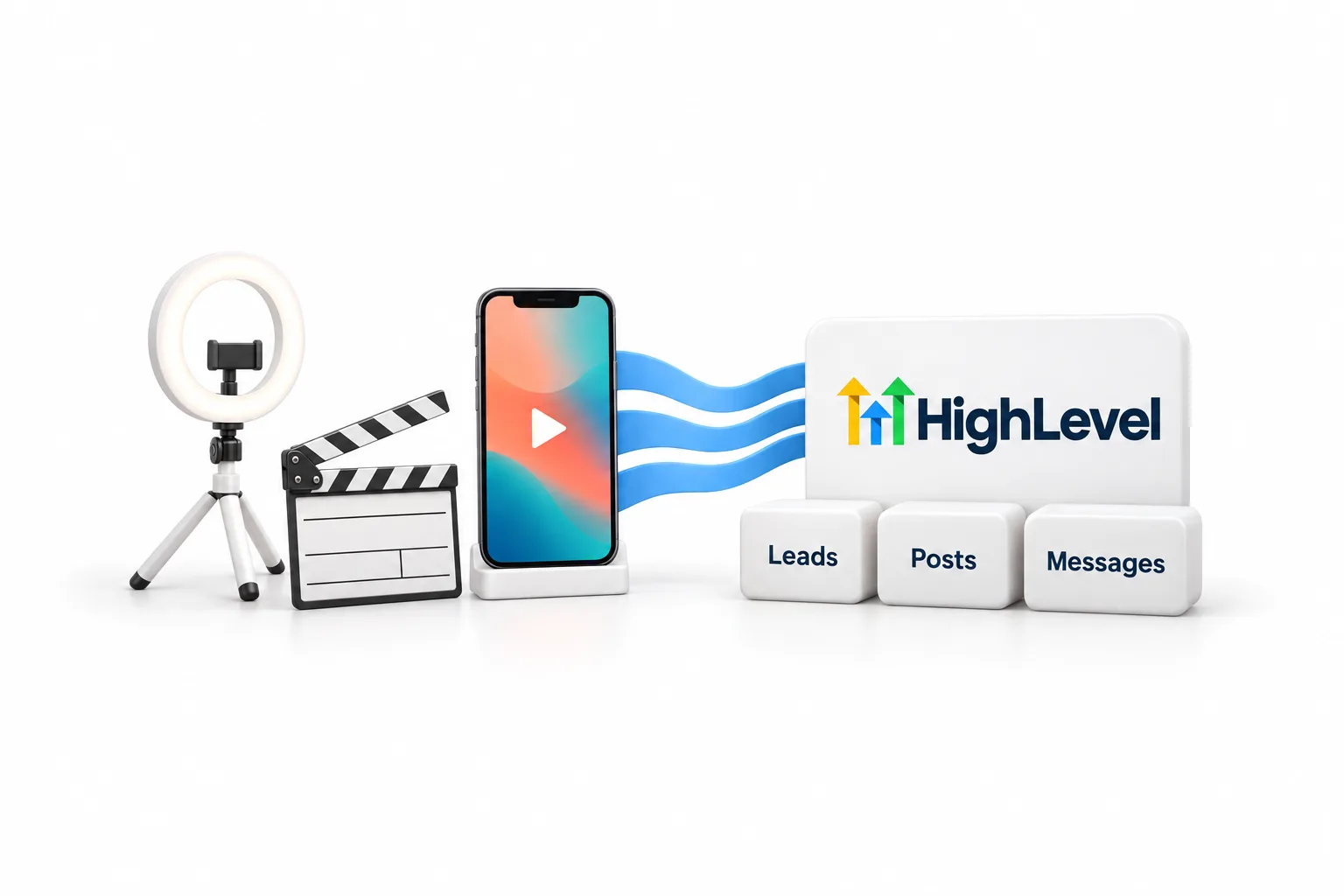
GoHighLevel TikTok integration is native. HighLevel syncs TikTok lead ad forms into contacts, publishes and schedules TikTok videos from Social Planner, brings TikTok messages and comments into Conversations and workflows, and runs TikTok lead generation campaigns from Ad Manager. You do not need Zapier or Make for any of these.
Michael is a sponsored HighLevel affiliate. Links to HighLevel use his partner link at no extra cost to you. HighLevel prices and product facts on this page come from HighLevel's own pricing page and help center, checked on the date above.
Overview
Does GoHighLevel work with TikTok?
Yes. GoHighLevel works with TikTok natively, through five separate connections. Each one is set up in a different menu, and you turn on only the ones you need. Some people write it go high level or GHL. It is the same product and the same menus.
| Connection | What it does | Where you set it up | TikTok account needed |
|---|---|---|---|
| TikTok Lead Ads | Syncs instant form submissions into HighLevel contacts | Settings, Integrations, TikTok Lead Ads | Business account, ad account and an instant form |
| Social Planner | Publishes and schedules TikTok videos | Marketing, Social Planner | Personal or Business |
| Messages and comments | Shows them in Conversations and triggers workflows | Settings, Integrations, TikTok | Business account registered in the United States |
| Conversation AI | Lets an AI bot answer TikTok direct messages | AI Agents, Conversation AI, Deploy tab | An active TikTok connection |
| Ad Manager | Creates and manages lead generation campaigns | Marketing, Ad Manager, Settings, TikTok | Business Center and ad account |
Every row comes from a HighLevel help center article, checked on November 11, 2026: How to Integrate TikTok Lead Ads, Connect TikTok in Social Planner, TikTok DMs and Comment Automations, TikTok Channel Support in Conversations AI, and the Ad Manager article on TikTok lead generation campaigns. For every other tool, see the GoHighLevel integrations hub.
Connect
How do you connect TikTok lead ads to HighLevel?
You connect TikTok Lead Ads in the subaccount settings, pick the ad account, then map each form field to a CRM field. Before you start you need access to the TikTok Business account, a TikTok advertising account, an instant form for your campaign, and access to the subaccount that will receive the leads.
- In the HighLevel subaccount, go to Settings, then Integrations.
- Find TikTok Lead Ads and click Connect.
- Open External Connection and confirm the account name, email and connection status.
- Open Manage TikTok Accounts, then Ad Account. Select the advertising account and click Save.
- Open Form Field Mapping. If a form is missing, click Refresh Forms.
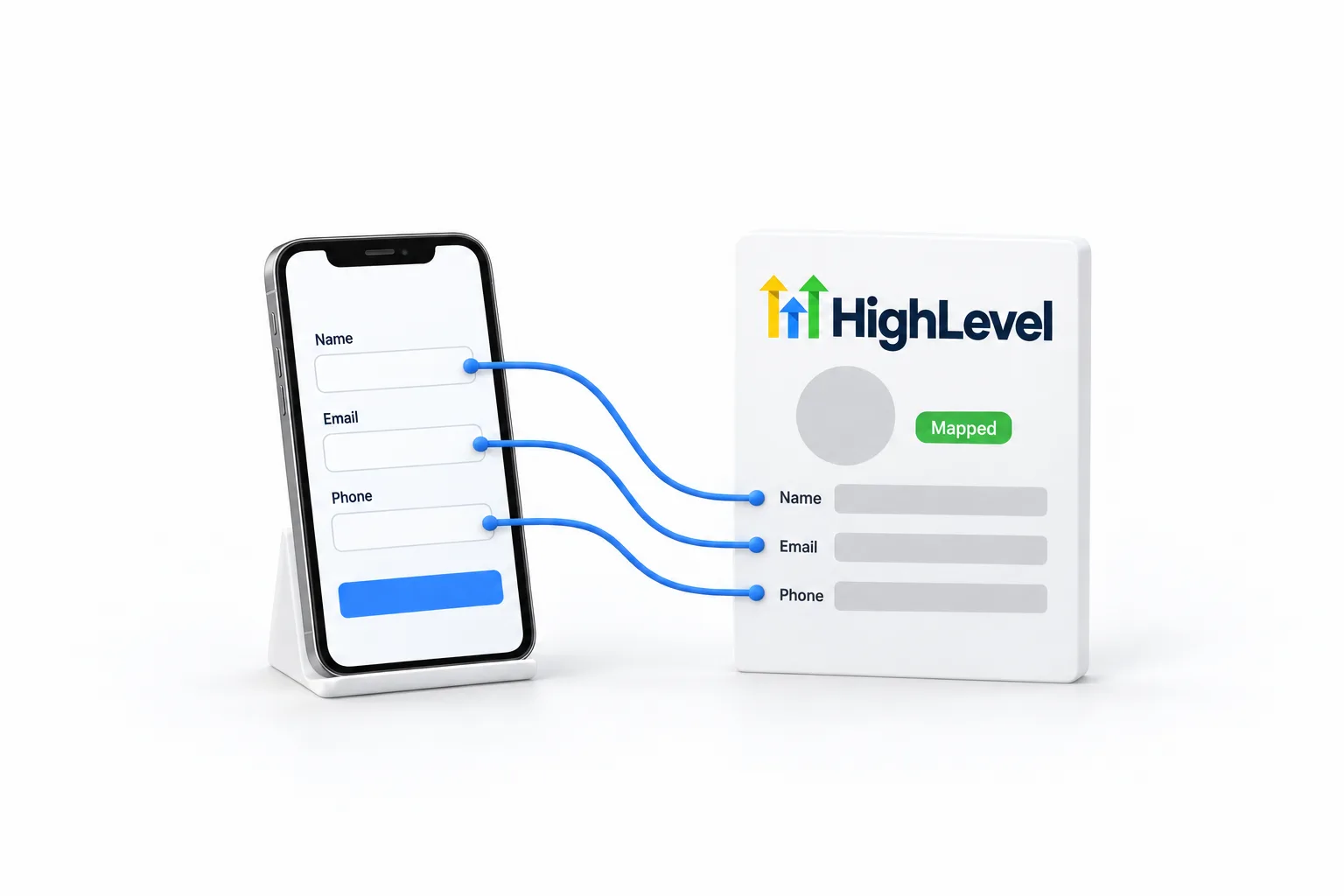
- Click the edit icon beside the form and match each TikTok field to a CRM field.
- Click Confirm and check that the fields show Mapped.
- Build a workflow with the TikTok Form Submitted trigger, choose the form in the In Form filter, then send a test lead.
The trigger has one required filter, In Form, which tells the workflow which TikTok form to listen for. From there the follow up is ordinary HighLevel: a text, an email, a tag, a pipeline stage.
Conversations
Can HighLevel handle TikTok messages and comments?
Yes, for eligible accounts. Once TikTok is connected under Settings, Integrations, incoming TikTok messages and comments sync to the Conversations inbox like any other channel. Your team replies from there, and workflows can reply for you.
Two automations are documented. The first starts when someone comments on a TikTok post. You choose the account and the post, then set a phrase rule, either Contains Phrase or Exact Match. The Reply in Comments action answers with one of up to 10 replies you wrote, picked at random. The second uses the Customer Replied trigger with the reply channel set to TikTok, followed by the TikTok Interactive Messenger action, which sends a text reply.
Conversation AI can answer TikTok direct messages too. Open the bot, go to the Deploy tab, click Configure on the TikTok card, turn on Assign channel and select the accounts. Click Update, then Save. One bot can serve several channels with the same knowledge base. If you have not built a bot yet, start with how to set up Conversation AI. The same inbox also covers Meta, as the Facebook and Instagram integration page explains.
Data
What data moves between TikTok and HighLevel?
Each connection carries one kind of data, and most run in one direction. Nothing here is a full two way copy of your TikTok account.
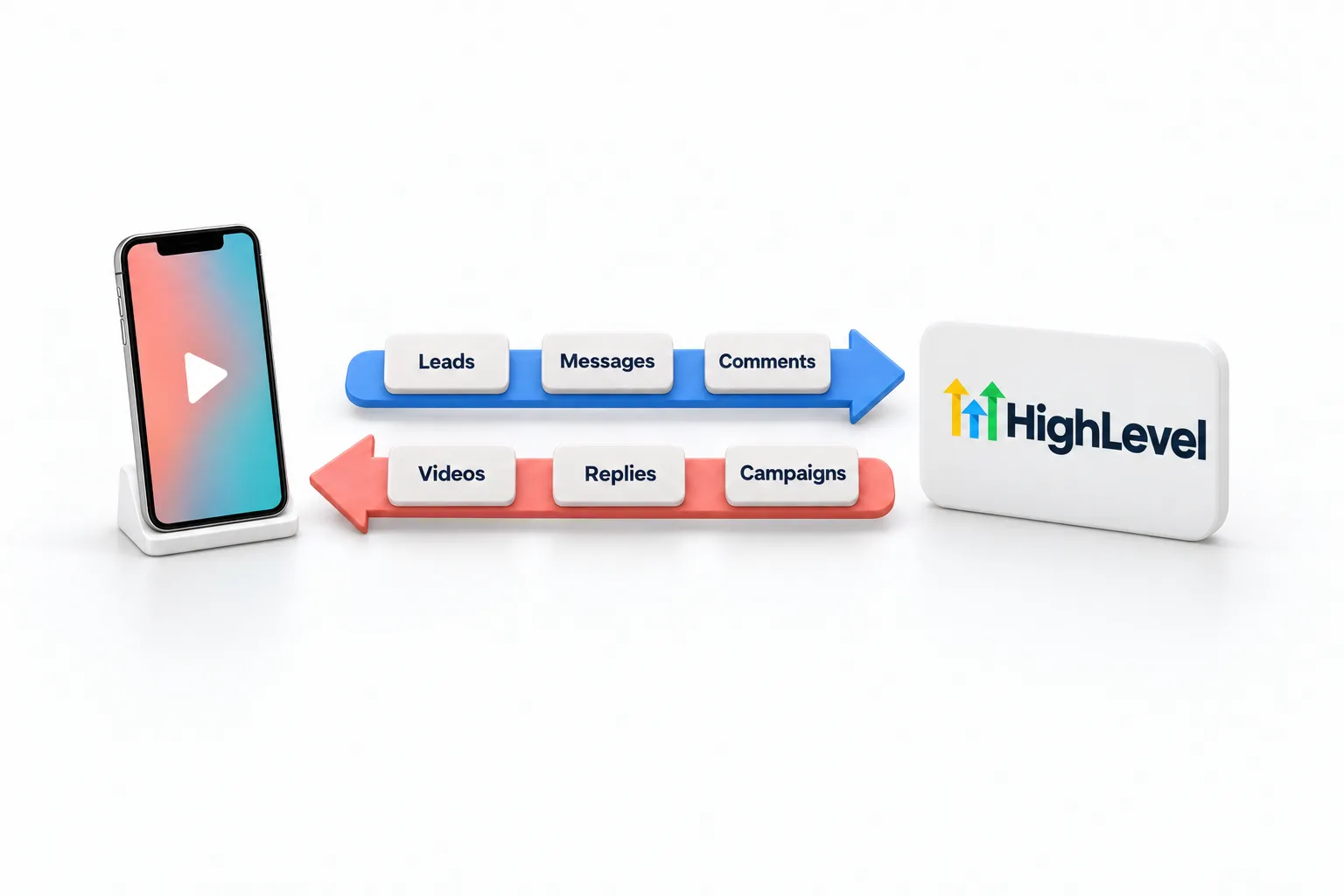
| Data | Direction | Where it lands |
|---|---|---|
| Lead form submissions | TikTok to HighLevel | A contact, with the fields you mapped |
| Videos you create in Social Planner | HighLevel to TikTok | Published or scheduled on the connected profile |
| Videos already on TikTok | TikTok to HighLevel | Social Planner, once Sync posts is on |
| Messages and comments | TikTok to HighLevel | The Conversations inbox |
| Manual and automated replies | HighLevel to TikTok | The TikTok thread or the comment section |
| Lead generation campaigns | HighLevel to TikTok | Built in Ad Manager, with statistics for those campaigns |
A lead form only carries the fields you mapped, so map every field your follow up uses.
Limits
What are the limits to know about?
The main limits are text only automated messages, one ad objective and a United States Business account for messaging. The help center ties the messaging limits to what TikTok allows outside apps to do.
- Automated TikTok messages are text only. Templates, attachments, buttons and quick replies are not supported yet.
- A workflow cannot answer a TikTok comment with a direct message. The Reply Type option in the Facebook and Instagram actions is not offered for TikTok.
- Ad Manager supports one TikTok campaign objective, Lead Generation.
- You cannot create a TikTok instant form inside HighLevel. Publish it in TikTok Ads Manager first.
- Ad Manager manages and reports only on campaigns created in HighLevel.
- Each subaccount has one active TikTok Business Center and ad account in Ad Manager at a time.
- To change the video on a scheduled post, create a new post.
Usage such as phone, SMS, email and AI is billed on top of the plan. GoHighLevel pricing lists what each plan costs and which usage fees apply.
Troubleshooting
What should you check when TikTok stops syncing?
Start with the connection, then the mapping, then the workflow.
- Leads missing: open Settings, Integrations, TikTok Lead Ads, External Connection and read the connection status.
- Click Refresh Forms, then check that the form shows Mapped and the right ad account is saved.
- Workflow not starting: confirm it is published and that the In Form filter points at the right form.
- Scheduled post failed: the help center lists a disconnected profile, expired permissions or a video that does not meet the specs. Reconnect the profile or export the video again, then reschedule.
- Comment trigger not firing: confirm the account is eligible and connected, then check the account, post and phrase filters. Exact Match needs the whole comment to match.
- Instant form missing in Ad Manager: confirm it is published in TikTok Ads Manager and that you selected the right ad account.
Other routes
Do you need Zapier, Make or webhooks for TikTok?
Not for anything on this page. Lead forms, posting, messages, comments and lead generation campaigns are all native, so a connector tool only adds a bill and one more thing to break.
The general routes still exist for work the native connections do not cover. HighLevel appears in Zapier as LeadConnector, Make connects through webhooks, and HighLevel webhooks move data without a middle tool. This page lists no TikTok recipes for those tools because the HighLevel help center does not document any.
You can try each connection in your own account on the 30 day trial through Michael's link.
Also on LinkedIn? Read the HighLevel LinkedIn integration guide.

Map the form and send one test lead before the campaign goes live. A lead that never reaches the CRM is the expensive kind.
Questions
Common questions.
Does GoHighLevel integrate with TikTok?
Yes. GoHighLevel connects to TikTok natively in five ways: TikTok Lead Ads sync form submissions into contacts, Social Planner publishes and schedules TikTok videos, TikTok messages and comments reach Conversations and workflows, Conversation AI can answer TikTok direct messages, and Ad Manager runs TikTok lead generation campaigns.
Can I schedule TikTok posts from HighLevel?
Yes. Connect TikTok in Social Planner under Marketing, create a new post, choose the TikTok account, upload a video and add a caption. You can post now, schedule it, send it for approval, set a recurring post or add it to the queue. Personal and Business accounts both connect.
Can Conversation AI reply to TikTok messages?
Yes. The HighLevel help center lists TikTok as a Conversation AI channel. Open the bot, go to the Deploy tab, click Configure on the TikTok card, turn on Assign channel and select the accounts. TikTok messaging itself needs a TikTok Business account registered in the United States.
Why are my TikTok leads not showing up in HighLevel?
Check the connection first. Go to Settings, Integrations, TikTok Lead Ads and open External Connection to see the status. Then confirm the right ad account is saved, click Refresh Forms and make sure the form fields show Mapped. Last, confirm the workflow is published and its In Form filter points at that form.
Can I run TikTok ads from HighLevel?
Yes, for lead generation. HighLevel Ad Manager can create, publish and manage TikTok campaigns with the Lead Generation objective, the only objective supported today. The instant form has to exist in TikTok Ads Manager first, and Ad Manager only reports on campaigns created inside HighLevel.
Does the TikTok integration work with a personal account?
Partly. A personal TikTok account can connect to Social Planner for video publishing, scheduling and post sync. The help center lists comment management for Business profiles only. TikTok messaging and comment automations need a TikTok Business account registered in the United States.
Next step
See it in your own account. Thirty days, every feature.
Start a trial, build the first system and test it before the first invoice. Usage fees for phone, SMS, email and AI can apply during the trial.
HighLevel has three plans at a flat monthly price, each with unlimited users and contacts. See what each one includes and what it costs.
Compare the PlansStarter, Unlimited and Founder
Posting
How do you post to TikTok from Social Planner?
Connect the TikTok profile once in Social Planner, then pick it in the Post To dropdown whenever you create a post. HighLevel publishes the video directly, so nobody has to finish the post from a phone notification.
Personal and Business accounts both connect, and both get video publishing, scheduling and post sync. Post sync is a setting you switch on yourself: under Social Planner, Settings, Social Accounts, turn on Sync posts for the TikTok account and your earlier videos are imported.
Comments are less settled. The help center article on connecting TikTok lists comment management for Business profiles only, and only for posts published through Social Planner. The article on posting says to handle comments in TikTok or through the inbox and automations covered in the next section. Check your own account before you count on comment replies inside Social Planner.
The help center describes video posts and does not confirm photo posts for TikTok, so plan on video. The walkthrough for every platform is in how to schedule social posts.