
Home/HighLevel/Integrations/Zapier
Integrations · Zapier
HighLevel Zapier integration. Thousands of apps, no code.
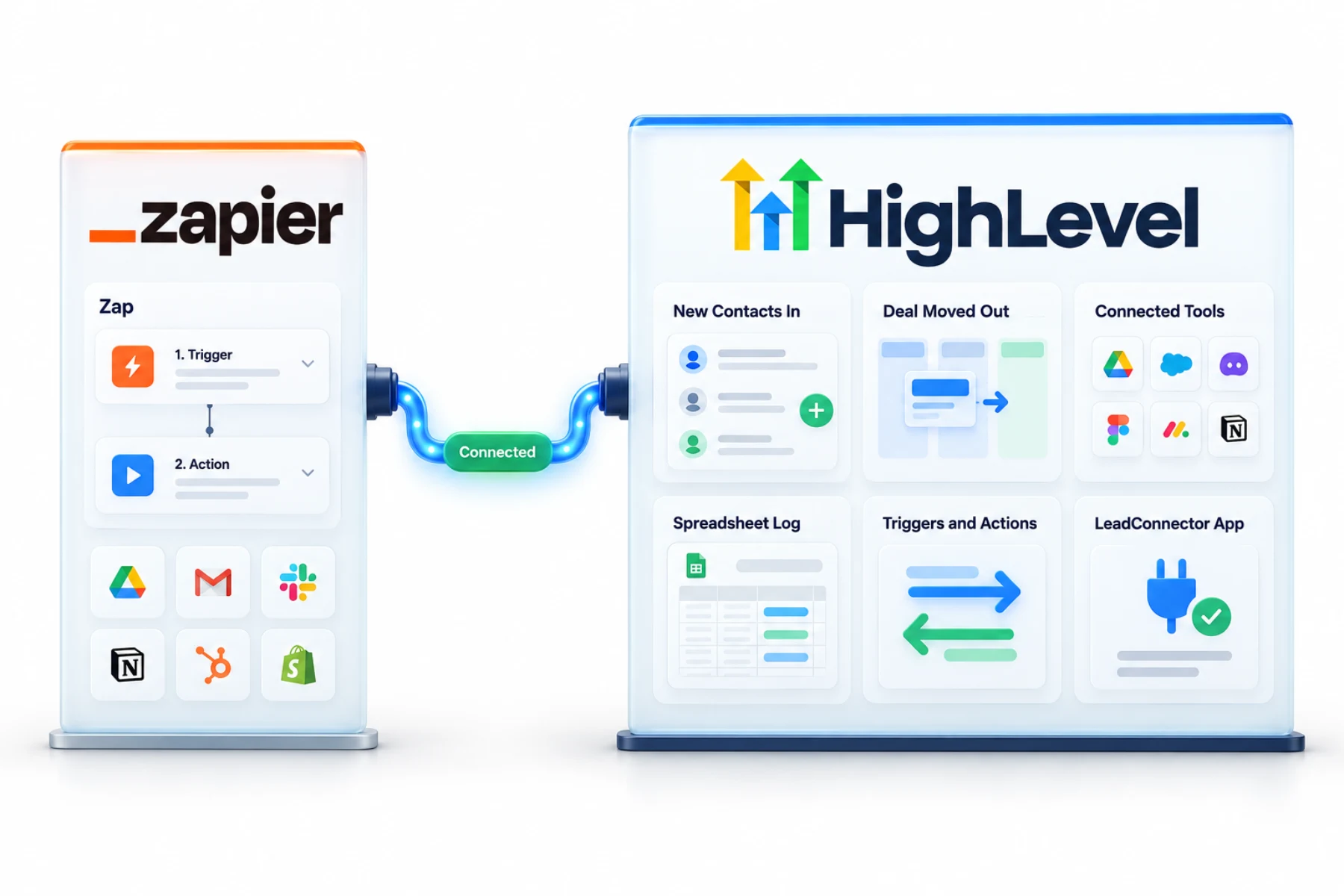
For GoHighLevel Zapier connections, look for LeadConnector, which is how HighLevel appears in Zapier. It connects HighLevel to apps without a native integration, with triggers and actions both ways.
The short answer
GoHighLevel Zapier connections run through the LeadConnector app: in Zapier you create a Zap, choose LeadConnector, sign in with your HighLevel login and select the subaccount. It suits tools without native support, though a native integration or a webhook is often simpler.
Michael is a sponsored HighLevel affiliate. Links to HighLevel use his partner link at no extra cost to you. HighLevel prices and product facts on this page come from HighLevel's own pricing page and help center, checked on the date above.
Connect
How do you connect Zapier to HighLevel?
Look for LeadConnector, not HighLevel. That is the name HighLevel uses for its app inside Zapier, and it trips up nearly everyone the first time. You sign in with your normal HighLevel email and password, or GoHighLevel login if that is what you call it, and pick the subaccount the Zap should work in. The connection then appears under Accounts in Zapier.
- In Zapier, click Create, then Zaps.
- Choose LeadConnector as the trigger or action app.
- Pick an event, such as Pipeline Stage Changed.
- Sign in with your HighLevel credentials and select the subaccount.
- Build the rest of the Zap, test and publish.
Uses
What can you do with Zapier and HighLevel?
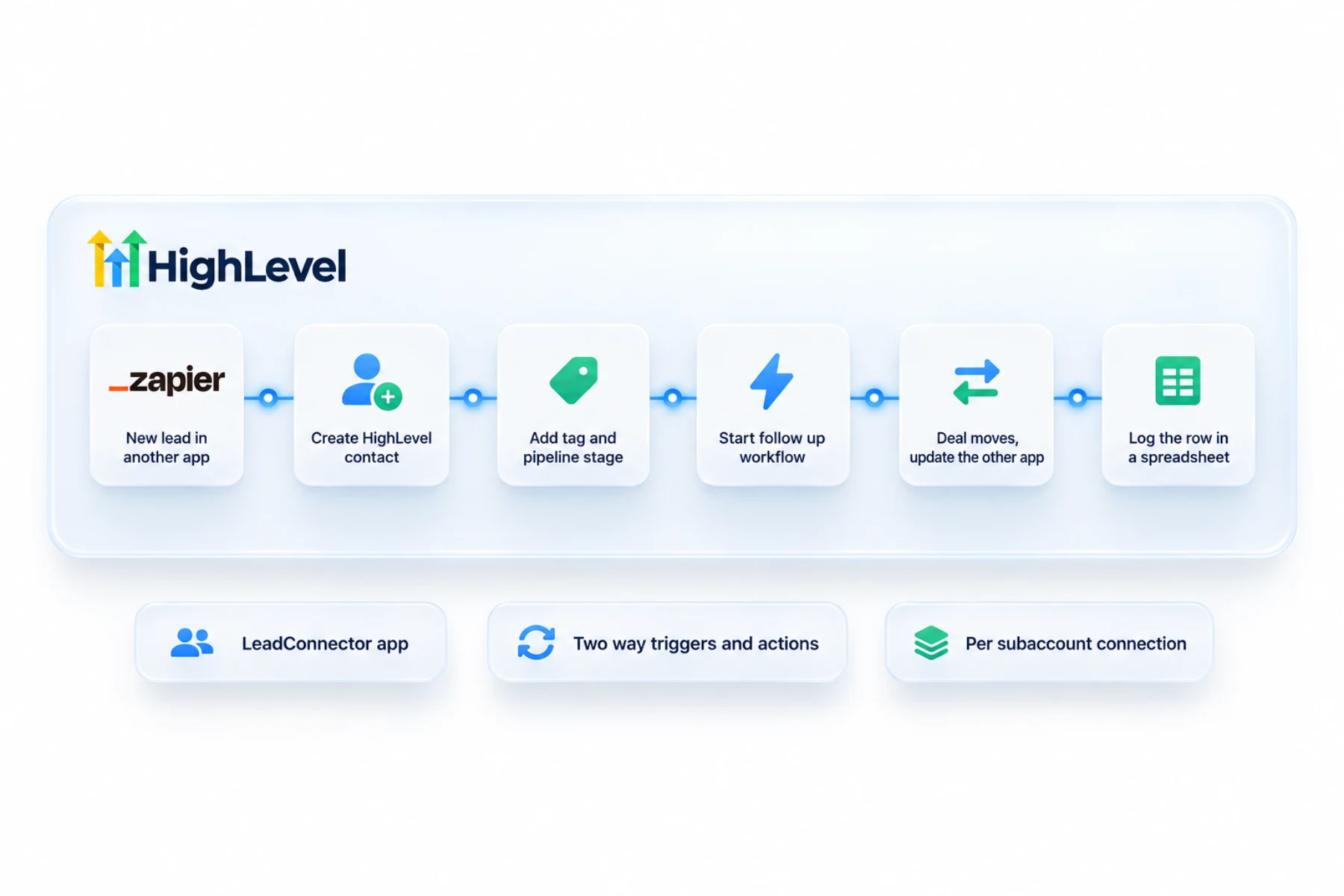
Zapier earns its place when a tool has no direct connection to HighLevel. A Zap has a trigger in one app and an action in another. LeadConnector can sit on either side. As a trigger, something in HighLevel, such as Pipeline Stage Changed, starts the Zap. As an action, something in another app creates or updates a record in HighLevel.
- Send new contacts from other apps into HighLevel
- Update other tools when a deal moves
- Connect tools such as ServiceTitan
- Log activity in spreadsheets
Data
What moves between the apps and what does not?
Zapier does not sync two systems in the background. Nothing moves unless a Zap you built tells it to. Each Zap carries one kind of event in one direction, with the fields you mapped. If you want contacts to flow in and deal updates to flow out, that is two Zaps.
Each connection is tied to one subaccount. An agency with ten clients connects LeadConnector ten times and should name each Zap after what it does and which client it belongs to.
Limits
What are the limits to know about?
Zapier is a separate subscription and it counts tasks, so a busy Zap has a running cost. Check for a direct option first. Many tools now connect through the HighLevel App Marketplace, and webhooks or the API with a private integration token cover a lot of the rest. Direct connections are usually faster.
Duplicates are the classic problem. If contacts arrive twice or join a campaign more than once, two Zaps, or a Zap plus a workflow, are doing the same job. Fix duplicate contacts appearing covers the cleanup.
In practice
What is a good first Zap to build?
Start with one that saves real typing. Say the business takes job requests in a field service tool that has no direct HighLevel connection. A Zap watches for a new customer there and creates the contact in HighLevel with a tag. That tag starts a workflow that sends the welcome text. In the other direction, a second Zap watches for Pipeline Stage Changed and updates the other tool when the deal is won.
The click by click version is in the connect Zapier guide linked below. If you prefer a different automation tool, see HighLevel and Make or HighLevel and n8n.
The click by click version is in connect Zapier, and the short answer is in does HighLevel integrate with Zapier. To test the Zapier connection in your own account, use the 30 day trial through Michael's link. GoHighLevel pricing lists what each plan costs, and the full HighLevel review covers the strengths and the limits.
Wondering whether you still need both? Read the GoHighLevel vs Zapier comparison. Sending data to a spreadsheet? Read the GoHighLevel Google Sheets integration guide. Connecting a task tool? Read the HighLevel ClickUp integration guide.

If a webhook can do it, use the webhook. It is one less monthly bill.
Questions
Common questions.
Does HighLevel work with Zapier?
Yes, through the LeadConnector app. In Zapier you create a Zap, choose LeadConnector as the trigger or action app, sign in with your HighLevel login and select the subaccount. It suits tools without native support, though a native integration or a webhook is often simpler and faster.
Why is it called LeadConnector?
That is HighLevel's app name in Zapier. Look for LeadConnector, not HighLevel, when you choose the app. It trips up nearly everyone the first time. You still sign in with your normal HighLevel email and password, and the connection then appears under Accounts in Zapier.
Can I connect several subaccounts?
Each connection is to a selected subaccount. An agency with ten clients connects LeadConnector ten times, once for each subaccount. Name each Zap after what it does and which client it belongs to, so you can tell the connections apart when something needs fixing.
Zapier or webhooks?
Webhooks for simple real time data, Zapier for app to app logic without code. Check for a direct option first. Many tools now connect through the HighLevel App Marketplace, and webhooks or the API with a private integration token cover a lot of the rest. Direct connections are usually faster.
Do I need Zapier to use HighLevel?
Not always. Check native integrations, the App Marketplace and webhooks first, and use Zapier when nothing else fits. Zapier is a separate subscription and it counts tasks, so a busy Zap has a running cost. It earns its place when a tool has no direct connection to HighLevel.
Why are my contacts duplicating?
Usually two automations are doing the same thing. Check your Zaps and your HighLevel workflows. If contacts arrive twice or join a campaign more than once, two Zaps, or a Zap plus a workflow, are doing the same job. The fix duplicate contacts guide on this site covers the cleanup.
Where do I find HighLevel in Zapier?
Search for LeadConnector. That is the name of HighLevel's app in Zapier. In Zapier, click Create, then Zaps, choose LeadConnector as the trigger or action app and pick an event, such as Pipeline Stage Changed. Then sign in with your HighLevel credentials and select the subaccount.
Next step
See it in your own account. Thirty days, every feature.
Start a trial, build the first system and test it before the first invoice. Usage fees for phone, SMS, email and AI can apply during the trial.
HighLevel has three plans at a flat monthly price, each with unlimited users and contacts. See what each one includes and what it costs.
Compare the PlansStarter, Unlimited and Founder