
Home/HighLevel/Integrations/Google Sheets
Integrations · Google Sheets
GoHighLevel Google Sheets integration. Rows in and out, no code.
The GoHighLevel Google Sheets integration is built into the workflow builder. A workflow can add a row, find a row, update it or clear it, and a new row in a sheet can start a workflow.
The short answer
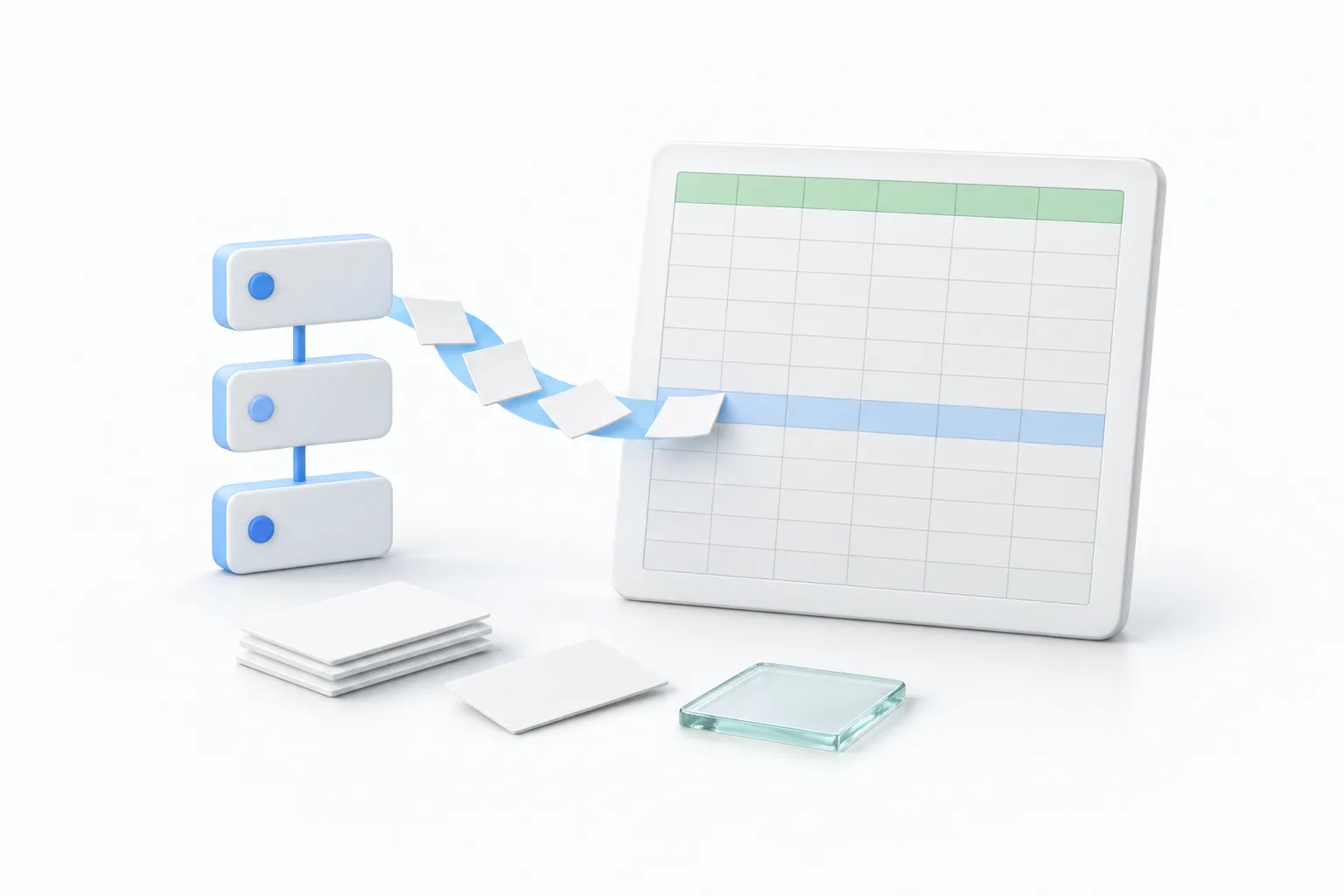
Yes, GoHighLevel works with Google Sheets. The native route is the workflow builder: Google Sheets actions that create, look up, update and clear rows, and Google Sheets triggers that start a workflow from a new row. Both are premium features, so per execution charges can apply. Zapier, Make, webhooks and the API cover custom cases.
Michael is a sponsored HighLevel affiliate. Links to HighLevel use his partner link at no extra cost to you. HighLevel prices and product facts on this page come from HighLevel's own pricing page and help center, checked on the date above.
Routes
Does GoHighLevel work with Google Sheets?
Yes, and you have four ways to do it. Most people only need the first. HighLevel, which many people still call GoHighLevel or GHL, ships Google Sheets actions and triggers inside the workflow builder, so there is nothing extra to install. The other routes suit teams that already run an automation tool or need custom logic.
| Route | What it does | Use it when |
|---|---|---|
| Google Sheets workflow actions and triggers | A workflow creates, looks up, updates or clears rows, or starts when a row is added | HighLevel should write to a sheet, read a row or react to a new row |
| Zapier or Make | An outside automation tool connects HighLevel to a spreadsheet step. In Zapier, HighLevel appears as the LeadConnector app | Your automations already live there and the sheet step belongs with them |
| Webhooks | An Inbound Webhook trigger receives data, and a Custom Webhook action sends it | A script or automation tool handles the sheet side |
| API | A tool reads and writes CRM data with a private integration token | You need custom logic or records the workflow action does not reach |
Sources: the HighLevel help center articles How to use the Google Sheets Premium Workflow Action and How to enable and rebill Premium Features for Workflows, plus the HighLevel changelog entry on Google Sheets triggers, checked November 11, 2026.
You do not need a marketplace app for this, because the actions and triggers are part of the workflow builder. Sheets is one of several Google connections. The HighLevel Google Workspace integration page covers Calendar, Drive and Business Profile, and the HighLevel Make integration page covers that route.
Connect
How do you connect Google Sheets to HighLevel?
You connect it inside a workflow, at the moment you add the action. Prepare the spreadsheet before you open HighLevel. The action reads your column headers and offers them as fields to map, so a sheet without headers gives it nothing to work with.
- Build the sheet first. Put clear, unique column names in the first row, because HighLevel treats the first row as the header row.
- In the subaccount, go to Automation, then Workflows, and open a workflow or create one.
- Add the trigger that should write the row, such as a form or survey submission.
- Click the plus icon, search for Google Sheets and select it.
- Choose the action you want, such as Create Spreadsheet Row.
- Connect and authorize a Google account if none is connected. Use one that has access to the Drive and the spreadsheet.
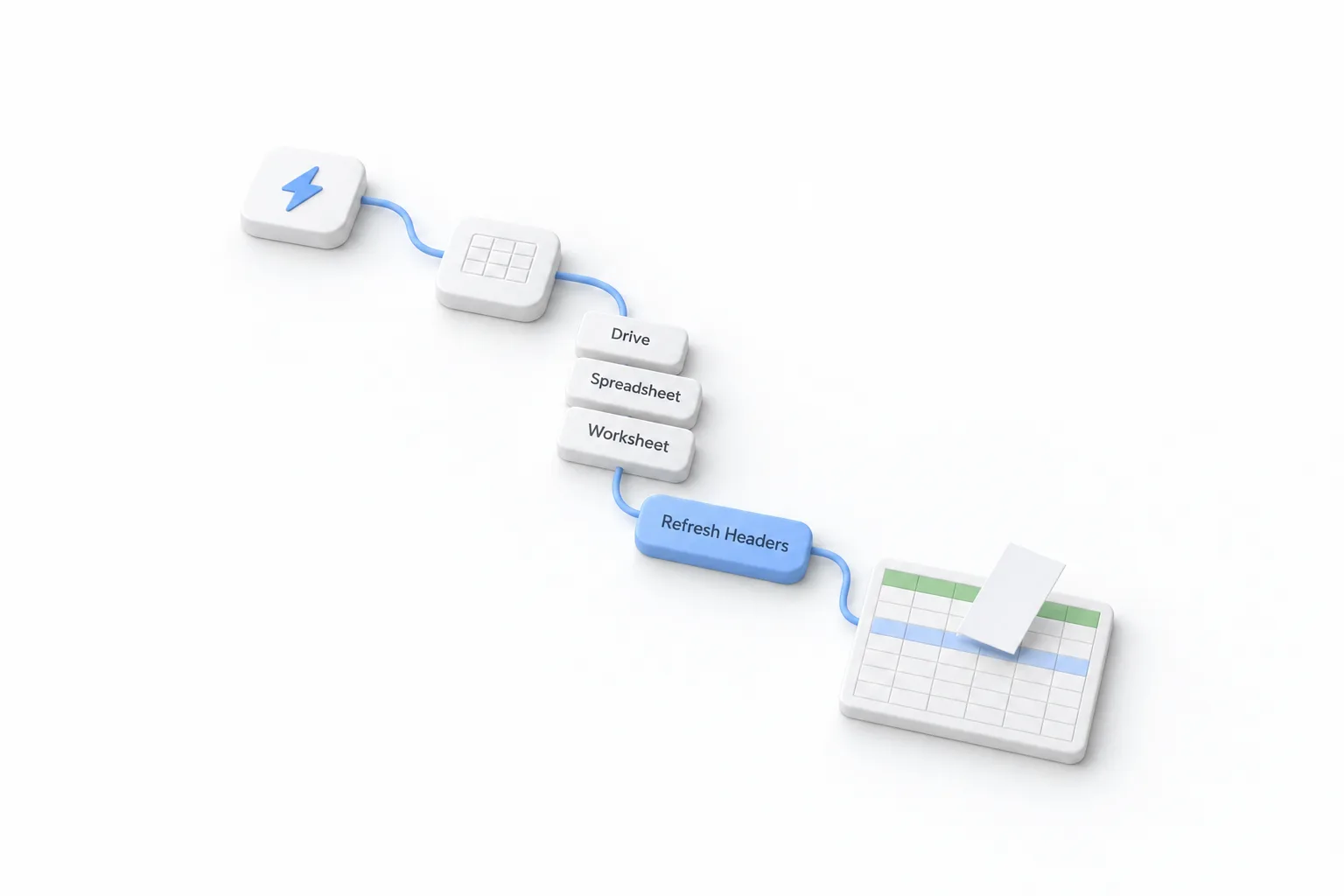
- Select the Drive, the spreadsheet and the worksheet tab.
- Click Refresh Headers, set the starting and ending columns, then map each HighLevel value to its column.
- Save the action, publish the workflow and run one test contact through it. Check that the row lands in the right columns.
Actions
What can the Google Sheets workflow actions do?
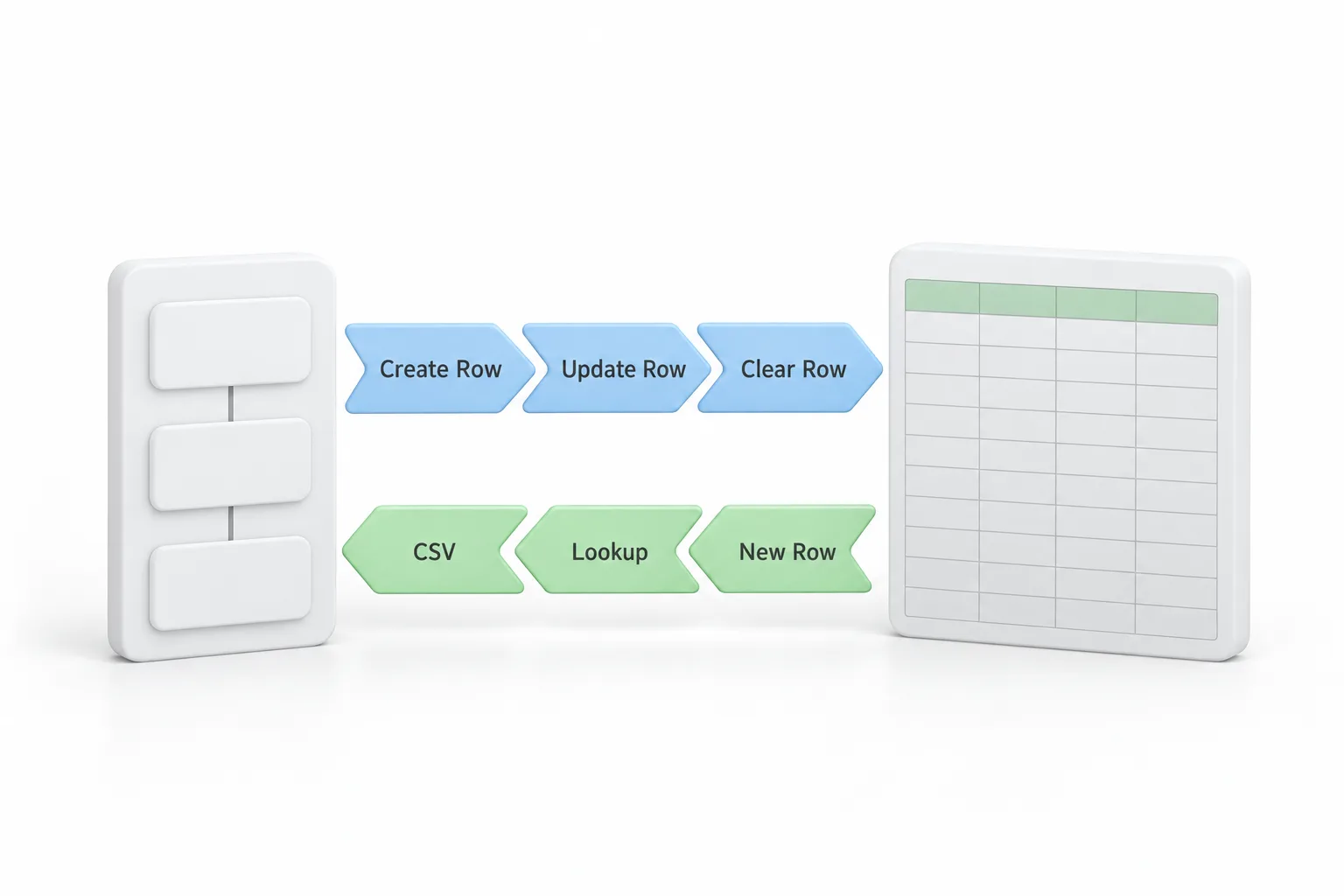
The Google Sheets workflow actions create, look up, update and clear rows. The help center lists nine of them. Each action has its own account, Drive, spreadsheet and worksheet settings, so one workflow can write to more than one sheet.
| Action | What it does |
|---|---|
| Create Spreadsheet Row | Adds one new row each time the workflow runs |
| Create Multiple Spreadsheet Row(s) | Adds one row for each object in an array received in the same run |
| Lookup Spreadsheet Row | Finds a row by a value in a column you choose |
| Lookup Multiple Spreadsheet Row(s) | Finds every row that matches |
| Update Specific Spreadsheet Row | Changes the row at a row number you give it |
| Update Multiple Spreadsheet Row(s) | Changes several existing rows, starting from a row number |
| Update Spreadsheet Row Using Lookup | Changes the row an earlier Lookup found |
| Delete Specific Spreadsheet Row | Clears the row at a row number you give it |
| Delete Spreadsheet Row Using Lookup | Clears the row an earlier Lookup found |
Lookup is the one to understand. It finds the target row, and the Using Lookup actions then act on that row. The Lookup has to sit earlier in the same workflow. It also has an option to create the row when it finds no match, which keeps a log from missing people. Without that option, a Lookup that finds nothing means the dependent update or delete step is skipped.
Data
What data moves between HighLevel and Google Sheets?
Only what a workflow sends or asks for. There is no background sync. A row changes when an action runs, and a cell you edit by hand does not update the contact in HighLevel unless you build a workflow for it.
From HighLevel to the sheet. Any value the workflow can see can be mapped to a column: contact fields, custom fields and the data the trigger carried. A common use is survey answers. Start the workflow with the Survey Submitted trigger, add Create Spreadsheet Row and map the answers. The help center notes that not every survey answer becomes a contact field, so confirm each answer shows in the picker before you rely on it. The Export button on survey submissions is a different thing. It emails you a download link and does not write to Sheets.
From the sheet to HighLevel. Two built in routes exist. A Lookup action reads a row during a workflow so later steps can use it. A Google Sheets trigger starts a workflow from the sheet. The HighLevel changelog lists triggers for a new spreadsheet, a new row and a new worksheet. Some versions of that entry also list an updated row trigger, so confirm which triggers appear in your own account. For a list that already sits in a sheet, download it as a CSV file and follow how to import contacts. If your automations already live in another tool, the HighLevel Zapier integration runs through the LeadConnector app, and a script can post a row to an Inbound Webhook trigger, as shown in how to use webhooks.
Limits
What are the limits and costs to know about?
Google Sheets is a premium workflow action, so it is billed per execution. The Google Sheets triggers are marked premium too. The help center says each eligible subaccount gets 100 free lifetime premium executions, and they do not reset each month. After that the standard rate is $0.01 per premium execution. Workflow Pro plans at $10, $25 or $50 a month include 10,000, 30,000 or 65,000 premium executions. The agency turns premium workflow features on in its agency settings. GoHighLevel pricing covers the plans and the other usage fees.
- The first row must be a header row with unique column names
- Delete actions clear the row contents and leave the empty row in place
- Contacts enrolled one at a time run one at a time, and HighLevel does not batch them into a single write
- Create Multiple Spreadsheet Row(s) needs an array in a single run, typically from an Inbound Webhook
- The single row Using Lookup actions do not loop through every result of Lookup Multiple
- A row created because a Lookup found no match is logged and charged as its own execution
- With the new row trigger, add rows at the bottom. Inserting rows in the middle can retrigger rows at the end, and deleting rows can cause later new rows to be skipped
The help center does not publish a maximum number of rows or columns. The starting and ending column fields set the range the action can map. If you are weighing the native action against a Zap, HighLevel vs Zapier compares the two approaches.
Fix it
What do you check when Google Sheets stops syncing?
Start with the headers, then the Google account, then the logs. Those three explain most cases. The help center lists these checks.
| What you see | What to check |
|---|---|
| The spreadsheet or tab is missing from the list | The connected Google account, its Drive access, the Drive you selected and whether the worksheet tab still exists. Reconnect or reauthorize the account if needed. |
| Columns are missing or out of date | Click Refresh Headers after you add, rename, delete or reorder columns, then review the mappings. |
| Values land in the wrong columns | The header row, the starting and ending column settings and each mapping. |
| A Lookup returns nothing | The lookup column, the lookup value, the search order, any extra criteria and the actual values in the sheet. |
| An update or delete step is skipped | The Lookup before it. Open the execution logs to see whether it returned a row. |
| Only one row is created | Whether the action received an array with more than one row object. |
| A new row trigger fires twice or misses rows | How rows get added. Append new rows at the bottom. Inserting rows in the middle can retrigger rows at the end, and deleting rows can cause later new rows to be skipped. |
If no row is written at all, the problem may sit before the action. Confirm the workflow is published and the trigger fired for that contact.
In practice
What is a good first Google Sheets workflow to build?
Build a lead log. Say the owner of a small service business likes to scan new enquiries in a spreadsheet each morning. Create a sheet with columns for date, name, phone, source and status. In HighLevel, start a workflow from the form submission, add Create Spreadsheet Row and map the five values. Publish it and submit the form once as a test.
When that runs cleanly, add the second half. In a workflow that starts when the deal is won, a Lookup finds the row by phone number and Update Spreadsheet Row Using Lookup changes the status column. The sheet stays current without anyone typing.
To test the Google Sheets action in your own account, use the 30 day trial through Michael's link. HighLevel's standard trial is 14 days. The free premium executions are enough to prove the workflow. Every other connection is listed on the HighLevel integrations hub.

Use the sheet as a view for people who like spreadsheets. Keep HighLevel as the place where the record lives.
Questions
Common questions.
Does GoHighLevel integrate with Google Sheets?
Yes. GoHighLevel has Google Sheets actions and triggers built into the workflow builder. A workflow can create, look up, update and clear rows in a sheet you choose, and a new row can start a workflow. You connect a Google account that has access to the spreadsheet, pick the Drive, spreadsheet and worksheet tab, then map HighLevel values to your column headers.
Is the Google Sheets action free in HighLevel?
Not entirely. Google Sheets is a premium workflow action. The help center says each eligible subaccount gets 100 free lifetime premium executions, and after that the standard rate is $0.01 per premium execution unless a Workflow Pro plan applies. The agency turns premium features on in agency settings.
Can a new row in Google Sheets start a HighLevel workflow?
Yes. The HighLevel changelog lists Google Sheets workflow triggers for a new spreadsheet, a new row and a new worksheet. They are marked premium, so usage charges may apply. Add new rows at the bottom of the sheet, because inserting rows in the middle can retrigger rows at the end and deleting rows can cause later new rows to be skipped.
Is Google Sheets a two way sync with HighLevel?
No. It is not a background sync. A row changes only when a workflow action runs, and a change you type into the sheet does not flow back to the contact on its own. To pull sheet data in, use a Lookup action inside a workflow or start a workflow with a Google Sheets trigger.
Why did my Google Sheets action stop adding rows?
Most often the headers changed or the Google account lost access. Open the action, click Refresh Headers and review the mappings. Confirm the connected Google account can still open the spreadsheet and that the worksheet tab still exists. Then read the workflow execution logs to see whether the step ran, failed or was skipped.
Next step
See it in your own account. Thirty days, every feature.
Start a trial, build the first system and test it before the first invoice. Usage fees for phone, SMS, email and AI can apply during the trial.
HighLevel has three plans at a flat monthly price, each with unlimited users and contacts. See what each one includes and what it costs.
Compare the PlansStarter, Unlimited and Founder