
Home/HighLevel/Integrations/Facebook and Instagram
Integrations · Facebook and Instagram
HighLevel Facebook and Instagram integration. Messages, leads, posts and ads.
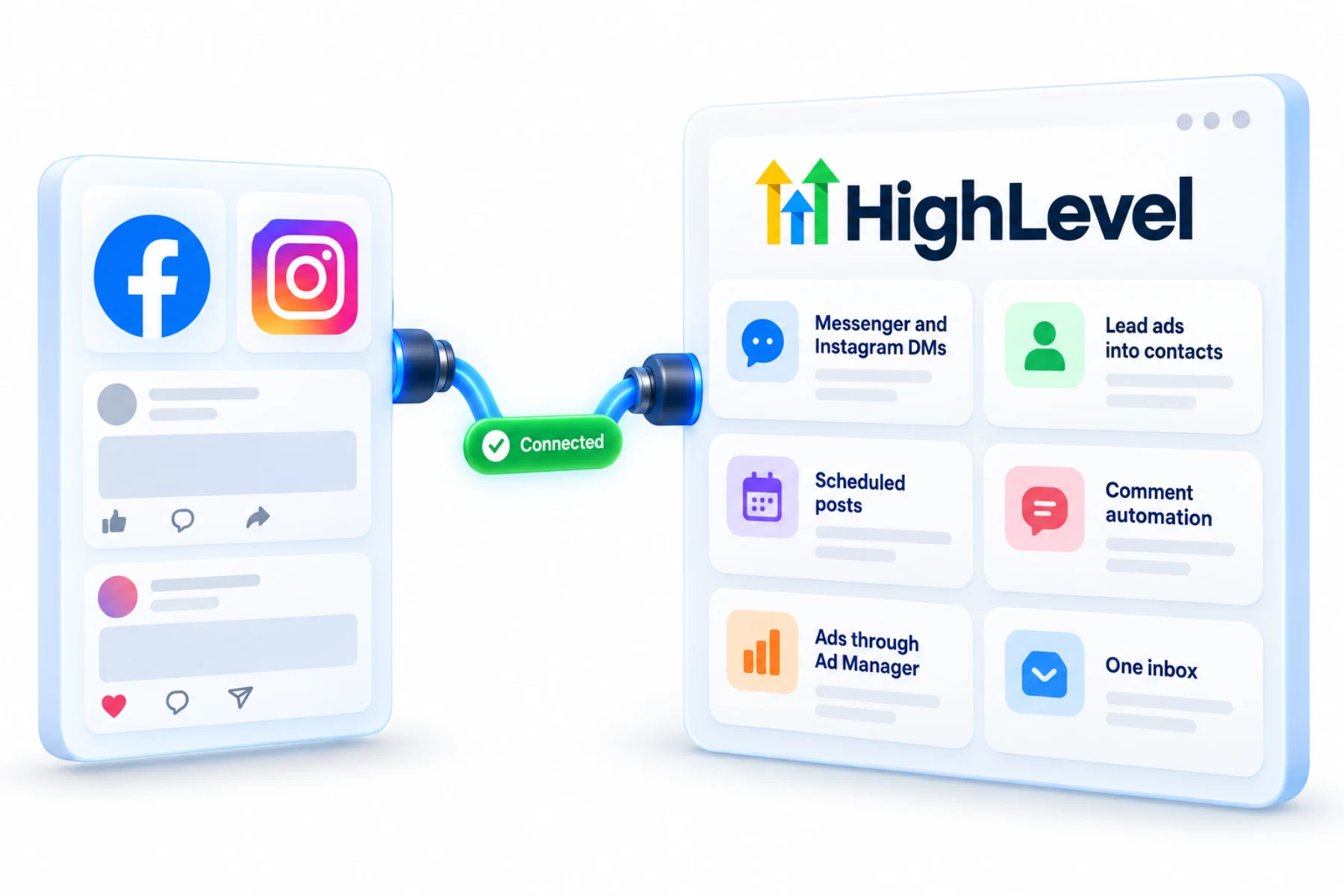
The GoHighLevel Facebook integration covers Facebook and Instagram: messaging, lead ads, social posting, comment automation and ads. Messages land in the Conversations inbox with every other channel.
The short answer
For the GoHighLevel Facebook integration, connect Facebook and Instagram in the subaccount's Settings, Integrations as a Page admin, and you get Messenger and Instagram messages in Conversations, lead ads in the CRM, scheduled posts in Social Planner, comment automation in workflows and ads through Ad Manager.
Michael is a sponsored HighLevel affiliate. Links to HighLevel use his partner link at no extra cost to you. HighLevel prices and product facts on this page come from HighLevel's own pricing page and help center, checked on the date above.
Connect
How do you connect Facebook and Instagram to HighLevel?
Two things decide whether this goes smoothly. The person connecting must be an admin of the Facebook Page, and the Instagram account should already be linked to that Page. Use a login that will be around for years, such as the owner's, because the connection is tied to the user who made it. In HighLevel, or GoHighLevel as it is still often called, the connection lives in the subaccount under Settings, Integrations.
- Make sure you are an admin of the Facebook Page.
- In the subaccount, go to Settings, then Integrations.
- Connect Facebook and select the Page and linked Instagram account.
- Map lead form fields in Facebook Form Field Mapping.
- Connect the same accounts in Social Planner for posting.
Uses
What can you do with Facebook and Instagram and HighLevel?
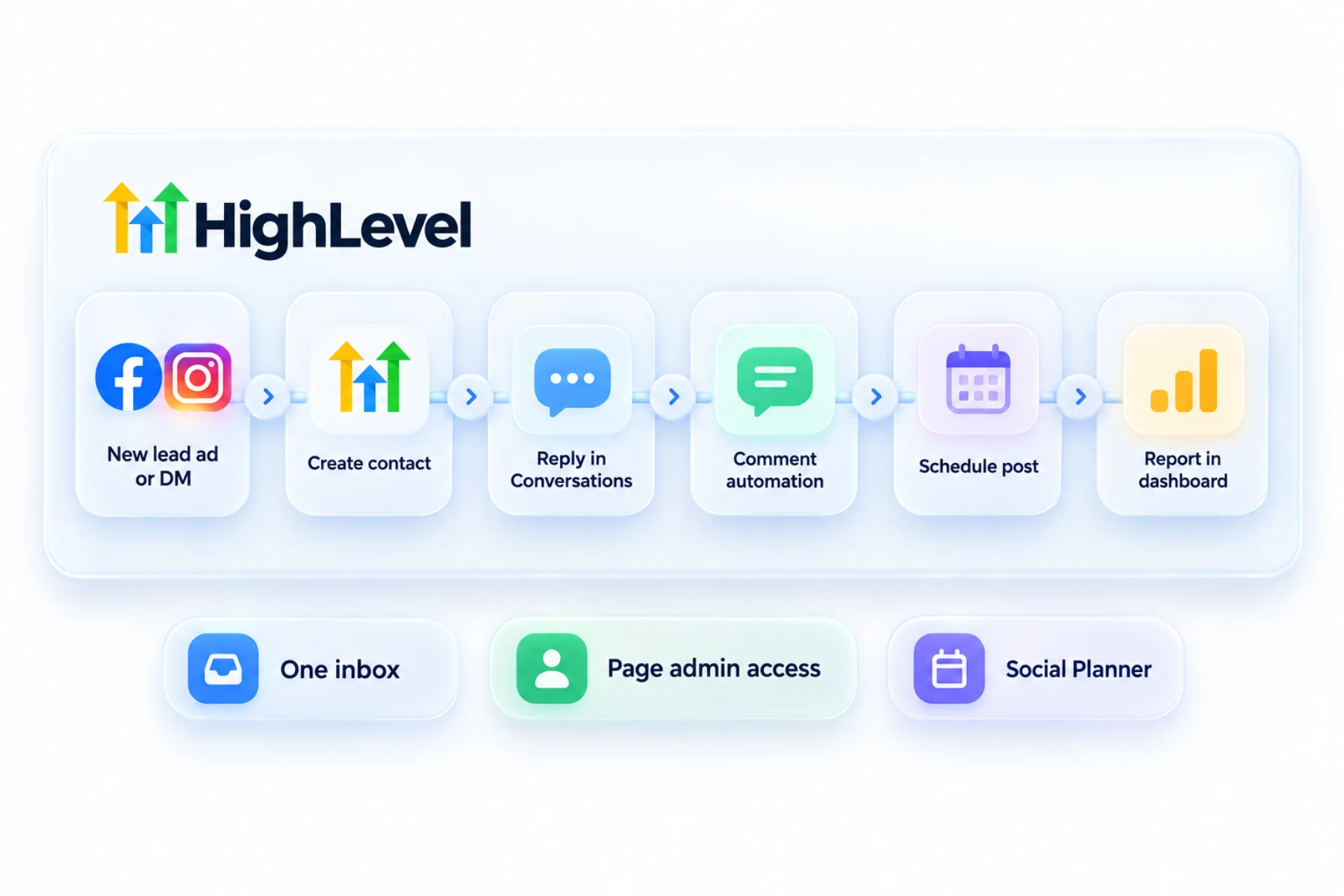
One connection opens five jobs. Messenger and Instagram direct messages arrive in Conversations beside SMS and email, so the team answers from one inbox. Lead ads drop new leads into the CRM as contacts. Social Planner schedules posts to both. Workflows can react to comments. And Ad Manager builds the ads themselves.
Lead ads are where most businesses feel it first. A lead fills in the form on Facebook, and a workflow with the Facebook Lead Form Submitted trigger texts and emails them within a minute.
- Messenger and Instagram DMs in Conversations
- Lead ads into contacts
- Scheduled posts
- Comment automation in workflows
- Ads through Ad Manager
Data
What comes into HighLevel and what does not?
Messages come in as conversations on the contact. Lead ad submissions come in as contacts, but only the fields you map. Open Facebook Form Field Mapping and match each form field to a contact field, or the answers have nowhere to land.
Posting is its own connection. You connect the same accounts again inside Social Planner before you can schedule, as covered in schedule social posts.
One quirk: only the user who integrated a Page sees it in the Page list. If a colleague cannot find the Page, that is why.
Limits
What are the limits to know about?
Facebook tokens can expire, and a change of Page admin can break the link. When that happens leads stop arriving without any error on the ad itself. If leads go quiet, reconnect Facebook in Integrations first. Fix a disconnected Facebook integration has the full checklist.
Messaging on these channels still follows Meta's rules and your consent obligations. A new channel does not change them.
In practice
How does a local business use it?
A med spa runs a lead ad for a consultation. The lead lands in HighLevel, gets a text within a minute and a link to book. Someone else sends an Instagram message asking about pricing, and the front desk answers from Conversations without opening Instagram. The week's posts are already scheduled in Social Planner.
For AI replies on these channels, see set up a Conversation AI bot. For WhatsApp, the third Meta channel, see HighLevel and WhatsApp. The industry view is in HighLevel for med spas.
For the ads side, see can HighLevel run Facebook ads, and the lead form steps are in connect Facebook lead ads. To test the Facebook and Instagram connection in your own account, use the 30 day trial through Michael's link. GoHighLevel pricing lists what each plan costs, and HighLevel plans compared shows which one fits.
Using a chat automation tool today? Read GoHighLevel vs Manychat. Also on LinkedIn? Read the HighLevel LinkedIn integration guide.

Connect with a long term admin account. Tokens tied to someone who leaves will break.
Questions
Common questions.
Can HighLevel receive Instagram DMs?
Yes. Once Facebook and the linked Instagram account are connected in Settings, Integrations, Instagram direct messages and Messenger messages arrive in Conversations beside SMS and email, so the team answers from one inbox. The Instagram account should already be linked to the Facebook Page before you connect.
Do Facebook leads sync?
Yes. Lead ad submissions come into HighLevel as contacts, but only the fields you map. Open Facebook Form Field Mapping and match each form field to a contact field. A workflow with the Facebook Lead Form Submitted trigger can then text and email each new lead within a minute.
Can I schedule posts?
Yes, in Social Planner. Posting is its own connection, so you connect the same Facebook and Instagram accounts again inside Social Planner before you can schedule. After that you can plan the week's posts to both from HighLevel, in the same account that holds your messages and leads.
Why did leads stop?
Often an expired token or a changed Page admin. Facebook tokens can expire, and when that happens leads stop arriving without any error on the ad itself. If leads go quiet, reconnect Facebook in Settings, Integrations first. The fix a disconnected Facebook integration guide has the full checklist.
Who should connect the Facebook Page?
A Page admin with a long term login, such as the owner. The connection is tied to the user who made it. The person must be an admin of the Facebook Page, and the Instagram account should already be linked to that Page. A change of Page admin can break the link.
Why can my colleague not see the Page in HighLevel?
Only the user who integrated a Page sees it in the Page list. If a colleague cannot find the Page, that is why. It is a quirk of how the connection works. Have the Page admin who made the connection manage it, and reconnect in Settings, Integrations if leads stop.
Do I need to map lead form fields?
Yes. Map each form in Facebook Form Field Mapping so the answers save to contact fields. Lead ad submissions arrive as contacts, but only the fields you map come across. If a form field is not matched to a contact field, that answer has nowhere to land in HighLevel.
Next step
See it in your own account. Thirty days, every feature.
Start a trial, build the first system and test it before the first invoice. Usage fees for phone, SMS, email and AI can apply during the trial.
HighLevel has three plans at a flat monthly price, each with unlimited users and contacts. See what each one includes and what it costs.
Compare the PlansStarter, Unlimited and Founder