
Home/HighLevel/Integrations/Meta Ads
Integrations · Meta Ads
HighLevel Meta Ads integration. Build, sync and measure.
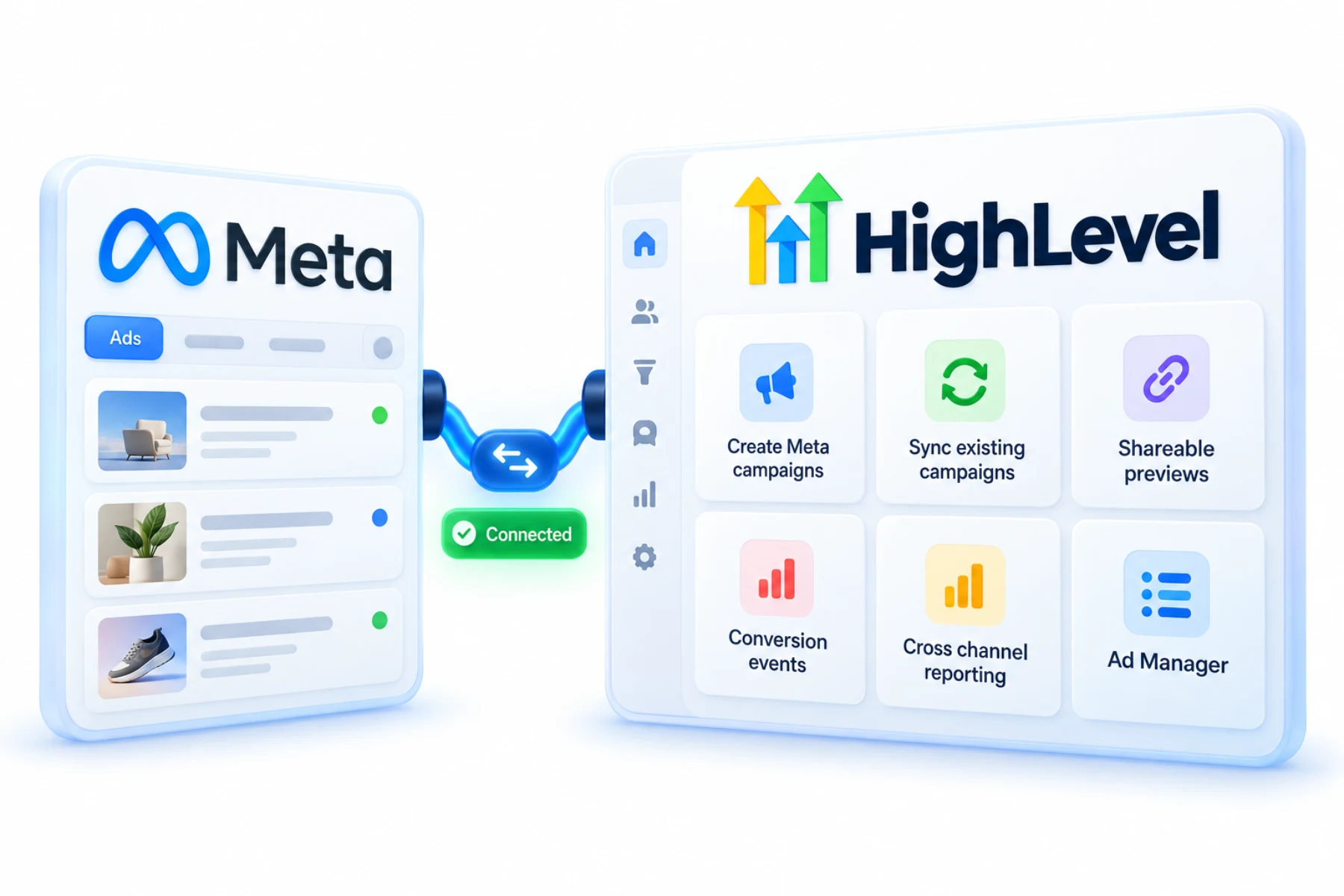
The GoHighLevel Meta Ads integration lives in Ad Manager, which builds and manages Meta campaigns without leaving the CRM, syncs eligible campaigns both ways and sends conversion events back to Meta.
The short answer
With the GoHighLevel Meta Ads integration in Ad Manager, you can create Facebook and Instagram campaigns (up to ten ad sets per campaign and ten ads per ad set), use two way campaign sync with Meta, get shareable ad previews and send conversion events through Ad Manager pixels and Meta Conversion API workflows.
Michael is a sponsored HighLevel affiliate. Links to HighLevel use his partner link at no extra cost to you. HighLevel prices and product facts on this page come from HighLevel's own pricing page and help center, checked on the date above.
Connect
How do you connect Meta Ads to HighLevel?
Ad Manager is the part of HighLevel where ads are built. To use it for Meta, you connect the Facebook business account that owns the ad account and set a default Page. That is separate from the messaging and lead ad connection, which lives in Settings, Integrations. Whether you know the platform as HighLevel or GoHighLevel, the two connections do different jobs.
- Connect your Facebook business account to Ad Manager.
- Set the default Page.
- Create a campaign, ad sets and ads.
- Turn on two way sync for existing campaigns.
- Create a conversion pixel and add Meta Conversion API actions to workflows.
Uses
What can you do with Meta Ads and HighLevel?
You can build a Meta campaign without leaving the CRM. A campaign holds up to ten ad sets, and each ad set holds up to ten ads. Before launch you can send the client a shareable preview, so approval is one link and not a chain of screenshots.
Campaigns that already exist in Meta do not have to be rebuilt. Two way sync brings eligible campaigns into Ad Manager and keeps changes aligned in both places.
- Create Meta campaigns from HighLevel
- Sync existing campaigns
- Shareable previews for client approval
- Conversion events from the CRM
- Cross channel reporting
Data
What syncs with Meta and what does not?
Eligible campaigns sync both ways. HighLevel uses the word eligible on purpose, so do not assume every campaign type or setting comes across. Check a synced campaign in both places before you rely on it.
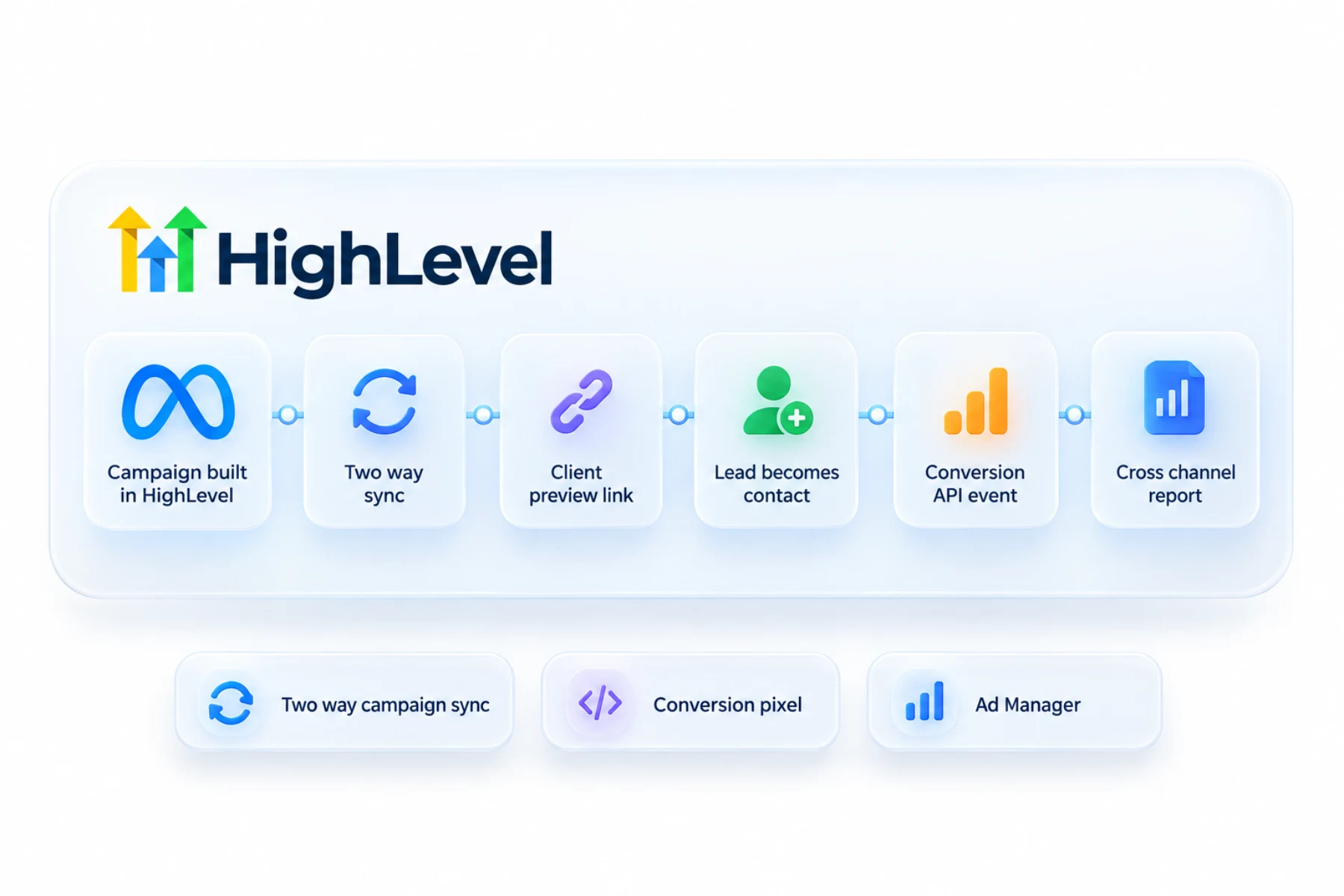
Conversions flow from the CRM to Meta. You create a conversion pixel in Ad Manager, then choose the event type. Funnel events fire on page actions. Lead events fire from a workflow when something happens in the CRM, such as a booking or a sale, using the Meta Conversion API action. That is how Meta learns which leads turned into customers.
Limits
What are the limits to know about?
The ten and ten structure is the hard limit inside Ad Manager: ten ad sets per campaign and ten ads per ad set. For larger structures you may still work in Meta directly.
Conversion events only help if they are right. Test with a real submission and confirm the event in Meta Events Manager before you spend. If nothing shows, fix a tracking pixel not firing covers the checks.
In practice
How does an agency run a client campaign?
The agency builds the campaign in Ad Manager and sends the shareable preview. The client approves it. Leads from the ads enter a follow up workflow, and when one books, a conversion event goes back to Meta. At the end of the month the numbers sit beside the pipeline on a client reporting dashboard, so the client sees spend, leads and booked calls in one place.
Optimize for the event that means money, such as a booked call, not a form fill. Lead ads themselves are covered in connect Facebook Lead Ads, and search campaigns are in HighLevel and Google Ads.
For the short version, see can HighLevel run Facebook ads. To test the Meta Ads connection in your own account, use the 30 day trial through Michael's link. GoHighLevel pricing lists what each plan costs, and HighLevel plans compared shows which one fits.
Running TikTok too? Read the GoHighLevel TikTok integration guide.

Send a shareable preview to clients before launch. It ends the screenshot email chain.
Questions
Common questions.
Can I run Meta ads from HighLevel?
Yes, in Ad Manager. You connect the Facebook business account that owns the ad account, set a default Page and then create a campaign, ad sets and ads without leaving the CRM. That connection is separate from the messaging and lead ad connection, which lives in Settings, Integrations.
Does it sync with Meta?
Yes, eligible campaigns sync both ways. Two way sync brings eligible existing campaigns into Ad Manager and keeps changes aligned in both places. HighLevel uses the word eligible on purpose, so do not assume every campaign type or setting comes across. Check a synced campaign in both places before you rely on it.
How many ads can I create?
Up to ten ad sets per campaign and ten ads per ad set. That structure is the hard limit inside Ad Manager. For larger structures you may still work in Meta directly, and two way sync can bring eligible campaigns built there into HighLevel so you see them beside your leads.
Can I send conversions to Meta?
Yes, with conversion pixels and Conversion API workflows. You create a conversion pixel in Ad Manager and choose the event type. A workflow with the Meta Conversion API action then sends an event when something happens in the CRM, such as a booking or a sale. Confirm it in Meta Events Manager.
What is the difference between funnel events and lead events?
Funnel events fire on page actions. Lead events fire from workflows when something happens in the CRM, such as a booking or a sale, using the Meta Conversion API action. Lead events are how Meta learns which leads turned into customers, so optimize for the event that means money.
Can clients approve ads before launch?
Yes. Ad Manager creates a shareable preview you can send for approval. The client opens one link and sees the ad before it runs, so approval does not need a chain of screenshots. Once the client approves, you launch the campaign from the same place you built it.
Do I have to rebuild existing Meta campaigns?
No. Two way sync brings eligible existing campaigns into Ad Manager and keeps changes aligned in both places. Turn on two way sync for existing campaigns after you connect the Facebook business account. Not every campaign type or setting is eligible, so check each synced campaign in both places.
Next step
See it in your own account. Thirty days, every feature.
Start a trial, build the first system and test it before the first invoice. Usage fees for phone, SMS, email and AI can apply during the trial.
HighLevel has three plans at a flat monthly price, each with unlimited users and contacts. See what each one includes and what it costs.
Compare the PlansStarter, Unlimited and Founder