
01Who this is for
- Marketers building funnels and websites can quickly add professional design assets.
- Agency teams creating client sites can maintain consistency with ready made elements.
02Prebuilt elements, explained
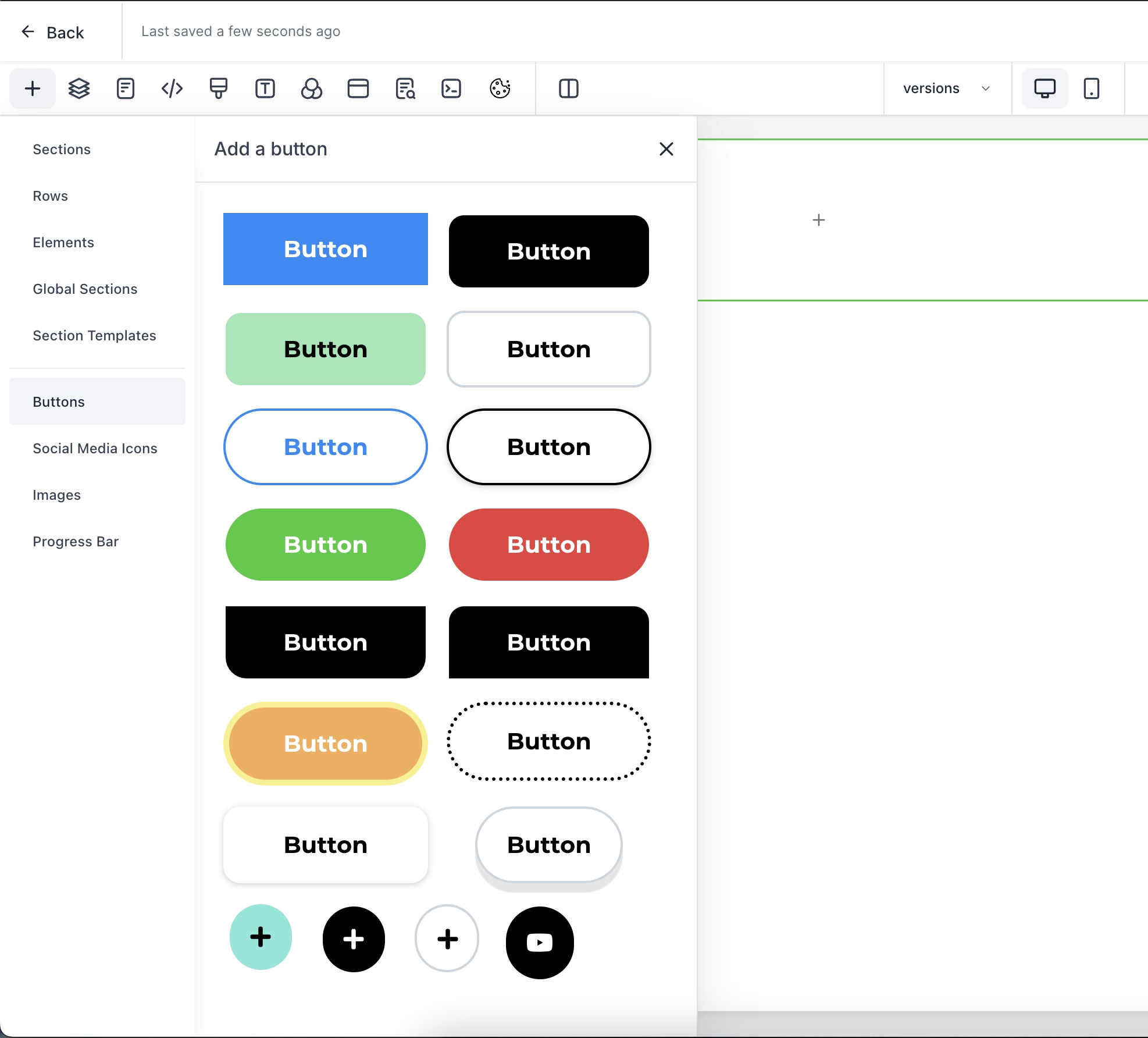
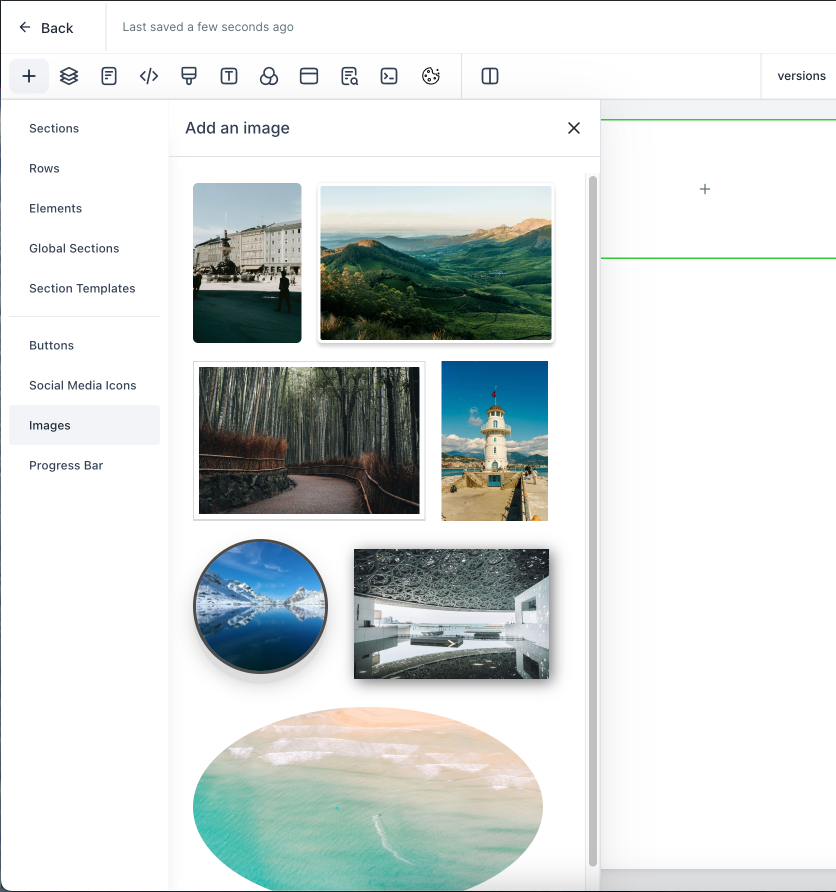
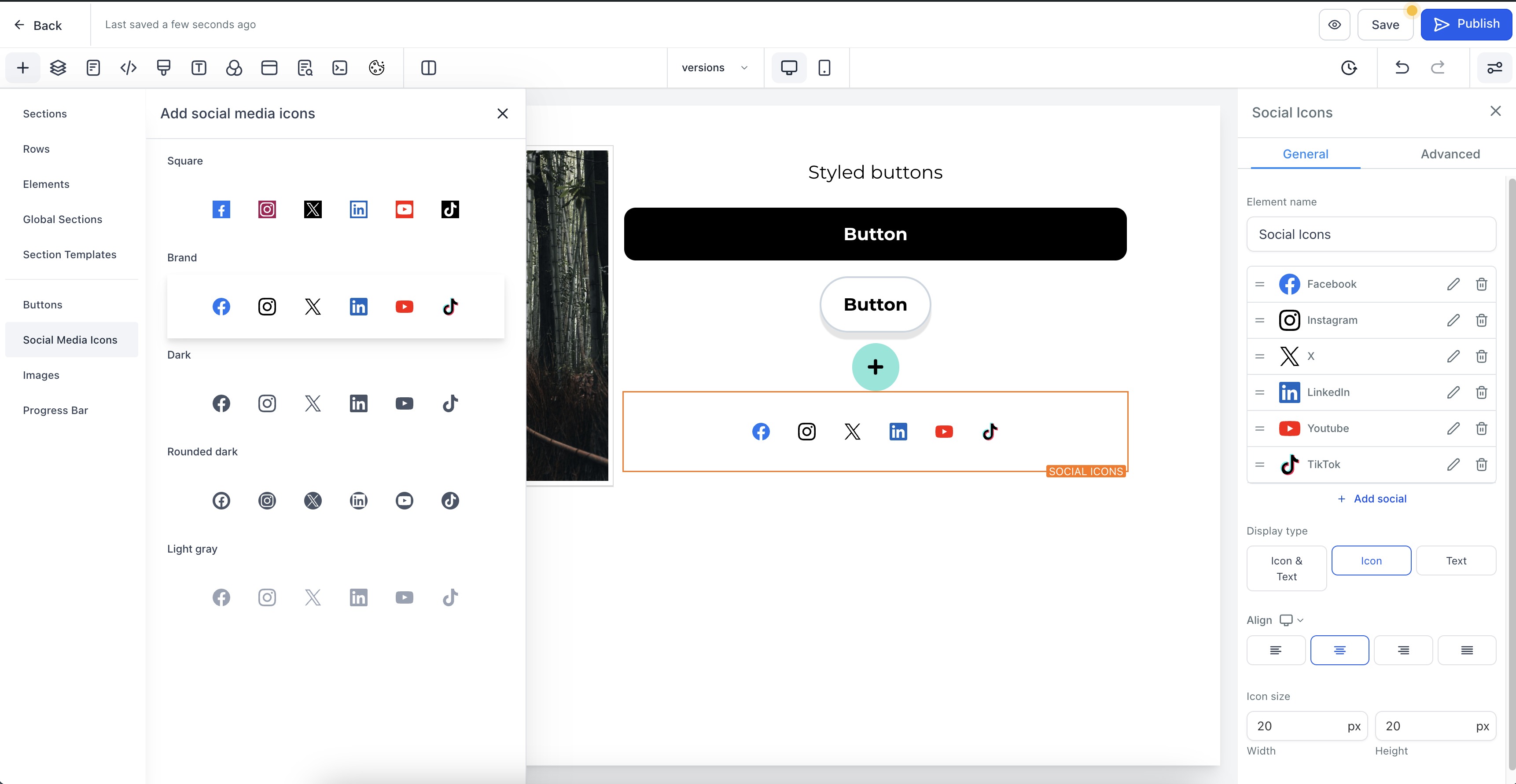
The Prebuilt Elements feature adds four new sections to the left side design bar in the website builder. Each section houses a collection of ready made assets: buttons, images, social media icons, and progress bars. The assets are visually styled and ready for drag and drop placement.
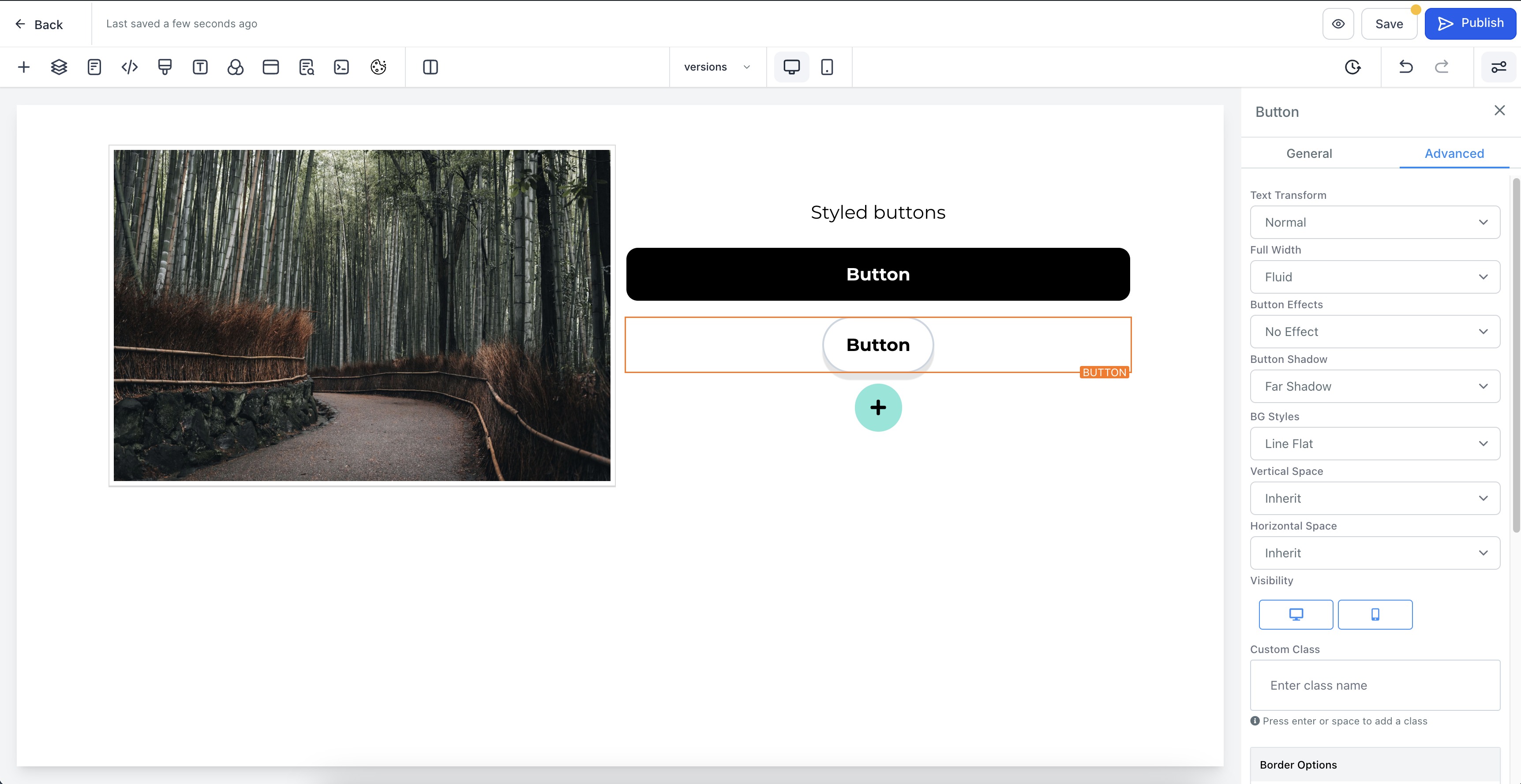
When an element is dropped onto a page, it appears with default styling that matches the platform’s design language. Users can then adjust colors, text, or size using the existing editor tools. The images come royalty free, and the icons cover major social platforms. Progress bars can be placed anywhere to indicate milestones or loading states.
All elements live inside the website builder interface, accessible from any funnel or website project. No external libraries or uploads are required; everything is supplied by HighLevel in the left sidebar.
03How businesses use prebuilt elements
- Coaching business. A coach drags a prebuilt button onto a checkout page to create a clear call to action. They also add a progress bar to show how many enrollment steps remain, using the built in element without designing from scratch.
- Ecommerce store. The store owner places royalty free images from the prebuilt image library onto product pages. Social media icons are added to the footer so visitors can follow the brand across platforms.
- Real estate agency. Agents insert a progress bar into a property tour funnel to signal the number of tour steps left, and use prebuilt buttons for contact form submissions, all through drag and drop.
04How to set up and use prebuilt elements in HighLevel
Access and insert prebuilt elements into a page
- Open the left side design bar while editing a funnel or website page.
- Locate the new sections for buttons, images, social icons, and progress bars, then drag the desired element onto the page.
05What it looks like in HighLevel
06How it connects to the rest of HighLevel
- Set up pages and customize design before using Prebuilt Elements Website setup guide
- Add clickable contact links that complement social media icons Click to call links
- Create scroll to element links that work with progress bar sections Scroll to elements
Michael's take

Prebuilt elements are a quick win for anyone who wants to speed up site design.
Skip it if you prefer building every visual from scratch and enjoy full creative control.