
01Who this is for
- Blog owners can generate an XML sitemap for their HighLevel site.
- Site administrators can add the sitemap URL to the robots.txt file to notify crawlers.
02Blog sitemaps, explained
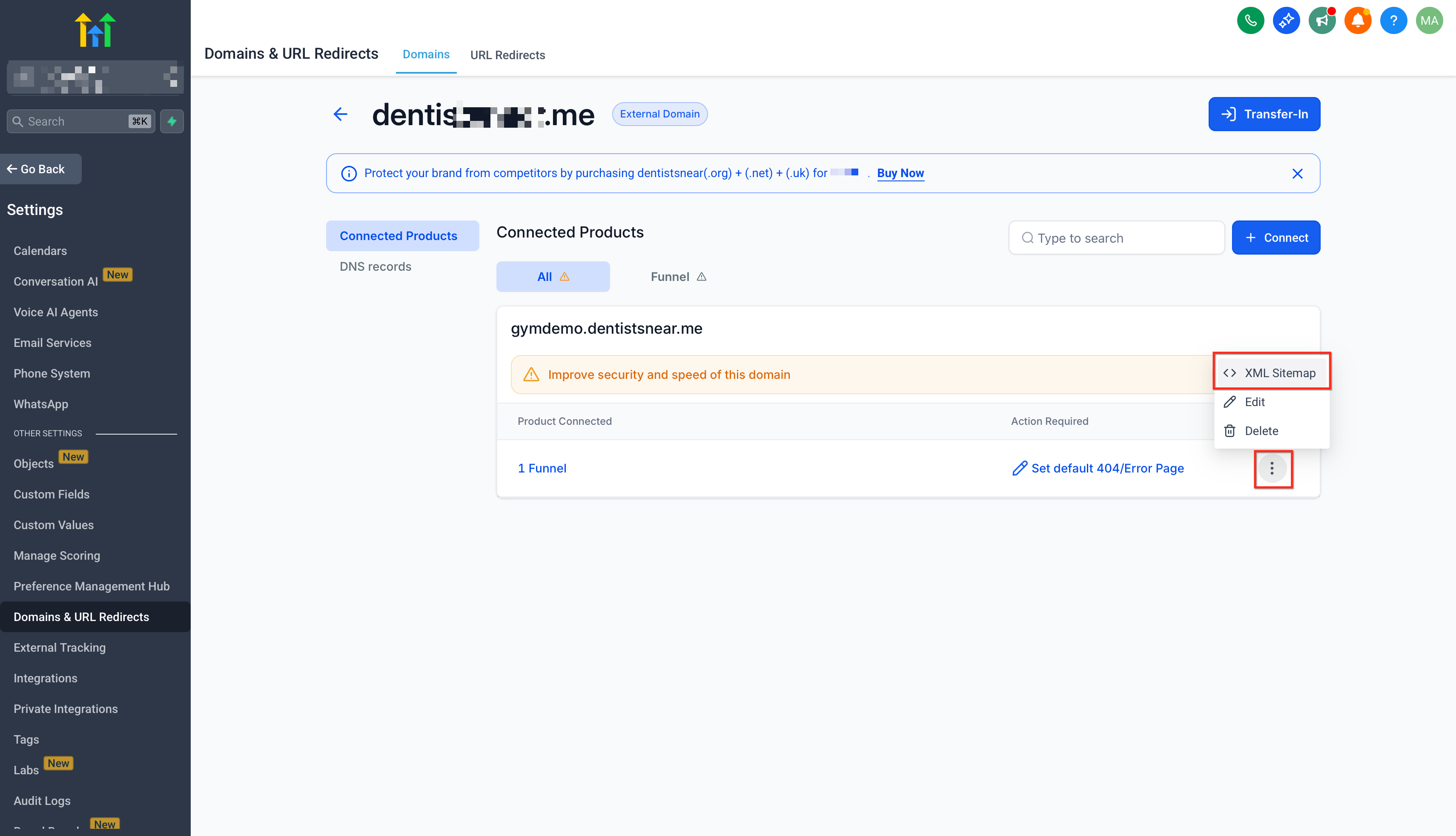
The XML sitemap feature creates a machine readable list of blog URLs for search engine indexing. After a domain is attached to the HighLevel account, the sitemap can be generated from the Domain section using the three dot menu.
03How businesses use blog sitemaps
- Corporate blog. Connect the company’s domain, select the blog home and post options in the XML Sitemap screen, generate the file, and use the URL for search engine submission.
- Personal portfolio blog. Add the personal domain, choose the blog pages in the sitemap generator, create the sitemap, then reference the URL in the site’s robots.txt.
- Ecommerce product blog. Attach the store’s domain, include the blog home and product related posts, generate the XML sitemap, and keep the URL handy for SEO tools.
04Before you start
- A domain must be added to the HighLevel account via the Domain Connect feature.
05How to set up and use blog sitemaps in HighLevel
Add blog sitemap
- Open the Domain area in HighLevel.
- Add the desired domain using the Domain Connect workflow.
- Click the three dot icon beside the domain and choose “Visit XML Sitemap”.
- In the XML Sitemap screen, select the blog home and blog post options to include.
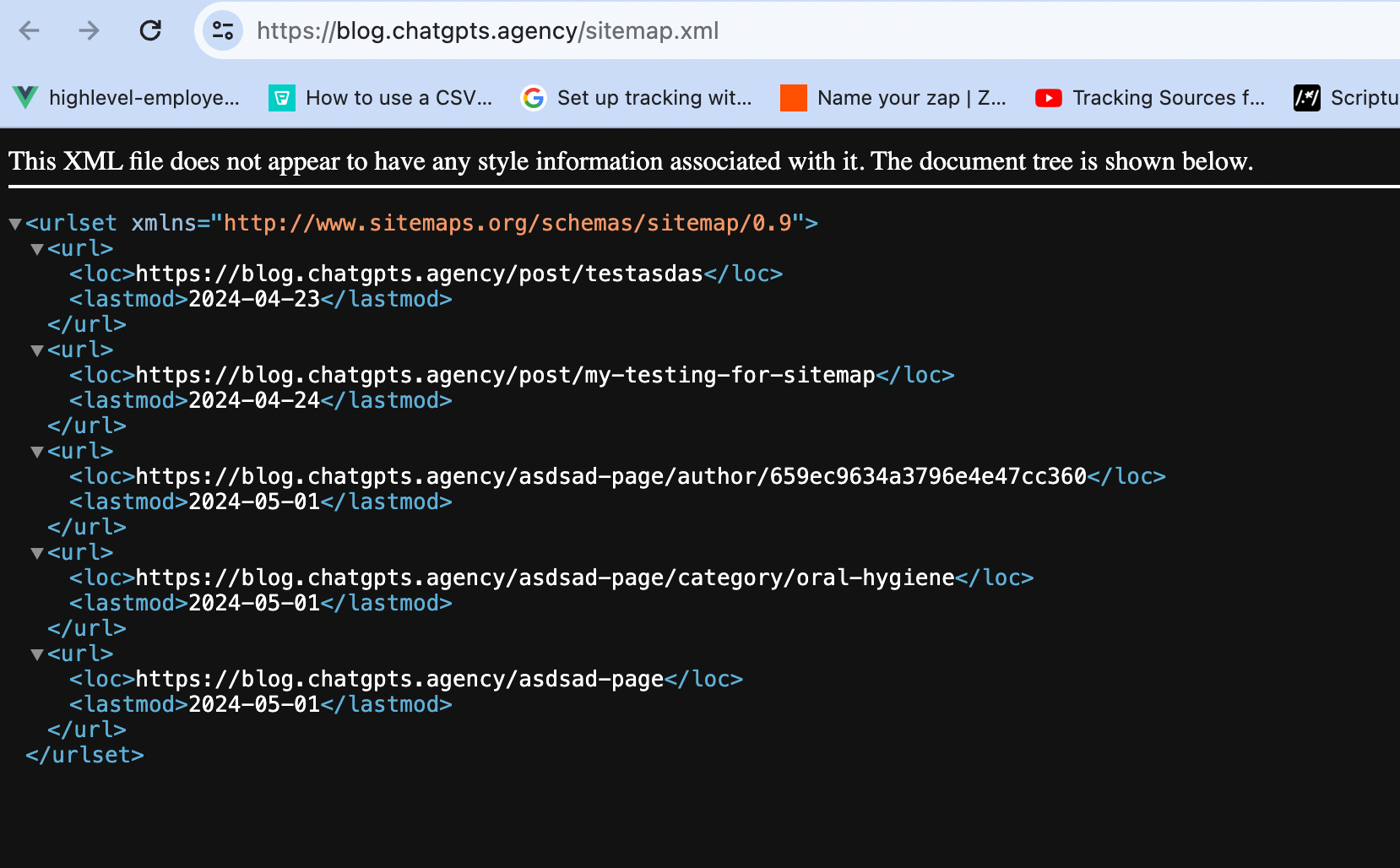
- Press “Generate Sitemap” to create and publish the XML file.
06What it looks like in HighLevel
07Settings that matter
- XML Sitemap. Controls which blog pages are listed for search engine crawling and provides the URL used in robots.txt.
08How it connects to the rest of HighLevel
- Set up and manage blogs in HighLevel Blog setup guide
- Connect a root domain or subdomain Domain connection
- Create an RSS feed for your HighLevel blog RSS feed info
Michael's take

Michael ReimerFounder of CRM Pros, HighLevel Commander and Certified Admin
Wondering if a blog sitemap is worth the effort for your startup? It’s basically a cheat sheet for Google and other bots, telling them exactly what you’ve published so they can show it to the right people faster.
If I were setting up a new blog, I’d hook the domain, generate the sitemap, and then double check that the URL appears in my robots.txt. Once that’s in place, every new post gets added automatically, so I can focus on writing instead of chasing SEO bugs.
Get More InformationOpens on HighLevelPublished November 2, 2026 · Updated November 16, 2026