
01Who this is for
- Marketers who run campaigns and need a quick way to collect leads on client websites.
- Coaches who want appointment booking forms on their booking page without redirecting visitors.
- Ecommerce owners who wish to add newsletter sign ups or contact forms on product pages.
02HighLevel forms, explained
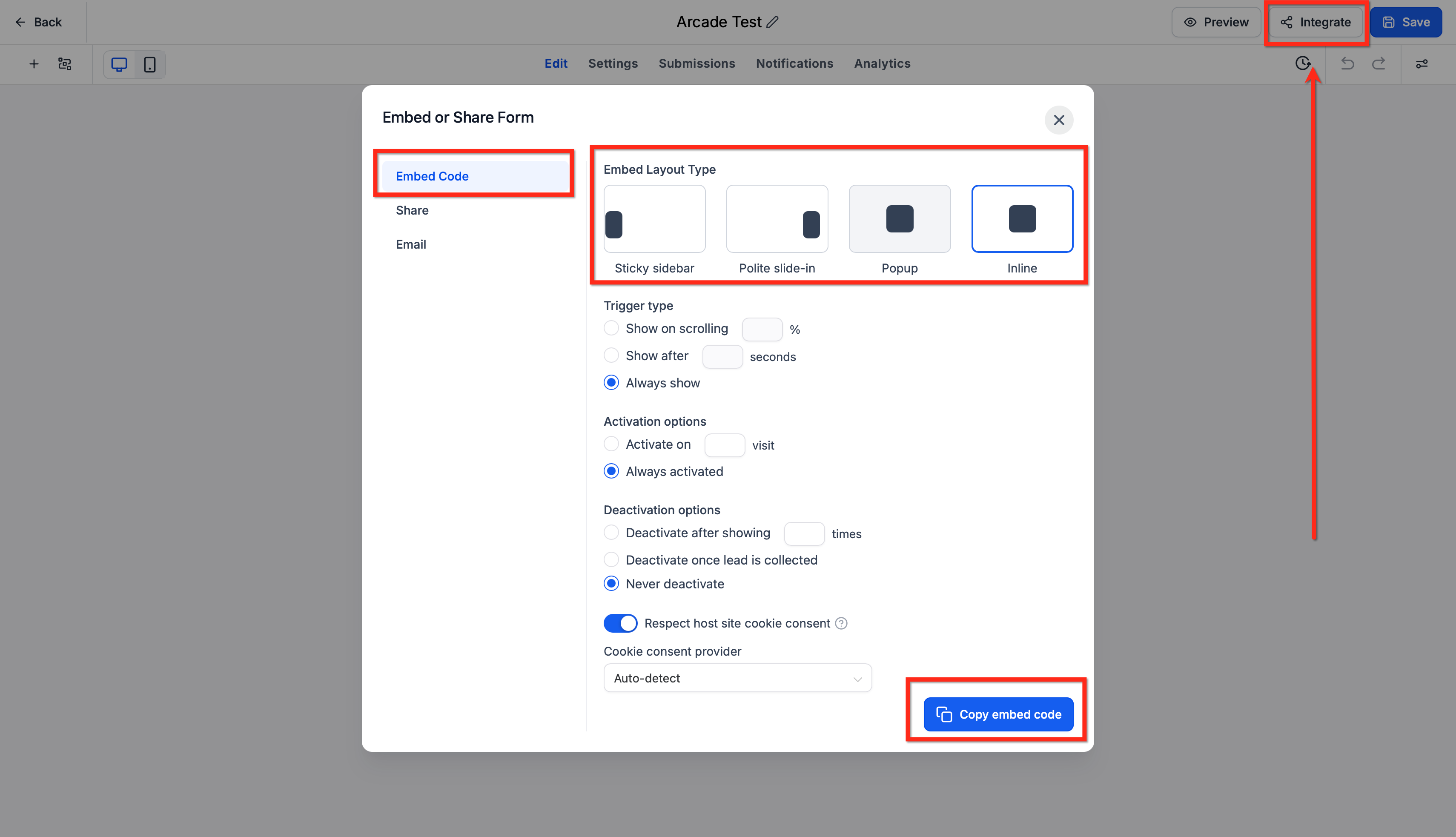
HighLevel forms are built inside the platform’s Form Builder. After a form is saved, the Integrate tab provides a copy embed code option that generates a script tag. The script can be placed on any external site that accepts custom HTML. Data entered by visitors is sent straight to the HighLevel database where it can trigger automations or be viewed in the contacts list.
03How businesses use HighLevel forms
- Dental practice. The practice creates a new patient intake form in HighLevel, copies the embed script, and pastes it into the header of their Squarespace website. Visitors can book appointments without leaving the site, and the information syncs automatically to the practice’s contact list.
- Real estate agency. Agents build a property interest form in HighLevel, then embed the script in a Wix page’s HTML widget. Prospective buyers fill out the form on the listing page, and the lead details flow into the agency’s HighLevel pipeline for follow up.
- Online course provider. The provider designs a registration form for a new webinar in HighLevel. They add the embed code to the footer of each Shopify product page, allowing shoppers to sign up for the webinar while browsing courses.
04The numbers and rules that matter
- Supported platforms: SquareSpace, Wix, Shopify, WordPress, Duda.
05Before you start
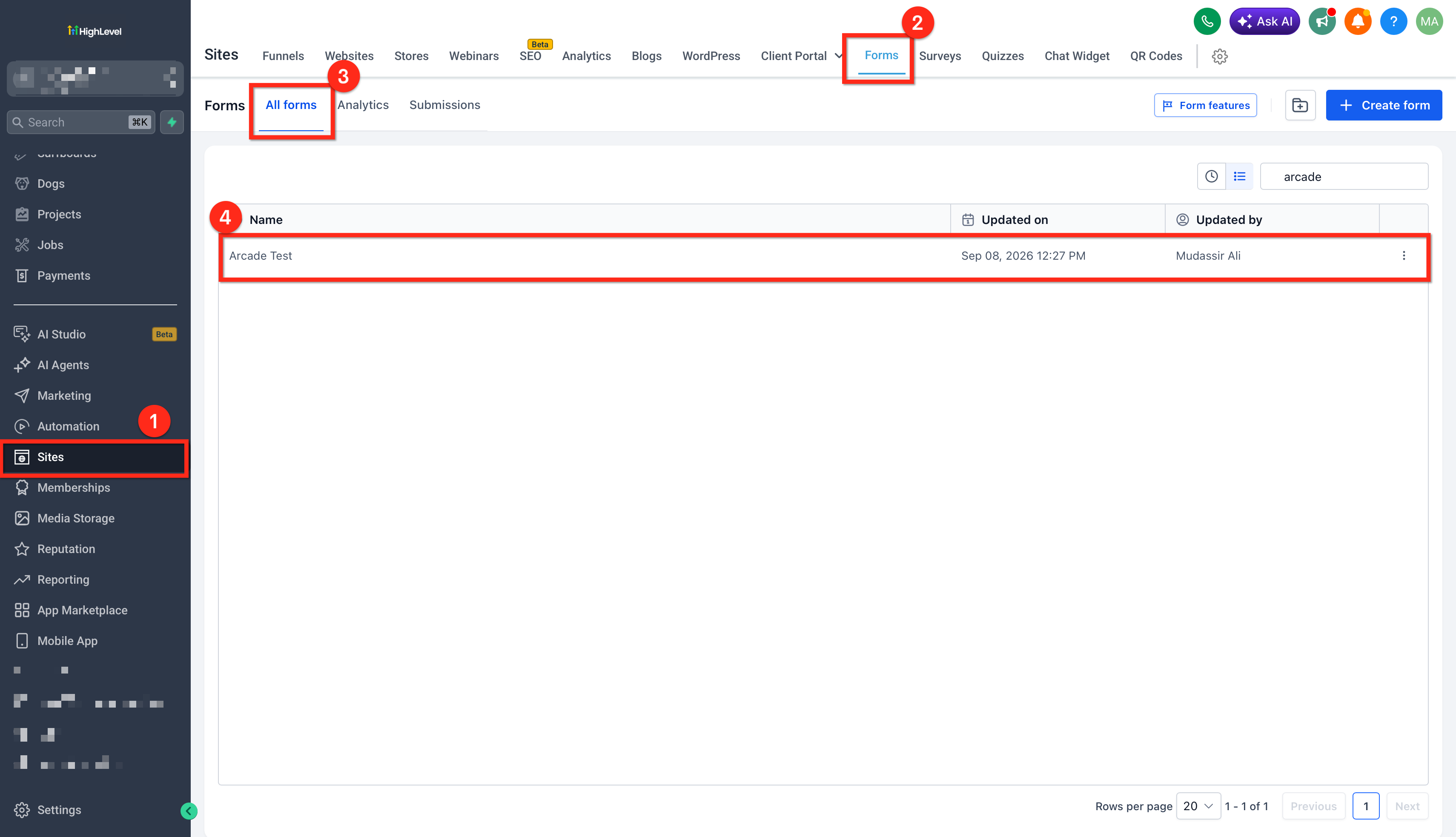
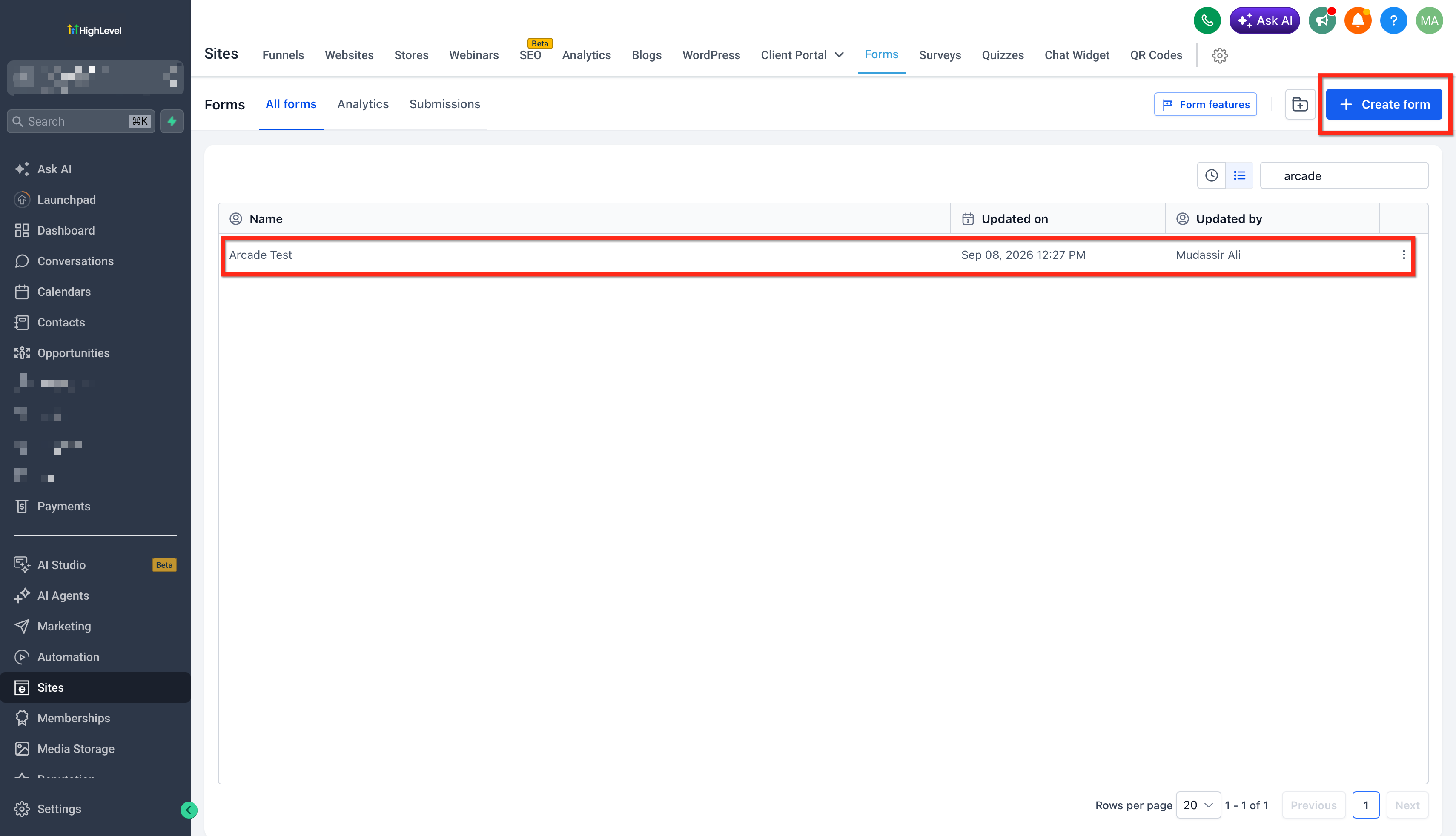
- Create or select a HighLevel form and copy its embed code from the Integrate tab.
06How to set up and use HighLevel forms in HighLevel
Embed on Squarespace
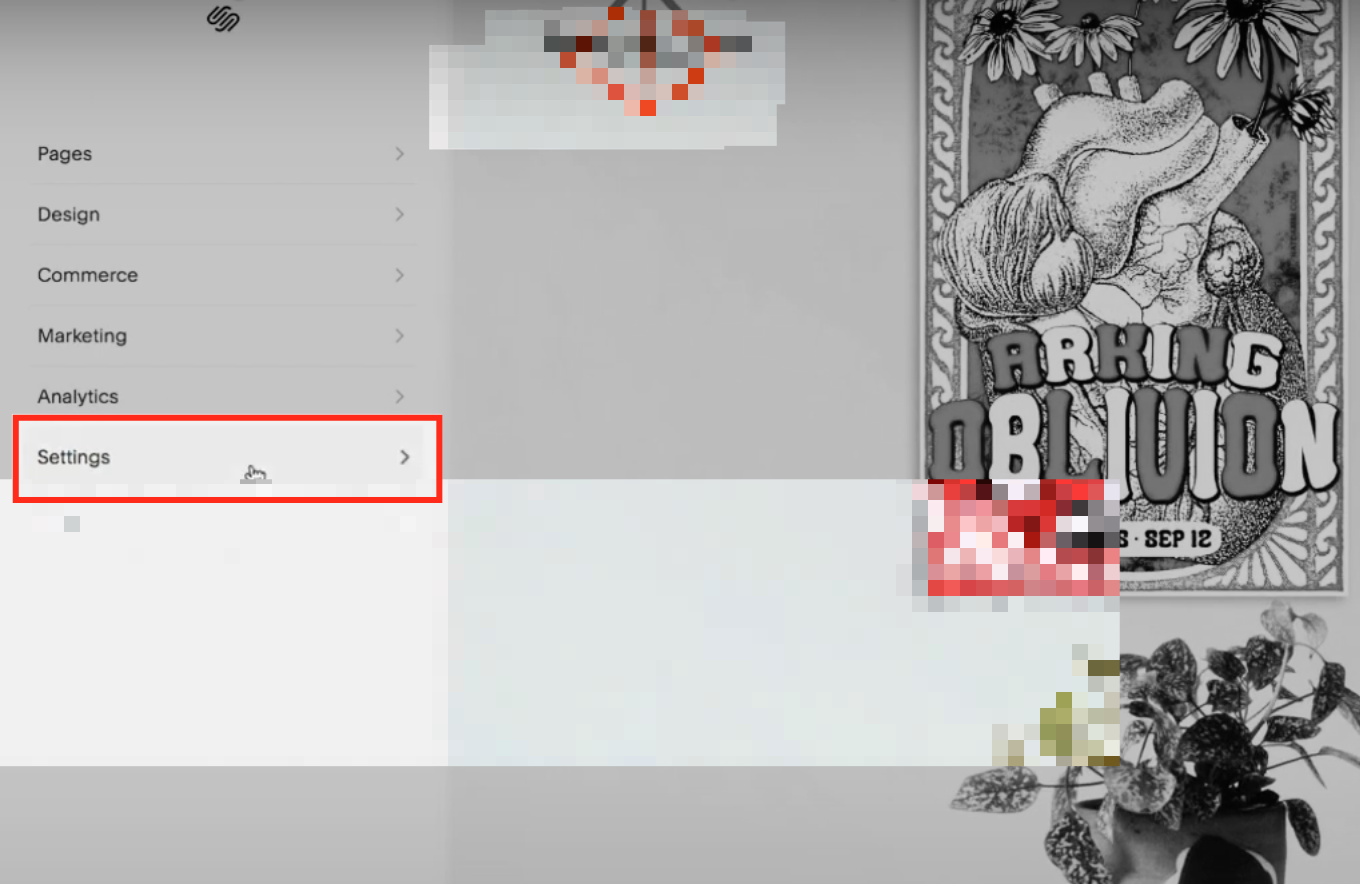
- Log into Squarespace and open Settings.
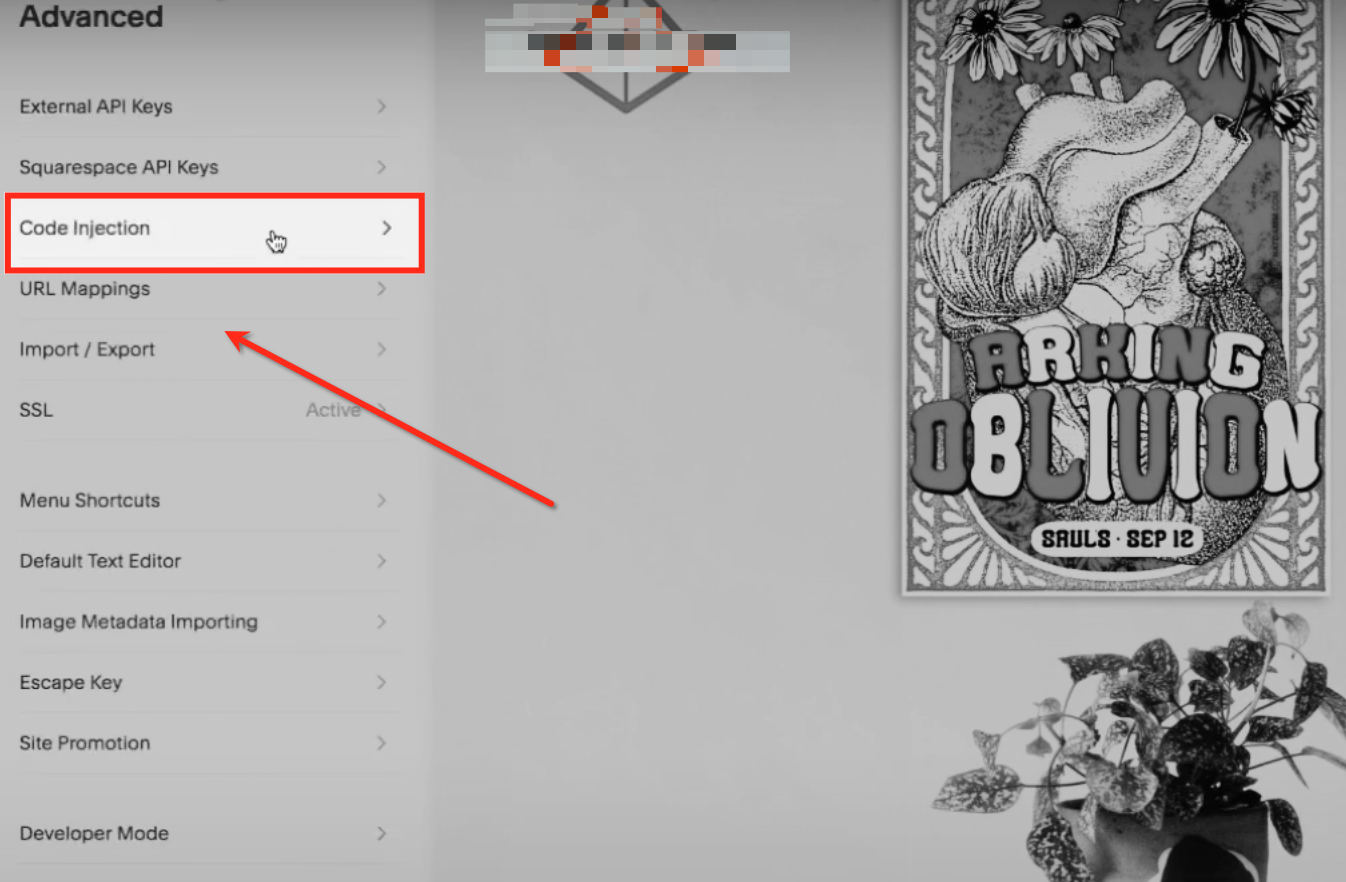
- Click Advanced within Settings.
- Select Code Injection.
- Paste the embed code into the Header, Footer or per page Code Injection area.
- Save the changes and publish the site.
Embed on Wix
- Open the Wix editor and click the “+” button.
- Choose Embed and then select Embed a Widget.
- Select the Code option.
- Paste the embed script and click Update.
- Preview the site and then publish it.
Embed on Shopify
- Log into Shopify and go to Online Store > Themes.
- Click the three dot Actions menu next to the active theme and choose Edit Code.
- Open the theme.liquid file under Layout.
- Insert the embed code within the head or footer tag.
- Save the file and publish the changes.
Embed on WordPress
- In WordPress admin, go to Pages and hover over the target page, then click Edit.
- Click the “+” icon to open the block menu.
- Select the Custom HTML block.
- Paste the embed code into the block, placing it between the appropriate tags.
- Update the page and refresh the site to verify the form appears.
Embed on Duda
- Open the Duda editor on the page where the form will appear.
- Select Widgets > HTML Widget and drag it onto the page.
- Paste the HighLevel script into the HTML widget.
- Save the widget settings.
- Publish the site and test the form in a browser.
07What it looks like in HighLevel

08Settings that matter
- Integrate tab. Opens the section where you choose the form type and access the embed options.
- Copy Embed Code option. Copies the script needed to display the form on an external website.
09Things to know before you rely on it
- Squarespace does not support embedding forms on checkout pages.
- The instructions cover pop up forms; other form types follow the same embed process.
10If something goes wrong
- Form does not appear on Duda site. Check that the embed code was copied correctly and placed in the HTML widget. Ensure it sits within the page’s code area where scripts load.
11How it connects to the rest of HighLevel
- Set up email notifications for form submissions Email notifications
- Track submissions from external forms in HighLevel External form tracking
- Review HighLevel pricing and plans for form access Pricing
Michael's take

Michael ReimerFounder of CRM Pros, HighLevel Commander and Certified Admin
Embedding HighLevel forms is a straightforward way to keep lead capture on your existing site.
Get More InformationOpens on HighLevelPublished November 2, 2026 · Updated November 16, 2026