
01Who this is for
- Agency owners who need precise billing data can limit exports to a single wallet, reducing manual cleanup.
- Finance managers can set up recurring exports to match reconciliation cycles and receive emailed reports.
- Accountants serving multiple agencies can download historic exports via permanent links for audit purposes.
02Export Center for Agency Wallet Transactions, explained
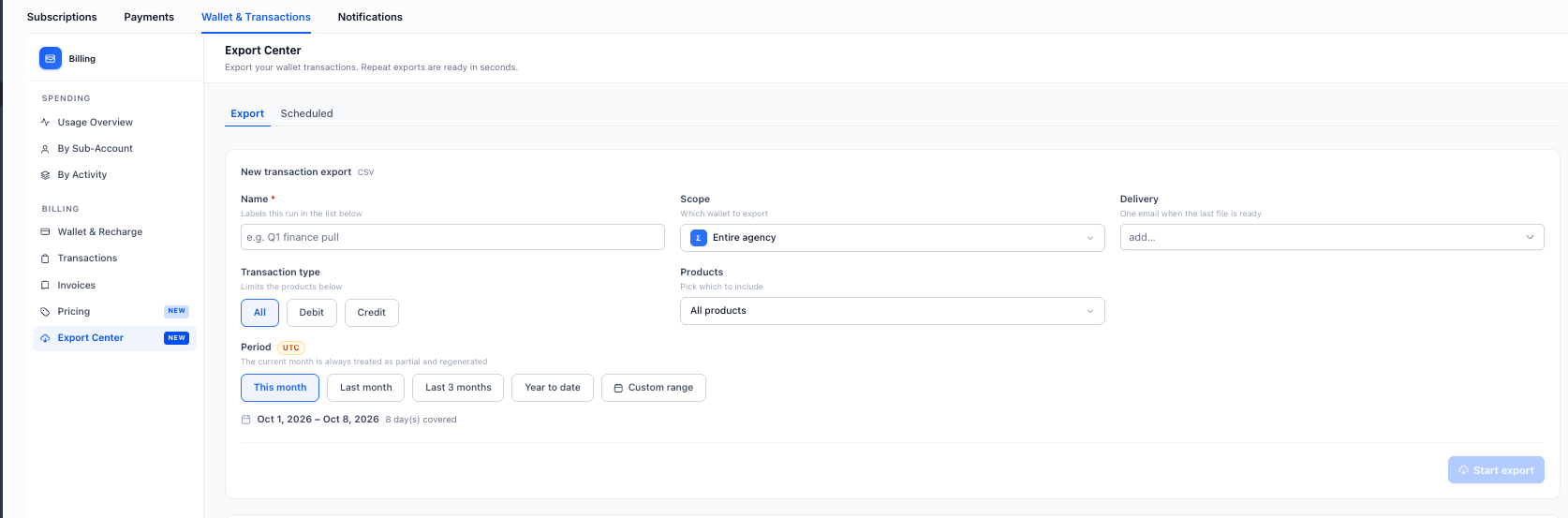
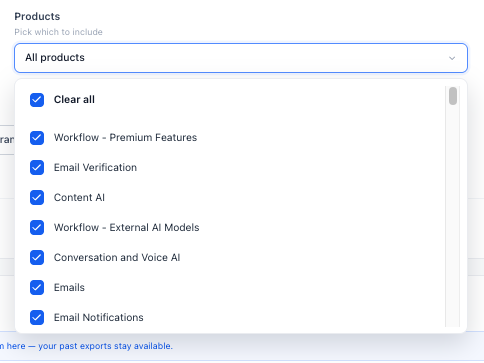
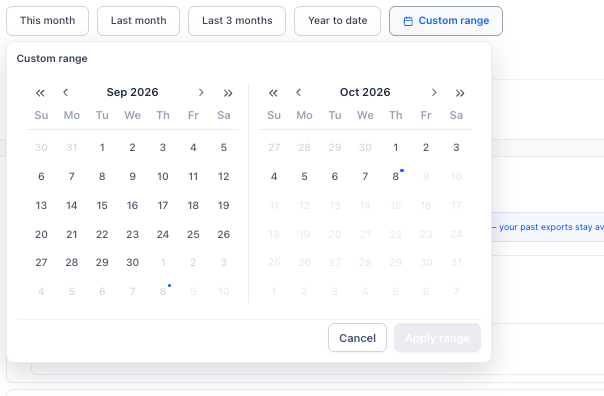
The Export Center is an Agency Billing tool that creates and manages Agency Wallet transaction exports. It lets users define the scope of the export, either the whole agency or a specific wallet, choose whether to include all, debit, or credit transactions, and select one or more products. Reporting periods can be preset ranges or a custom date interval.
Exports can be run on demand or scheduled to run automatically. Scheduled exports support daily, weekly, monthly, or quarterly frequencies and require a UTC based day, time, and start date. Recipients receive a notification with a permanent download link. All completed export runs appear in the Recent Exports view, where they can be re downloaded at any time.
03How businesses use Export Center for Agency Wallet Transactions
- Digital marketing agency. The agency opens the Export Center, selects the specific client wallet, filters for credit transactions, chooses the last month period, adds the client’s finance contact as a recipient, and runs the export to receive a billing report.
- SaaS reseller agency. The reseller configures a scheduled export with a monthly frequency, sets the day and UTC time, selects all products, and includes the finance manager as a recipient so the system emails the report each month.
- Bookkeeping firm. The firm accesses Recent Exports, finds a past export for a client’s wallet, and clicks the permanent download link to retrieve the file without regenerating the export.
04Before you start
- Access to Agency View and the Billing section is required.
- Scheduled export times use UTC.
- The current month is treated as a partial reporting period and will be regenerated if included.
05How to set up and use Export Center for Agency Wallet Transactions in HighLevel
Create a one time wallet transaction export
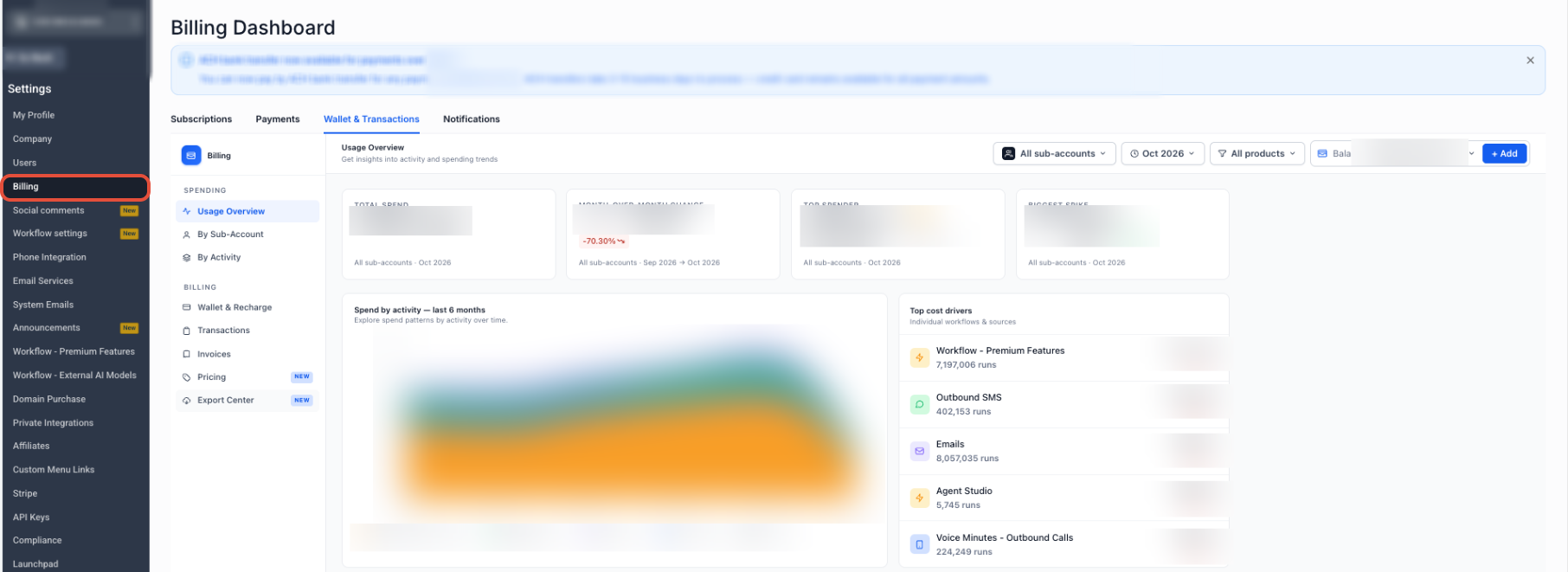
- From Agency View, select Settings.
- Select Billing.
- Open Wallet & Transactions.
- Select Export Center.
- Select the Export tab.
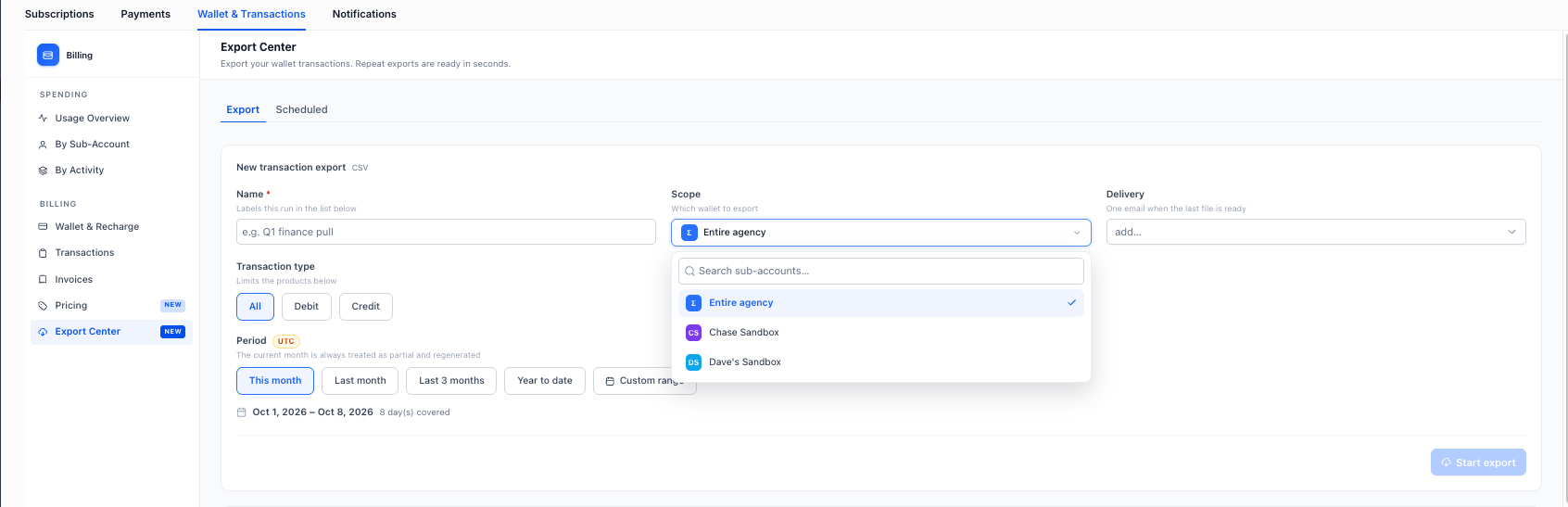
- Choose Scope: entire agency or a specific wallet.
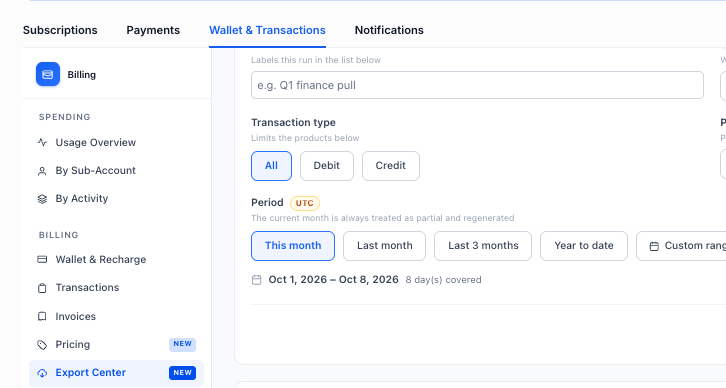
- Choose Transaction Type: All, Debit, or Credit.
- Choose Product: All products or a specific product.
- Select Reporting Period or set a Custom range.
- Add the desired Delivery Recipients.
- Review settings and use the export action to start the export.
Schedule a recurring wallet transaction export
- From Agency View, select Settings.
- Select Billing.
- Open Wallet & Transactions.
- Select Export Center.
- Open the Scheduled tab.
- Configure Export Filters for Scope, Transaction Type, Product, and Period.
- Select the Frequency: Daily, Weekly, Monthly, or Quarterly.
- Set the Day, Time, and Start date for the schedule.
- Add the desired Delivery Recipients.
- Save the scheduled export to activate automatic runs.
Access previous exports
- From Agency View, select Settings.
- Select Billing.
- Open Wallet & Transactions.
- Select Export Center.
- Open Recent Exports.
- Locate the desired export and click its permanent download link.
06What it looks like in HighLevel
07Settings that matter
- Scope. Determines whether the export includes the whole agency or a single wallet.
- Transaction Type. Filters the export to include all transactions, only debits, or only credits.
- Product. Specifies whether to export data for all products or a chosen product.
- Reporting Period. Sets the date range for the export, with options for preset periods or a custom range.
- Delivery Recipients. Lists the email addresses that receive the export completion notification.
- Frequency. Defines how often a scheduled export runs: Daily, Weekly, Monthly, or Quarterly.
- Day. Specifies the day of the week or month when a scheduled export triggers.
- Time. Sets the UTC time for the scheduled export to run.
- Start date. Marks the date when the scheduled export series begins.
08Things to know before you rely on it
- The Export Center is only accessible from the Agency Wallet & Transactions area.
- All scheduled export times are based on UTC.
- The current month is always treated as a partial reporting period and is regenerated to include the latest data if included.
- Each completed export run is kept with a permanent download link in Recent Exports.
- The export file format is not specified in the release information.
- Scheduled exports support only Daily, Weekly, Monthly, and Quarterly frequencies.
09How it connects to the rest of HighLevel
- Review common billing questions for agencies. Billing FAQs
- Adjust agency branding, domains, and AI tool settings that affect export notifications. Agency company settings
- View pricing and plan details for accessing the Export Center. Pricing
Michael's take

The Export Center is a practical way for agencies to get precise wallet data without the hassle of postexport cleanup.
Agencies that don’t need granular wallet reports or automated billing can skip this feature.