
01Who this is for
- Founders who need to send SMS messages, because correct registration details speed up carrier approval.
- Agency owners managing client accounts, because consistent business data avoids compliance hold ups.
- Small businesses applying for SMS marketing, because accurate registration information determines eligibility to send messages.
02Business information settings, explained
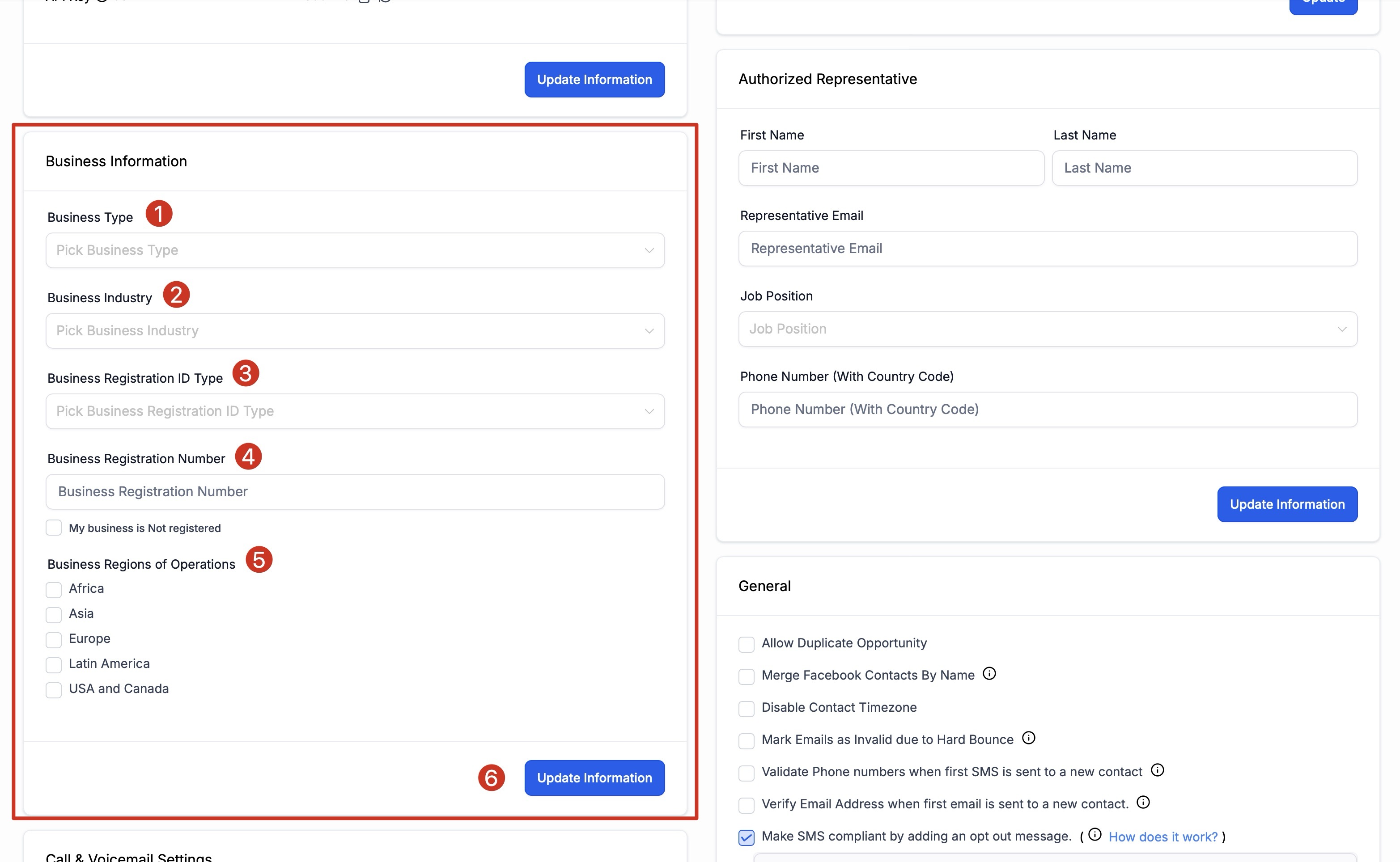
The Business Information section lives inside the Business Profile Settings on HighLevel. It records the legal form of the company, the primary industry it serves, the type of registration identifier (such as EIN or VAT), the associated registration number, and the geographic regions where the business operates.
These values act as a single source of truth for compliance workflows, especially for messaging approvals. After changing any field, you must click the blue Update Information button to store the new information.
03How businesses use business information
- Real estate brokerage. Select Corporation as Business Type, choose Real Estate as Industry, pick EIN as Registration ID Type, enter the federal EIN, select the states the brokerage works in, and click Update Information to save.
- Health clinic. Choose Limited Liability Company for Business Type, select Healthcare as Industry, set the appropriate registration ID type, provide the clinic’s license number, mark the regions of service, then press Update Information.
- Ecommerce retailer. Pick Sole Proprietorship for Business Type, choose Retail as Industry, select VAT as Registration ID Type if operating abroad, add the VAT number, select all sales regions, and save the changes with Update Information.
04How to set up and use business information in HighLevel
Enter business information
- Open the Business Profile Settings and locate the Business Information section.
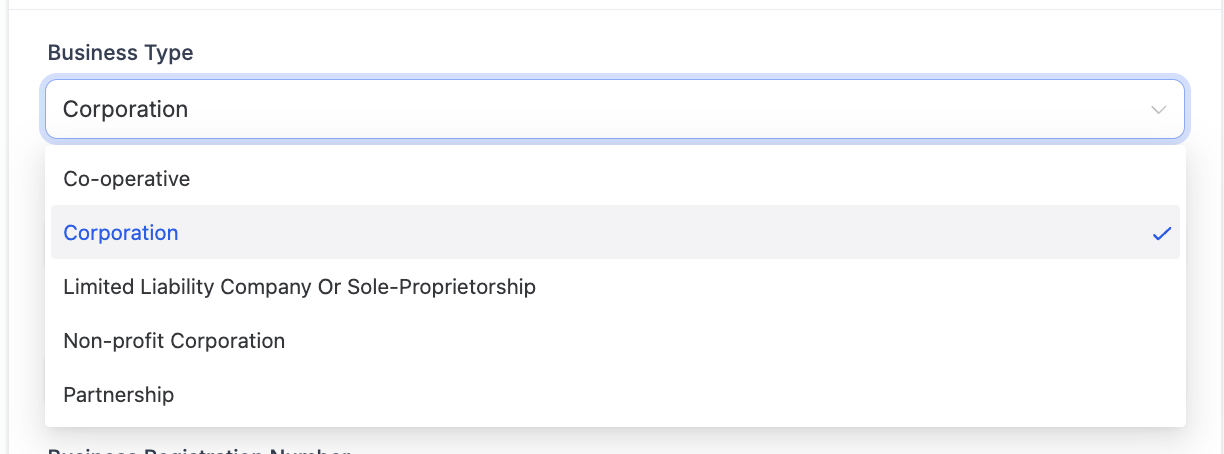
- Select the appropriate Business Type from the dropdown menu.
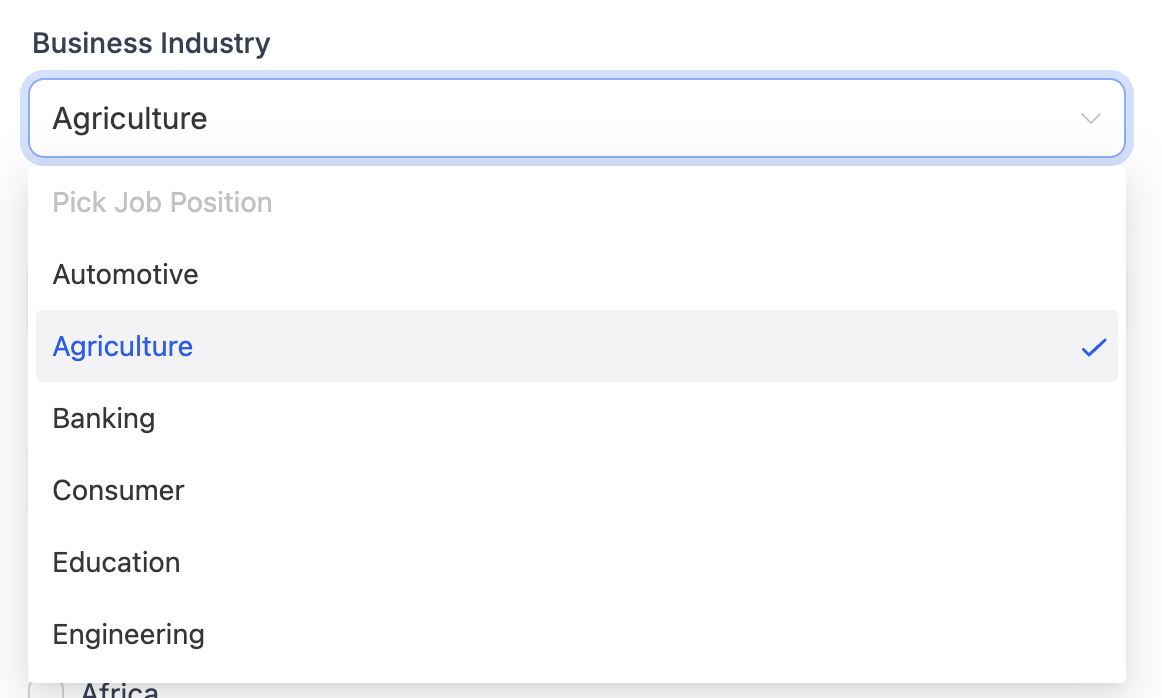
- Choose the Business Industry that best matches your target market.
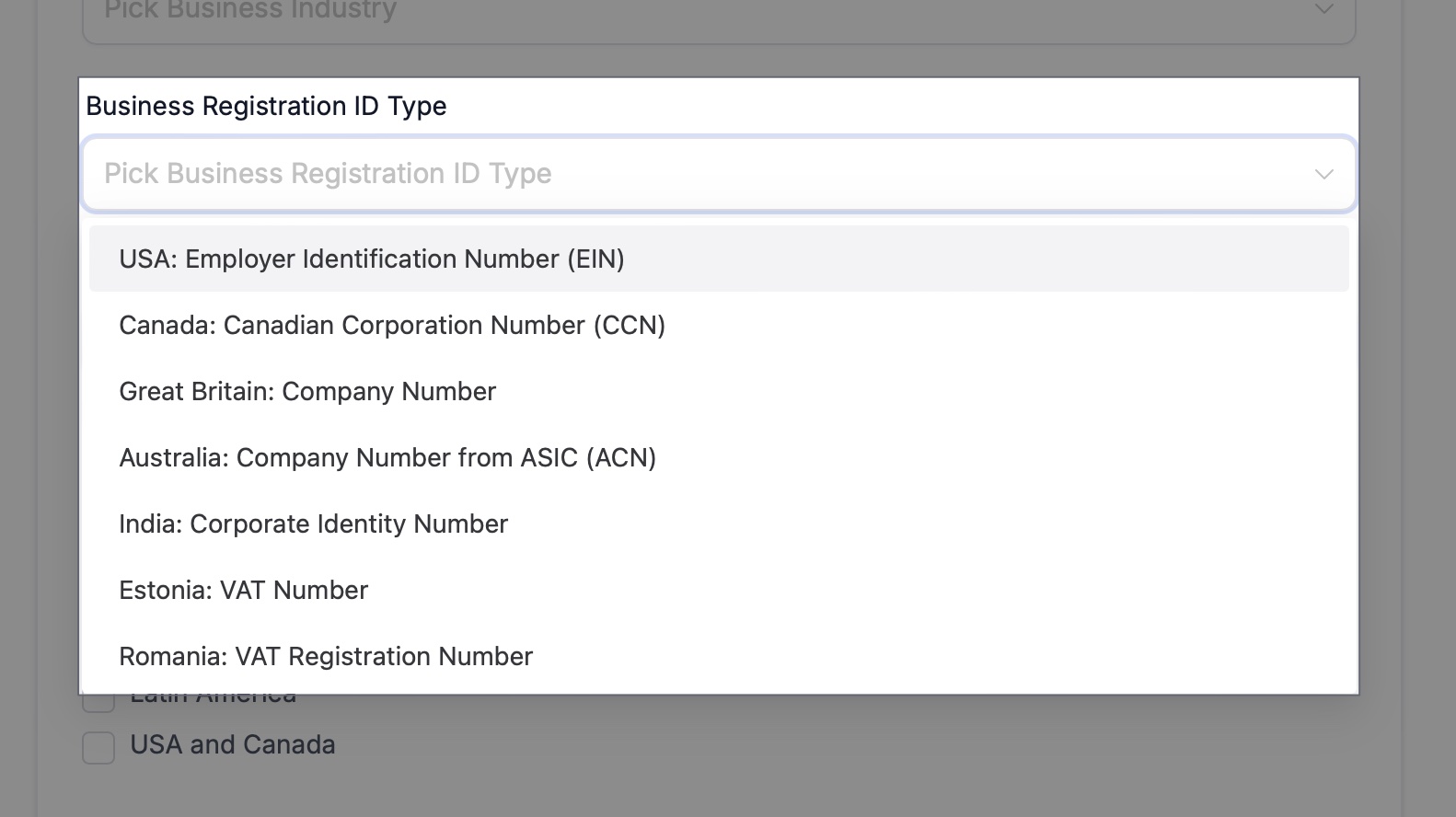
- Select the Business Registration ID Type that corresponds to your registration document.
- Enter the Business Registration Number in the provided field.
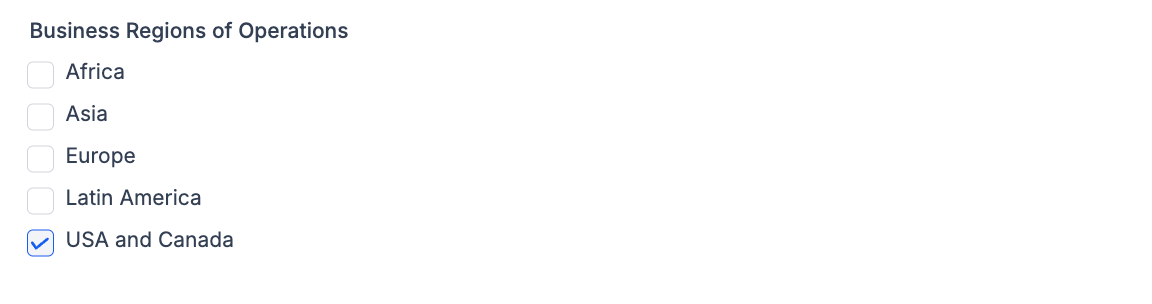
- Select one or more Business Regions of Operations using the multi select control.
- Click the blue Update Information button to save the changes.
05What it looks like in HighLevel
06Settings that matter
- Business Type. Specifies the legal structure of the company, such as Corporation or LLC.
- Business Industry. Identifies the primary market segment the business serves.
- Business Registration ID Type. Indicates the kind of registration identifier used, for example EIN, CCN, or VAT.
- Business Registration Number. Stores the unique number associated with the chosen registration ID type.
- Business Regions of Operations. Lists the geographic regions where the business conducts sales or services.
07How it connects to the rest of HighLevel
- General toggles that affect the business profile General toggles
- Set an authorized representative for the account Authorized rep
- Configure the business physical address and locale Physical address
Michael's take

Filling out the business information fields is important for getting your SMS sending approval, especially if you need to demonstrate that your business is legitimate and registered.
If you’re only sending a small volume of messages, you can prioritize the most critical fields first and add the remaining details later when you need to scale.