
01Who this is for
- Agency owners can evaluate whether a Yext subscription will add value for their clients.
- Location owners can see how their existing online presence measures up to optimal standards.
02Online listings business scan reports, explained
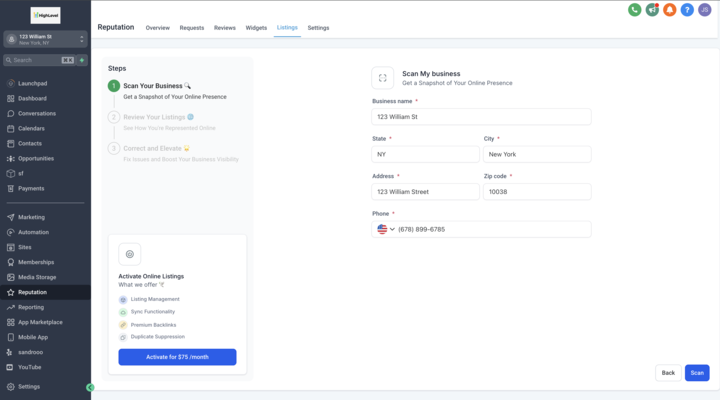
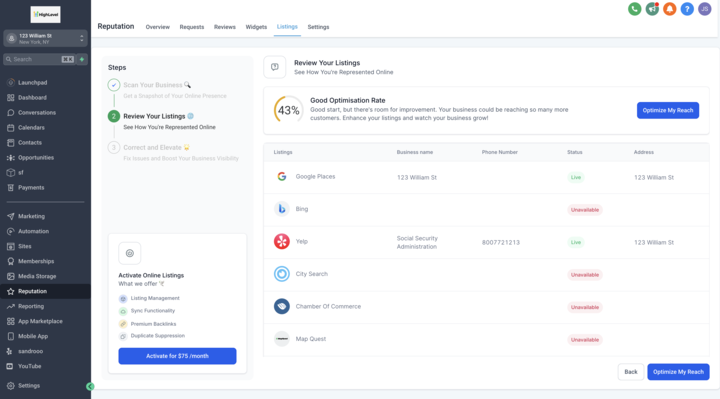
The Online Listings Business Scan Report lets users fill out a Scan Details Form that is pre populated with basic business information, verify or edit that data, and submit it. After submission, the scan tool processes the inputs and generates a comprehensive report that shows how well the current online presence aligns with the provided details and highlights areas for improvement.
03How businesses use online listings business scan report
- Marketing agency. The agency opens the scan page, checks the pre filled business details for each client location, updates any errors, and runs the scan. After reviewing the report, the agency decides if recommending a Yext subscription is appropriate for each client.
- Location owner. The owner accesses the scan, confirms the listed address and contact information, submits the form, and then reads the performance analysis to see where the online listings need improvement before purchasing Online Listings.
- Franchise operator. The operator verifies each store’s name, address and phone in the Scan Details Form, runs the scan, and uses the report’s insights to determine whether the Online Listings subscription will help improve visibility across locations.
04How to set up and use online listings business scan report in HighLevel
Run online listings business scan
- Open the Online Listings Business Scan page in HighLevel.
- Review the pre filled business information displayed in the Scan Details Form.
- Edit any fields that are inaccurate or need updating.
- Submit the completed Scan Details Form.
- Allow the scan tool to process the submitted data.
- Open the generated report that summarizes the scan results.
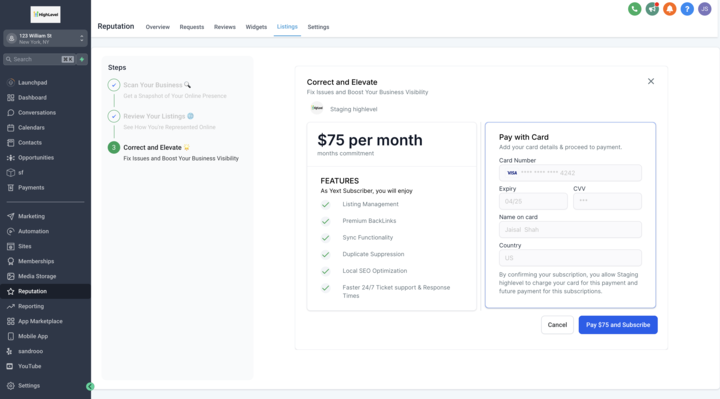
- Use the report insights to decide whether to subscribe to the Online Listings service.
05What it looks like in HighLevel
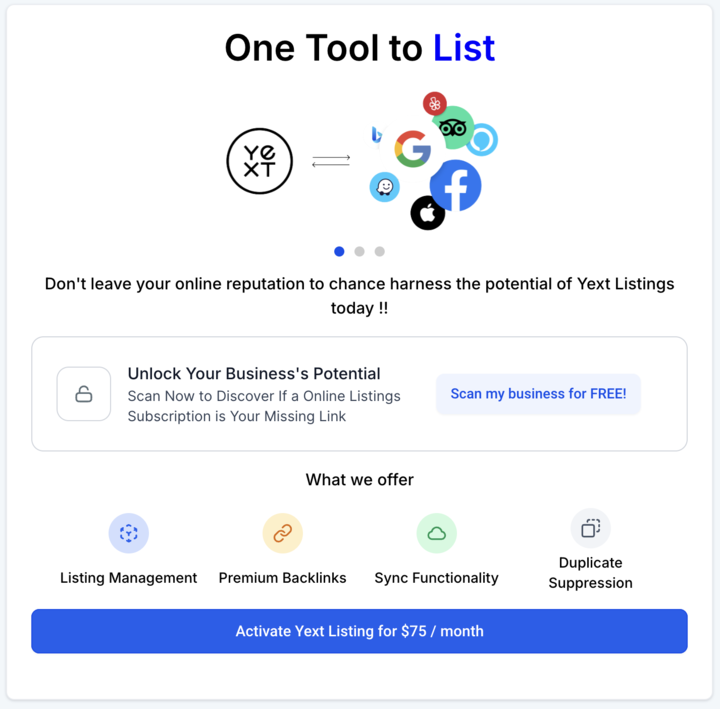
06How it connects to the rest of HighLevel
- Explore all Reputation Management & Reviews features Reputation features
- View HighLevel pricing and plans Pricing
- Start a 30 day HighLevel trial Free trial
Michael's take

Michael ReimerFounder of CRM Pros, HighLevel Commander and Certified Admin
Running a scan without first confirming that your business data is accurate can lead to misleading results, so double check the prefilled fields before you submit.
When the report lands, you get a clear picture of where your online presence is falling short and can decide if a Yext subscription would help address those gaps.
Get More InformationOpens on HighLevelPublished November 2, 2026 · Updated November 16, 2026