
01Who this is for
- Agency admins need clear metric definitions to explain campaign results to clients.
- Digital marketers use the terminology to set targets and evaluate ad effectiveness.
02Google ad reporting terminology, explained
The Google Ad Reporting feature collects live data from Google Ads and displays it within HighLevel. Each metric, impressions, clicks, conversions, client spend, average CPC, cost per conversion, conversion rate, revenue, ROI, sales, cost per sale, leads, and cost per lead, is listed with its meaning.
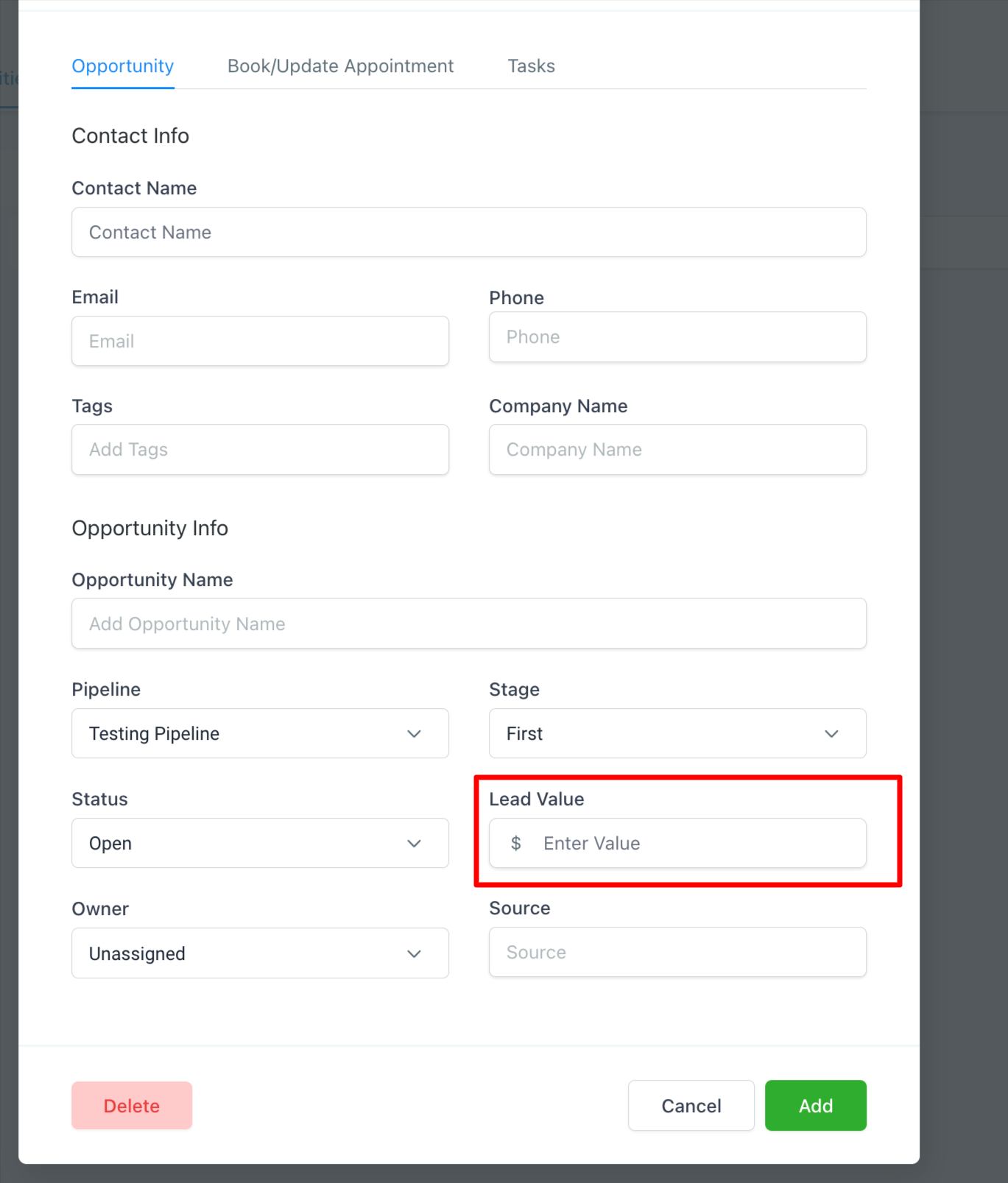
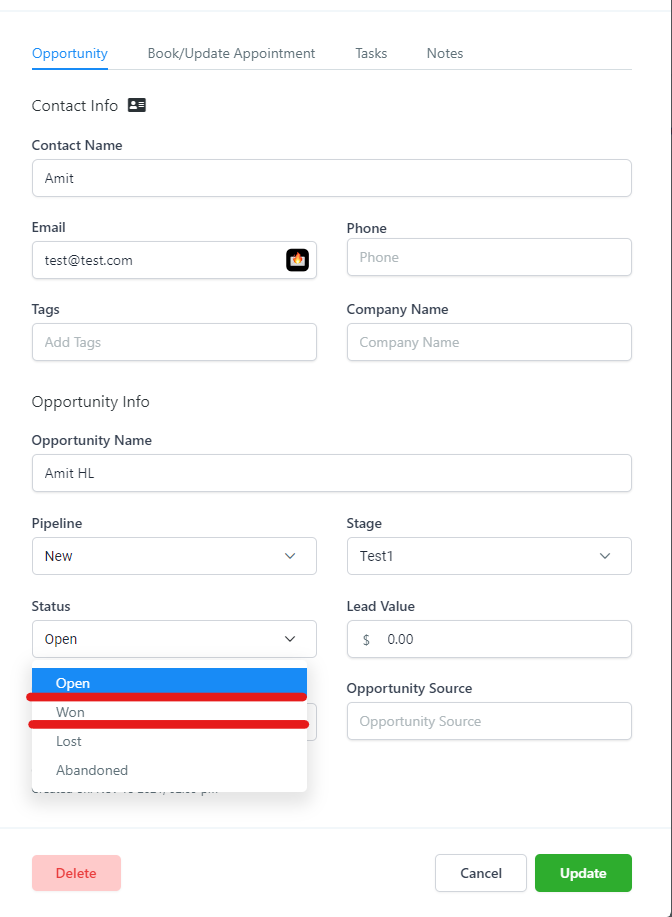
The data appears on the reporting screens accessible to Agency Admin and Agency User roles. Revenue is calculated from the sum of monetary lead values on won opportunities, while client spend includes ad costs plus management fees. All values are presented without currency symbols, using plain numbers.
03How businesses use Google ad reporting terminology
- Digital marketing agency. The agency reviews the reported metrics to explain ad performance to clients. It checks impressions, clicks, and conversion rates to assess reach and engagement, and uses CPA and ROI to discuss cost efficiency.
- Ecommerce retailer. The retailer looks at revenue and sales figures tied to specific Google ad campaigns. By monitoring cost per sale and cost per lead, the retailer evaluates how ad spend translates into paid orders.
- Local service provider. The provider tracks leads generated from ad clicks and forms. Using the leads count and CPL metric, the provider determines how much each new inquiry costs and adjusts budgeting accordingly.
04The numbers and rules that matter
- Average CPC is the average amount paid per click.
- Cost Per Conversion (CPA) is total ad cost divided by total conversions.
05What it looks like in HighLevel
06How it connects to the rest of HighLevel
- How to set up Google Ad reporting in HighLevel Setup guide
- Understanding attribution sources in HighLevel Attribution guide
- Call reporting in HighLevel: Review calls and source attribution Call reporting
Michael's take

If I were setting up a new client, I would map each metric to a business goal. Reach, lead generation, or sales. That way the numbers guide budget moves.