
01Who this is for
- Online service providers, they can sell a service by sending a simple checkout link without building a site.
- Coaches and consultants, they can collect payments for sessions or packages directly from a shared link.
- Retailers with limited inventory, they can quickly offer individual items via a link instead of managing an online store.
02Payment links, explained
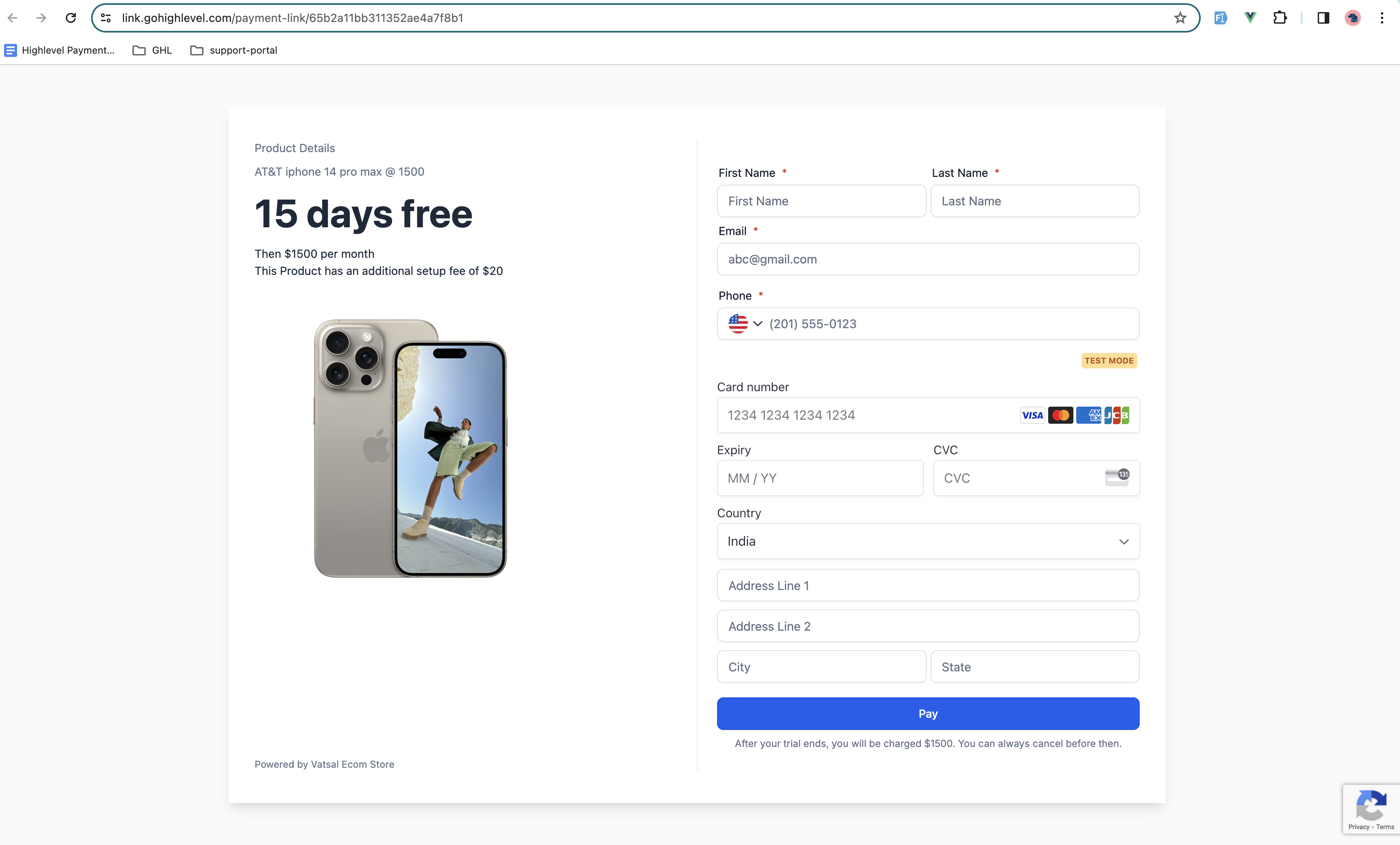
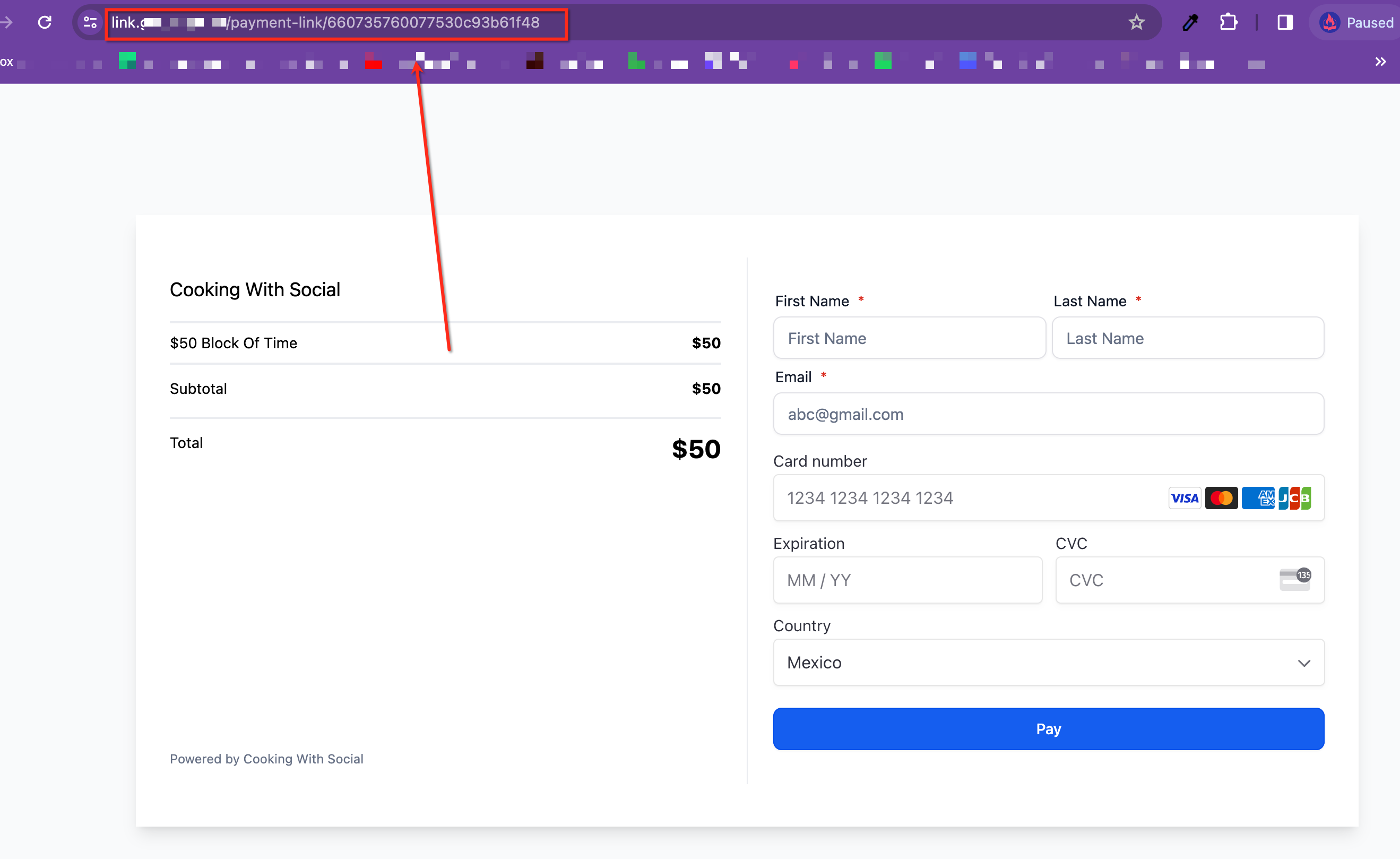
Payment Links are created inside the Payments area of HighLevel. After a product exists, the link pulls the product’s image and price into a hosted checkout page. The page uses the platform language set in the Business Profile for field labels, buttons and error messages.
The link can be previewed before it is shared. When a customer clicks the URL they see the checkout page, can fill in or be pre populated with their details, and complete payment using automated methods such as Stripe or PayPal. After purchase the link can redirect the user to a custom page.
All configuration happens without code. Optional settings let you control aspects of the checkout, and the final URL can be copied from the browser to distribute via email, text, or any channel.
03How businesses use payment links
- Fitness studio. The studio creates a payment link for a class bundle, previews it, copies the URL and sends the link to members via text. Members open the link, see the class image and price, and pay right away.
- Digital marketing agency. The agency builds a payment link for a one time consulting package, adjusts optional settings, previews the page and shares the link in a proposal email. Prospects click the link, fill their contact info and pay through Stripe.
- Non profit organization. The nonprofit creates a payment link for a donation amount, adds pre fill parameters for donor name and email, previews the checkout, copies the URL and embeds it in a fundraising newsletter. Donors follow the link, see a branded checkout, and complete the donation.
04The numbers and rules that matter
- Supported URL parameters: FirstName, lastName, email, phone, redirectIn, redirectUrl.
- Example URL: Links.fastpayments.co/payment link/asfkhwel93/firstName=Bob&lastName=Smith&email=bobsmith@gmail.com&phone=2155554545&redirectIn=8&redirectUrl=mysite.com/thank you.
05Before you start
- A product must be created first in Payments > Products > Create Product.
06How to set up and use payment links in HighLevel
Create a payment link
- Go to Payments > Payment Links > Create Link.
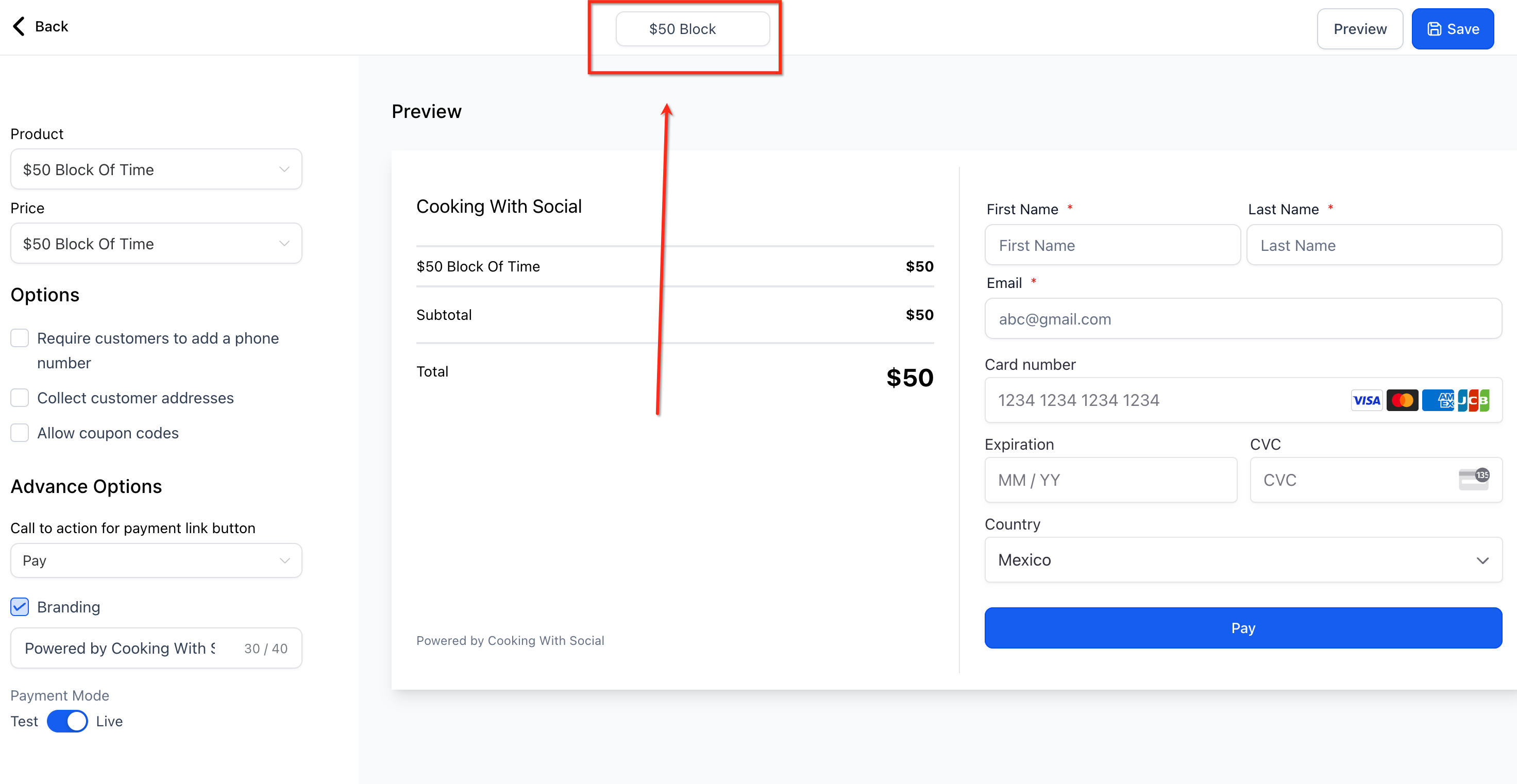
- Enter a name for the payment link at the top of the screen.
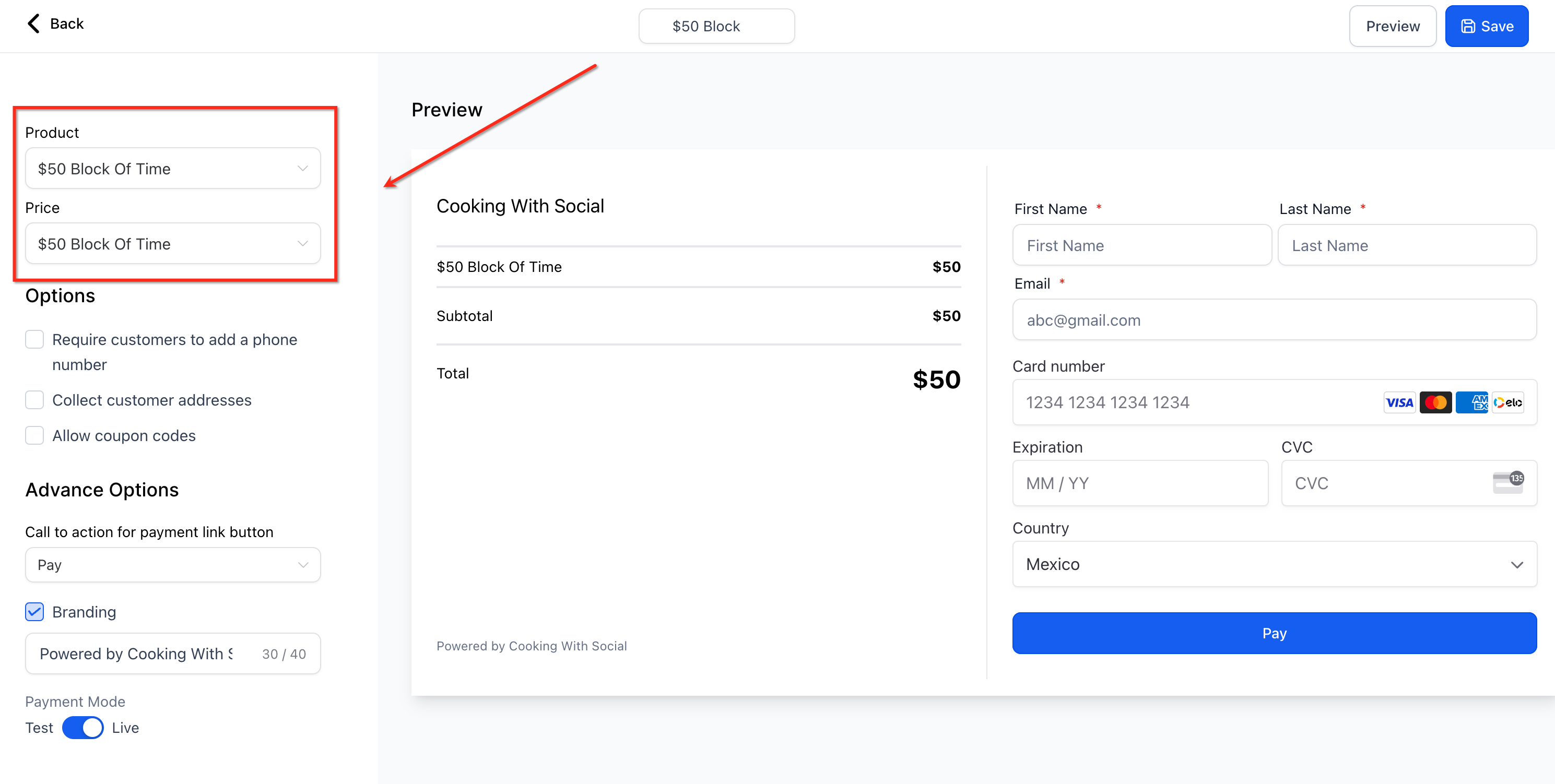
- Select a product and then choose its price.
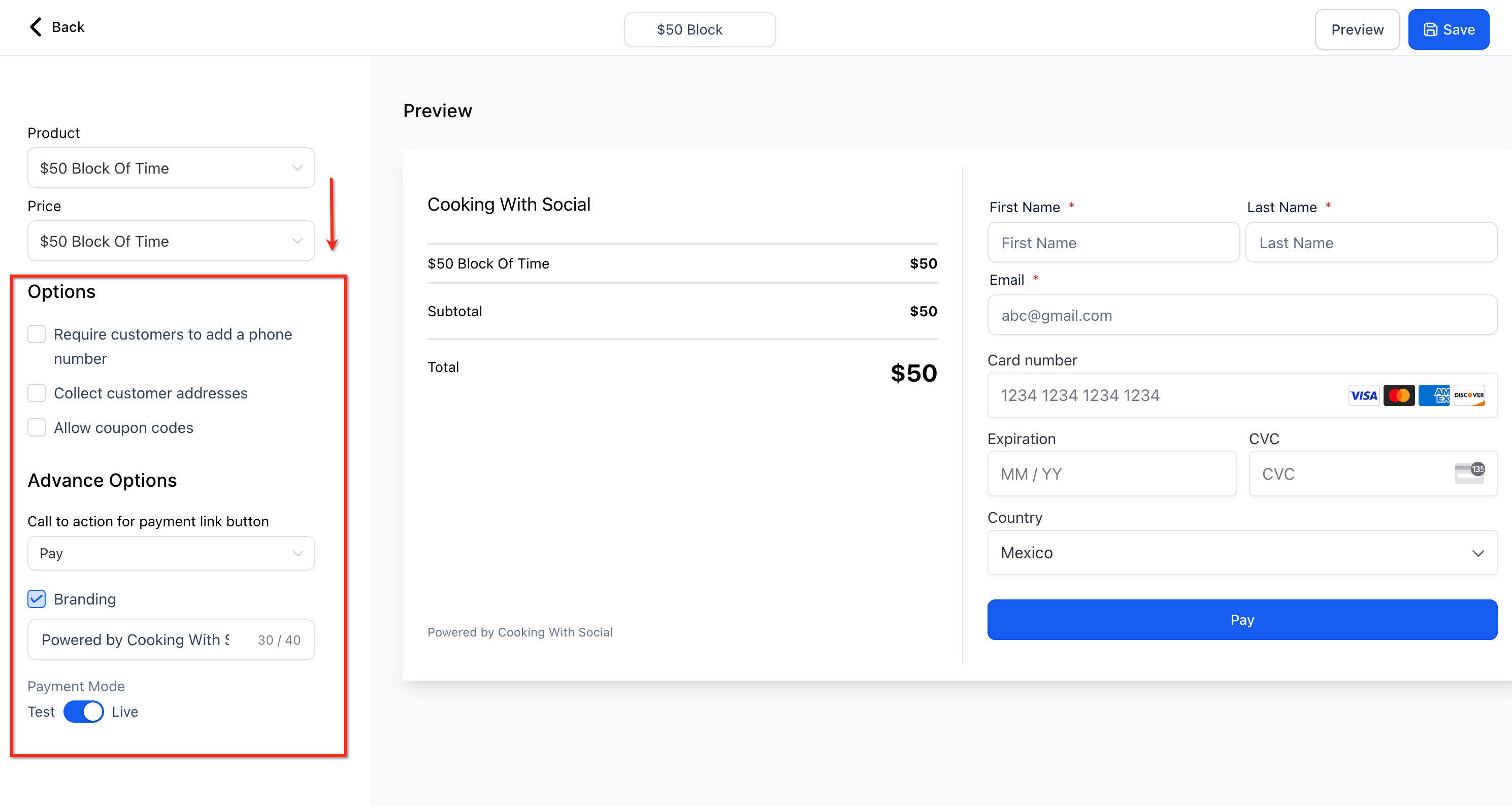
- Set any optional settings you need and click Save.
- Click Preview, then copy the link from the browser and send it to the recipient.
07What it looks like in HighLevel
08Settings that matter
- Platform Language. Controls the language used for field labels, buttons, validation messages and error messages on the hosted checkout page.
09Things to know before you rely on it
- Manual payment methods such as bank transfer are not supported on a single Payment Link checkout page; only automated methods like Stripe and PayPal appear.
- The checkout language follows the Platform Language set in the Business Profile.
10If something goes wrong
- Manual payment option does not appear on the payment link checkout page.. Manual methods are not supported on payment links. Use a traditional invoice or order form to accept manual payments.
11How it connects to the rest of HighLevel
- Learn how to use HighLevel text to pay links Text to pay links
- Set up a payment link for multiple products (one time & recurring) Multiple products
- Customize payment links with your brand colors in HighLevel Brand colors
Michael's take

Wondering if you really need a website to start selling? Payment links let you spin up a full checkout page in a few clicks, then hand out a simple URL to your customers. No code, no design work, just a product and a link.
If I were setting this up, I’d first add the product image so it shows up automatically, then test the prepopulate fields with a sample URL. That way you know the experience is smooth before you send it out to real buyers.