
01Who this is for
- Field service crews can record cash or card sales on the go and send invoices if the customer prefers online payment.
- Retail pop up vendors can accept tap to pay, cash or manual entries while keeping a single view of all transactions.
- Consultants who need to quote work after a brief onsite meeting can convert a POS entry into an estimate directly in the app.
02Consolidated payment hub, explained
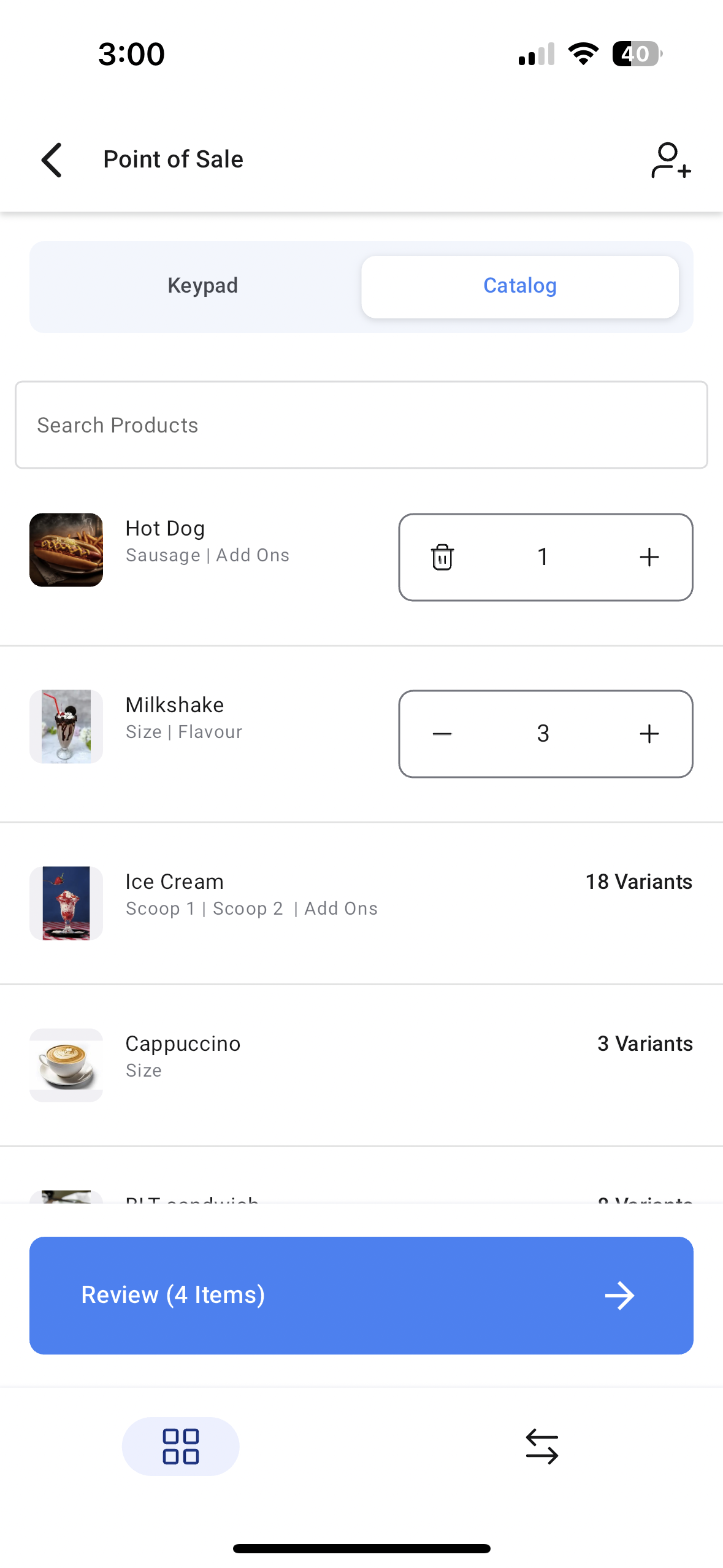
The payment hub lives inside the mobile app’s POS section, reachable by tapping the dollar sign on the bottom navigation bar. It presents a keypad and product catalog for building an order line by line.
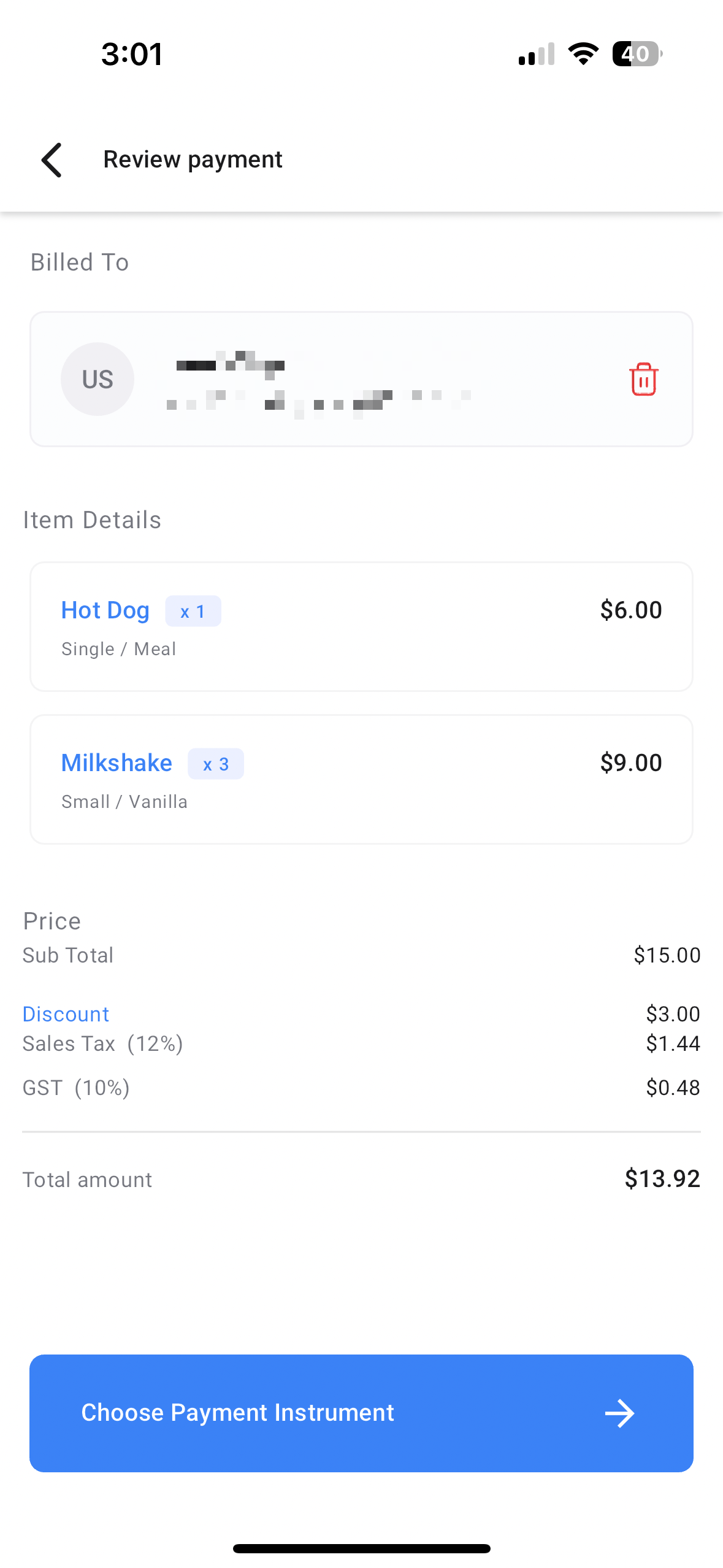
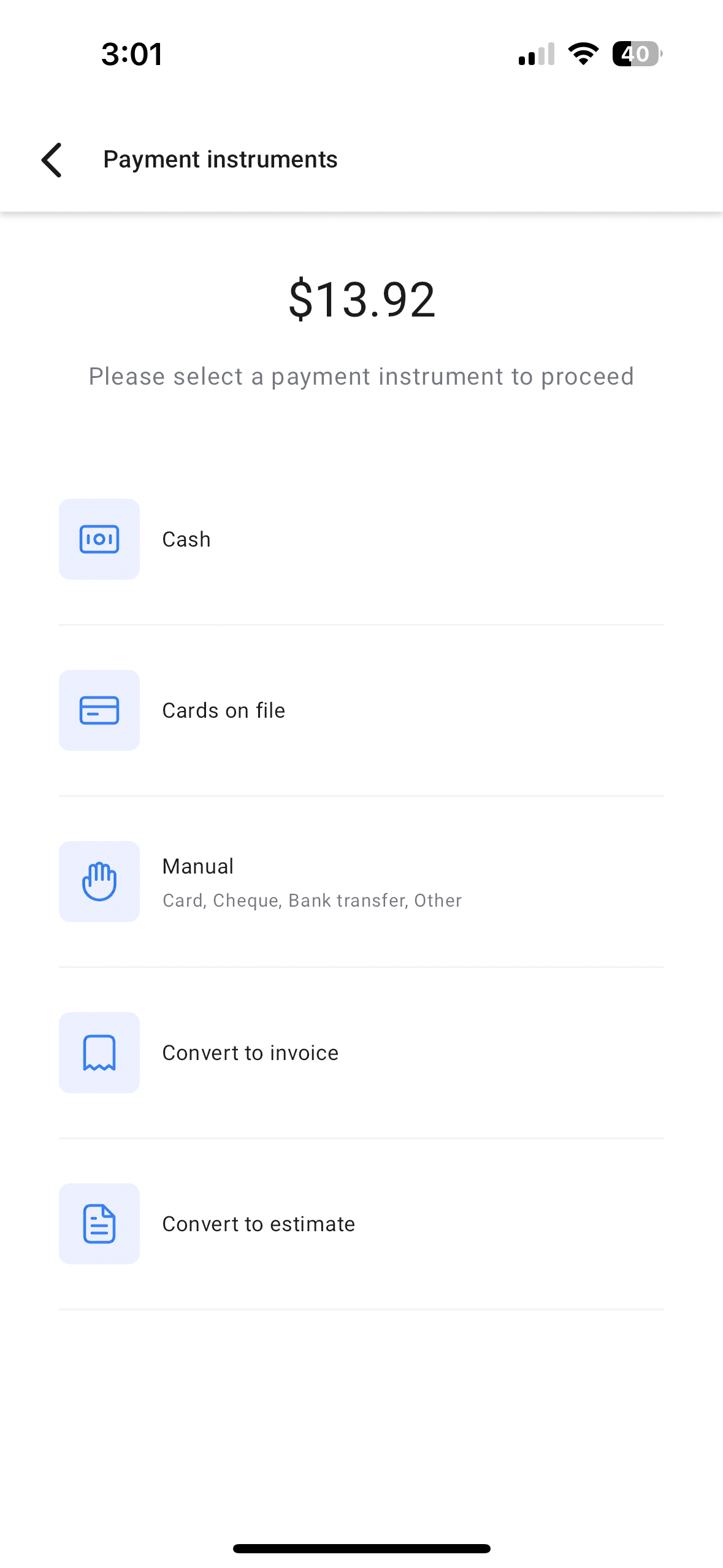
After items are added, the Review screen lets the user link a contact, apply discounts and check totals. The next step is to choose a payment instrument, which can be an immediate payment method, an invoice conversion, or an estimate conversion.
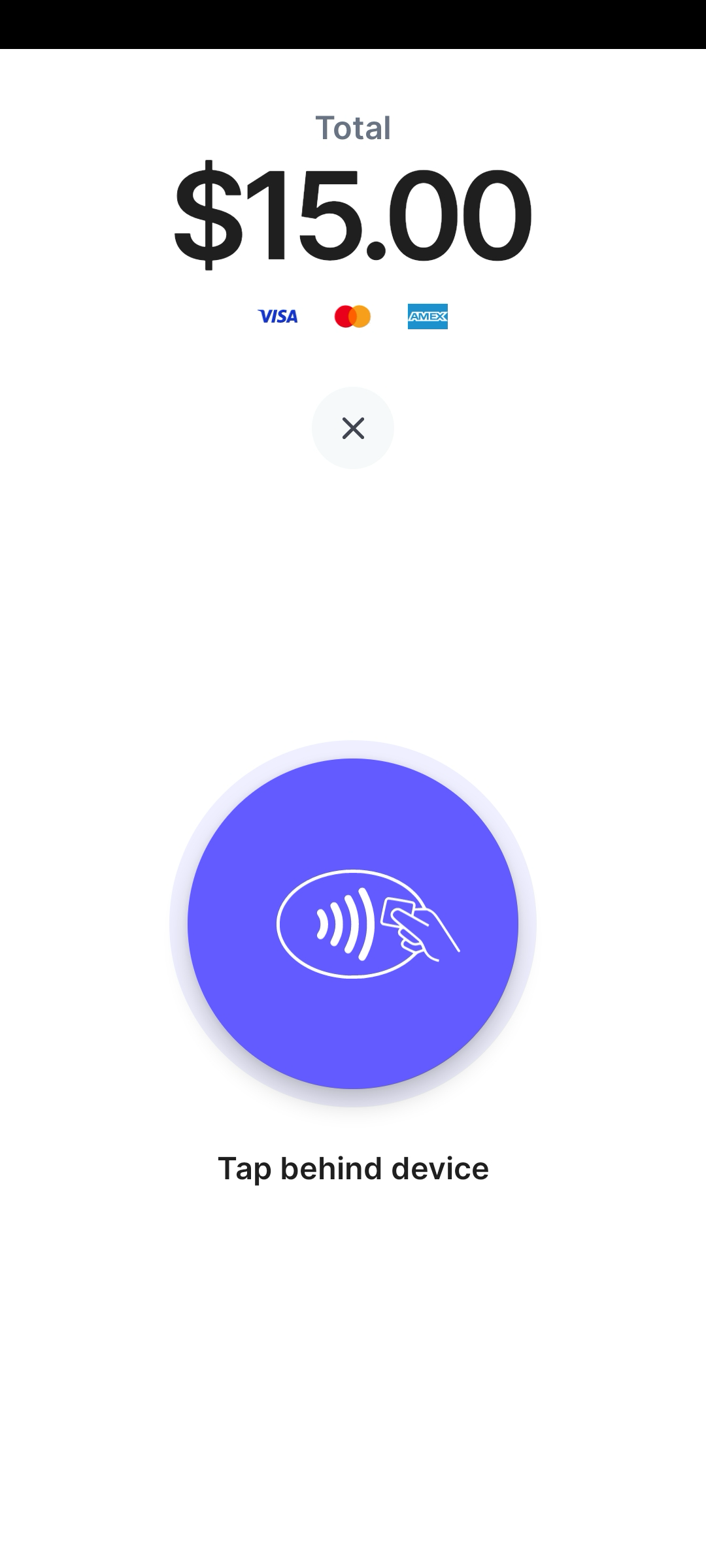
Depending on the choice, the hub either records a tap to pay, cash, card or manual entry transaction, opens the invoice editor with pre filled details, or opens the estimate editor with similar data. The user finalizes the document by setting due dates or numbers before sending it.
03How businesses use consolidated payment hub
- Restaurant pop up. The owner adds menu items using the catalog, reviews the total, then selects Tap to Pay for a quick card transaction. If the guest wants a receipt for later payment, the owner converts the sale to an invoice and sends it from the app.
- Home services contractor. After completing a job, the contractor builds a list of parts and labor in the payment hub, links the customer record, and chooses Convert to Estimate. The estimate is edited for due date and then emailed for client approval.
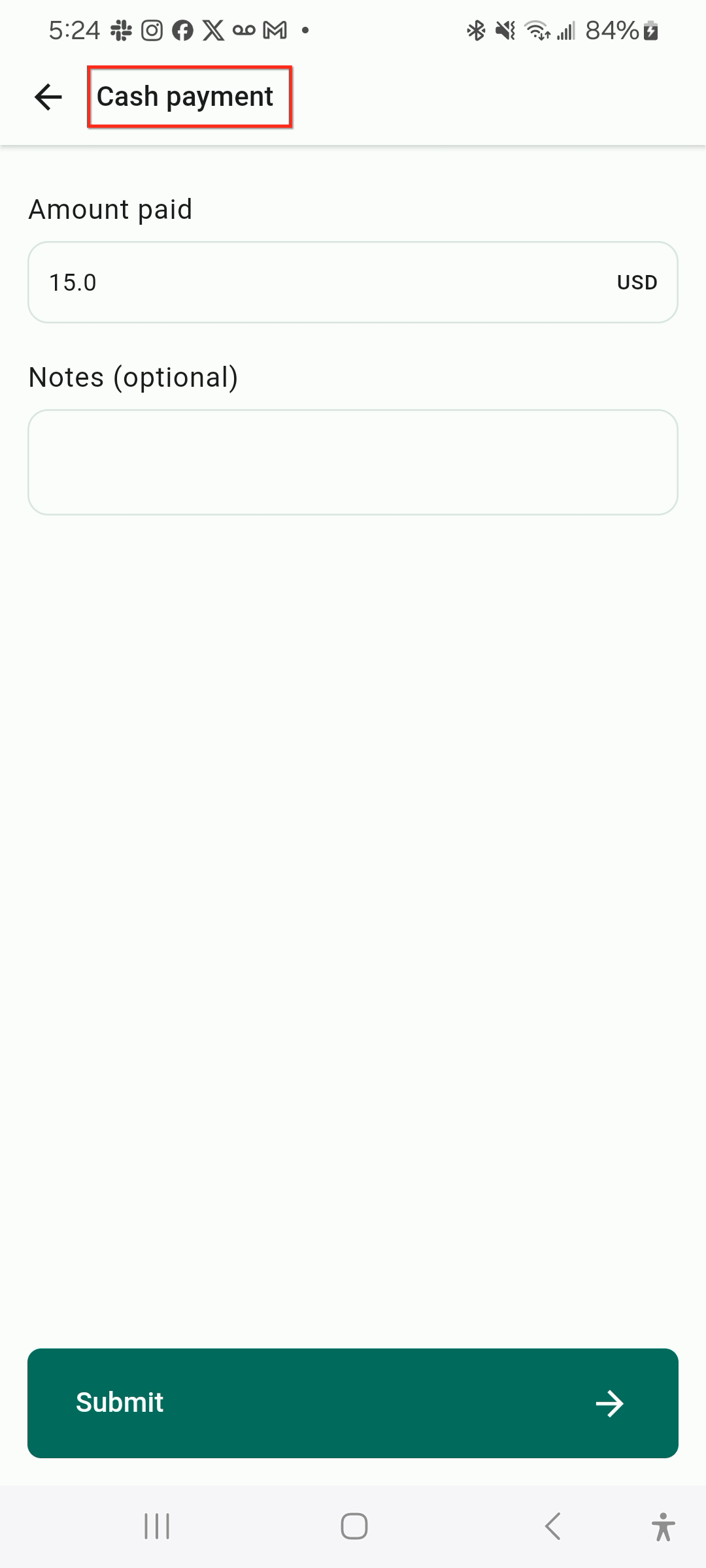
- Fitness studio. When a member signs up for a class, the staff adds the class fee in the catalog, reviews the amount, and records the payment as Cash or Manual Entry. The transaction is saved directly in the POS module.
04How to set up and use consolidated payment hub in HighLevel
Process a transaction in the payment hub
- Tap the $ icon on the bottom bar to open the POS module.
- Use the keypad or product catalog to add every item for the sale.
- Move to the Review page once all items are entered.
- Link a contact, apply any discounts, and verify the transaction details.
- Tap Choose payment instruments to see the three options.
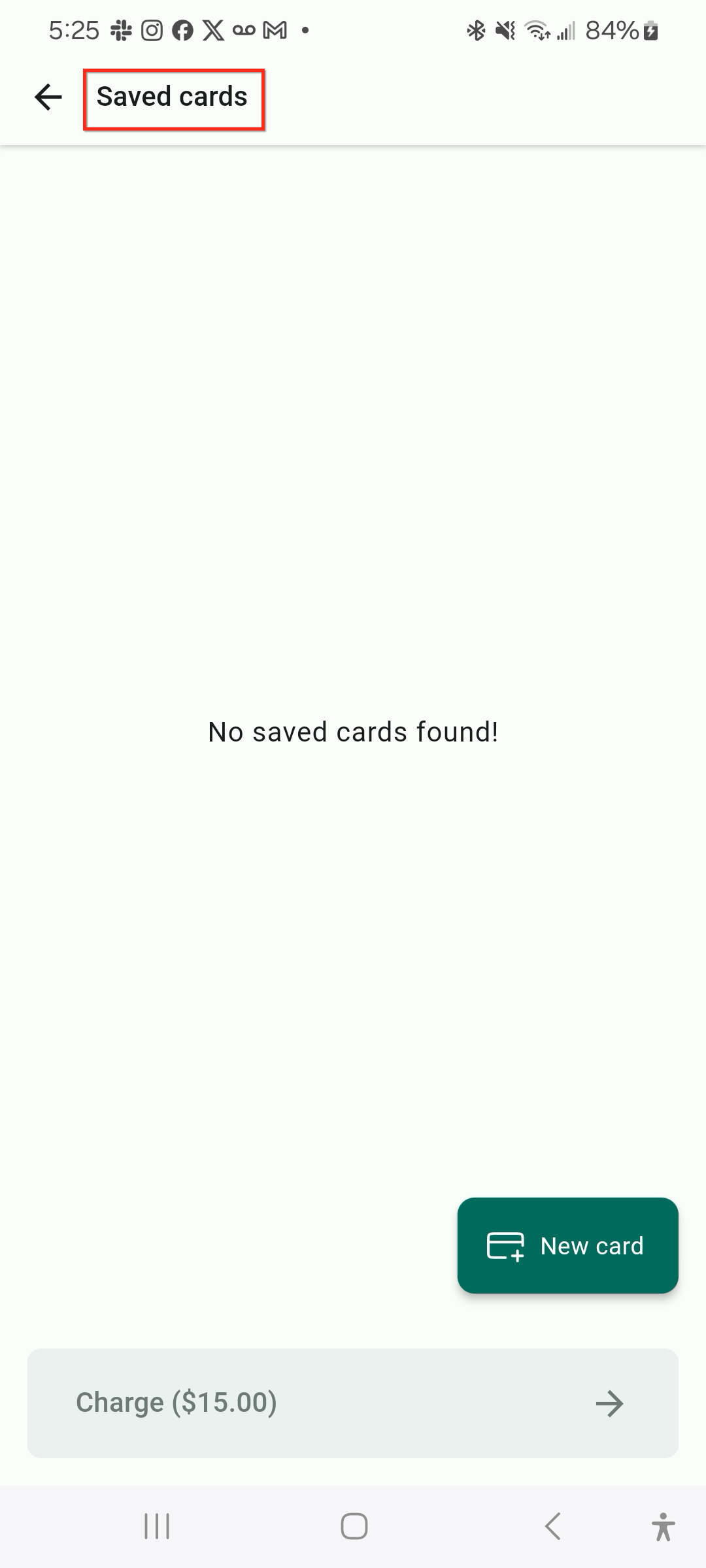
- Select a physical payment method, Tap to Pay, Cash, Card, or Manual Entry, if the customer pays now.
- Or pick Convert to Invoice or Convert to Estimate, edit the required fields, and finish the process.
05What it looks like in HighLevel
06How it connects to the rest of HighLevel
- Accept in person payments with Stripe hardware terminals Stripe POS terminals
- Accept in person payments with NMI and Authorize.net NMI/Authorize.net
- HighLevel pricing and plans Pricing page
Michael's take

The Consolidated Payment Hub is a handy all in one way to take and manage payments on the go.